There’s an epidemic of cyberattacks. Every day businesses are threatened with attacks that will cause commercial damage, destroy information and cost money. The scary part? The most common attack path, more than 70% of successful intrusion attempts, originate at an endpoint. Be that a laptop, tablet, or smart phone. The global market for endpoint security is already above $21 billion and still growing as companies all around the world are waking up to the need for endpoint protection.
The newest threat in 2026 is AI-powered malware. People are creating viruses with artificial intelligence, meaning that they automatically change, making them difficult for traditional antivirus software to detect. That’s what makes Endpoint Protection Software so useful because it uses AI, behavior analysis and real-time automation to enlist your help.
Our guide will help all types of customers to make their decision about why, how and which endpoint protection platform to choose. Many cyberattacks succeed because employees unknowingly click malicious links, which is why security awareness training is just as important as endpoint protection.
What is Endpoint Protection Software?
Endpoint Protection Platform is a type of cybersecurity tool designed to protect devices like laptops, desktops, mobile phones, and servers (called endpoints) from cyber threats such as viruses, malware, ransomware, and phishing attacks. It works by continuously monitoring these devices for suspicious activity, blocking harmful files or programs, and responding to threats before they can cause damage. Modern endpoint protection solutions often use advanced technologies like artificial intelligence and real-time behavior analysis to detect both known and unknown threats. In simple terms, it acts as a security shield for every device connected to a network, helping organizations prevent data breaches and maintain overall system security.
Antivirus vs EDR vs XDR: Which Do You Need in 2026?
| Feature | Antivirus | EDR | XDR |
|---|---|---|---|
| Generation | Gen 1 | Gen 2 | Gen 3 |
| Protection Level | Basic | Advanced | Most Advanced |
| Coverage | Single device | Endpoints (devices) | Endpoints + Cloud + Email + Network |
| Detection Method | Signature-based | Behavior-based monitoring | AI + cross-platform correlation |
| Threat Handling | Known threats | Known + unknown threats | Advanced + multi-stage threats |
| Response Capability | Limited/manual | Automated response | Unified automated response |
| Best For | Personal/basic use | Businesses needing endpoint security | Enterprises needing full security visibility |
| AI Support | Very limited | Moderate | Strong AI-driven detection |
AI-based threats cause Gen 1 to be ineffective. SMBs require EDR to protect their companies; enterprises should consider XDR.
The Rise of AI-Driven Malware in 2026
Cyber threats have become more dangerous because hackers are now using Artificial Intelligence (AI) to create smarter and faster malware. AI-driven malware is designed to learn, adapt, and attack systems more efficiently than traditional viruses.
- Smarter Attacks: AI-based malware can study system behavior and choose the best time to attack.
- Faster Malware Development: Hackers can use AI tools to create new malware versions quickly, making detection harder.
- Bypasses Traditional Antivirus: Since antivirus mainly depends on known virus signatures, AI-driven malware can change its pattern and avoid being detected.
- Automated Phishing & Social Engineering: AI helps cybercriminals create realistic phishing emails and messages that trick users more easily.
- Adaptive Behavior: AI malware can modify its actions based on security systems, making it harder to stop.
- Targets Businesses More: Many AI-powered attacks focus on companies because they have valuable data and financial systems.
Key Features to Look for In Endpoint Protection Software
While selecting endpoint protection platform, it’s important to choose a solution that can handle modern cyber threats. Below are the most important features you should look for:
- Reports & Alerts: A strong system provides detailed security reports and instant alerts so threats can be handled quickly.
- Real-Time Threat Detection: The software should detect and block threats instantly before they can damage your system.
- AI & Behavior-Based Protection: Modern attacks are not always recognized by traditional antivirus. AI-based protection identifies suspicious behavior and stops unknown threats.
- Ransomware Protection: A good endpoint security tool should prevent ransomware attacks that encrypt files and demand payment.
- Threat Response & Device Isolation: If any device gets infected, the software should automatically isolate it from the network to stop the threat from spreading.
- Centralized Management Dashboard: It should provide one control panel where admins can monitor and manage all devices easily.
- Cloud-Based Updates: The software should update regularly through the cloud so it can protect against the latest threats.
- Web & Email Protection: It should block phishing links, malicious websites, and infected email attachments, which are common attack methods. many businesses also use dark web monitoring tools to detect leaked credentials before attackers can misuse them.
List Of Top 15 Endpoint Protection Software
1. CrowdStrike Falcon
Website: crowdstrike.com
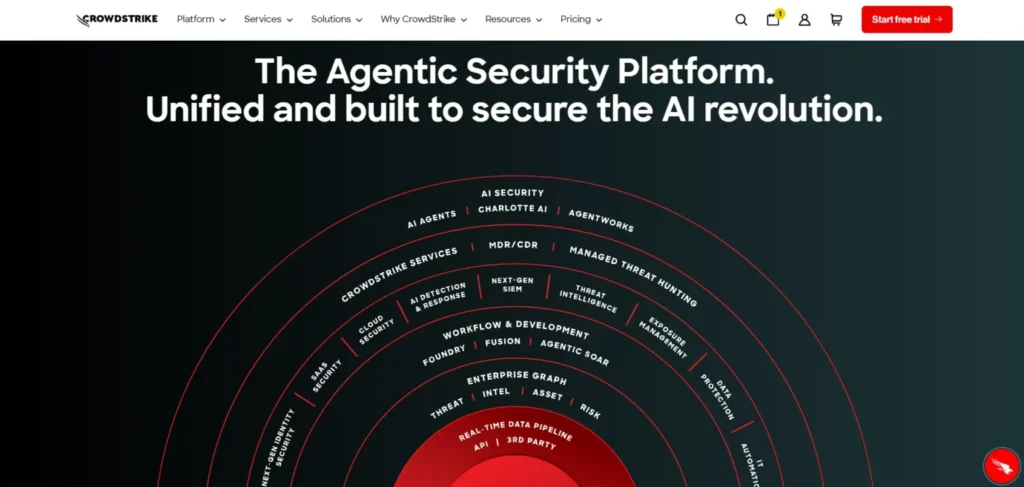
The endpoint security platform CrowdStrike Falcon is a cloud-based platform that operates based on AI. It analyses trillions of events per day to enable threats to be detected at a very early age. A single lightweight agent operates on all the devices without slowing them down. It is an excellent choice in large corporations which require serious security.
Best For: Medium and big enterprises and multinational companies.
Key Features:
- Mapping engine based on AI that maps threats.
- Threat hunting service offered included managed threat hunting service.
- A single cross platform agent.
- Passes on the configurations of tests of the MITRE ATT&CK.
Pros:
- Best-in-class threat detection
- Minute effects on performance of the device.
- Very very useful in big, international teams.
Cons:
- Expensive to the small businesses.
- Should have a team of security personnel.
- Initially high learning curve.
Price:
| Plan Name | Monthly Equivalent (USD) |
| Falcon Free Trial | Free (15 days) |
| Falcon Go | $5.00 /mo |
| Falcon Pro | $8.33 /mo |
| Falcon Enterprise | $15.42 /mo |
2. SentinelOne Singularity
Website: sentinelone.com
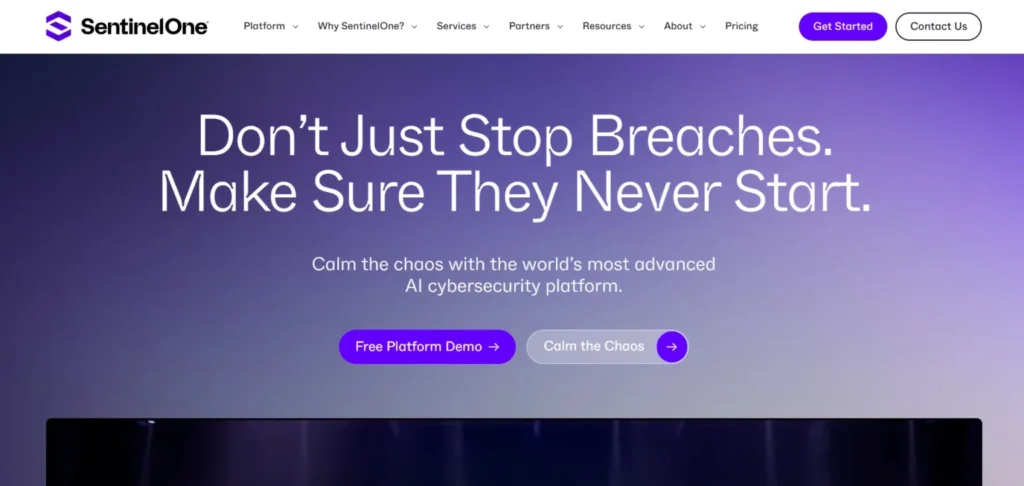
SentinelOne is self threatening. There is no need to intervene when an attack is going on. The AI continues to operate in case your internet connection goes dead. Its most important attribute is; 1-Click Rollback. After being affected by a ransomware, it will recover all your files. It can be a hard set up but the big reward is gigantic.
Best For: Teams that desire an automated response.
Key Features:
- AI can be used straight away on the machine.
- 1-Click ransomware recovery
- Attack investigation mode, which is storyline mode.
- Works without losing power; when offline.
Pros:
- No human input is required and all fully automated.
- The best ransomware recovery is available in the market.
- Powerful AI which learns quickly.
Cons:
- Tough setup process
- Occasional false alarms
- Higher price point
Price:
| Plan Name | Price |
| Singularity Complete | $179.99 per endpoint |
| Singularity Commercial | $229.99 per endpoint |
| Singularity Enterprise | Contact Sales for Pricing |
3. Microsoft Defender of Endpoint
Website: microsoft.com/security
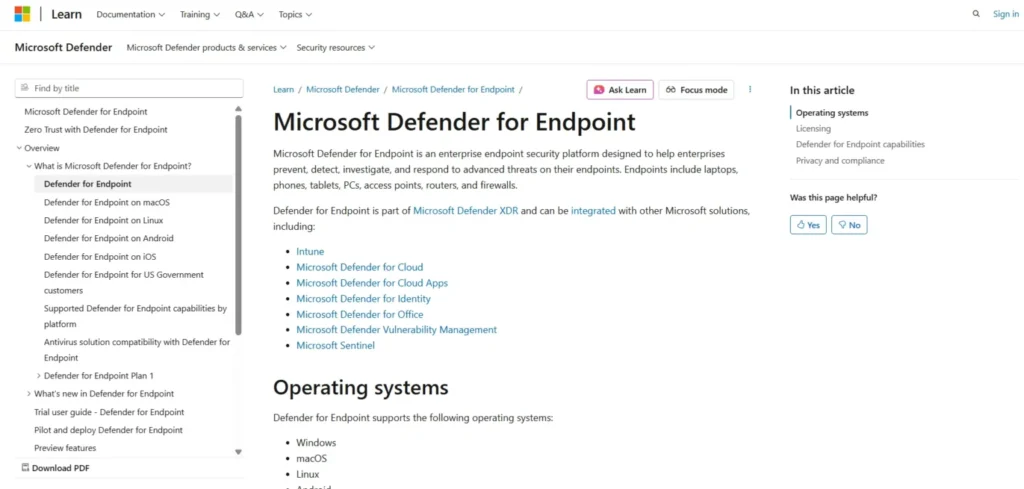
Defender is inbuilt in Windows. There’s nothing to download. It leverages the huge threat network of Microsoft all around the world. In case your group uses Microsoft 365, this would be the quickest method to become secured. It is a bit cumbersome to get used to the dashboard, however.
Best For: Microsoft 365 clients.
Key Features:
- Directly installed on windows machines.
- Tools of attack surface management.
- Make-up methods of entrapment of the attackers.
- Integrated with any of the apps of Microsoft 365.
Pros:
- Installation on windows machines- zero.
- Free as part of M365 E5 or Business Premium.
- Gigantic worldwide risk intelligence.
Cons:
- Admin console is too complex.
- Less supporting features in the macOS and Linux.
- Only useful when used outside of Microsoft setups.
Price:
| Plan Name | Monthly Price |
| Microsoft Defender Suite | $12.00 /mo |
| Microsoft Entra Suite | $12.00 /mo |
| Microsoft Intune Suite | $10.00 /mo |
| Microsoft Purview Suite | $12.00 /mo |
4. Palo Alto Cortex XDR
Website: paloaltonetworks.com
Cortex XDR is designed for large-scale and complex networks, making it a powerful endpoint protection software for enterprise environments. It offers advanced features that often require training to use effectively. One of its biggest strengths is its ability to identify the root cause of an attack within minutes instead of taking days, helping security teams respond faster. It is ideal for businesses that rely on endpoint, network, and cloud data, while managing everything from a single unified platform.
Best For: Most recommended to an enterprise that has a large and complex IT environment.
Key Features:
- Cross domain analytics.
- Intelligent notification stitching within systems.
- Direct firewall integration
- Spots delays and pinpoints attack.
Pros:
- Complete insight into your entire IT installation.
- Intercepts multi-stage attacks that are sneaky.
- Strong enterprise-grade reporting
Cons:
- Very costly to the majority of users.
- Console requires training
- Not suitable to small teams.
Price:
- Quote based
5. Sophos Intercept X
Website: sophos.com
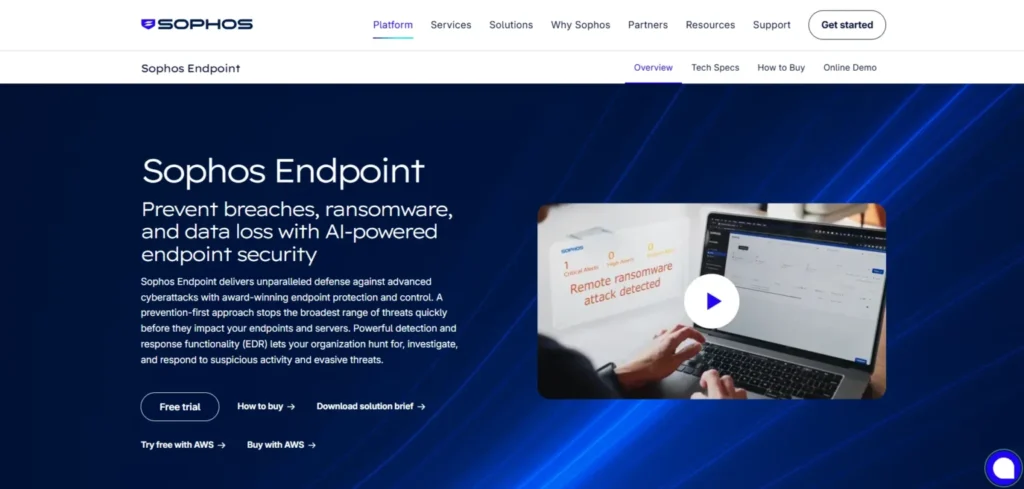
Sophos Intercept X is one of the most user-friendly endpoint protection tools available. Its CryptoGuard feature provides strong ransomware protection by detecting and blocking file encryption attempts in real time. The Sophos Central dashboard is easy to use, making it a good option for beginners, and it allows users to manage all security features from one clean and centralized panel. It is especially suitable for small to mid-sized businesses looking for advanced endpoint security.
Best for: Mid and small businesses.
Key Features:
- CryptoGuard ransomware blocker
- Powerful exploit prevention measures.
- Sophos Central dashboard to full access
- Inbuilt service option of MDR.
Pros:
- One of the simplest management consoles ever.
- Managed detection service and great customer relations service.
- SMB friendly pricing
Cons:
- May have high system resource demands.
- Minimal mobile device support.
- Reports might be too complex to pinpoint at core issues.
Price:
- Quote based
6. Bitdefender GravityZone
Website: bitdefender.com
Bitdefender is the one who scores best points in the independent malware testing. It has very minimal system power consumption which is why it is best with older/low-spec computers. The interface, however, is not easy to understand and that’s where it loses the competition over competitors.
Best For: Installed systems that are performance-sensitive and old systems.
Key Features:
- HyperDetect machine learning engine
- Analytics dashboard of risk management.
- Minimal effect on system performance of low tier systems.
- Strong anti-malware engine
Pros:
- Best-in-class malware detection
- Can be run on older machines.
- Cost effective to a larger number of consumers.
Cons:
- Limited reporting options
- interface is quite complicated.
- There are very less number of enterprise features.
Price:
- Quote based
7. Vision One by Trend Micro
Website: trendmicro.com
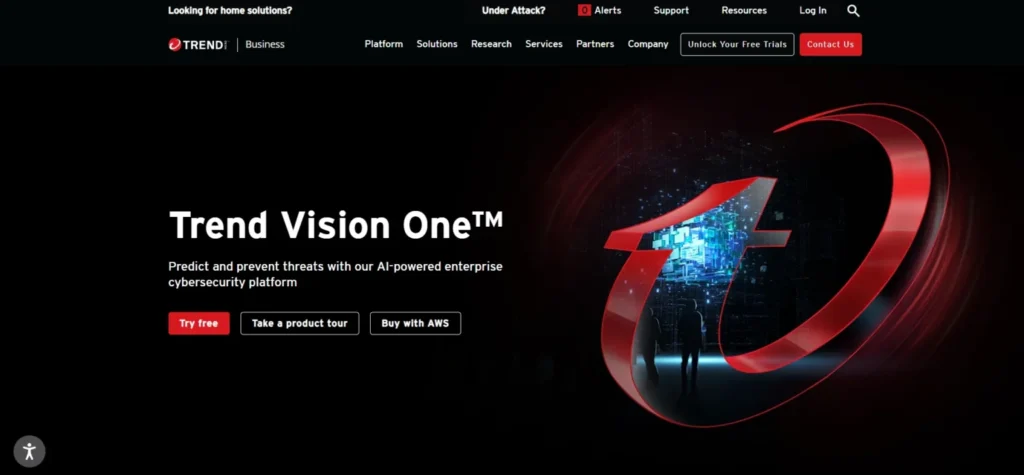
Trend Micro Vision One is an XDR-enabled endpoint protection software that secures endpoints, servers, email, and cloud environments. One of its standout features is virtual patching, which helps protect older software with known vulnerabilities while you wait for official updates. This makes it highly effective for both physical and virtual systems.
Best For: Hybrid cloud and environments with large parts of legacy environments.
Key Features:
- Virtual patching of the old software.
- XDR designed to have hybrid cloud.
- Advanced threat intelligence feed of an international scale.
- Strong multi-cloud support
Pros:
- Best in market virtual patching.
- Works excellent with mixed cloud systems.
- A reputed legacy app security.
Cons:
- Licensing is strict and process might be complicated.
- Professional knowledge is required to setup.
- Pricing tiers are not fixed
Price:
- Quote based
8. Trellix Endpoint Suite
Website: trellix.com
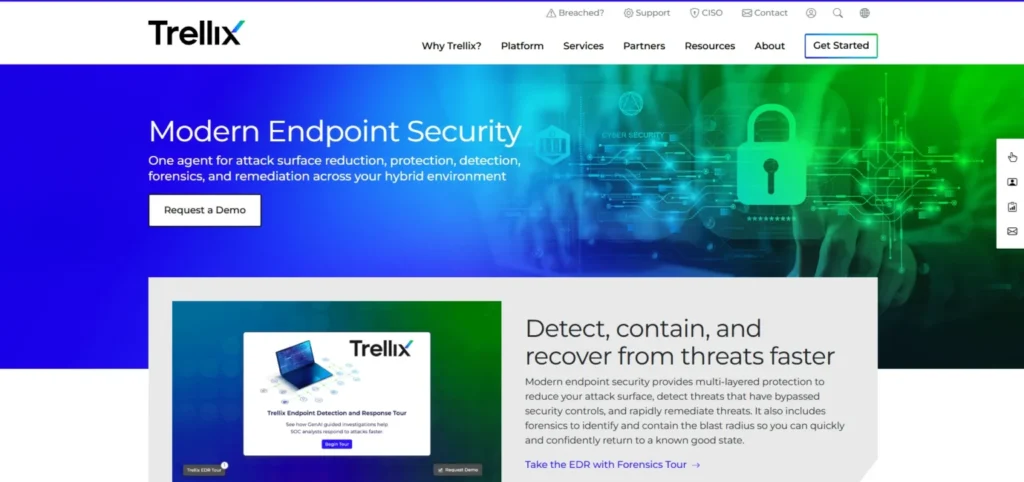
The old McAfee and the FireEye collaborated to create the Trellix. It deals with deep threat intelligence and robust forensic capabilities. It is designed to cater the needs of industries and institutions that cannot afford to have their systems failed or hacked such as the government, banks and big healthcare organizations.
Best For: Government, banks, and other critical institutes.
Key Features:
- Adaptive forensics operating with AI engine.
- XConsole automation platform
- Data loss prevention.
- One of the biggest threat databases stored.
Pros:
- A humongous threat data bank.
- AI based adapting according to your environment
- Strong forensic capabilities
Cons:
- Needs an expert security team to operate.
- Complex deployment process
- Designed not to accommodate small businesses.
Price:
- Quote based
9. VMware Carbon Black
Website: carbonblack.vmware.com
Carbon Black monitors all the files, network connectivity, and applications on your devices, making it a powerful endpoint protection software. Your security team can investigate threats deeply and extract the exact information they need. It is one of the most popular tools used by threat hunters. The only downside is that it provides a huge amount of data, so you need to know what you’re looking for to use it effectively.
Best For: Security analysts, and threat hunting teams.
Key Features:
- Real time event logging
- Live endpoint queries
- Cloud native EDR platform
- Full mapping of timeline of devices.
Pros:
- Optimal analysis of forensics.
- The best option to consider in threat hunting.
- Extensive monitoring of the activity of devices.
Cons:
- Teams can be overwhelmed with data overload.
- Not built to be learned, one must know what they are doing.
- Requires skilled analysts
Price:
- Quote based
10. Check Point Harmony Endpoint
Website: checkpoint.com
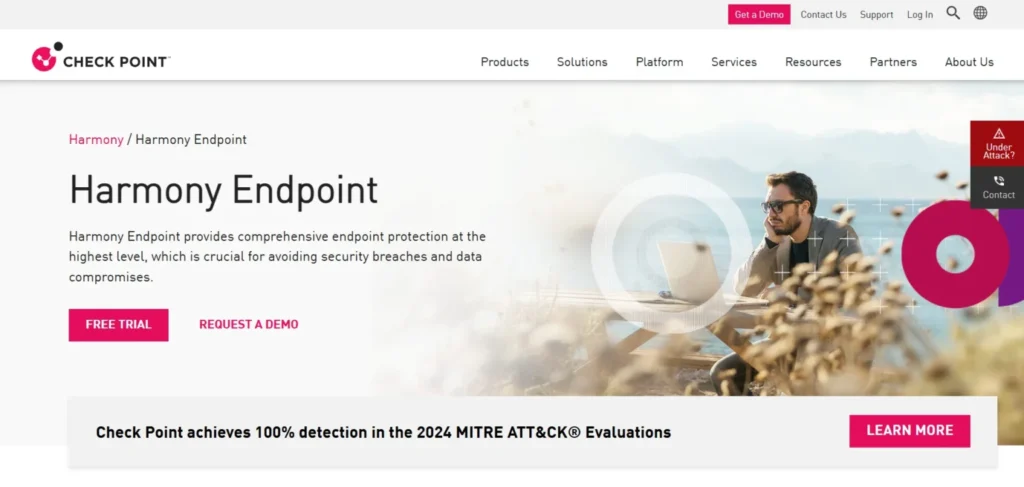
Check Point Harmony is created for the needs of remote and hybrid teams. It combines the endpoint security with secure VPN and sandboxing. The level of security is the same on both remote and physical devices without compromising on any one. The Check Point gear is comparatively easy to install and time saving.
Best For: Distributed and hybrid work forces.
Key Features:
- AI-based complete phishing protection.
- Cloud-based sandboxing
- Built-in secure VPN
- Strong zero-day defense
Pros:
- Perfect with workspaces which are remote.
- Excellent blocking of zero day attacks.
- All in one remote security
Cons:
- The dashboard design is out of date.
- Difficult configuration mishap without Check Point devices.
- Steeper learning curve of the system
Price:
- Quote based
11. Cisco Secure Endpoint
Website: cisco.com
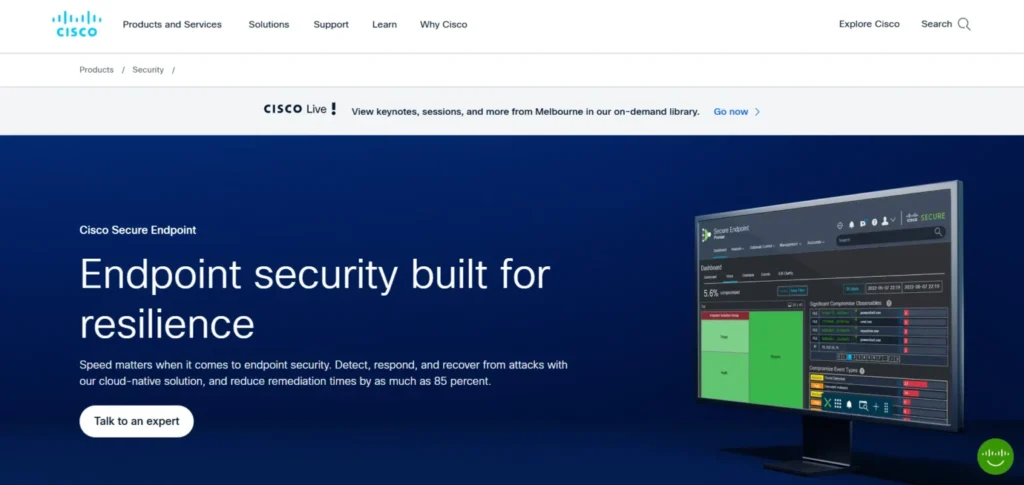
If you are using Cisco Network equipment then the Cisco Secure Endpoint is the best choice for you. It integrates the endpoint and network security into a single system. This can detect a file as bad, even after the file has been opened by a process called its retrospective detection. It might not work as well with other network equipments that aren’t Cisco’s.
Best For: Cisco networking customers.
Key Features:
- Orbital enhanced search solution.
- Device trajectory mapping
- Cisco Talos threat intelligence
- Retrospective threat detection
Pros:
- Indicates threats once they occur.
- Easy plug-in with Cisco equipment.
- Displays threat level and information feed.
Cons:
- Does not work as good with other brands.
- Expensive to get all features.
- Console is overcrowded with all features in one place.
Price:
- Quote based
12. Malwarebytes ThreatDown EDR
Website: malwarebytes.com
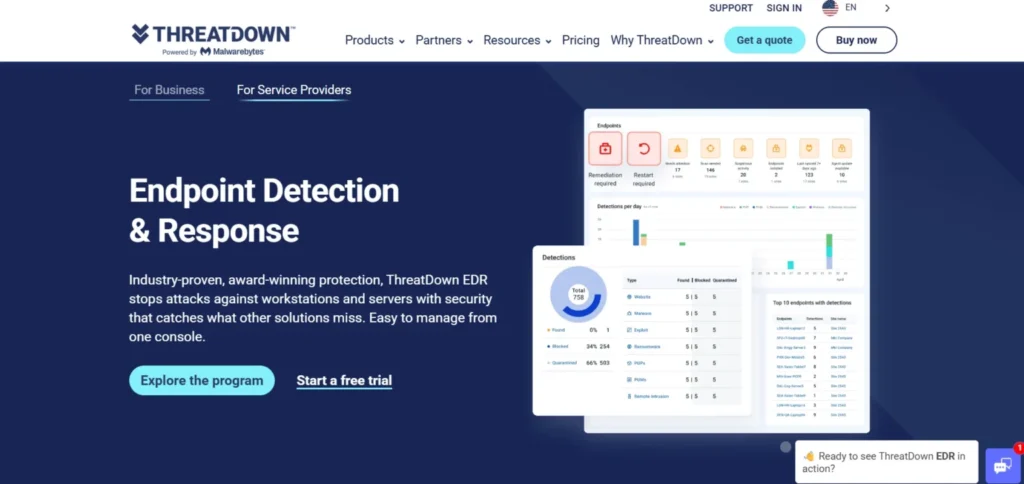
Malwarebytes made its trustworthy reputation off of cleaning out infected computers, making it a reliable endpoint protection software. ThreatDown includes an option for a 7-day rollback along with step-by-step instructions. Infected computers can also be cleaned up even by non-IT personnel. It is an ideal match for small teams that require powerful security without unnecessary complexity.
Best For: Small teams and which requires high power cleanup.
4Key Features:
- Custom path definition for core systems.
- Step by step remediation guide
- 7-day ransomware rollback
- Easy to operate dashboards
Pros:
- Best machine to eradicate malware.
- Simple and easy to be used by small IT teams.
- Affordable for SMBs
Cons:
- Weak threat hunting technology.
- Weak macOS support
- Designed for only small businesses.
Price:
| Plan Name | Monthly Equivalent (USD) |
| Sole proprietor | $10.00 /mo |
| Boutique business | $33.33 /mo |
| Small office | $43.33 /mo |
13. Heimdal Security
Website: heimdalsecurity.com
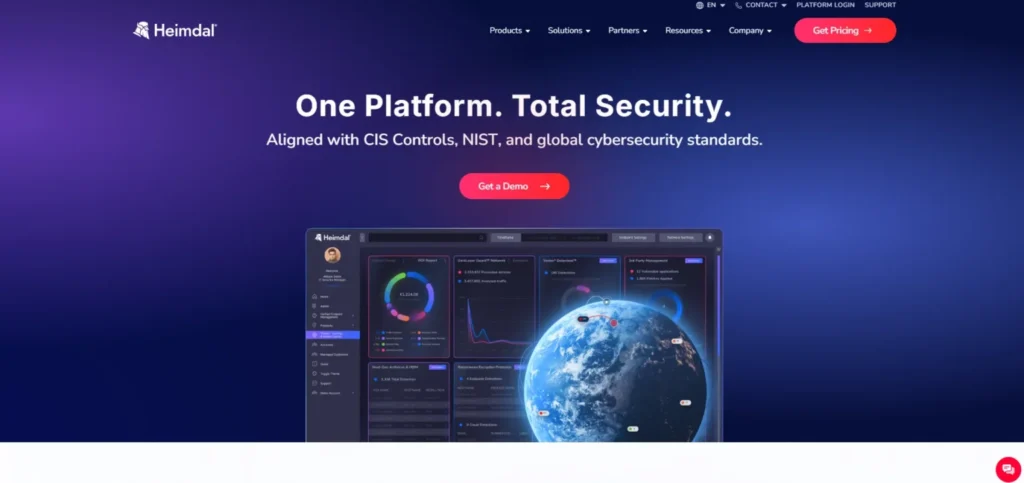
Heimdal End Point merges with Heimdal Security and both can be operated from the same dashboard to use as the best patch management system. It keeps apps installed by third parties, such as Chrome and Zoom, updated. That brings to an end the loop holes that enjoy exploitation by hackers. And its ideal to SMBs in the regulated industries.
Best For: SMBs that operate in regulated business sectors.
Key Features:
- Strong third party patching
- Predictive DNS filtering
- Privileged access management
- Compliance ready reporting
Pros:
- The best automated patching tool.
- DNS blocking prevents threats at the initial stages.
- Reports that prepare the system to tackle the threats before they attack next time.
Cons:
- Smaller threat intelligence library.
- Weak support in American continent.
- Weakest EDR capabilities.
Price:
| Plan Name | Monthly Price (USD) |
| Heimdal Threat Prevention Home | $2.92 /mo |
| Heimdal Next-Gen Antivirus Home | $3.00 /mo |
| Heimdal Premium Security Home | $3.33 /mo |
14. ESET Endpoint Protection
Website: eset.com
ESET is reputable as an easy to use endpoint protection software. Its most popular feature is the UEFI scanner. It verifies hardware firmware to detect rootkits and other camouflaged malware that can even cause a complete hard drive wipe. ESET works silently and efficiently without slowing down your machines.
Best For: Pooled resources teams and institutes where legacy environments are limited.
Key Features:
- UEFI firmware scanner
- Multiple security layers
- Host based intrusion prevention
- Innovative hardware level scanning
Pros:
- Light on system resources
- Unique firmware level protection
- Good functioning with regard to older hardware.
Cons:
- Management console is out dated.
- The EDR features are not as optimal behind competitors.
- Limited advanced reporting
Price:
| Plan Name | Monthly Equivalent (USD) |
| Essential | $5.00 /mo |
| Premium | $7.50 /mo |
| Ultimate | $15.00 /mo |
15. Symantec (Broadcom)
Website: broadcom.com
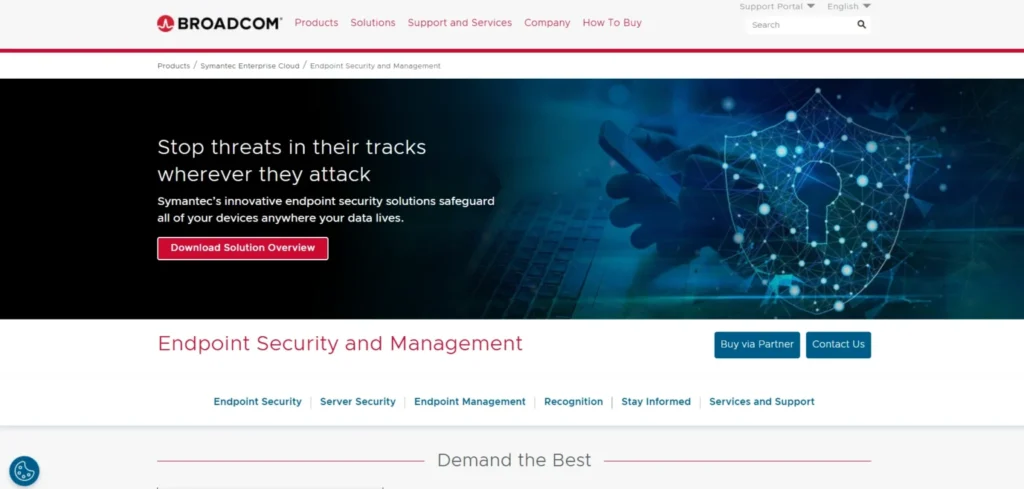
Symantec is among the most knowns with respect to endpoint security. It has now become a part of Broadcom. It joins together the Global Intelligence Network that is one of the largest civilian threat databases available constructed to defend hundreds of thousands of computers simultaneously.
Best For: Large companies and the governments.
Key Features:
- Built-in intrusion prevention
- Honeypots and other deception technology.
- Global Intelligence Network
- Massive scale support
Pros:
- Manages large numbers of devices.
- Powerful threat information on a global scale.
- Relied upon by large organizations.
Cons:
- Challenging to smaller organisations.
- Complex deployment process
- Lack of customer responses report.
Price:
- Quote based
Suggested Read:
How to Choose the Right Endpoint Protection Software
Choosing the right fit of software might be overwhelming which is why we planned out the steps for you to do it easily –
1: Count What You’ve Got
Write a list of all your devices. What number of laptops, desktops and phones? Which operating systems do they use? Certain tools are not compatible with Mac or Linux.
2: Be Brutally Honest About Your IT Skills
Have a complete security staff? You should be okay dealing with complicated tools. No team at all? Use simple solutions such as Sophos or Malwarebytes.
3: Identify Your Greatest Risk
Consider what you are most afraid of. Worried about ransomware? Choose a tool that has rollback features. Trying to phish your vulnerability? Get Sandboxing and AI email security.
4: Review Your Industry Regulations
There are strict and special rules for healthcare, finance, and government. You will require data loss prevention, audit logs, and correct retention. Be sure that your tool checks those boxes.
5: Establish A Budget
Consider the entire cost and not only the price tag. Add up budget, training and support. There should be at least three quotes when you make a decision.
6: Remember to Test First
Always purchase on credit to get a free trial on your actual devices and check how well the tool meets your daily work requirement and expectations.
7: Growth Strategy
Choose a software that continues to develop with you. Ensure that it will be able to support 100 to 1,000 devices with ease.
8: Verify the Connections.
The new tool must be compatible with your current environment. It must be integrated with your firewall, SIEM, and ID system. If any one is left, such gaps in coverage allow the presence of blind spots that hackers are fond of.
Strategic Comparison: All 15 Tools at a Glance
| Tool | Primary Strength | Pricing | Best For | Deploy Difficulty |
| CrowdStrike Falcon | Threat intelligence | $59.99–$184.99/device/yr | Large enterprises | Medium |
| SentinelOne | Autonomous AI + rollback | $179.99–$229.99/device/yr | Auto response orgs | Medium |
| MS Defender | Native Windows integration | Included (M365 E5/BP) | Microsoft shops | Low |
| Cortex XDR | Cross-domain correlation | Quote-based | Complex enterprises | High |
| Sophos Intercept X | Ransomware protection | Quote-based (SMB-friendly) | Mid-market & SMBs | Low |
| Bitdefender GZ | Detection accuracy | $59.99–$84.99/device/yr | Performance-sensitive | Low |
| Trend Micro | Virtual patching | Quote-based | Hybrid cloud orgs | Medium |
| Trellix Suite | Forensic AI | Quote-based | Gov & critical infra | High |
| Carbon Black | Event recording depth | Quote-based | Threat hunters | High |
| Check Point | VPN + sandboxing | Quote-based | Remote workforces | Medium |
| Cisco Secure | Cisco ecosystem fit | Quote-based | Cisco-heavy orgs | Medium |
| Malwarebytes | Deep malware cleanup | $395–$595/5 devices/yr | Small teams | Low |
| Heimdal | Patch management | $7/device/month | Compliance SMBs | Low |
| ESET | Low system footprint | $211–$338.50/5 devices/yr | Legacy environments | Low |
| Symantec | Global-scale intel | Quote-based | Large MNCs & gov | High |
Best of breed: CrowdStrike and SentinelOne for large teams; Sophos and Bitdefender for mid-sized teams; Microsoft Defender for M365 teams; Malwarebytes for small teams that may need some heavy cleaning.
Endpoint Protection Trends to Watch
- AI Embedded Platforms: The right platforms now have AI at the platform’s core. Automated detection and response is commonplace.
- Zero Trust Integration: Trust but verify: devices have to continually prove they’re safe to connect to your network. Increasingly, platforms will build in Zero Trust principles.
- Growing MDR: Organizations lacking on-duty security teams are leveraging Managed detection and response. Now nearly all major vendors provide 24/7 monitoring.
- IoT and Mobile Endpoints: IoT devices and mobile devices are top targets and attack vectors.any product not capable of protecting mobile and IoT is incomplete.
- Cloud-First Security: With the shift to AWS, Azure, and Google Cloud, endpoint security needs to be integrated with cloud servers and containers from the same console.
Final Verdict: Which Endpoint Protection Software Should You Choose?
Endpoint protection is more than a “nice to have” thing, it’s the keys to the castle. Given 70% or more of attacks are starting at the endpoint and newly generated variants of malware are out of reach for AI-based technologies to cope with, the choice of an endpoint protection vendor is critical.
Large enterprises with a nose for threat intelligence should try CrowdStrike Falcon and businesses looking for an autonomous approach can have a go with SentinelOne Singularity. Defender for Endpoint is best integrated with Microsoft 365. Sophos Intercept X and Bitdefender GravityZone are most intuitive and efficient for small and mid size businesses. Best for small IT teams on tight budgets are Malwarebytes ThreatDown or Heimdal Security.
For these solutions to work best, pair them with training and build a process to patch them. If you do not have an internal security team then use Managed Detection and Response (MDR) services. It’s about more than just the software but with the right endpoint protection software, your endpoint devices will be your friend not foe.