


Generative AI tool is changing how people create content, develop ideas and complete digital tasks. From writing blog posts and generating images to editing videos and building websites, these tools can assist with work that previously required multiple applications or considerable manual effort.
However, choosing an AI tool is not always straightforward. Some tools focus on specific tasks, while others offer a wider range of capabilities, and their pricing, usage limits and available features can differ significantly.
This guide covers 12 generative AI tools, including their key features, advantages, limitations and pricing. It will help you understand what each tool offers and what to check before choosing one for your work.
What Is A Generative AI Tool?
Generative AI tool is an applications that use artificial intelligence to create new content or transform existing material based on instructions, prompts or uploaded files. Depending on the application, they can produce written text, images, videos, audio, presentations and computer code.
For example, ChatGPT can help draft an article, Midjourney can generate images from text prompts, Runway can create video content and ElevenLabs can produce voiceovers. Other tools, such as Cursor and Zapier, extend AI assistance to coding and automated workflows.
These tools differ in their capabilities and intended uses. Understanding what each one can do helps you select an appropriate option without paying for features that do not support your actual requirements.
What Makes A Generative AI Tool Useful?
- Output Quality and Accuracy: A useful AI tool should produce results that match the user’s instructions and intended purpose. For writing, this means clear and relevant content, while image and video tools should follow the requested visual details. Factual information and generated results should be reviewed before they are used.
- Features and Customization Options: The right features depend on the work you need to complete, such as editing images, writing content or generating videos. Customization options help users adjust the output instead of accepting the first result. Tools that fit the task and allow sufficient control are more practical for regular use.
- Ease of Use: A tool should have a workflow that users can understand without unnecessary effort. Clear controls, useful instructions and a straightforward interface can make common tasks easier to complete. Beginners should also consider whether they can learn the tool without advanced technical skills.
- Pricing and Free Plan Availability: Before paying for a tool, check what its free and paid plans actually include. Usage limits, credits, premium features and billing terms can affect the overall value of a subscription. A free plan may be enough for occasional work, while frequent users may need a paid plan.
Comparison Of Generative AI Tool: Features and Pricing
| AI Tool | Best For | Main Category | Free Plan or Trial | Starting Price |
| ChatGPT | Everyday AI tasks, writing and research | AI Assistant | Free plan available | ₹399/month (Go plan) |
| Claude | High-quality writing and document analysis | AI Assistant | Free plan available | ₹2,399/month (Pro plan) |
| Google Gemini | Google integrations and AI assistance | AI Assistant | Free plan available | ₹399/month (Google AI Plus) |
| Jasper | Marketing content and brand voice | AI Writing | Free 7-day trial | $59/month (Pro, billed annually) |
| Runway | AI video generation | Video Generation | Free plan available | $12/month (Standard, billed annually) |
| Midjourney | AI image generation | Image Generation | Not specified | $10/month (Basic plan) |
| Adobe Photoshop | AI-powered image editing | Image Editing | Free trial available | ₹599/month (first year, including GST) |
| ElevenLabs | AI voiceovers and audio generation | Audio Generation | Free plan available | $1 for the first month, then $6/month (Starter) |
| Canva | Graphic design and presentations | Design | Free plan available | ₹1,590/year (Pro Lite) |
| Wix | AI website building | Website Builder | Free plan available | ₹250/month (Light plan) |
| Cursor | AI-assisted coding | Coding Assistant | Free plan available | ₹649/month (Start plan in India) |
| Zapier | AI workflow automation | Automation | Free plan available | $19.99/month (Professional plan) |
List Of 12 Best Generative AI Tools
1. ChatGPT – Best for Everyday AI Tasks

- Website: https://chatgpt.com/
- Best For: Writing, research, brainstorming, coding and general-purpose AI assistance.
ChatGPT is an AI assistant that helps users with writing, research, brainstorming and a wide range of everyday tasks. It can draft blog posts, summarize documents, explain complex topics and assist with coding. Depending on the available features and plan, users can also work with files, images and data. Its broad range of capabilities makes it useful for people who want one assistant for several types of work.
Key Features
- Content Writing and Editing: Draft blog posts, emails, social media captions and other content, then revise the wording or structure.
- Web Search and Research: Search for information online and review supporting sources when researching a topic.
- File and Data Analysis: Work with supported documents and spreadsheets to summarize information or analyze data.
- Image Generation and Coding: Generate images, write code, explain programming concepts and help troubleshoot errors.
Pros
- Handles a wide range of tasks within one interface.
- Helps users develop ideas and prepare first drafts.
- Supports different input formats, including text, images and files.
- Offers custom GPTs for specialized tasks.
Cons
- Some advanced capabilities have usage limits or require a paid plan.
- Generated information can be incorrect and needs verification.
- Complex instructions may require follow-up prompts to produce the desired result.
- Content may need editing to match a specific brand voice or industry.
Pricing
- Free plan available
- Go plan: ₹399/month (inclusive of GST)
- Pro plan: ₹10,699/month (inclusive of GST)
2. Claude – Best for High-Quality Writing
- Website: https://claude.ai/
- Best For: Long-form writing, document analysis, brainstorming and working with complex information.
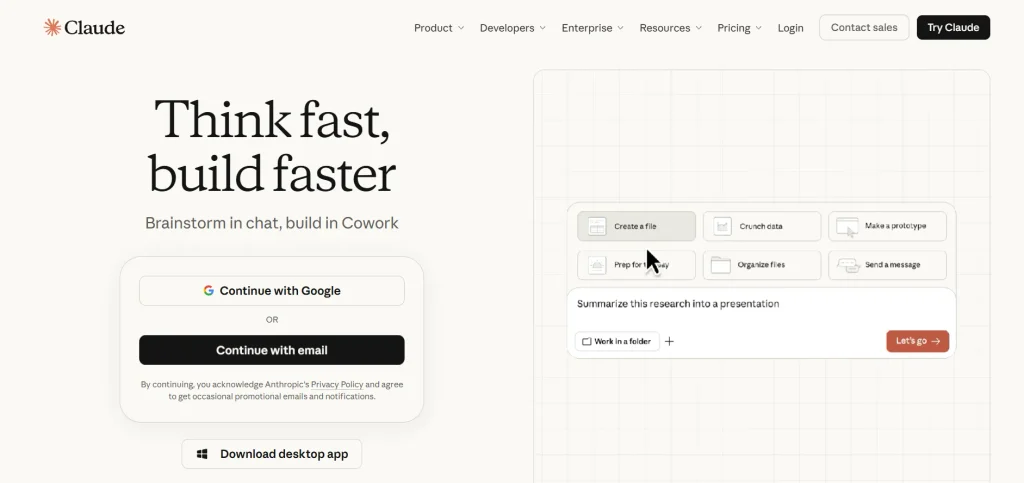
Claude is one of the popular generative AI tools developed by Anthropic for writing, document analysis, research, and coding tasks. It can help users create long-form content, refine existing drafts, and summarize lengthy documents. Its Artifacts feature also supports interactive content, visualizations, and simple prototypes. Claude is particularly useful for tasks that require detailed instructions, in-depth analysis, or working with large amounts of text.
Key Features
- Writing and Editing: Draft articles, emails and other content or improve an existing piece of writing.
- Document Analysis: Review supported files and lengthy material to summarize key points or answer questions.
- Artifacts: Create shareable content, visualizations, code snippets and interactive prototypes.
- Coding Assistance: Explain code, help debug problems and suggest improvements to existing projects.
Pros
- Produces natural-sounding writing that can be refined for different audiences.
- Can work with lengthy documents and substantial context.
- Artifacts extend its use to visualizations and interactive projects.
- Supports brainstorming, summarization and technical problem-solving.
Cons
- Usage limits on the free plan can vary with demand.
- Access to some capabilities depends on the selected plan.
- Responses can contain factual or reasoning errors.
- Complex outputs may require several rounds of instructions.
Pricing
- Free plan available
- Pro plan: ₹2,399/month
- Max plan: Starting at ₹11,999/month
3. Google Gemini – Best for Google Integrations
- Website: https://gemini.google.com/
- Best For: Google ecosystem users, research, document analysis and multimodal tasks.
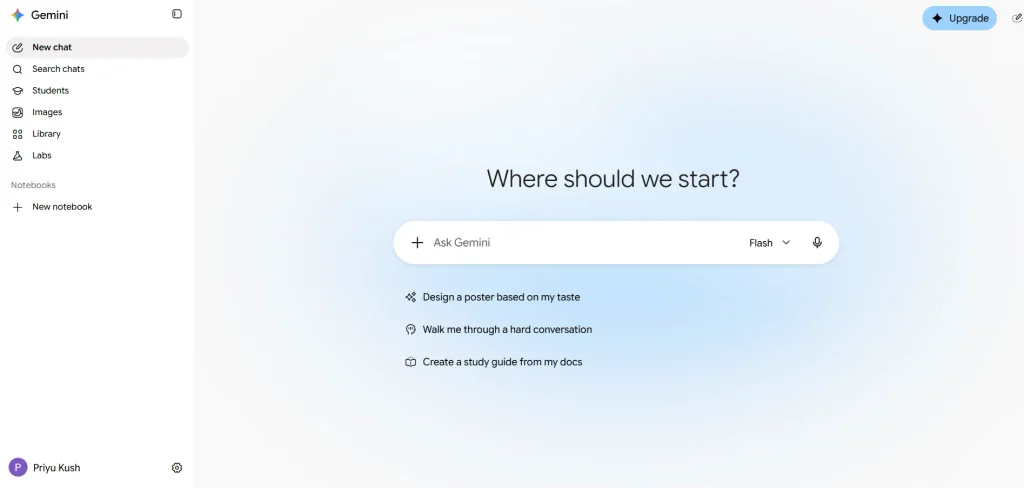
Google Gemini is an AI assistant that helps users research topics, generate content, analyze information and work with different types of media. Its integration with Google’s ecosystem can be useful for people who regularly work with services such as Gmail and Google Docs. Depending on the available features, it can also assist with image generation and coding. Its usefulness partly depends on which Google services and capabilities the user needs.
Key Features
- Content Generation: Help draft written material, summarize information and develop ideas.
- Image Generation and Editing: Create or modify visuals through supported image-generation features.
- Document and Code Analysis: Work with documents and programming material to explain, summarize or review content.
- Google Ecosystem Integration: Use Gemini alongside supported Google services and productivity tools.
Pros
- Fits naturally into workflows built around Google’s products.
- Supports text-based tasks as well as image-related capabilities.
- Can assist with research, document analysis and coding.
- Offers a free entry point for users exploring AI assistance.
Cons
- Its integration advantages may be less valuable to people who rarely use Google products.
- Feature availability and usage limits vary between plans.
- Generated answers and research findings should be checked for accuracy.
- Some advanced capabilities require a paid subscription.
Pricing
- Free plan available
- Google AI Plus: ₹399/month
- Google AI Pro: ₹489/month for the first 3 months, then ₹1,950/month
- Google AI Ultra: Starting at ₹6,500
4. Jasper – Best for Marketing Content
- Website: https://www.jasper.ai/
- Best For: Marketing copy, brand-focused content and campaign creation.
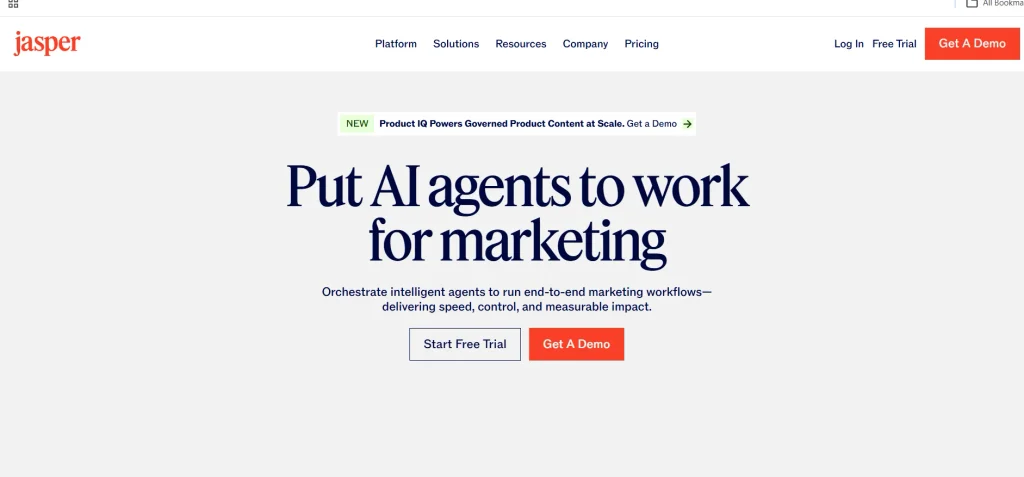
Jasper is an AI platform focused on creating marketing content for businesses and marketing teams. It can help produce blog drafts, advertising copy, product descriptions and social media content. Its Brand Voice features are designed to help content follow a chosen writing style using brand examples and guidance. It is particularly relevant for teams that need consistent messaging across multiple marketing materials.
Key Features
- Marketing Content Generation: Create drafts for blog posts, advertisements, product descriptions and social media content.
- Brand Voice: Use writing samples and brand guidance to help maintain a consistent tone.
- Campaign Content: Develop related pieces of copy for different channels and marketing activities.
- Integrations: Connect content creation with supported third-party and Jasper tools.
Pros
- Designed specifically for marketing and business content workflows.
- Brand Voice can help maintain a consistent writing style.
- Supports multiple types of marketing copy.
- Integrations can connect content creation with other marketing tools.
Cons
- Its subscription can be expensive for individuals or small teams.
- Generated copy still needs editing to meet a brand’s exact requirements.
- Useful results depend on the instructions and brand examples provided.
- Users who only need occasional writing assistance may not need a dedicated marketing platform.
Pricing
- Free 7-day trial available
- Pro plan: $59/month (billed annually) or $69/month (billed monthly)
- Business plan: Custom pricing
Suggested read:
5. Runway – Best for AI Video Generation

- Website: https://runway.com/
- Best For: Generating creative videos and producing AI-assisted visual content.
Runway is one of the generative AI tools designed for AI video generation and editing. It can transform text prompts and supported visual inputs into video clips for creative projects. Its features also support visual effects and video enhancements, helping creators produce engaging content. Users may need to refine prompts and review multiple outputs to achieve the desired results.
Key Features
- Text-to-Video Generation: Turn written prompts into video concepts and generated footage.
- Image-Based Creation: Use visual inputs as part of supported AI-assisted creative workflows.
- Video Enhancement: Access supported tools for effects such as background removal and slow motion.
- Subtitles and Creative Tools: Use additional AI-powered features to modify or improve visual content.
Pros
- Supports creative video generation from text prompts.
- Offers more than one type of AI-assisted media tool.
- Makes visual experimentation possible without filming every scene.
- Provides learning resources to help users understand its tools.
Cons
- Getting an exact result can require repeated prompt adjustments.
- Its range of features can take time for beginners to learn.
- Credit limits can restrict how much content users generate.
- Longer or more demanding projects may require a paid plan or additional credits.
Pricing
- Free plan available
- Standard plan: $12/month (billed annually)
- Pro plan: $28/month (billed annually)
6. Midjourney – Best for AI Image Generation

- Website: https://www.midjourney.com/
- Best For: Creating detailed AI-generated images, artistic visuals and concept artwork.
Midjourney generates images from written prompts and is known for its detailed, artistic visual output. Users can describe a subject, composition and style to explore different creative directions. Supported reference-image and style controls can help guide the appearance of generated visuals. It is useful for concept art, illustrations and creative assets, although exact results may require repeated prompt adjustments.
Key Features
- Text-to-Image Generation: Create images from written descriptions and creative prompts.
- Style References: Guide generated visuals using the style of a reference image.
- Image Blending: Combine visual inputs as part of image creation.
- Style and Detail Control: Refine the appearance of generated images using prompts and supported parameters.
Pros
- Known for producing visually detailed and artistic images.
- Offers creative control through prompts and style references.
- Its community can provide ideas and inspiration for new projects.
- Supports web-based access as well as Discord workflows.
Cons
- Reaching an exact visual result may require prompt experimentation.
- Generated images may need further editing for precise business requirements.
- It is less focused on general-purpose writing and research than AI assistants.
- Image privacy and usage rights should be checked before working on confidential or commercial projects.
Pricing
- Basic plan: $10/month
- Standard plan: $30/month
- Pro plan: $60/month
7. Adobe Photoshop – Best for AI-Powered Image Editing

- Website: https://www.adobe.com/products/photoshop.html
- Best For: Photo editing, removing unwanted objects and enhancing existing images with AI.
Adobe Photoshop combines professional image-editing tools with AI-powered features. Its integration with Adobe Firefly allows users to generate new image elements, remove unwanted objects and modify selected areas of an image. Users can combine AI-assisted edits with manual adjustments for greater control over the final result. It is particularly useful when an existing photograph or design needs precise editing rather than complete regeneration.
Key Features
- Generative Fill: Add, remove or replace image elements using text prompts.
- Object Removal: Remove unwanted objects while blending the surrounding areas.
- Neural Filters: Apply AI-assisted adjustments to image characteristics such as colour and appearance.
- Background and Subject Selection: Select image subjects or backgrounds for targeted edits.
Pros
- Offers a wide range of professional image-editing capabilities.
- Combines AI-powered editing with detailed manual controls.
- Helps remove unwanted objects and improve existing photographs.
- Works well for users who already understand the Photoshop workflow.
Cons
- Beginners may need time to learn its interface and advanced features.
- Professional editing tasks may require practice and technical knowledge.
- Some generative features depend on available credits and plan conditions.
- Users who only need simple graphics may find it more complex than necessary.
Pricing
- Free trial available
- Photoshop plan: ₹599/month (including GST) for the first year
- After the first year: ₹733.96/month (including GST)
8. ElevenLabs – Best for AI Voiceovers and Audio
- Website: https://elevenlabs.io/
- Best For: AI voiceovers, narration, audiobooks and spoken content.
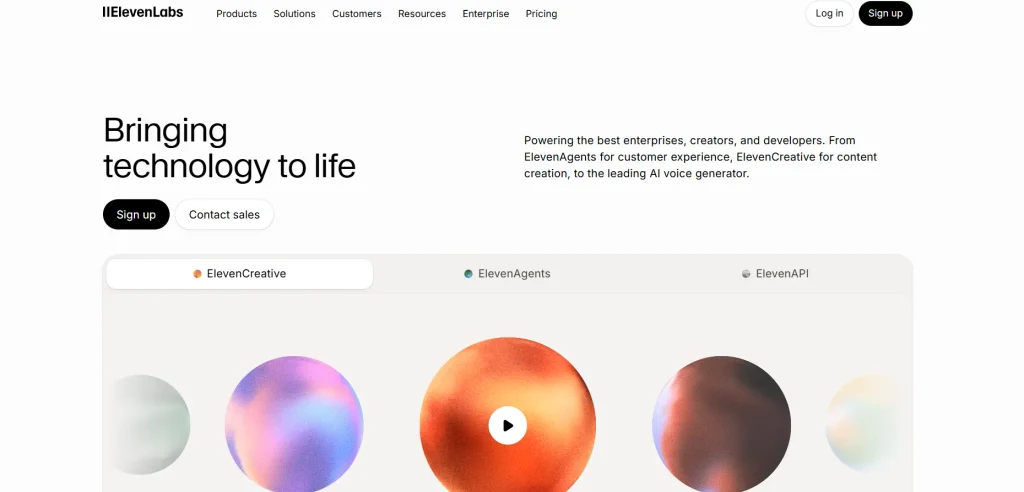
ElevenLabs is one of the popular generative AI tools for creating realistic voiceovers and spoken audio from written scripts. Users can choose voices and adjust speech delivery for explainer videos, podcasts, and narration. Its features can reduce the need for manual recording, but pronunciation accuracy and voice usage rights should be reviewed before publishing.
Key Features
- Text-to-Speech: Convert written scripts into spoken audio.
- Voice Library: Choose from available voices with different styles, accents and tones.
- Speech Customization: Adjust supported settings such as pace and vocal delivery.
- Audio Production: Create narration for videos, podcasts and other voice-based content.
Pros
- Produces realistic-sounding AI speech.
- Provides a variety of voice options for different content formats.
- Helps creators produce narration without recording every script manually.
- Supports multiple languages and speaking styles, depending on available voices.
Cons
- Voice controls may not provide the same level of precision as some specialized alternatives.
- The number of projects or amount of audio available depends on the selected plan.
- Generated pronunciation and emotional delivery may need review.
- Users should check voice rights, consent requirements and commercial-use terms before using generated or cloned voices.
Pricing
- Free plan available
- Starter plan: $1 for the first month (regular price: $6/month)
- Creator plan: $11 for the first month (regular price: $22/month)
9. Canva – Best for Design and Presentations
- Website: https://www.canva.com/
- Best For: Social media graphics, marketing creatives, presentations and everyday visual content.
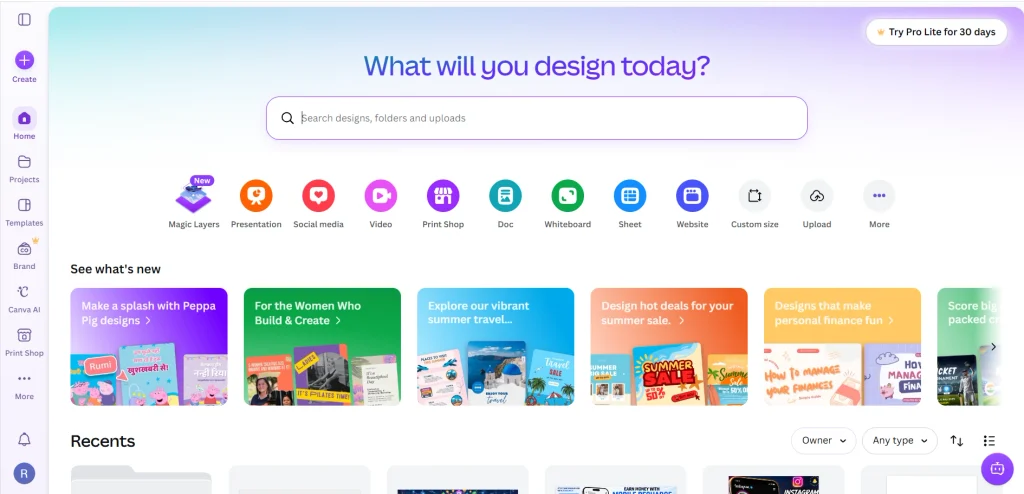
Canva is a visual design platform for creating social media graphics, presentations, marketing materials and other visual content. Its AI features can help users generate initial ideas and develop drafts within the design editor. Users can then customize layouts, text, images and other elements to suit their project. Its combination of templates and editing tools makes it accessible to people who do not have advanced design experience.
Key Features
- AI-Assisted Design: Generate initial design concepts and refine them in the visual editor.
- Presentation Creation: Create and edit presentation slides for business, education and marketing.
- Brand Content Support: Use brand documents and related context to guide visual and written content.
- Web and Interactive Design: Build simple websites and selected interactive elements using available no-code features.
Pros
- The drag-and-drop interface is accessible to beginners.
- Supports several design formats within one platform.
- Provides a free plan for basic design capabilities.
- Combines AI assistance with manual editing and customization.
Cons
- Dedicated professional design software may offer greater control over advanced editing.
- AI-generated designs may need considerable refinement before publication.
- Some premium assets and features require a paid plan.
- Complex website or development projects may require more specialized tools.
Pricing
- Free plan available
- Pro Lite plan: ₹1,590/year
- Pro plan: ₹4,000/year
10. Wix – Best for AI Website Building
- Website: https://www.wix.com/
- Best For: Creating business websites, portfolios and online stores with less manual setup.
Wix is a website-building platform that combines AI-assisted creation with visual editing tools. Users can describe their website requirements to generate an initial design and suggested content. The draft can then be customized with pages, layouts and supported business features. It is a practical starting point for people who want to establish an online presence without building every element from scratch.
Key Features
- AI Website Creation: Generate an initial website design based on the user’s requirements.
- Layout and Content Suggestions: Develop draft page layouts and suggested website copy.
- Image Editing Tools: Access supported tools for image resizing and background removal.
- Business Website Features: Add supported marketing and eCommerce capabilities through available plans.
Pros
- Helps beginners create an initial website without extensive coding knowledge.
- Combines website building and visual customization in one platform.
- Supports business-oriented website features.
- Offers an established website-building environment beyond the initial AI-generated design.
Cons
- AI-generated websites usually need customization before launch.
- Advanced business features may require a suitable paid plan.
- Users may need to configure links, forms and interactive elements after generating a design.
- People who want full control over custom code may prefer a development-focused platform.
Pricing
- Free plan available
- Light plan: ₹250/month
- Core plan: ₹500/month
11. Cursor – Best for AI-Assisted Coding
- Website: https://cursor.com/
- Best For: Writing code, debugging and working on existing software projects with AI assistance.
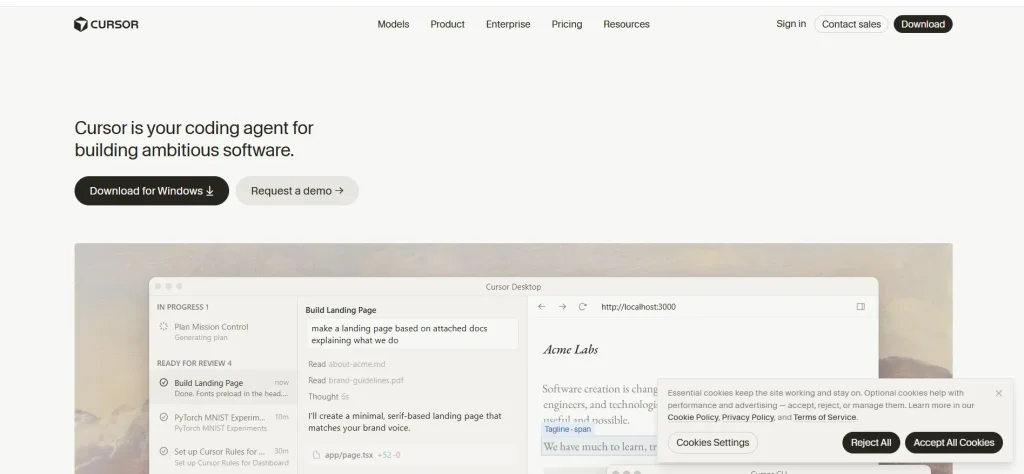
Cursor is an AI-assisted code editor designed to help developers work on software projects. Among the generative AI tools available for coding, it stands out for suggesting code, explaining existing files, and assisting with debugging based on project context.
Developers can review proposed changes directly in their coding environment instead of relying entirely on a separate chatbot. It is most useful when users can evaluate the generated code, test whether changes work correctly, and use website vulnerability scanners to identify potential security weaknesses in their websites.
Key Features
- AI Code Generation: Generate code suggestions based on instructions and project context.
- Debugging Assistance: Identify potential problems and suggest ways to fix errors.
- Codebase Understanding: Work with existing code and request explanations or targeted changes.
- Code Editing and Refinement: Review generated changes and make adjustments within the development environment.
Pros
- Keeps AI assistance close to the code being edited.
- Helps developers investigate errors and troubleshoot problems.
- Supports work on existing projects rather than only creating new ones.
- Gives users direct control over generated code.
Cons
- Beginners may need coding knowledge to evaluate generated changes.
- Its development-focused workflow can have a learning curve.
- AI suggestions may introduce bugs or fail to address the full problem.
- Paid access may be necessary for users who require higher usage limits or additional capabilities.
Pricing
- Free plan available
- Plus plan: $8/month
- Premium plan: $30/month
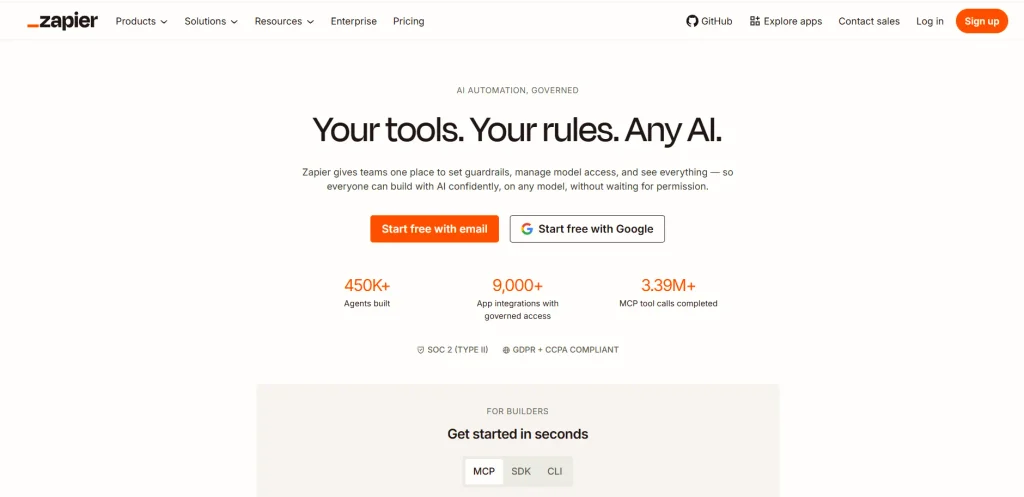
12. Zapier – Best for AI Workflow Automation
- Website: https://zapier.com/
- Best For: Connecting applications and automating repetitive business workflows.
Zapier is an automation platform that connects supported applications and moves information between them through configured workflows. Users can set triggers and actions to automate repetitive tasks, such as updating records or sending notifications. Its AI-related capabilities can also help summarize, classify or transform information within supported workflows. Unlike a dedicated image or writing generator, Zapier focuses primarily on connecting tools and automating what happens between them.
Key Features
- App Integrations: Connect supported applications to transfer information and trigger actions.
- AI Workflow Steps: Generate, summarize, classify or transform information within automated workflows.
- Multi-Step Automation: Combine multiple actions into a single workflow.
- AI Tool Connections: Connect compatible AI tools with other applications through supported integrations.
Pros
- Reduces repetitive work across connected applications.
- Supports workflows that combine AI tasks with regular business actions.
- Helps users move information between platforms automatically.
- Can be useful for marketing, operations and administrative processes.
Cons
- It is an automation platform rather than a standalone content generator.
- More complex workflows may take time to configure and troubleshoot.
- Available tasks and features can depend on the subscription plan.
- Incorrect workflow conditions or poorly configured steps may produce unwanted results.
Pricing
- Free plan available
- Professional plan: Starting at $19.99/month
- Team plan: Starting at $69/month
What Are The Benefits Of Using Generative AI Tools?
Generative AI tool can support different stages of creative and technical work, from developing the first idea to producing content and automating repetitive tasks. Their benefits depend on the type of tool, the task being performed and how carefully users review the results.
- Saves Time on Repetitive Tasks: AI tools can help draft emails, summarize documents and prepare initial versions of common content. This reduces some of the manual work involved in everyday tasks. Users can then spend more time checking information and improving the final result.
- Supports Creativity and Idea Generation: AI can suggest blog topics, campaign concepts, headlines and alternative ways to present an idea. These suggestions give users starting points when they are facing a creative block. The strongest results come from refining those ideas to match the project’s purpose and audience.
- Simplifies Content Creation Across Different Formats: Generative AI tool can support text, images, videos, voiceovers and presentations. This helps creators prepare different assets for a project without producing every element manually. The selected output still needs to match the intended platform and audience.
- Makes Editing and Improving Content Easier: AI features can help revise written drafts, remove unwanted image elements and modify supported video or audio content. These capabilities allow users to improve existing material rather than recreate everything from scratch. Reviewing the final version remains important because automated edits may introduce errors.
- Helps Beginners Perform Technical Tasks: Some tools make activities such as designing graphics, creating websites and writing code more accessible. Templates, visual editors and natural-language instructions can help beginners get started. More advanced projects may still require technical knowledge and careful testing.
- Improves Workflow Efficiency Through Automation: Automation tools can connect supported applications and perform actions when specific events occur. For example, a form submission could trigger a spreadsheet update and send a notification to the relevant team. Testing the workflow helps prevent incorrect data or unwanted actions from being repeated automatically.
How To Choose The Right Generative AI Tool For Your Needs?
The right generative AI tool depends on what you want to accomplish, the features required for that task and the amount you can spend. Instead of choosing a tool simply because it is popular, focus on how well it fits your actual workflow.
- Identify What You Want to Create: Start by defining the task you need to complete, such as writing an article, editing an image or creating a video. This helps narrow your choices to tools designed for that type of work. Avoid paying for a platform whose main capabilities do not match your actual requirements.
- Check the Features You Actually Need: List the features that are essential for your workflow before comparing subscriptions. For example, you may need image editing, document uploads, codebase access or integration with existing applications. Test these functions where possible to confirm that they work as expected.
- Consider Your Budget: Compare the total subscription cost with the features and usage limits included in each plan. Check whether the listed price requires annual billing, whether additional credits cost extra and whether a free plan meets your needs. Choose a paid plan only when its additional benefits justify the expense.
- Review Usage Limits and Integrations: Check usage limits, pricing and integrations before choosing a tool. For business use, review data-handling practices and train employees to use AI safely with the help of security awareness training software.
Conclusion
Before choosing among generative AI tools, identify a recurring task you want to improve, such as preparing blog drafts, producing voiceovers, or editing images. Test two suitable tools on the same task and compare output quality, editing requirements, time saved, and usage restrictions.
Then choose the option that meets your requirements at a reasonable total cost. Begin with the free plan when one is available, and upgrade only when you have identified a specific limitation that a paid subscription would solve. This approach helps you make a practical decision based on actual results rather than popularity or a long list of features.
Frequently Asked Questions
1. Can I Use Generative AI Tool For Commercial Projects?
That depends on the tool’s licence, subscription plan and usage terms. Check the provider’s commercial-use conditions before using generated content in client work or products for sale.
2. Who Owns Content Created Using an AI Tool?
Ownership and usage rights depend on the provider’s terms and the laws that apply to your work. Review both before claiming exclusive rights to generated content.
3. Do AI Tools Use Uploaded Files To Train Their Models?
Data handling differs between providers, products and account settings. Check the tool’s privacy policy and data controls before uploading confidential documents.
4. Should I Tell Clients When I Use Generative AI?
This depends on your agreement with the client, the type of work and any applicable disclosure requirements. Agree on expectations before delivering AI-assisted work.
5. Can AI-Generated Content Be Copyrighted?
Copyright protection for AI-generated material depends on the applicable law and the level of human creative contribution. Check the rules relevant to your country and project.