
Sick of pop-ups, auto-play videos, and irritating advertisements slowing down your surfing? You’re not alone. Advertisements on the internet have never been more intrusive, and in many cases, they follow you through every single click, filling up web pages. That is where the ad blockers come in. These convenient tools will help you take control of your internet experience – block annoying ads, enjoy faster page loads, and protect your privacy against trackers.
There are so many ad blocking software in the market, and it may be difficult to select the correct one. Others are privacy-oriented, others are performance-oriented, and some have full protection with many sophisticated features. In this blog, we will see the best ad blockers on various devices and browsers that will enable you to have a faster, cleaner, and safer internet use.
Why You Should Use an Ad Blocker in 2026
Here’s why using an ad blocker in 2026 is more important than ever:
- Improved Privacy Protection: Ad blockers prevent trackers and cookies from collecting your personal data. They stop advertisers from monitoring your browsing activity, helping you maintain better online privacy.
- Faster and Cleaner Browsing: By removing heavy ads and scripts, ad blocking apps improve page load speed and reduce clutter. This results in a smoother, faster, and more enjoyable browsing experience.
- Reduced Distractions: Pop-ups, banner ads, and auto-play videos can be very distracting. Ad blockers remove these interruptions so you can focus better while reading, watching, or working online.
- Improved Security: Many ads can contain malware or phishing links. ad blocking software help protect your device by blocking harmful ads, reducing the risk of cyber threats and data breaches.
Types of Ad Blockers
Ad blocking software come in different forms, each designed to block ads at various levels and provide different types of protection.
- Browser Extension Ad Blockers: Installed in browsers like Chrome or Firefox, these block ads on websites you visit. They are easy to use and often come with customizable filters.
- System-Level Ad Blockers: Work across your entire device, blocking ads in apps, browsers, and games. They provide more comprehensive protection compared to browser-based tools.
- DNS-Level Ad Blockers: Block ads at the network level by preventing connections to ad servers. This helps stop ads before they even load on your device.
- VPN-Based Ad Blockers: Included with VPN services, these block ads and trackers while also encrypting your internet connection for added privacy and security.
- Browsers with Built-in Ad Blockers: Some browsers have built-in ad blocking features that remove common ads automatically, offering a simple and hassle-free browsing experience.
Comparison Of Top Ad Blocking Software
| Tool Name | Platforms | YouTube Ads | Tracker Blocking | Customization | Standout Feature | Starting Price | Free Version |
|---|---|---|---|---|---|---|---|
| uBlock Origin | Chrome, Firefox, Edge, Safari (old), Android | ✅ | ✅ | ✅ Advanced | Lightweight + high performance filtering | Free | ✅ Yes |
| Adblock Plus | All major browsers | ✅ | ✅ | ✅ Basic | Easy to use interface | $4/month | ✅ Yes |
| Total Adblock | Chrome, Edge, Opera, Safari, Android, iOS | ✅ | ✅ | ✅ | High ad-blocking rate (96–99%) | $99/year | ❌ No |
| AdGuard | Windows, macOS, Android, iOS | ✅ | ✅ | ✅ Advanced | App-level & DNS blocking | $69/month | ✅ Yes |
| Ghostery | Chrome, Firefox, Edge, Opera | ❌ | ✅ | ✅ | Tracker transparency insights | Free | ✅ Yes |
| Privacy Badger | Chrome, Firefox, Edge | ❌ | ✅ | ❌ | Auto-learning tracker blocking | Free | ✅ Yes |
| Surfshark CleanWeb | Windows, macOS, Linux, Android, iOS | ✅ | ✅ | ❌ | Built-in VPN ad protection | $1.99/month | ❌ Trial only |
| AdLock | Windows, Android, iOS | ✅ | ✅ | ✅ | Mobile-optimized blocking | ₹175.01/month | ❌ No |
| NordVPN Threat Protection | Windows, macOS, Linux, Android, iOS | ❌ | ✅ | ❌ | Malware + tracker protection | $3.19/month | ❌ Trial only |
| Brave Browser (Built-in) | Windows, macOS, Linux, Android, iOS | ✅ | ✅ | ✅ | Built-in ad blocker browser | Free | ✅ Yes |
| Proton VPN NetShield | Windows, macOS, Linux, Android, iOS | ✅ | ✅ | ❌ | DNS-level blocking via VPN | $4/month | ✅ Yes |
| Aura Ad Blocker | Windows, macOS, Android, iOS | ❌ | ✅ | ❌ | Identity + privacy protection | $12/month | ❌ No |
| AdBlocker | Chrome, Firefox, Edge, Safari | ✅ | ✅ | ✅ | Simple ad blocking | $3.33/month | ✅ Yes |
| Avast Secure Browser | Windows, macOS, Android, iOS | ❌ | ✅ | ❌ | Built-in security suite | Free | ✅ Yes |
| Opera Browser (Built-in) | Windows, macOS, Linux, Android, iOS | ✅ | ✅ | ❌ | Native browser ad blocker | Free | ✅ Yes |
List of Top 15 Ad Blockers in 2026
Here are the top 15 ad blocking software of 2026 that are redefining how users experience the web — each offering unique strengths to help you browse faster, safer, and without distractions.
1. uBlock Origin
- Website: https://ublockorigin.com/
- Best For: Power users, maximum filtering with minimum resource use
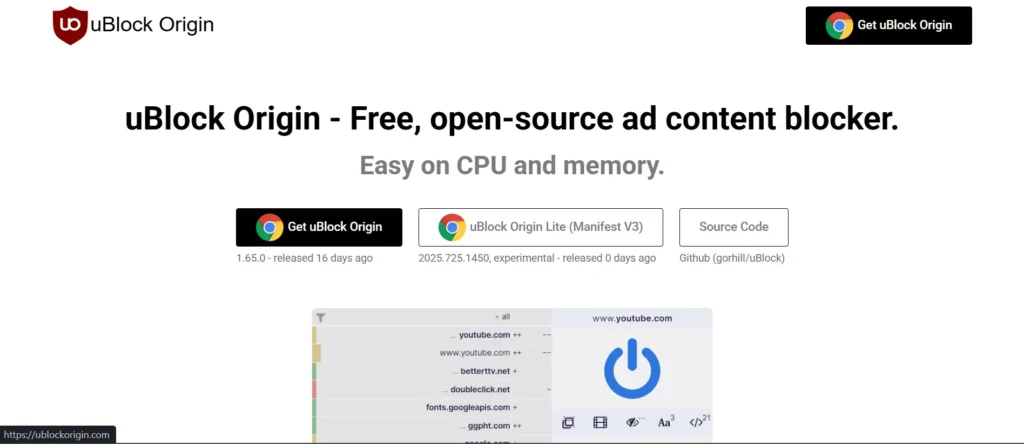
uBlock Origin is unique as it is more precise and faster, and it does not slow down the web browser, and the user can enjoy a distraction-free web experience. It is made to suit individuals who treasure performance and privacy. This tool can also sieve undesirable content without creating a problem with browsing, and you have the freedom to control what appears on your screen. It is easy, user-friendly, and designed in a way that suits individuals who prefer efficient online defense.
Features:
- Free, open-source extension
- Wide-spectrum content blocker (ads, trackers, pop-ups, malware)
- Minimal CPU and memory usage
- Advanced custom filter support (EasyList, EasyPrivacy, more)
- Available on Chrome, Chromium, Edge, Opera, Firefox, Safari (pre-13)
Pros:
- Lightweight and very fast
- Advanced customization and filter control
- Completely free and open-source
Cons:
- Not beginner-friendly interface
- Limited official support on Safari
Pricing
- Free
2. Adblock Plus
- Website: https://adblockplus.org/
- Best For: Simple, easy ad-blocking for all users
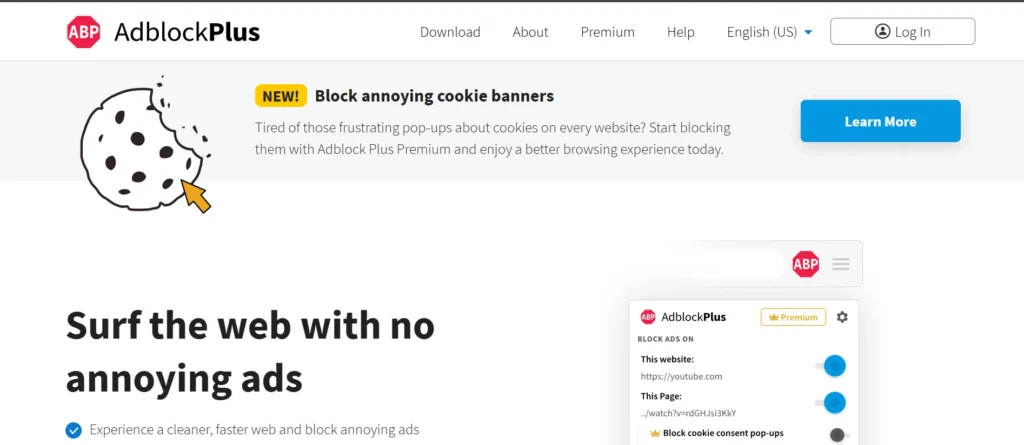
Adblock Plus has gained its reputation as a good option to those users who just prefer calm and ad-free internet. It provides immediate escape of irritating pop ups and flashy advertisements as well as a calmer and more directed web space. When reading, watching, or shopping, it makes pages appear cleaner and more balanced, which means that it makes browsing them quicker and more enjoyable without the extraneous visual aids.
Features:
- Blocks ads, including video, pop-ups, and banners
- Stops tracking and malware
- Customizable with whitelist/blacklist options
- Supports Acceptable Ads program (optional removal)
- Available on Chrome, Firefox, Edge, Opera, Safari
Pros:
- Easy to use for beginners
- Available on all major browsers
- Allows acceptable ads control
Cons:
- Allows some ads by default
- Slightly heavier than alternatives
Pricing:
- Free
- Monthly: $4/month
- Yearly: $40/year
3. Total Adblock
- Website: https://www.totaladblock.com/
- Best For: Full-system ad and tracker protection
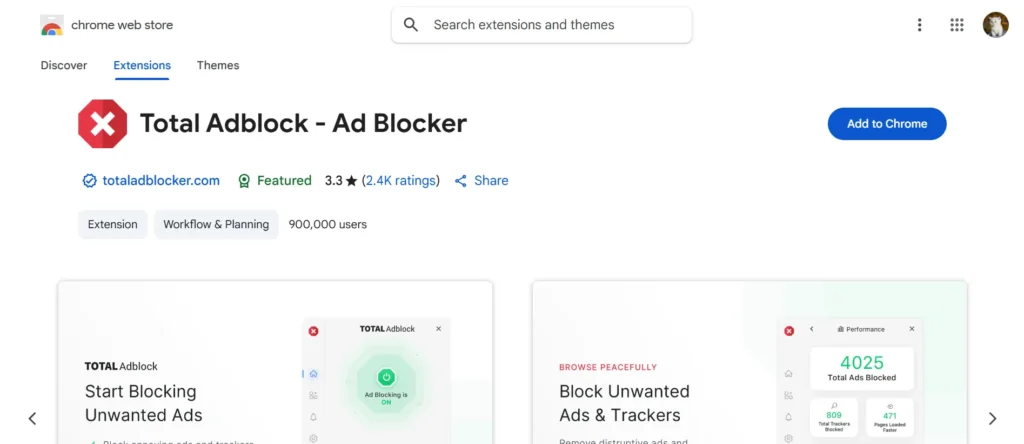
Total Adblock makes the browsing process a smooth and safe one. Along with powerful ad blocking, it also Integrates with antivirus software by adding an extra layer of protection against online threats. It eliminates digital distractions that slow you down or creep into your personal space to concentrate on the important things. It is aimed at users who desire to have consistent security on all devices and simplicity with peace of mind. When it is installed, the internet is immediately made light and fast, and more personal; this is the way it is supposed to be.
Features:
- Blocks ads on browsers and apps
- Includes tracker and malware blocking
- Supports customizable allow/block lists
- Integrates with TotalAV antivirus
- Mobile apps for Android/iOS
Pros:
- Very high ad-blocking rate
- Effective on YouTube ads
- Simple interface
Cons:
- No free version
- Requires subscription
Pricing:
- Yearly: $99/year
4. AdGuard
- Website: https://adguard.com/en/welcome.html
- Best For: Family and users needing app-wide protection
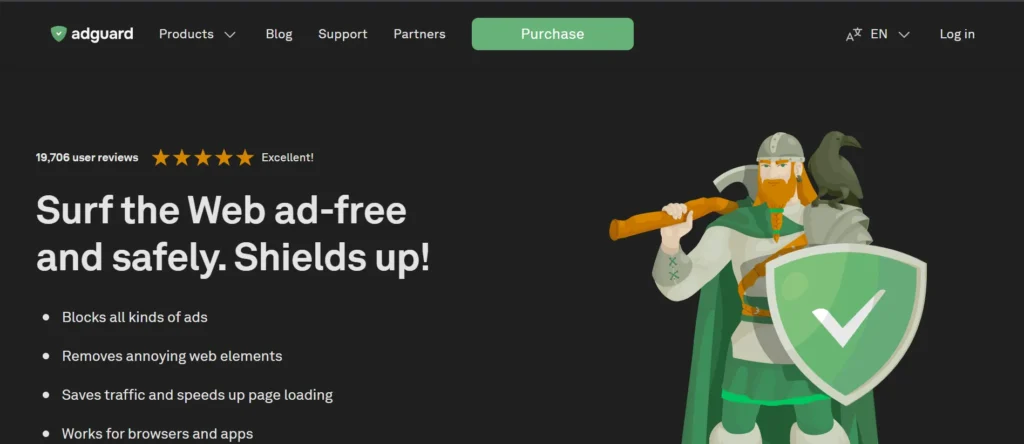
AdGuard represents a healthy and sophisticated attitude to web security; among modern ad blockers, it targets users who want full control over their online experience. It runs silently in the background, ensuring that dangerous and unnecessary elements stay hidden without requiring complex navigation. Having a user-friendly interface and reliable functionality, AdGuard helps users to feel confident in their web, streaming, and exploration experience without any distractions and fears of digital intrusion.
Features:
- System-wide ad, tracker, and malware blocking
- Built-in parental controls
- HTTPS filtering
- Compatible with Windows, Mac, Android, iOS
- Secure license and refund policy
Pros:
- System-wide ad blocking
- Strong privacy and parental controls
- Advanced filtering options
Cons:
- Full features require paid version
- Can use more system resources
Pricing:
- Personal: $69/month/up to 3 devices
- Family: $139/month/up to 9 devices
5. Ghostery
- Website: https://www.ghostery.com/
- Best For: Privacy-focused users wanting insight into trackers
Ghostery is not just any ad-blocker that provides visibility to the user, but it goes further and lets the user see who is tracking him or her on the internet. It makes browsing much transparent and safe. You can surf knowing fully what is going on behind the scenes. Ghostery is perfect when you want more privacy, but like to keep in the know and control what you see and hear without using a lot of time, time-consuming on slow, bloated pages with invasive advertisements or trackers.
Features:
- Blocks ads and invisible trackers
- Provides privacy analytics
- Multiple filter modes (ad/analytics/social/tracking)
- Real-time tracker visualization
- Compatible with Chrome, Firefox, Opera, Edge, Safari
Pros:
- Strong tracker blocking
- Detailed tracking insights
- Lightweight extension
Cons:
- Limited ad-blocking compared to others
- Interface may feel complex
Pricing:
- Free
6. Privacy Badger
- Website: https://privacybadger.org/
- Best For: Set-and-forget tracker protection
Privacy Badger is almost like a guardian angel, which knows your privacy without needing to ask. Rather than using the built-in filters, it learns with the browser, and it automatically prevents undesirable tracking. It suits those users who would want to do the bare minimum of setups and still have good defenses against privacy. Using Privacy Badger, your surfing is kept simple and customized, and your web presence is left almost unnoticeable by invasive web components.
Features:
- Learns and blocks trackers automatically
- No filter lists required
- Blocks cookies, fingerprinting scripts
- Lightweight, open-source
- Compatible with Chrome, Firefox, Edge, Opera
Pros:
- Automatically learns to block trackers
- Developed by privacy experts
- Simple and free
Cons:
- Not focused on blocking all ads
- Limited customization options
Pricing:
- Free
7. Surfshark CleanWeb
- Website: https://surfshark.com/features/clean-web
- Best For: Users wanting ad-blocking with VPN
Surfshark CleanWeb is a modern product that allows users to have privacy and speed in a single product. It removes intrusive material and security threats on both sites and applications, as well as providing a uniform, relaxing digital experience. Regardless of whether you are streaming or shopping, or even working, it keeps your online space clean. To the users who want convenience and security, CleanWeb can provide the ease of use and ease of browsing without any troubles.
Features:
- Removes ads system-wide (web and apps)
- Blocks phishing, trackers, malware
- Works with Surfshark VPN
- Compatible with Windows, Mac, Android, iOS
- Includes YouTube ad blocking
Pros:
- Works with VPN for extra privacy
- Blocks ads, trackers, and malware
- Covers multiple devices
Cons:
- Requires Surfshark subscription
- Less customization
Pricing:
- Starts at $1.99/month with VPN (official site)
8. AdLock
- Website: https://adlock.com/
- Best For: Users wanting all-device coverage
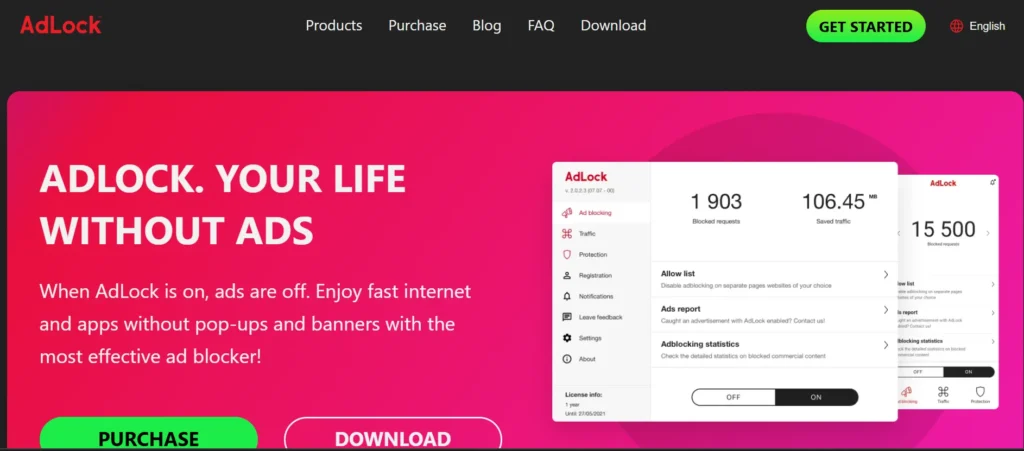
AdLock is one of the powerful ad blockers designed to provide an uninterrupted and fast internet experience without distractions or slowdowns. It helps clean your browsing space and runs silently in the background to remove unwanted interruptions, allowing pages to load smoothly and efficiently. The outcome is a web experience, which is more structured, tranquil, and intimate. To people who like their fast speed and clean screens, AdLock will be a good and stable companion when it comes to browsing.
Features:
- Blocks pop-ups, banners, and video ads
- Removes trackers and phishing
- Works system-wide (Windows, Mac, Android, iOS)
- Custom whitelist/blacklist support
- Lightweight browser extension option
Pros:
- Blocks ads across apps and browsers
- Good mobile performance
- Anti-tracking features
Cons:
- Paid tool
- Smaller user base
Pricing:
- 1 Month: ₹175.01/month
- 5 Years: ₹52.3/month
- 12 Months: ₹139.47/month
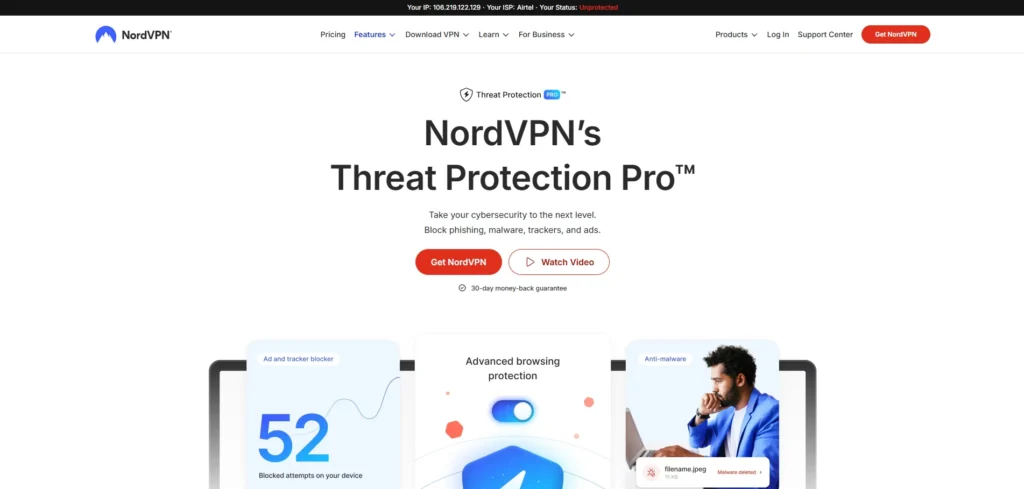
9. NordVPN Threat Protection
- Website: https://nordvpn.com/features/threat-protection/
- Best For: Users combining VPN and ad-blocking
NordVPN Threat Protection goes way beyond ad-blocking – it is building a safe non-distracting online experience. It does it in the background so that the browsing is safe, private, and efficient. It combines protection and performance easily and is designed by users highly concerned with online integrity. You are free to browse, streamline, or to work on the internet knowing that all the clicks are supported by robust, smart protection.
Features:
- Ad, tracker, and malware blocking
- Active on the system-wide network level
- Bundled with NordVPN subscriptions
- DNS-level filtering
- Protects against phishing
Pros:
- Strong security and malware protection
- Works beyond browser level
- Trusted VPN integration
Cons:
- Requires NordVPN subscription
- Limited ad-blocking without VPN
Pricing:
- From $3.19/month with VPN subscription (official site)
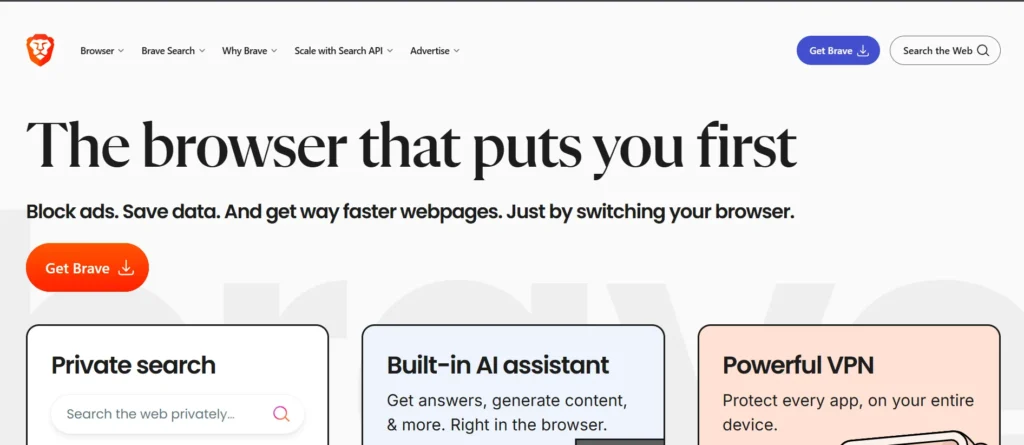
10. Brave Browser (Built-in)
- Website: https://brave.com/
- Best For: Users ready to switch browsers for built-in protection
Privacy is the core of the redefinition of online freedom by Brave Browser. Page loads are much quicker and cleaner the moment you open it, and there is no clutter or distraction. It provides control to the users of the things they view and improves the speed and security. It is ideal for those who are willing to adopt something new and make the act of browsing a contemporary, clear, and cool experience for the individual user.
Features:
- Ad, tracker, and fingerprinting blocking out of the box
- HTTPS Everywhere auto-enablement
- Fast browser performance boost
- Optional crypto rewards for viewing ads
- Third-party cookie blocking
Pros:
- Built-in ad blocker, no setup needed
- Fast and privacy-focused
- Blocks trackers by default
Cons:
- Requires switching browser
- Limited advanced customization
Pricing:
- Free
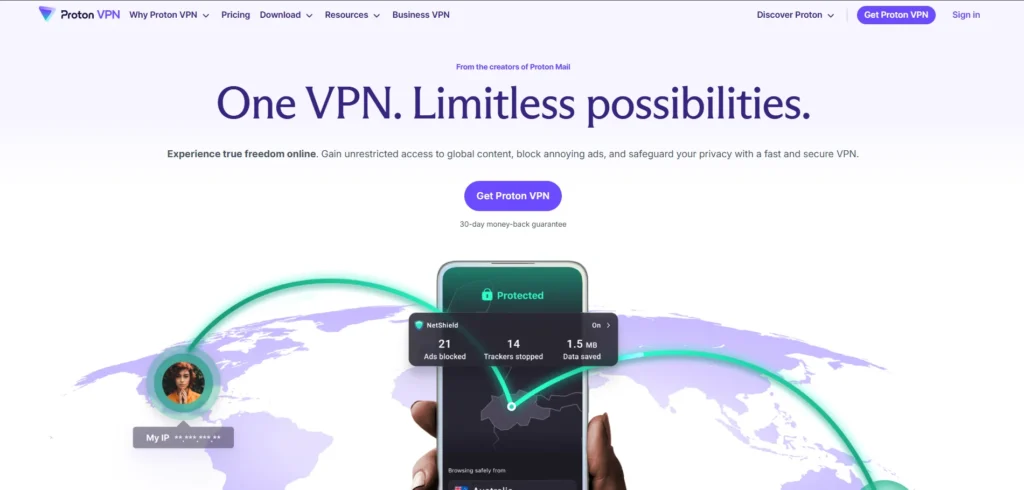
11. Proton VPN NetShield
- Website: https://protonvpn.com/features/adblocker
- Best For: Advanced privacy users needing a VPN
The NetShield of Proton VPN provides an excellent experience of screen-uninterrupted and calm browsing, similar to ad blockers, which is both confidential and safe. It blocks the extraneous items till they get to your device, allowing you to concentrate on what is really important. It is secure and rests on the principles of privacy, making all connections secure and clean. NetShield provides hassle-free online security to users who consider online safety a top priority.
Features:
- Blocks ads, malware, and trackers via VPN
- DNS-level filtering for all devices
- No logs or tracking
- Easy split tunneling support
- Protects on public WiFi
Pros:
- DNS-level ad and tracker blocking
- Strong privacy focus
- Works across devices
Cons:
- Needs Proton VPN
- Limited control over filters
Pricing:
- From $4/month (official site)
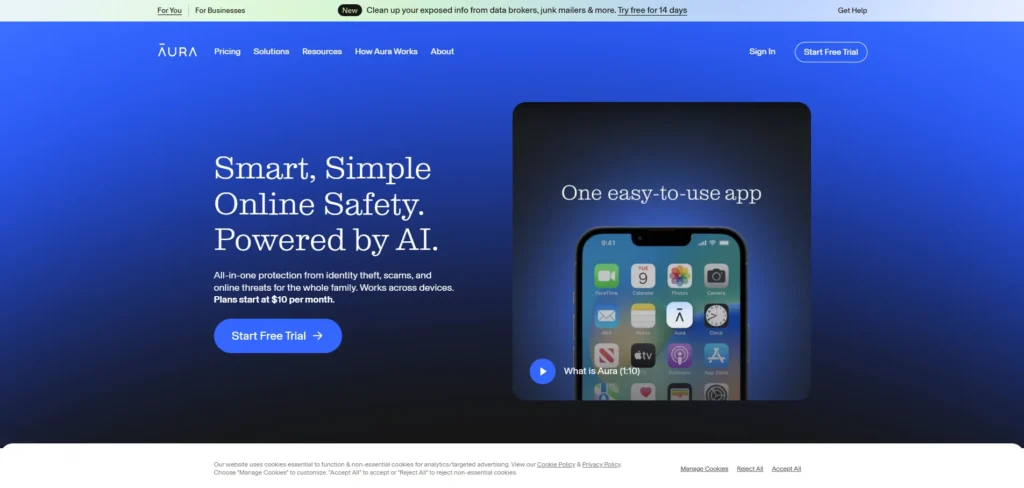
12. Aura Ad Blocker
- Website: https://www.aura.com/safe-browsing
- Best For: Chrome users wanting added security
Aura Ad Blocker is designed in a way that supports ease of use and safety equally. It silently enhances the browsing experience by eliminating the visual noise and the lurking dangers. Each meeting is easier, quicker, and more comfortable. It is a lightweight, modern, touch-point designed to bring sanity and tranquility to your screen, making everyday internet experience more purposeful, personal, and pleasant in general.
Features:
- Blocks ads on Chrome
- Anti-malware tools included
- Social tracker protection
- Browser fingerprint masking
- Real-time notifications
Pros:
- Includes identity and privacy protection
- Easy to use
- All-in-one security tool
Cons:
- Paid service
- Basic ad-blocking features
Pricing:
- Family: $32/month
- Couple: $22/month
- Individual: $12/month
- Kids: $10/month
13. AdBlocker Ultimate
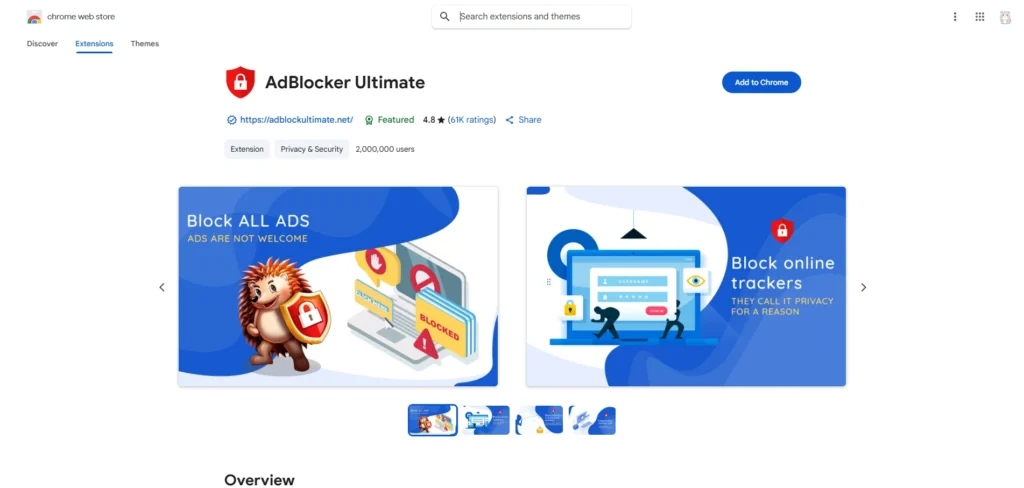
- Website: http://adblockultimate.net/
- Best For: Aggressive ad removal on all browsers
AdBlocker Ultimate is a service that allows the user to be completely free of internet junk. It makes the experience of browsing pure as it is without any pop-ups, banners, or distractions. This tool is uncompromising on the issue of privacy thus making sure that the users only see what they wish to see. The uncluttered and clean design of the site allows each page to be loaded more quickly, clearly, and in a refreshingly direct manner.
Features:
- Blocks all ads (no Acceptable Ads)
- Removes YouTube, social, and pop-up ads
- Open-source and customizable
- Supports Chrome, Firefox, Opera, Edge
- No tracking or logs
Pros:
- Simple and beginner-friendly
- Works on major browsers
- Free version available
Cons:
- Less powerful filtering
- May allow some ads
Pricing:
- Personal:
- Yearly: $3.33/month
- Lifetime: $99.99/month
- Family:
- Yearly: $4.17/month
- Lifetime: $199.99/month
14. Avast Secure Browser
- Website: https://www.avast.com/en-in/secure-browser#pc
- Best For: Easy one-click protection for beginners
Avast Secure Browser combines simplicity and safety to deliver a lightweight yet powerful browsing experience with built-in ad blockers. It protects your sessions from unwanted elements while maintaining excellent speed and stability. Easy to use for all experience levels, it ensures safer, cleaner, and more private browsing with confidence in every click.
Features:
- Built-in ad, tracker, and malware blocking
- Banking protection and anti-phishing
- Fast browsing with performance boost
- Free mobile and desktop apps
- Privacy cleaner tool
Pros:
- Built-in ad blocker and security tools
- Easy to use
- Good for safe browsing
Cons:
- Limited customization
- Not as strong as dedicated blockers
Pricing:
- Free
15. Opera Browser (Built-in)
- Website: https://www.opera.com/
- Best For: All-in-one browsing and ad-blocking
Opera Browser is a refined all-in-one web experience that does not require any additional extensions. It is designed to suit those individuals who prefer efficiency and comfort all in one. Everything is in the browser, and therefore, it makes your sessions smooth, private , and fast. Opera makes you have more control over your digital environment, making daily browsing a little less messy, safe, and delightfully effortless.
Features:
- Native ad-blocker with tracker controls
- Lightweight, speeds up page loading
- Includes VPN and anti-miner defense
- Pop-up and video ad removal
- Available for Windows, Mac, Linux, Android
Pros:
- Built-in ad blocker
- No extra installation needed
- Fast browsing experience
Cons:
- Basic blocking capabilities
- Limited control over filters
Pricing:
- Free
How to Choose the best Ad blocker
1. Check Browser Compatibility
Ensure that the ad blocker is compatible with your favorite browser as Chrome, Firefox, or Safari. You should use one that is compatible with your browser to have a smoother performance and an enhanced ad-blocking ability. This also assists in avoiding crashing or mistakes when browsing.
2. Search Privacy-Conscious Features
Select the ad blockers with tracker blocking or anti-fingerprinting, or cookie control. These privacy tools are an additional security measure and prevent advertisers from tracking your internet behavior. The fewer privacy-related elements it possesses, the more secure your browsing will be.
3. Performance and Ease of Use
The most appropriate ad blocker ought to be light and user-friendly. It has to be efficient in blocking the advertisements and not sluggish your machine or impair the functionality of a webpage. The interface is user-friendly, thus management of settings is fast and easy.
4. Customization Options
Find blockers that provide the possibility of whitelisting websites and setting filters. It will assist you in sponsoring reliable websites and, at the same time, avoiding obtrusive advertisements. More control can be achieved by advanced users fine-tuning filter lists.
5. Free vs. Premium Versions
Free ad blocking software are excellent on a simple level, whereas premium ones are equipped with advanced privacy and anti-malware protection, as well as VPN support to adopt full-scale protection. In many cases, paid versions have superior updates and time-first customer support.
6. Saves Data and Battery Life
Advertisements tend to consume a lot of data and power, particularly on mobile phones. Not only do you save your internet data by blocking them, but you save battery as well. This will cause your device to be efficient and last longer during the day.
Conclusion
In the era of the Internet, advertisements are all around us, yet you do not have to let them control your online experience. Ad blockers give you that freedom—helping you browse faster, improve privacy, reduce distractions, and enhance security. Whether you are watching a video, reading an article, or working online, the right ad blocker puts you back in control.
When you have an ad blocker, you are also able to enjoy the internet in the manner it was intended to be, clean and fast, besides focusing on the things that are of interest to you. Adapt to a safer, smoother, and enjoyable browsing experience free of annoying pop-ups, hidden trackers, and other intrusive banners, and take back a better everyday browsing experience.
FAQs
Are Ad Blockers Legal To Use?
Ad blocking software are not illegal at all. Nevertheless, certain websites can ask you to turn them off so that you can see what is on the websites. The responsible use of an ad blocker will protect privacy and site regulations.
Are Ad Blocking Software Effective On YouTube?
Numerous ad blocking apps block YouTube advertisements, as the systems are regularly updated by Google. The best blockers available are the reliable ones, such as uBlock Origin or AdGuard, and are useful in offering a continuous view.
Am I Going To Need An Ad Blocker To Slow Down My Browser?
No. Quite to the contrary, ad blocking software tend to accelerate the web browsing process because heavy loading adverts and scripts cannot take place. This saves on the use of data and enhances the overall page performance.
Is It Possible To Use An Ad Blocker On My Phone?
Yes. A large number of mobile browsers, e.g., Brave or Firefox Focus, are equipped with ad blockers. It is also possible to use specific applications such as AdGuard on Android or iOS to provide a full ad-blocking experience.
What Is The Preferred Ad Blocker For Beginners?
AdBlock Plus and uBlock Origin are excellent options in the beginning. They are simple to install, can be used in more than just a few browsers, and offer powerful ad-blocking capabilities without having to be complicatedly set up or needing an advanced level of technical expertise.