The average internet user now manages multiple online accounts across banking apps, social media, work tools, shopping sites, and streaming platforms. Remembering strong and unique passwords for every account is almost impossible, which is why many people still reuse the same passwords everywhere. Unfortunately, password reuse remains one of the biggest reasons behind account hacks, identity theft, and data breaches.
That’s where password managers become essential. A good password manager securely stores your login credentials, generates strong passwords, autofills them instantly, and protects your accounts with advanced encryption and multi-factor authentication. Modern password managers also support passkeys, dark web monitoring, password health reports, and secure sharing features for families and teams.
To help you choose the right option, we personally researched, compared, and reviewed the best password managers in 2026 based on security, ease of use, features, pricing, privacy, and cross-platform compatibility. Whether you need a free password manager, a business solution, or a privacy-focused option, this guide covers the top tools worth considering this year.
What Is a Password Manager and Why Do You Need One?
A password manager is a tool that securely stores and manages your passwords in an encrypted vault. It can generate strong passwords, save login credentials, and autofill them on websites and apps, so you don’t need to remember every password manually.
Password managers are essential because billions of credentials are exposed in data breaches every year. Weak or reused passwords make it easier for hackers to access multiple accounts through cyberattacks like credential stuffing. A password manager helps improve online security by creating unique, strong passwords for every account and keeping them protected.
What Is a Passkey?
A passkey is a passwordless login method that lets users sign in using a fingerprint, face scan, or device PIN instead of typing passwords. It works with public-key cryptography, where your device stores a private key and the website stores a public key. This makes passkeys more secure and phishing-resistant than traditional passwords. companies like Google, Amazon, Apple, and GitHub already support passkeys, and many password managers can store and manage them alongside regular passwords.
Quick Comparison – Best Password Managers at a Glance
| Tool | Best For | Encryption | Free Plan | Starting Price |
| NordPass | Best overall | XChaCha20 | Yes (1 device) | $1.49/mo |
| 1Password | Families & teams | AES-256 + Secret Key | No (14-day trial) | $2.99/mo |
| Bitwarden | Free & open-source | AES-256 | Yes (unlimited) | $1.65/mo |
| Proton Pass | Privacy-focused | AES-256 | Yes (unlimited) | $1.99/mo |
| RoboForm | Budget users | AES-256 | Yes (1 device) | $0.99/mo |
| Dashlane | All-in-one with VPN | AES-256 | Yes (limited) | $4.99/mo |
| Keeper | Business security | AES-256 | Yes (limited) | $1.67/mo |
List Of 15 Best Password Managers of 2026
1. NordPass – Best Overall
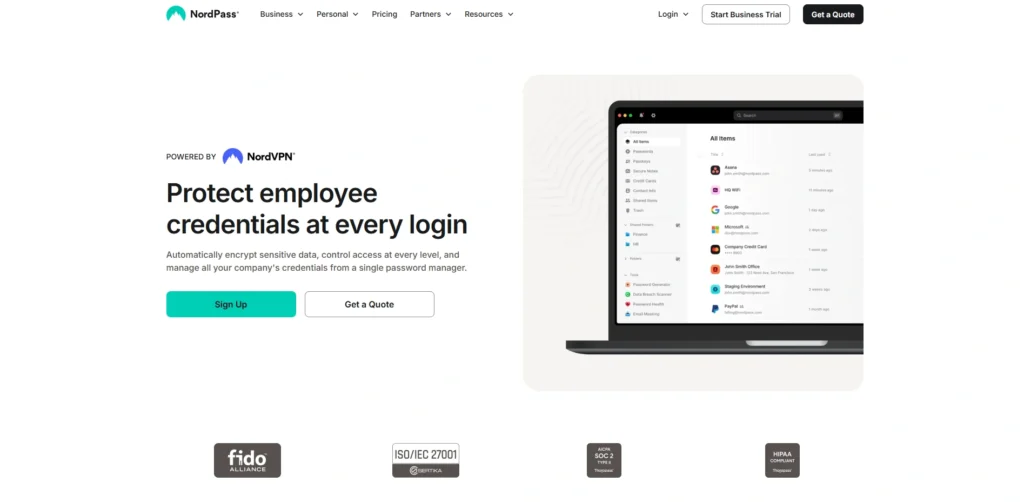
NordPass, the invention of NordVPN team, will become our number one preferred which will be used It uses new encryption, ChaCha20 that employs contemporary encryption and is compatible across all the gadgets. Something new in 2026: an option to search faster, support full passkeys, and functionality to create email aliases using SimpleLogin. It is cheap, germ free and it has not been infected in any way.
Key Features
- Zero-knowledge encryption for maximum privacy
- Secure password storage and autofill
- Password generator for strong unique passwords
- Cross-platform syncing across devices
- Data breach scanner and password health checker
Pros
- Clean, beginner-friendly interface
- Strong modern encryption
- Family and high-quality plans at affordable prices.
Cons
- The free plan is able to work on only one device.
- The number of extra is less than that of Dashlane.
- Telephone assistance not on cheaper plans.
Pricing:
- Begins with the cost of 1.49/month.
2. 1Password – Excellent amongst Families and Teamwork
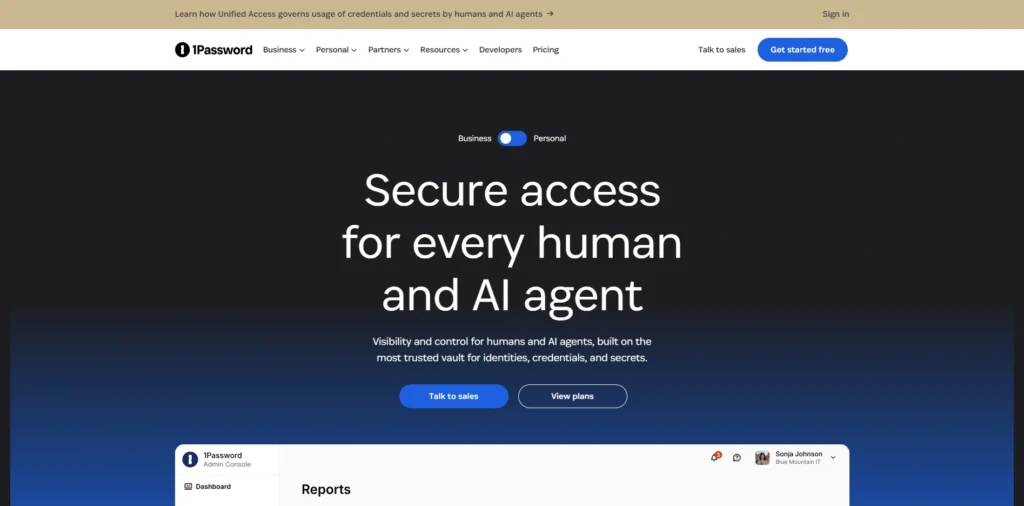
The 2026 password manager that is the most refined is 1Password. It includes an feature (Watchtower) that verifies weak or stolen passwords, and Travel Mode, a feature that conceals sensitive vaults when crossing borders. The Secret Key (128-bit) is an addition to your master password: an extra layer of protection is added to your master password.
Key Features
- Secure password sharing for families and teams
- Separate private and shared vaults
- AES-256 encryption and zero-knowledge security
- Two-factor authentication (2FA) support
- Admin controls and activity monitoring for businesses
Pros
- Sharing experience-best family.
- In almost 20 years, has neither been broken nor breached.
- Superb designing in all platforms.
Cons
- None of the free plan available.
- Only a bit higher than competitors.
- A sales call is necessary in business plan.
Pricing:
- It begins with a price of 2.99/month.
3. Bitwarden Would Be The Best Free and Open-Source.
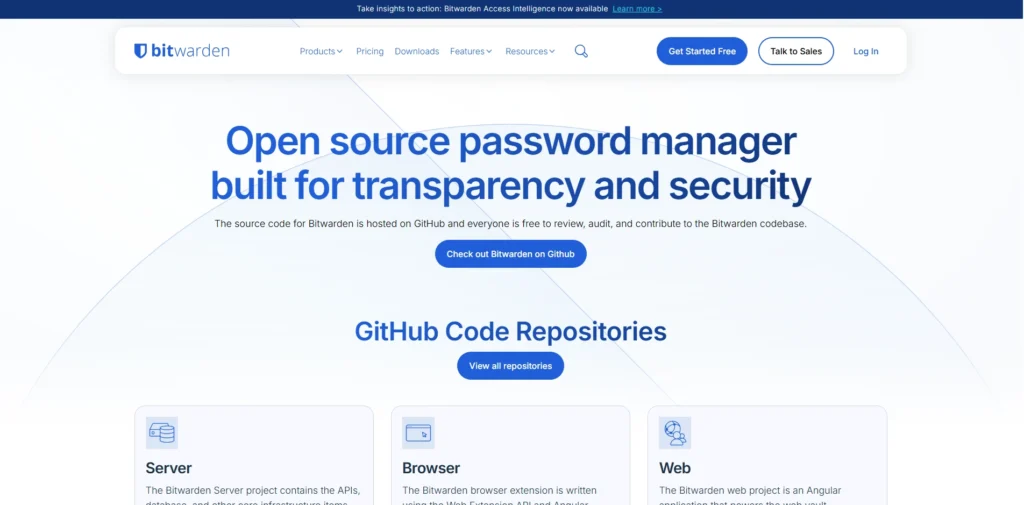
Bitwarden offers the best free plan in the marketplace, where passwords are unlimited over an unlimited number of devices. It is entirely open-source, and is regularly audited and even lets you simply host the service on your own server. To the greater majority of us, free tier really is all you are ever going to need in order to ensure that you are safe.
Key Features
- Free unlimited password storage
- Open-source and regularly audited security
- End-to-end AES-256 encryption
- Password generator for strong unique passwords
- Autofill support across browsers and mobile apps
Pros
- The majority of excellent free trial.
- Transparent and audited
- Extremely low price of premier.
Cons
- Less sophisticated interface in comparison with competitors.
- Autofill must not necessarily be smooth.
- Only email based customer support.
Pricing:
- It has a starting price of $1.65/month.
4. Proton Pass -Privacy is Best
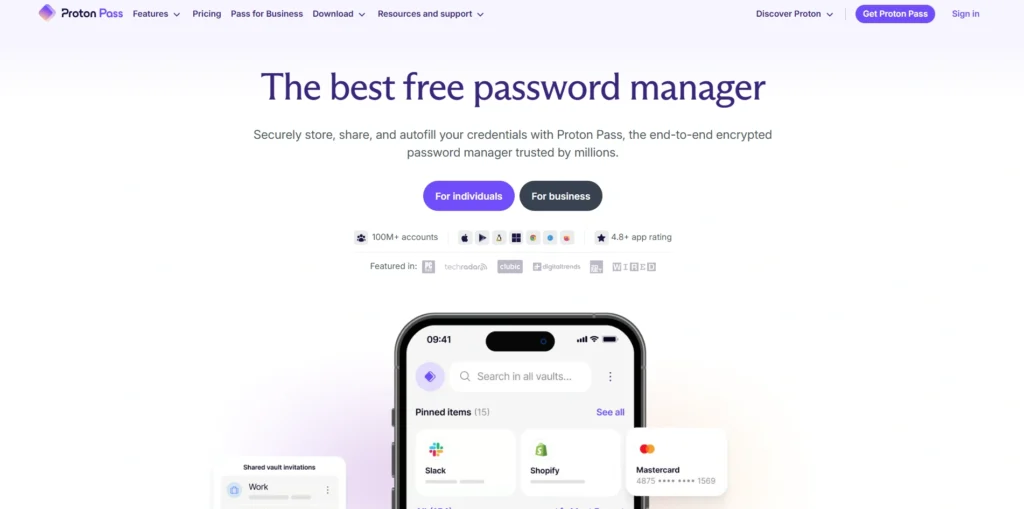
Proton Pass is the creation of the same makers of ProtonMail, and is located in Switzerland, which has stringent privacy regulations. It is open source, is end to end encrypted and design is built with privacy as the highest priority. Well-rounded options in features such as built-in hide-my-email aliases and Proton Sentinel anti-phishing defense make it a good choice among privacy conscious users.
Key Features:
- End-to-end encrypted password storage
- Zero-knowledge security architecture
- Built-in email alias protection
- Strong password generator
- Autofill support across devices and browsers
Pros
- Top privacy credentials
- Generous free plan
- Companies with Proton ecosystem.
Cons
- Newer than rivals
- Fewer advanced features
- Best value as long as other Proton apps.
Pricing:
- Comes at a price of 1.99/month.
5. RoboForm – Best in Budget category.
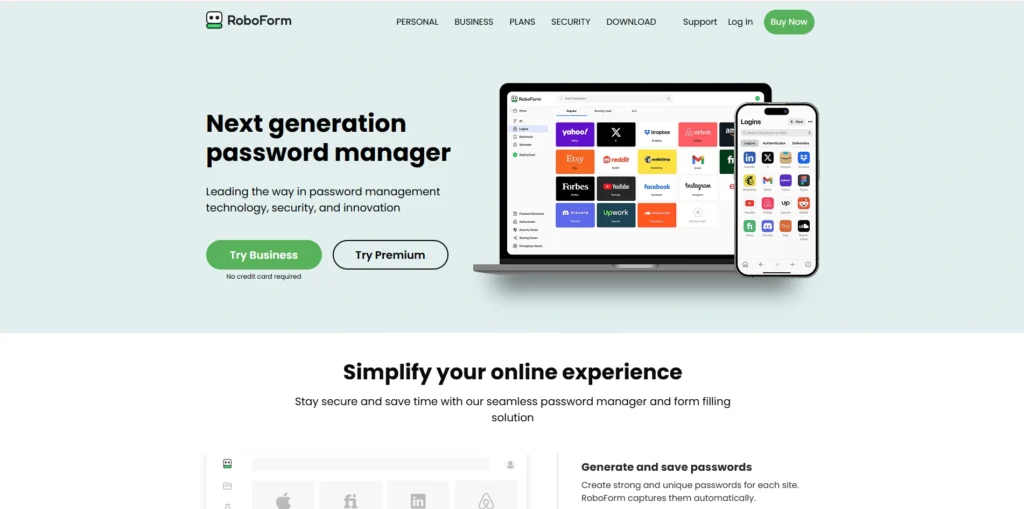
RoboForm is more than 20 years old and is yet to be hacked. It is the least expensive premium vehicle up this list and is known to have exceptionally correct form-filling on multi-complicated websites. this was updated with redesigned mobile application and autofill on Android, via the Accessibility services.
Key Features
- AES-256 bit encryption for secure password protection
- One-click password autofill and auto-login
- Strong password generator for creating secure passwords
- Secure cloud backup and multi-device synchronization
- Cross-platform support for Windows, macOS, Android, iOS, and browsers
Pros
- Maximum minimum price of premium with this list.
- Excellent form-filling accuracy
- Has never been violated in 20 (or more) years.
Cons
- Outdated interface in locations.
- Free version, but can only be used on a single device.
- Based on similarities come naturally.
Pricing:
- It is based on $0.99/month.
6. Dashlane – Best All-in-One
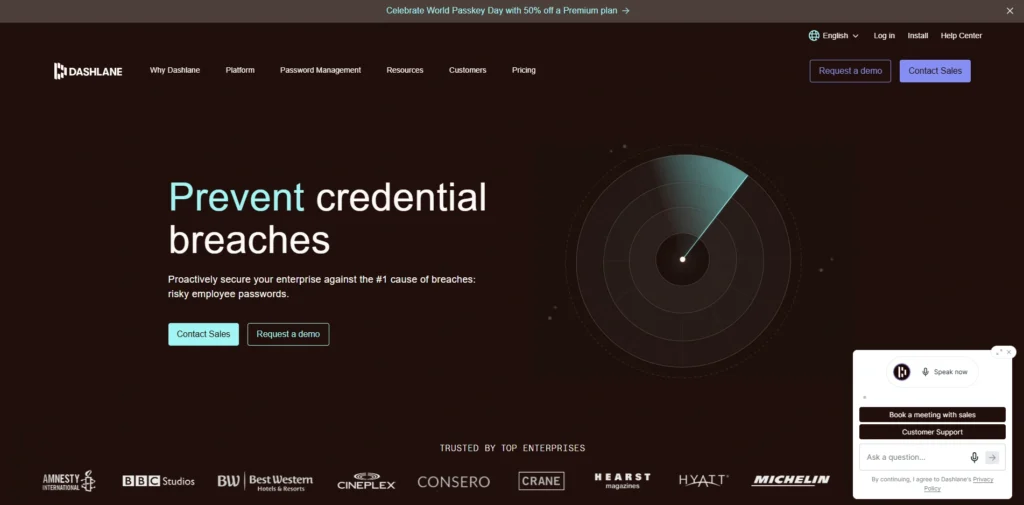
Dashlane is providing you with password management and in-built VPN, dark web monitoring and phishing protection using AI. New in 2026: to the Omnix tier can be added real-time URL scanning, which blocks phishing sites as you mouse, preventing you from ever clicking. Its family plan is 10 users which is the highest in this category.
Key Features
- AES-256 encrypted password vault
- Automatic password capture and autofill
- Built-in VPN for private browsing
- Dark web monitoring and breach alerts
- Password health checker and weak password detection
Pros
- Has a VPN without any additional charge.
- 10 users are covered with family plan.
- Never breached
Cons
- None of the complete feature free plan.
- Next most expensive in this list.
- Intrinsic VPN is rudimentary.
Pricing:
- The prices begin with $4.99/month.
Suggested Read :
7. Keeper Security -Business Friendly.
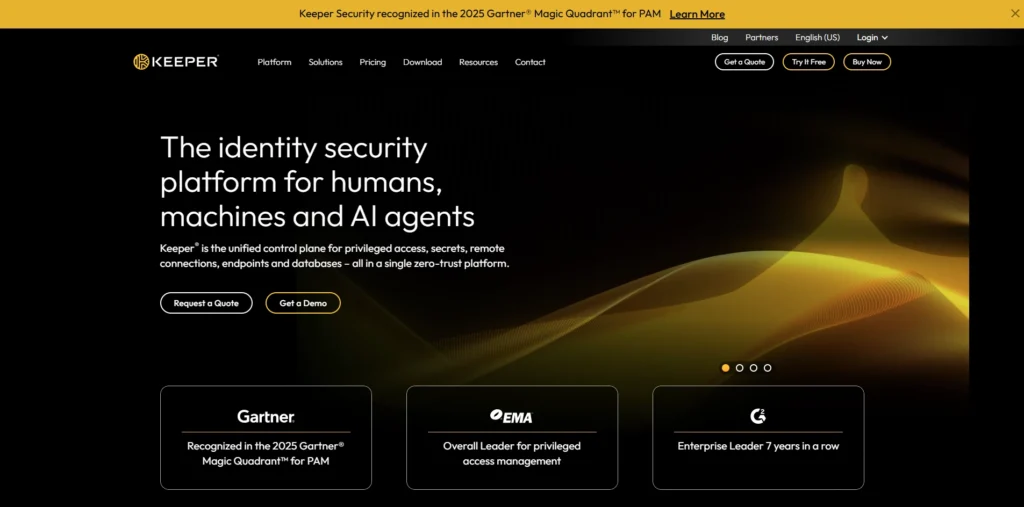
Keeper is designed to suit those businesses in which high levels of compliance are imperative. It is SSO, SCIM-compliant and HIPAA, FedRAMP- and SOC 2-compliant. KeeperChat encrypted messaging and BreachWatch monitoring the dark web make it the favorite in regulated industries, such as finances, healthcare and the legal domain.
Key Features
- Zero-knowledge encryption for maximum data protection
- Secure password vault for teams and employees
- Role-based access and permission management
- Secure password and file sharing
- Multi-factor authentication (MFA) support
Pros
- Enterprise-grade security
- Never breached
- The best where the industries are regulated.
Cons
- Additional features, such as BreachWatch, are more expensive.
- Unfriendly to users of lesser abilities.
- Free plan extremely restricted.
Pricing:
- It begins with the price of 1.67/month.
8. LastPass -Simple to Use yet History Problems.
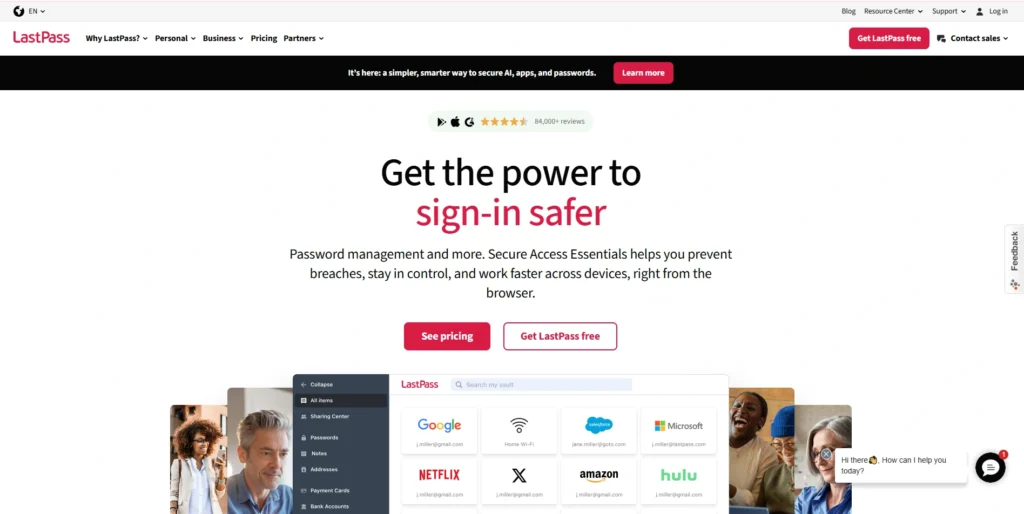
LastPass is a popular password manager known for its simple interface, password autofill, and easy cross-device access. It helps users store and manage passwords securely without remembering multiple logins. However, LastPass has faced several security incidents and data breach concerns in recent years, which affected user trust. Despite its convenience and strong features, many users now compare it with alternatives that offer better transparency, privacy, and long-term security reputation.
Key Features:
- Secure password sharing
- Password autofill and auto-save
- Secure password vault
- Cross-platform syncing
- Password generator
- Multi-factor authentication support
Pros
- Simple and beginner-friendly
- Powerful sharing within a group.
- Wide platform support
Cons
- The 2022 breach undermined the trust of the users.
- Free account with a single type of device.
- Delay in the response in the previous breach.
Price:
- Begins with $3 /month.
9. Zoho Vault -Most suitable among Zoho users.
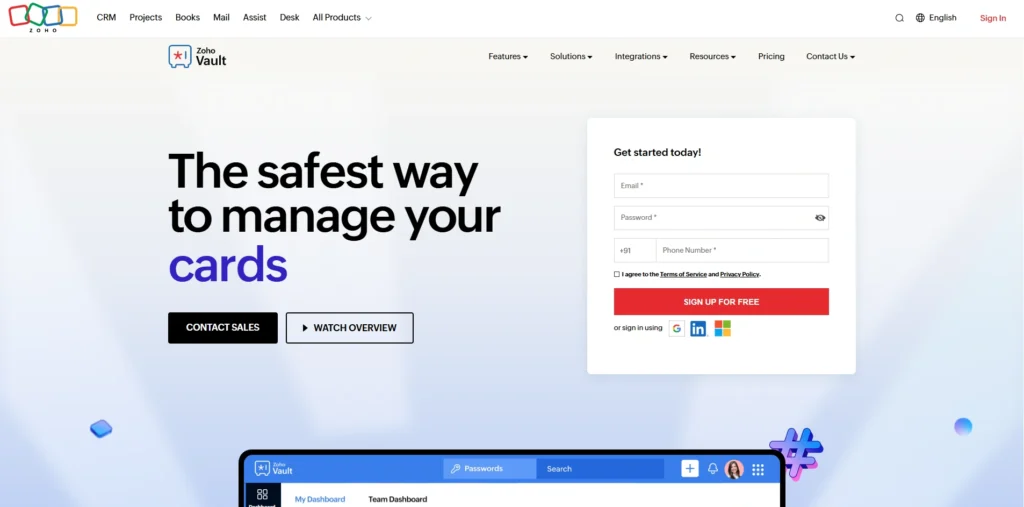
Zoho Vault belongs to the productivity lineup of Zoho, and is designed to be used by businesses that already use the other Zoho apps. It helps to support role based access, audit trail, and even provides integrations with the Active Directory and LDAP. Its security control policies are customizable and the amount of passwords is unlimited, which makes it a good fit that structured teams may have.
Key Features
- Multi-factor authentication (MFA)
- Secure encrypted password vault
- Password sharing with team access controls
- Role-based user permissions
- Browser extension with autofill support
Pros
- Extremely cost-effective to businesses.
- Powerful reporting and auditing facilities.
- Fit itself with Zoho apps.
Cons
- Not as well polished as best choices.
- Weaker to be of personal use.
- Setup feels enterprise-focused
Pricing
- It begins at $1/user/month.
10. Norton Password Manager -The perfect free bundle
Norton Password Manager is included with a Norton 360 antivirus plan, which users can easily afford in addition to their antivirus plans. It includes unlimited storage of passwords, automatic password change (on the selected websites) and breach alerts as part of wider security ecosystem offered by Norton.
Key Features
- Cross-platform support for Windows, macOS, Android, and iOS
- Free password manager with unlimited password storage
- Secure encrypted password vault
- Strong password generator for better account security
- Autofill login credentials and payment details instantly
Pros
- Free with Norton 360
- No problem with easy set up of beginners.
- Decent breach alerts
Cons
- None of the features of sharing the password.
- Less functionality compared to full-fledged applications.
- associated with Norton ecosphere.
Pricing:
- Begins at the standalone prices of $4.99/month.
11. Sticky Password -Sticky Password -Best Local storage.
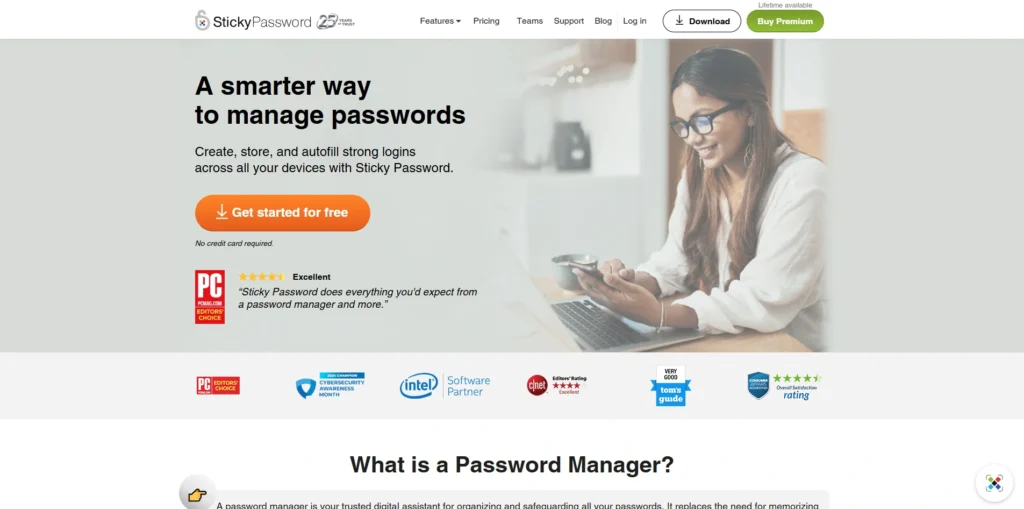
Sticky Password offers a prevalence between cloud synchronising and local exclusively saving on your own Wi-Fi, which is uncommon amongst password managers. It is also available in the form of a life time license with a one time payment, which will help in saving money in the long run. Biometric authentication and a portables USB type also provide convenient security flexibility on the part of users that demand high levels of security.
Key Features
- Local device password storage option
- Secure Wi-Fi sync without cloud dependency
- AES-256 encryption for strong security
- Password generator for creating complex passwords
- Autofill for websites and apps
Pros
- Lifetime license will be cost effective in the long run.
- Privacy option of a local sync.
- Biometric login support
Cons
- Dated visual design
- Limited extra features
- Smaller user community
Pricing:
- It will be priced at the beginning of $39.99/year.
12. LogMeOnce -The most innovative options to log in.
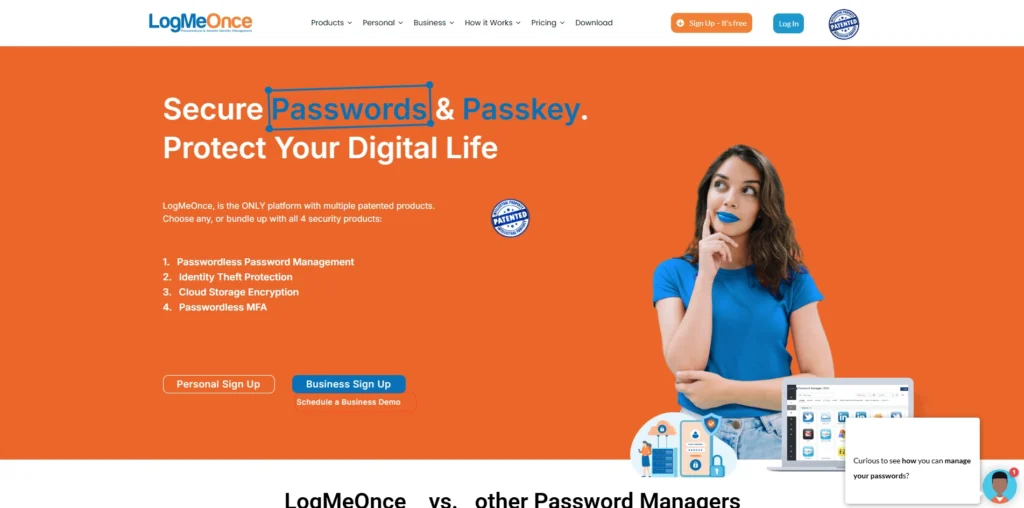
Photo login and anti-theft capabilities, as well as numerous other ways to log your password-free account without using a password, make LogMeOnce unique. It not only supports various MFA techniques such as biometrics and passwordless access, but also allows one to select between multiple libraries (Kim et al, 2003). The free version is also unusually generous and it will be a good choice among security enthusiasts, who want to test new ways of establishing their logins.
Key Features
- Passwordless login options for faster and safer access
- Biometric authentication with fingerprint and facial recognition
- Secure encrypted password vault for storing credentials
- Multi-factor authentication (MFA) for added account security
- Dark web monitoring and identity theft protection
Pros
- Numerous innovative procedures to log in.
- Strong free plan
- Passwordless login support
Cons
- Cluttered interface
- May be daunting to first time users.
- Not as polished as competitors of the highest level.
Pricing:
- It begins with the price range of 2.50/month.
13. Securden, -Most suitable Compliance.
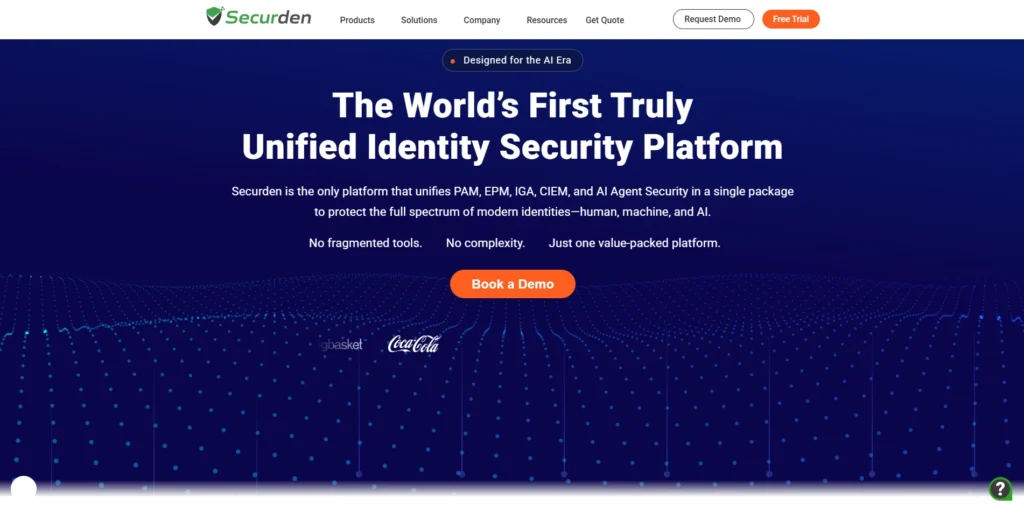
Securden is designed to enterprises requiring to fulfill strict regulations in finance, health care or government. It can be deployed self-hosted, it can automatically rotate passwords, recording sessions, and comprehensive audit trails. Its role-based access controls featuring granular permissions and features biased toward compliance make it a best bet in the regulated industry.
Key Features
- Secure password vault with AES-256 encryption
- Role-based access control (RBAC)
- Detailed audit logs and compliance reporting
- Privileged session monitoring and recording
- Password rotation and policy enforcement
Pros
- Top-tier compliance features
- Full control option by self-hosting.
- Strong access controls
Cons
- Too complicated to be used by individuals.
- Custom pricing only
- Steeper learning curve
Pricing:
- Best custom pricing according to the requirements.
14. Passwork. pro – Best Self Hosted Team.
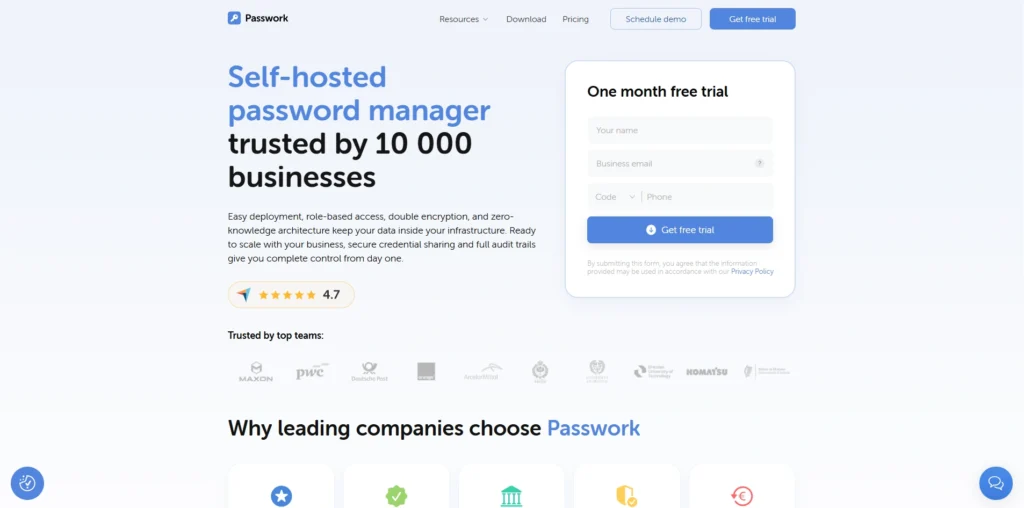
Lessons Passwork.pro was created to help teams that would like to have the password manager on their own server. It allows SSO and LDAP integration, shared folders (encrypted), and dashboards with real-time activities. Granular permissions and audit logs are one way that businesses maintain an unwavering control over access to sensitive credentials.
Key Features
- Self-hosted password management for full data control
- AES-256 encryption for advanced security
- Secure password sharing between teams and departments
- Role-based access permissions and user management
- Activity logs and audit trails for monitoring access
Pros
- Stores information at your individual server.
- Strong team controls
- Encrypted shared folders
Cons
- Requires technical setup
- No free option
- Not viable to personal use.
Pricing:
- Begins with a cost of $480/year and 10 users.
15. Apple Passwords- Apple users would find this the best password.
Apple Passwords (previously iCloud Keychain) is an in-built feature of all Apple products, and is now a full standalone application on iOs, iPadOS and MacOS. It is no cost using any Apple ID, and functions well within Safari along with utilizing Apple devices. It is quickly and reliably stored in Native passkeys and can be synced with iCloud.
Key Features:
- Seamless integration with iPhone, iPad, Mac, and Safari
- Secure password storage with end-to-end encryption
- Automatic password generation for stronger security
- Autofill support for apps and websites
- iCloud sync across all Apple devices
Pros
- Free, when using any Apple ID.
- Quick and dependable that operates on Apple products.
- No installations required, built-in.
Cons
- Poor support with other browsers.
- None of the Android or Linux applications.
- No sharing passwords with other users (non-Apple).
Pricing:
- Free with an Apple ID.
Best Password Manager by Use Case
1. Best Free Password Manager
Bitwarden
Bitwarden is one of the best free password managers because it offers unlimited password storage, multi-device sync, and strong AES-256 encryption without charging users. It is open-source, which means its code is publicly audited for transparency and security. The free version also includes password generation, secure notes, and browser extensions, making it ideal for personal users who want strong security at no cost.
NordPass Free
NordPass Free provides a simple and beginner-friendly interface with strong XChaCha20 encryption technology. It allows users to store passwords, passkeys, credit card details, and notes securely. Although the free version supports one active device session at a time, it still offers excellent security features and an easy setup process for users looking for a lightweight password management solution.
2. Best Password Manager for Businesses & Teams
1Password Business
1Password Business is widely used by companies because of its advanced team management and secure password-sharing features. It includes admin controls, activity logs, role-based permissions, and secure vaults for teams. Businesses also benefit from integrations with productivity tools like Slack, Okta, and Microsoft Entra ID, making it easier to manage employee credentials securely.
Dashlane Business
Dashlane Business combines password management with built-in VPN protection and dark web monitoring. It allows organizations to securely store and share passwords while helping employees maintain strong password hygiene. The admin dashboard provides visibility into security risks, password health scores, and employee usage, making it a strong choice for medium and large businesses.
3. Best Password Manager iphone / ios.
1Password
1Password works exceptionally well on iPhone and iPad devices because of its smooth iOS integration and clean user experience. It supports Face ID, Touch ID, and autofill features, allowing users to log into apps and websites quickly and securely. Its Travel Mode and Watchtower security alerts also improve overall account protection for Apple users.
Apple Passwords (iCloud Keychain)
Apple Passwords, previously known as iCloud Keychain, is built directly into the Apple ecosystem and offers seamless syncing across iPhone, iPad, and Mac devices. It automatically saves and autofills passwords, generates strong credentials, and supports passkeys for passwordless login. Since it is integrated into iOS, it provides a highly convenient solution for Apple users without requiring third-party software.
4. Best Password Manager for Android
Bitwarden
Bitwarden is highly popular among Android users because it offers strong security, open-source transparency, and affordable premium plans. The Android app supports biometric login, autofill services, and secure syncing across multiple devices. Its lightweight interface and reliable performance make it a practical choice for both beginners and advanced users.
Keeper
Keeper provides advanced mobile security features for Android users, including encrypted password storage, dark web monitoring, and secure file storage. It supports fingerprint authentication and integrates smoothly with Android autofill services. Keeper is especially useful for users who want enterprise-grade security features on their smartphones.
Best Password Manager for Privacy
Proton Pass
Proton Pass is designed for privacy-focused users and is developed by the same company behind Proton Mail. It uses end-to-end encryption and follows a strict zero-knowledge architecture to ensure only the user can access stored data. Proton Pass also supports email alias generation, helping users protect their identity and reduce spam exposure online.
Bitwarden
Bitwarden stands out for privacy because it is fully open-source and regularly audited by independent security experts. Users can even self-host their password vaults for complete control over their data. Its transparent privacy policies and strong encryption standards make it one of the most trusted password managers for privacy-conscious individuals.
Password Manager Security Explained – What to Look For
1. End-to-End Encryption & Zero-Knowledge Architecture
AES-256 Encryption
Most trusted password managers use AES-256 encryption, which is considered military-grade security. This encryption standard protects stored passwords from hackers and unauthorized access, ensuring sensitive information remains secure even if servers are compromised.
Zero-Knowledge Security Model
A zero-knowledge architecture means the password manager company cannot view or access your stored passwords. Only the user holds the master password and encryption keys, which significantly improves privacy and reduces the risk of internal data exposure.
2. Multi-Factor Authentication (MFA) Support
Authenticator App Support
Good password managers support MFA apps like Google Authenticator, Authy, or Microsoft Authenticator. This adds an extra layer of security by requiring a time-based verification code in addition to the master password during login.
Biometric Login Options
Many password managers now support biometric authentication such as fingerprint scanning and facial recognition. These features improve convenience while maintaining strong account protection on mobile devices and laptops.
3. Cross-Platform Compatibility & Sync
Multi-Device Syncing
A reliable password manager should sync passwords across smartphones, tablets, desktops, and browsers automatically. This allows users to securely access their credentials from anywhere without manually transferring passwords.
Browser Extension Support
Browser extensions help users autofill passwords quickly and securely while browsing websites. Popular password managers support Chrome, Edge, Firefox, Safari, and Brave for seamless login experiences.
4. Password Health & Security Monitoring
Dark Web Monitoring
Some password managers continuously scan dark web databases to check if your credentials have been leaked in data breaches. Users receive alerts immediately so they can change compromised passwords quickly.
Weak Password Detection
Password health tools analyze stored credentials and identify weak, reused, or outdated passwords. This helps users improve their overall cybersecurity posture and reduce hacking risks.
5. Secure Password Sharing & Emergency Access
Encrypted Password Sharing
Many password managers allow users to share passwords securely with family members or coworkers using encrypted channels. This is safer than sending passwords through email or messaging apps.
Emergency Account Recovery Access
Emergency access features let trusted contacts access your password vault in critical situations such as accidents or account lockouts. This ensures important credentials remain accessible when needed.
Tips to Manage Your Passwords Safely
- Enable 2FA: 2FA should be enabled in your password manager.
- Select a good master password: Use a long unique user-id which is the password and should never be used in any other application or system.
- Go through saved passwords: delete accounts that are not used and change weak passwords.
- Do not use phishing links: Never follow suspicious links. Directly open your password manager.
- Only allow connection to trusted devices: Do not scan your vault on rental computers.
Are Password Managers Safe? Common Concerns Answered
Yes, password managers are quite secure. They adopt the power of encryption along with the architecture of zero knowledge. And even when their servers are hacked, the attacker can only access Data that is scrambled and inaccessible to the attacker. Your master password poses the highest risk and this is why a strong master password and 2FA are so crucial.
Conclusion
The best password managers depends on your needs and budget. NordPass is the best overall choice for most users because it offers strong security, modern features, and an easy-to-use interface. Bitwarden is ideal for users looking for the best free and open-source password manager, while Proton Pass is a strong option for privacy-focused users. Families and teams may prefer 1Password for its secure sharing and collaboration features, whereas businesses can choose Keeper for advanced compliance and enterprise security tools.
No matter which tool you choose, using a password manager is one of the easiest ways to improve your online security, protect sensitive accounts, and avoid password-related cyber threats.