
Chromebooks are popular for their speed, simplicity, and built-in security, making them a great choice for students, professionals, and everyday users. However, while ChromeOS offers protection against many common threats, it does not hide your online activity or secure your internet connection from tracking, monitoring, or public Wi-Fi risks. This is where a VPN for Chromebook becomes useful.
A reliable VPN encrypts your internet traffic, protects sensitive data, hides your IP address, and helps you access geo-restricted content from anywhere. In this guide, we’ll compare the best VPNs for Chromebook in 2026, explore their key features, pricing, and performance, and help you choose the right option for your needs.
Why Chromebook Users Need a VPN (And Why It’s Different)
Chromebooks are designed with strong built-in security, automatic updates, and protection against many common malware threats. However, these security features mainly protect the device itself and do not keep your internet activity private. Your internet service provider (ISP), websites, advertisers, and even cybercriminals on public Wi-Fi networks can still monitor or intercept your online activity.
A VPN (Virtual Private Network) solves this problem by encrypting your internet connection and hiding your IP address. This helps protect sensitive information, secure your browsing sessions, and prevent third parties from tracking your online behavior. It also allows Chromebook users to access geo-restricted websites, streaming platforms, and online services that may not be available in their region.
What makes VPN usage on a Chromebook different is the way ChromeOS operates. Unlike traditional Windows or macOS devices, Chromebooks rely heavily on cloud-based services and Android applications. Most modern VPN providers offer dedicated Android apps through the Google Play Store, allowing users to secure their entire device rather than just their web browser. These apps often include advanced features such as Kill Switch protection, Split Tunneling, ad and malware blocking, and support for high-speed protocols like WireGuard.
As a result, choosing a VPN for Chromebook is not just about privacy. It is also about finding a provider that offers a well-optimized Android app, seamless ChromeOS compatibility, and reliable performance for browsing, streaming, remote work, and everyday online activities.
The 3 Ways to Use a VPN on Chromebook
Chromebook users can set up a VPN in three different ways. While all methods help improve privacy and security, they do not offer the same level of protection and features.
1. Using a VPN Android App
This is the easiest and most effective way to use a VPN on a Chromebook. Most leading VPN providers offer Android apps that can be downloaded directly from the Google Play Store. Once installed, the VPN protects all internet traffic on the device, including browser activity, Android apps, and other online services.
Best for: Complete security, streaming, gaming, and everyday use.
2. Using a Chrome Browser Extension
Many VPN providers also offer Chrome extensions. These extensions are quick to install and work directly inside the Chrome browser. However, they usually protect only browser traffic and do not secure other apps or services running on the Chromebook.
Best for: Basic browsing privacy and quick access to blocked websites.
3. Manual VPN Configuration
ChromeOS allows users to manually configure a VPN connection using protocols such as OpenVPN or L2TP/IPsec. This method requires entering server details and login credentials provided by the VPN service. While it can be useful in certain situations, the setup process is more complicated and lacks many advanced features found in dedicated VPN apps.
Best for: Advanced users who need custom network configurations.
Which Option Should You Choose?
For most Chromebook users, a dedicated Android VPN app is the best choice. It provides full-device protection, stronger security features, easier setup, and a better overall experience compared to browser extensions or manual configurations.
Quick Comparison Table — Best VPNs for Chromebook 2026
| VPN Name | Price | Protocol | Connections | No-Logs | Best For | Our Rating |
| NordVPN | $2.99/month | NordLynx | 10 | Yes | Overall Chromebook Protection | 4.9/5 |
| ExpressVPN | $6.67/month | Lightway | 8 | Yes | Speed & Ease of Use | 4.8/5 |
| Surfshark | $2.19/month | WireGuard | Unlimited | Yes | Best Value | 4.8/5 |
| Proton VPN | $4.49/month | WireGuard | 10 | Yes | Privacy-Focused Users | 4.7/5 |
| Private Internet Access (PIA) | $2.03/month | WireGuard | Unlimited | Yes | Advanced Customization | 4.7/5 |
| CyberGhost | $2.19/month | WireGuard | 7 | Yes | Streaming & Media Access | 4.6/5 |
| IPVanish | $3.33/month | WireGuard | Unlimited | Yes | Multiple Device Protection | 4.5/5 |
| VyprVPN | $5.00/month | Chameleon | 10 | Yes | Bypassing Restrictions | 4.5/5 |
| PrivateVPN | $2.00/month | OpenVPN | 10 | No | Budget Streaming | 4.4/5 |
| Mullvad VPN | $5.00/month | WireGuard | 5 | Yes | Maximum Anonymity | 4.6/5 |
| Hide.me | $2.69/month | WireGuard | 10 | Yes | Free Plan & Security | 4.4/5 |
| Windscribe | $5.75/month | WireGuard | Unlimited | No | Ad Blocking & Customization | 4.4/5 |
| IVPN | $6.00/month | WireGuard | 5 | Yes | Privacy Experts | 4.5/5 |
| PureVPN | $1.96/month | WireGuard | 10 | Yes | Cheapest Long-Term Plan | 4.3/5 |
| The Privnet | Contact Sales | N/A | N/A | N/A | Privacy Tool Research | 4.0/5 |
List of Top 15 VPN for Chromebook Platforms
Those listed below are chosen based on their excellence in terms of Android app optimization, excellent security characteristics, and performance on ChromeOS.
1. The Privnet
- Website: http://theprivnet.com/
- Pricing: Contact sales
The Privnet is concerned with ensuring safer digital experiences through research-based privacy and security tools recommendations. The site regularly says online lists of software (like ad blockers, VPNs, and cybersecurity apps), which can better protect the user when browsing the web.
Its text is focused on practical advice, which allows the reader to compare functions, cost, and performance prior to selecting a solution. The platform also talks about the usual digital perils, such as tracking technology and misuse of data.
The Privnet allows people to make well-informed choices on the tools that may enhance online security and safeguard sensitive personal data by providing simplified explanations and organised comparisons.
Key Features:
- Curated lists of privacy-focused applications
- Detailed reviews of online security tools
- Information about ad blockers and VPN software
- Educational content on safe internet usage
- Simple explanations of complex technology topics
Pros:
- Easy-to-navigate website structure
- Useful for people interested in online privacy
- Covers trending cybersecurity tools
- Informative comparison guides
- Accessible for general internet users
Cons:
- Limited focus on corporate cybersecurity solutions
- May not include every available tool
- Some guides may require updates over time
2. ExpressVPN
- Website: https://www.expressvpn.com/
- Prices: $6.67/month
ExpressVPN is the best VPN for Chromebooks when it comes to simplicity and safety. Its official Android application is simplistic, user-friendly, and has lightning-fast speeds powered by the proprietary Lightway protocol. ExpressVPN has TrustedServer Technology (RAM-only servers) and has a strictly audited no-logs policy, providing privacy on the highest level. It is the best in smooth streaming and unblocking programs in its network of 105 countries. The Android client is also equipped with solid Split Tunneling and a Kill Switch.
Key Features:
- Proprietary Lightway Protocol
- TrustedServer Technology (only RAM)
- Servers in 105 countries
- Audited No-logs Policy
- Kill Switch (Network Lock)
- Split Tunneling
Pros:
- Easiest to use app
- Very high and constant performance
- Very reliable spillage breakthrough
- Great customer care 24/7
Cons:
- The most expensive offer compared with the major competitors
- Limited number of simultaneous connections
3. Surfshark
- Website: https://surfshark.com/
- Price: $2.19 /month
Surfshark happens to be the most affordable among budget-friendly devices, which provides premium features at a premium cost. It has user-friendly Android software that is smooth and offers a smooth interface to the high-performing WireGuard. The advantage that Surfshark has that sets it apart is its ability to support an unlimited number of simultaneous connections, which is ideal when it comes to protecting several Chromebooks and devices in a household. Such features as CleanWeb (ad/malware blocker) and NoBorders Mode (obfuscation) work completely on ChromeOS.
Key Features:
- Infinite concurrent connections
- WireGuard Protocol
- CleanWeb (ad/malware blocker)
- MultiHop feature (Double VPN)
- RAM-only servers
Pros:
- Unbeatable price and value
- Unlimited device connections
- Able to stream well
- Modern and easy-to-use app design
Cons:
- Speeds to very remote servers can be inconsistent
- Real app-based split tunneling is difficult on ChromeOS
4. Proton VPN
- Website: https://protonvpn.com/
- Price: $4.49/ month
Proton VPN is the best VPN for Chromebook for users who prioritize privacy above all. The Android application is fully open-source and highly transparent. Based in Switzerland, it offers advanced features such as Secure Core (multi-hop routing through highly secure servers) and a special Stealth protocol for deep obfuscation. Proton VPN delivers high speeds using the WireGuard protocol and stands out among Free VPN Services with a rare feature—an actual unlimited free version with full data capacity—making it the best alternative for long-term protection without cost.
Key Features:
- Secure Core (Multi-Hop)
- Stealth Protocol
- Audited Open-Source Android Application
- WireGuard Protocol
- NetShield (ad/malware blocker)
- Unlimited Data Free Plan
Pros:
- Leading in class security
- Strong jurisdiction and open-source transparency
- Verified independent audits
- Excellent free tier with no data caps
- High privacy orientation
Cons:
- More expensive than other competitors
- Less effective at unlocking niche streaming services
5. Private Internet Access (PIA)
- Website: https://www.privateinternetaccess.com/
- Pricing: $2.03/month
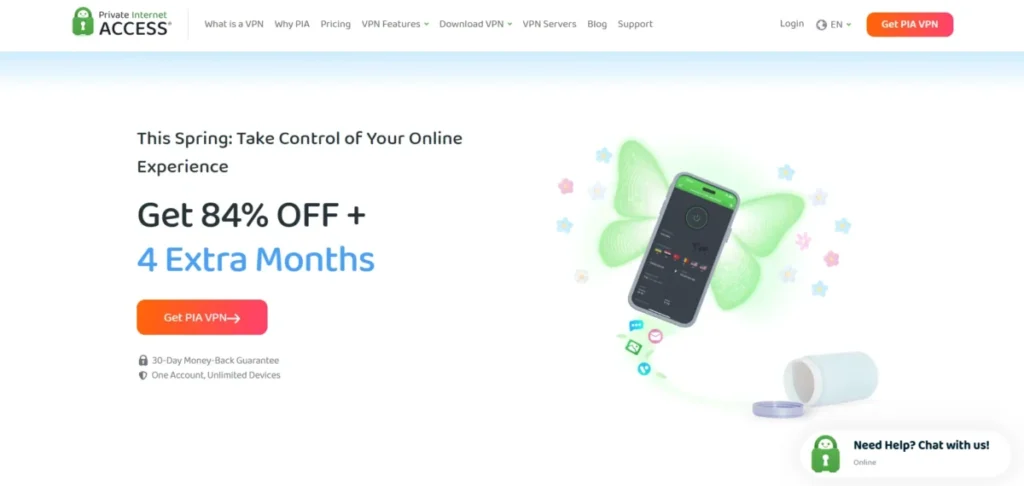
PIA is the Chromebook VPN that power users and customization lovers require with their needs being control and transparency. Android applications are very easy to customize and users can customize anything, such as encryption levels to connection ports. PIA encourages the speedy WireGuard protocol and, most importantly, has a verified no-logs policy established by a court, which provides quantifiable confidence to the user. PIA also provides unlimited connections concurrently and has one of the biggest server networks, which makes it an awesome, inexpensive alternative to achieving fast and secure heavy traffic.
Key Features:
- Unlimited simultaneous connections
- Extremely versatile settings
- WireGuard Protocol
- MACE (ad/malware blocker)
- No-logs policy (verified in court)
- Open App Store
Pros:
- Incredibly low long-term prices
- Excellent P2P support
- Highly customizable Android applications
- Proven and verifiable privacy history
Cons:
- Android app interface can be confusing due to numerous options
- Speed is not always as fast as NordVPN
6. CyberGhost

- Website: https://www.cyberghostvpn.com/
- Price: $2.19/month
CyberGhost is hailed as having an easy-to-use Android app that is made with a focus on media consumption. It has the biggest network in the industry, has more than 11000 servers, with distinctly identified specialized servers of streaming and torrenting. The Android client is easy to view and offers smooth access to the high-speed WireGuard protocol. CyberGhost is situated in privacy-friendly Romania and has the best option of a 45-day money-back guarantee and would be ideal to Chromebook users whose first priority is a simple, reliable, and vast media consumption.
Key Features:
- 11,000+ Servers
- 100 Countries
- P2P Specialization and Streaming Servers
- WireGuard Protocol
- Strict No-Logs Policy
- Easy-to-Use Android App
- 45-Day Refund Policy
- VPN services for Chrome and other browsers
Pros:
- Largest number of servers available
- Excellent streaming performance via dedicated servers
- Long refund policy period
- Highly user-friendly app design
Cons:
- Not the best option for bypassing deep censorship
- Bandwidth may be inconsistent on non-optimized distant servers
7. IPVanish
- Website: https://www.ipvanish.com/
- Price: $3.33/month
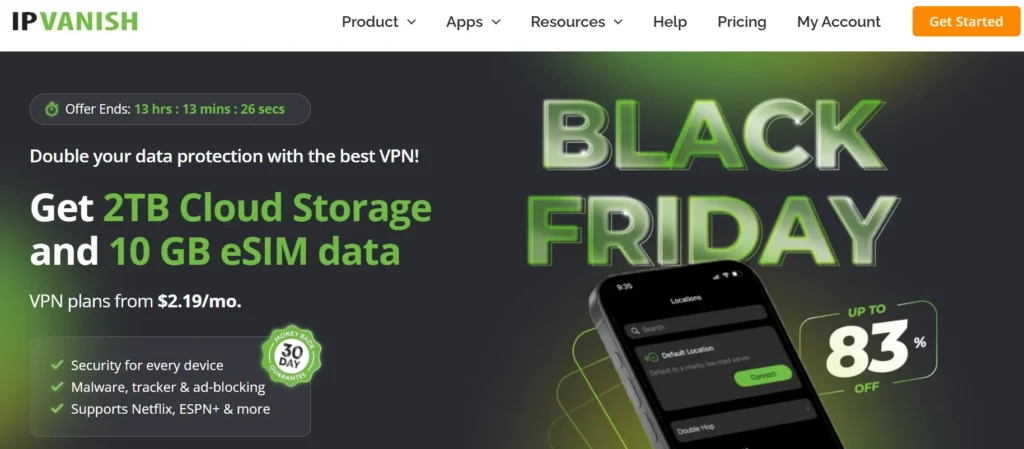
IPVanish is a powerful VPN for Chromebook users, focusing heavily on speed and network control. It supports the fast WireGuard protocol and allows unlimited simultaneous connections. Unlike most services, IPVanish owns and operates its entire server network, giving it tight control over performance and security. The Android application is efficient and adheres to a strictly audited no-logs policy while offering high-performance features like traffic obfuscation. IPVanish is a reliable and trustworthy choice, especially suitable for families that need unlimited device coverage.
Key Features:
- Unlimited simultaneous connections
- Fully owned and operated server network
- WireGuard Protocol
- Audited no-logs policy
- Traffic Obfuscation
Pros:
- Unlimited device protection
- Full hardware ownership ensures strong performance control
- Robust P2P support
- Verified audited no-logs policy
Cons:
- Android app design is visually plain compared to competitors
- Based in a 5/9/14 Eyes country (US jurisdiction)
8. VyprVPN
- Website: https://www.vyprvpn.com/
- Price: $5.00/month
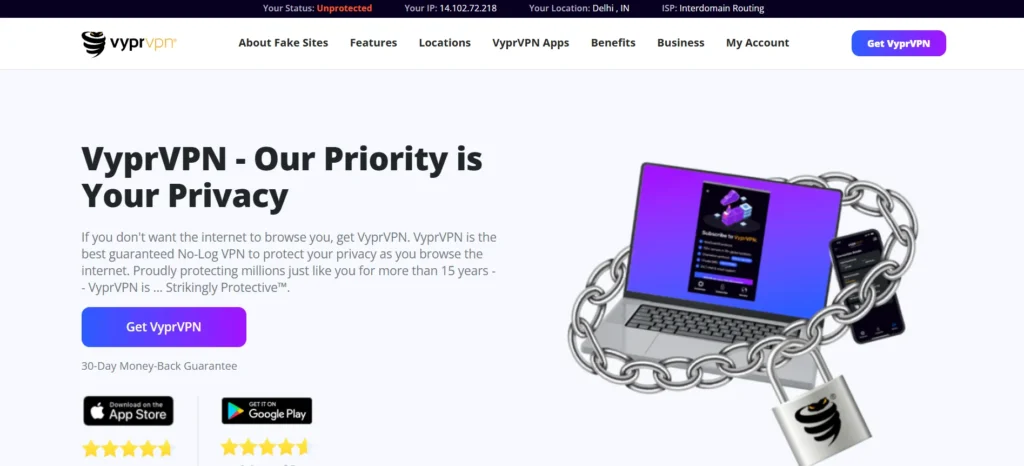
VyprVPN is the optimal option for Chromebook users who often face extremely restrictive networks, such as school systems or governmental censorship. Its standout feature is its proprietary Chameleon™ protocol, specially designed to overcome Deep Packet Inspection (DPI). VyprVPN operates its own 100% server network with an independently audited no-logs policy based in Switzerland. The Android application is robust, providing seamless access to the Chameleon protocol along with strong security features. For users seeking cross-platform protection, VyprVPN also works efficiently as a VPN for Windows, ensuring consistent privacy and network freedom across devices.
Key Features:
- Special Chameleon™ Protocol (DPI Bypass)
- Full server ownership
- Audited no-logs
- Swiss jurisdiction
- 10 concurrent connections
Pros:
- Excellent at bypassing censorship and manufacturer/ISP firewalls
- Full control of network infrastructure through ownership
- Strong privacy-friendly jurisdiction (Switzerland)
Cons:
- Fewer total servers
- More expensive per month than typical rivals
- Uses proprietary protocols instead of the standard WireGuard
9. PrivateVPN
- Website: https://privatevpn.com/
- Price: $2.00/month
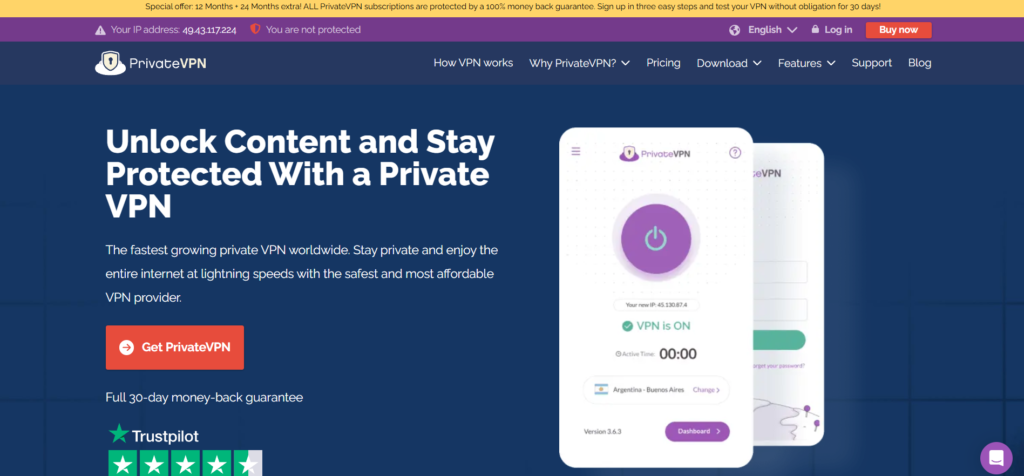
PrivateVPN is a low-priced product that delivers above its means in terms of streaming on Chromebooks. Being a smaller network, the use of PrivateVPN has proven very efficient in accessing VPN services of Netflix and BBC iPlayer, which are rapidly and consistently unblocked by the company. The Android app also has a special Stealth VPN mode of basic obfuscation and all major protocols. The frontiers of the work by PrivateVPN are very reasonable – the user needs to consume the media and access the content of the regions where the networks are blocked as the primary aim.
Key Features:
- Superior unblocking and streaming capabilities
- Stealth VPN
- Support for major protocols
- Kill Switch
- Economical long-term pricing
Pros:
- Great success in unlocking regional streaming services
- Budget-friendly
- Easy-to-use user interface
- Android app available
Cons:
- Small server network (under 200 servers)
- Less forthcoming about third-party security audits
10. Mullvad VPN
- Website: https://mullvad.net/en/
- Price: $5/month
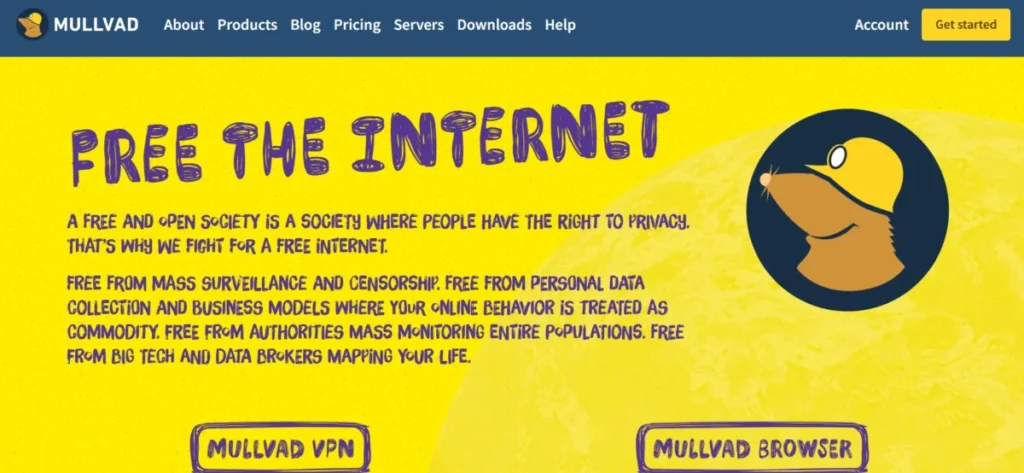
Mullvad VPN is the most privacy-focused VPN for Chromebook, emphasizing complete user anonymity. It allows users to register without an email and make payments using cash or cryptocurrency through a unique account number. Mullvad features a strong, easy-to-use Android application that supports WireGuard and operates on RAM-only servers. Its transparent pricing model and commitment to open-source software align perfectly with privacy-maximalist values. Although it may be slower for streaming, Mullvad offers unparalleled anonymity and top-tier security for Chromebook users.
Key Features:
- Anonymous signup (no email required)
- RAM-based servers
- WireGuard Protocol
- Audited no-logs policy
- Fixed monthly pricing
Pros:
- Exceptional anonymity and security
- Maximum transparency
- Strong performance with WireGuard protocol
- No need for long-term contracts
Cons:
- More expensive compared to competitors
- Fewer available features
- Not reliable for streaming or geo-unblocking
11. Hide.me
- Website: https://hide.me/en/
- Price: $2.69/month
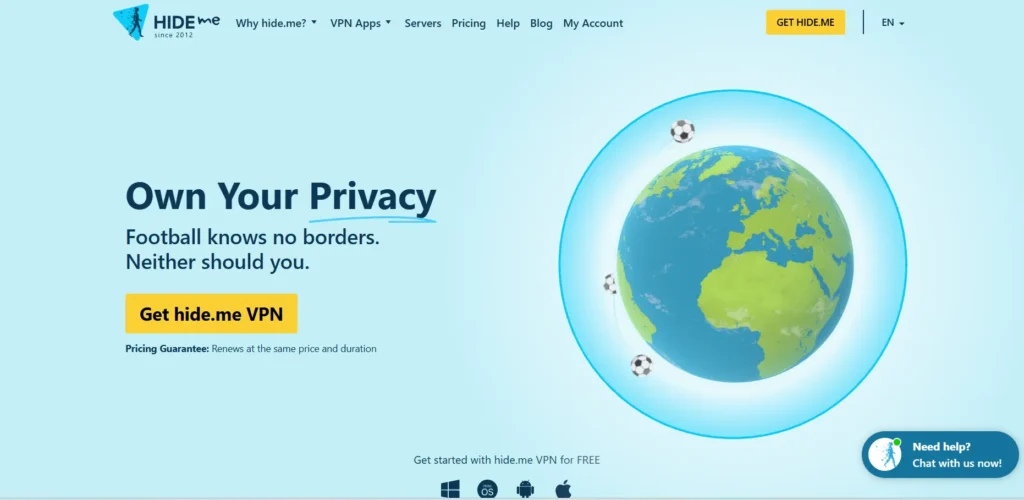
Hide.me is a strong and security-oriented VPN for Chromebook, based in Malaysia’s privacy-friendly jurisdiction. Its Android application is robust and supports the fast WireGuard protocol. Hide.me also offers a free version with a 10GB monthly limit, making it ideal for testing the service before upgrading. The premium plan includes advanced features such as enhanced stealth technology and dynamic port forwarding, perfect for torrenting and secure browsing. As an independently audited provider, Hide.me ensures a high level of transparency and trust for Chromebook users.
Key Features:
- 10GB of free data
- WireGuard Protocol
- Audited no-logs policy
- Dynamic Port Forwarding
- Strong Kill Switch
Pros:
- Audited and transparent privacy policy
- Good free version for testing
- Strong torrenting performance
- Privacy-friendly jurisdiction
Cons:
- Free tier includes data limits
- Smaller server network compared to market leaders
12. Windscribe

- Website: https://windscribe.com/
- Price: $5.75/month
Windscribe is a feature-rich VPN for Chromebook users who value customization, privacy, and built-in security tools. Its Android app includes Stealth Protocol for bypassing network restrictions and R.O.B.E.R.T., a powerful DNS-based tool that blocks ads, trackers, malware, and phishing threats before they reach your device. Windscribe also offers a generous 10GB free plan, while paid subscribers enjoy unlimited device connections. With strong privacy features, flexible settings, and reliable performance, Windscribe is an excellent choice for users who want greater control over their online experience.
Key Features:
- R.O.B.E.R.T. (Ad/Malware Blocker)
- Unlimited simultaneous connections
- Stealth Protocol (obfuscation)
- Generous 10GB free plan
Pros:
- High-quality built-in ad and malware blocking
- Generous free trial offering
- Highly customizable settings
- Effective obfuscation for bypassing restrictions
Cons:
- Relatively expensive annual paid plan
- Based in a 5/9/14 Eyes country (Canada)
13. IVPN
- Website: https://www.ivpn.net/
- Price: $6.00/month
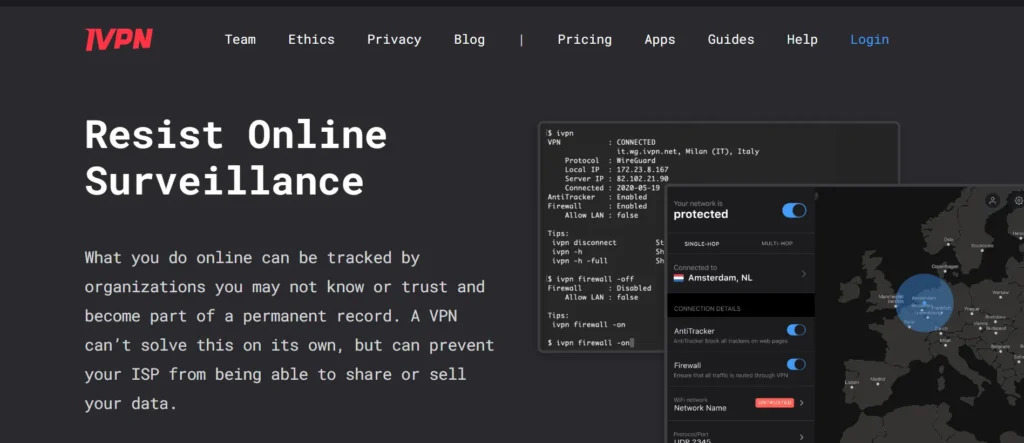
IVPN is among the most appreciated security experts due to its utmost transparency and adherence to privacy. IVPN is based in Gibraltar and has a strictly audited no-logs policy and operates its own infrastructure. Its Android app has been referred to as having the most complete Multi-hop (referred to as Anti-Tracker) and its Hardened Mode, the most secure possible settings, and active tracker usage monitoring. IVPN supports the WireGuard protocol and is targeted at users who place value on open-source verification of its protocol, absolute control over their connections, and strong protection against surveillance.
Key Features:
- Anti-Tracker (Multi-Hop)
- Hardened Mode (Maximum Security)
- Open-source apps
- Audited no-logs policy
- Open-source WireGuard Protocol
- Unique multi-user account system
Pros:
- Exceptional transparency and commitment to open-source principles
- Strong security with an effective Anti-Tracker utility
- Outstanding performance using WireGuard protocol
Cons:
- Expensive compared to competitors
- Smaller server network
- Highly minimalistic interface
14. PureVPN
- Website: https://www.purevpn.com/
- Price: $1.96/month
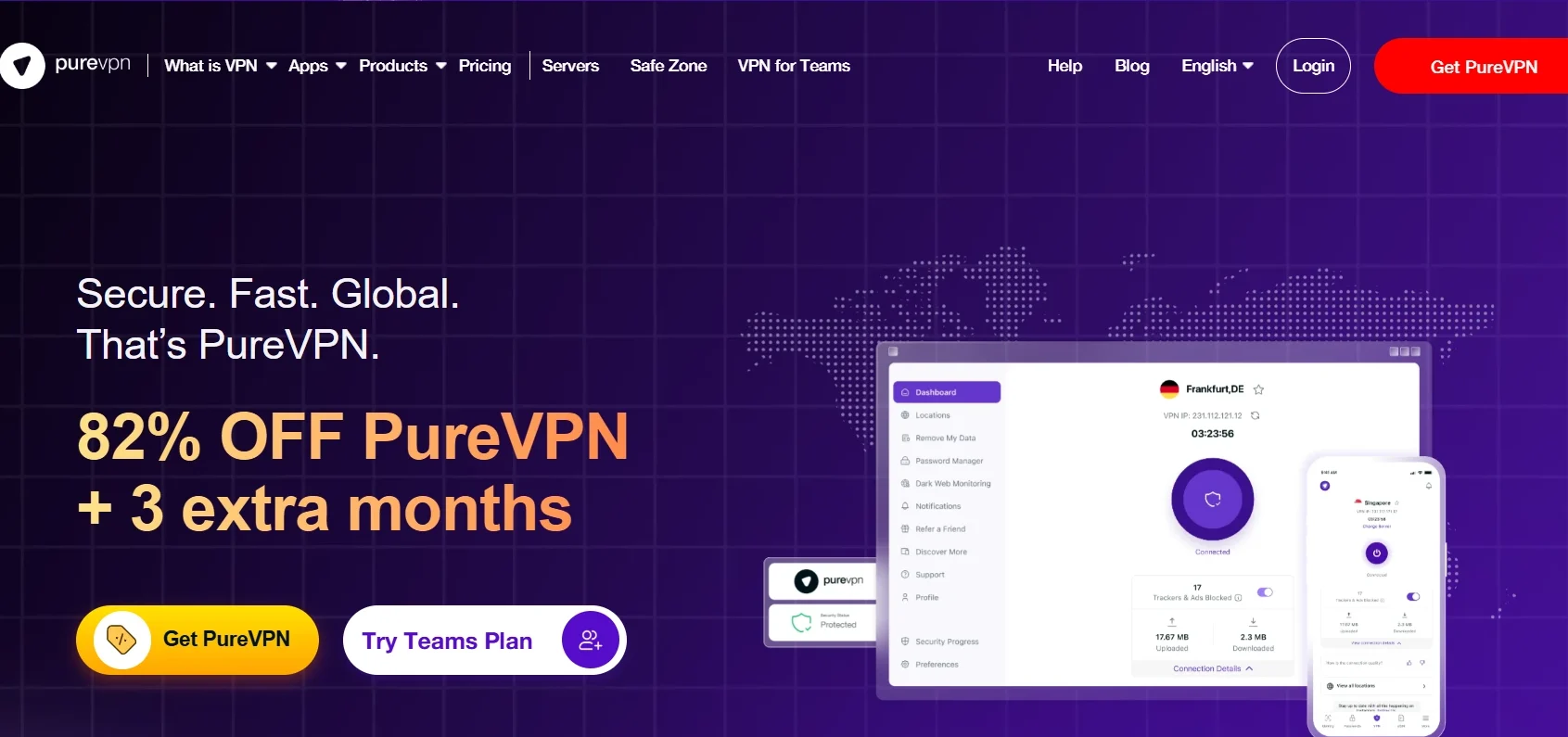
PureVPN is one of the most affordable and performance-driven VPN for Chromebook options, offering strong value for long-term users. With a vast network of over 6,500 servers and support for the WireGuard protocol, it delivers reliable speed and stability. PureVPN has significantly enhanced its transparency, operating under a verified no-logs policy audited by independent experts. Its global coverage, reliability, and cost-effectiveness make it an excellent choice for Chromebook users seeking a wide server reach for geo-unblocking and consistent access across the world.
Key Features:
- Affordable long-term plans
- 6,500+ servers across 78 countries
- WireGuard Protocol
- Audited no-logs policy
- Split tunneling
Pros:
- Extremely low-cost long-term pricing
- Massive global server network
- Independently audited for privacy assurance
Cons:
- Speeds can be unstable on certain servers
- The app interface is less intuitive than competitors
15. NordVPN

- Website: https://nordvpn.com/
- Price: $2.99/month
NordVPN is considered the most universal to use with Chromebooks mainly because it has a more optimized Android application and because it has an incredibly fast and secure NordLynx protocol. The app is built directly into the ChromeOS system and has special security features, such as Threat Protection (an anti-malware/ anti-ad/ anti-tracker scanner/blocker), and Meshnet, which has secure file-sharing functions. Its high security stance, its independent auditing and RAM-only server-based infrastructure make it the most secure option for a ChromeOS user who does not care more about budget.
Key Features:
- NordLynx Protocol
- Threat Protection
- Double VPN
- Meshnet
- Kill Switch
- RAM-only Servers
- P2P
- Dedicated Chrome extension
Pros:
- The fastest speeds recordedAn
- Android application is extremely rich
- A strong track record of security audits
- Excellent prices
Cons:
- It is overwhelming to use sometimes
- Subscription renewal is very high
How to Install a VPN on Chromebook — Step-by-Step Guide
Installing a VPN on a Chromebook is simple, especially if your device supports Android apps. Most leading VPN providers offer dedicated apps through the Google Play Store, allowing you to secure your connection in just a few minutes.
- Step 1: Choose a Reliable VPN Provider: Select a trusted VPN service that offers a dedicated ChromeOS or Android app, strong security features, and fast connection speeds.
- Step 2: Open the Google Play Store: On your Chromebook, launch the Google Play Store and search for your chosen VPN provider.
- Step 3: Download and Install the App: Click Install and wait for the VPN application to download and complete the installation process.
- Step 4: Sign In to Your Account: Open the VPN app and log in using the account credentials you created when purchasing the service.
- Step 5: Connect to a VPN Server: Choose a server location from the available list and click Connect. The VPN will establish a secure, encrypted connection.
- Step 6: Enable Additional Security Features: If available, turn on features such as Kill Switch, Split Tunneling, Threat Protection, or Ad Blocker for enhanced privacy and security.
- Step 7: Verify Your Connection: Once connected, browse the internet normally. Your internet traffic will now be encrypted, and your IP address will be hidden from websites and third parties.
What to Look for in a VPN for Chromebook
Not all VPNs work equally well on ChromeOS. When choosing a VPN for your Chromebook, it’s important to look beyond pricing and focus on features that affect security, performance, and usability.
- Strong Chrome OS Compatibility: The best VPNs offer dedicated Android apps that run smoothly on Chromebooks. This ensures full-device protection and access to advanced features that may not be available through browser extensions.
- Fast and Secure Protocols: Look for VPNs that support modern protocols such as WireGuard, NordLynx, or Lightway. These protocols provide strong encryption while maintaining fast connection speeds and better battery efficiency.
- Reliable No-Logs Policy: A strict no-logs policy means the VPN provider does not store records of your online activities. Choosing a VPN with independently audited no-logs policies adds an extra layer of trust and privacy.
- Kill Switch Protection: A Kill Switch automatically disconnects your internet if the VPN connection drops unexpectedly. This prevents your real IP address and browsing activity from being exposed.
- Fast Speeds for Streaming and Browsing: A good VPN should deliver consistent speeds for streaming videos, attending online classes, video calls, downloading files, and everyday browsing without noticeable slowdowns.
- Large Server Network: VPNs with servers in multiple countries provide more location options, better connection reliability, and improved access to geo-restricted content worldwide.
- Ad and Malware Blocking: Many premium VPNs include built-in tools that block ads, trackers, phishing attempts, and malicious websites before they can reach your device.
- Simultaneous Device Connections: If you use multiple devices, choose a VPN that allows several simultaneous connections so you can protect your Chromebook, smartphone, tablet, and other devices under one subscription.
- Easy-to-Use Interface: A clean and user-friendly app makes it easier to connect to servers, switch locations, and manage security settings without technical knowledge.
- Value for Money: Consider the overall package, including security features, performance, server network, customer support, and pricing, rather than choosing a VPN based on cost alone.
Free vs Paid VPN for Chromebook — Is Free Enough?
Free VPNs can be a good starting point for Chromebook users who only need basic privacy protection or occasional access to blocked websites. However, they often come with limitations that can affect performance, security, and overall user experience.
| Feature | Free VPN | Paid VPN |
| Speed | Slower speeds | Faster and more stable |
| Data Allowance | Limited monthly data | Unlimited bandwidth |
| Security Features | Basic protection | Advanced security tools |
| Server Locations | Limited options | Wide global network |
| Streaming Access | Often restricted | Better geo-unblocking |
| Customer Support | Limited or unavailable | Dedicated support |
While a free VPN may be enough for occasional browsing, a paid VPN is a better choice for streaming, remote work, online classes, and long-term privacy protection. It offers better speeds, stronger security, and a more reliable browsing experience.
Conclusion
A VPN for Chromebook is one of the easiest ways to improve your online privacy, security, and browsing freedom. Whether you want to protect your data on public Wi-Fi, access geo-restricted content, or enjoy a safer browsing experience, the right VPN can help you do it with ease.
The providers covered in this guide offer a range of features, including fast protocols, no-logs policies, ad blocking, Kill Switch protection, and dedicated ChromeOS-compatible apps. By comparing their strengths, pricing, and use cases, you can choose the option that best fits your needs and budget.
FAQs
1. What Is So Special About WireGuard to Chromebook Users?
WireGuard (with its variations such as NordLynx) is essential due to its efficient design that can be converted into minimal drain on the battery and a great speed ratio when switching the device to the Wi-Fi networks. This is important in ensuring a high level of security without compromising on the signature long battery life of the Chromebook.
2. Which Is The Primary Advantage of Having The Android App And Not Only The Chrome Extension?
All the internet traffic is encrypted using the Android app on the Chromebook (browsers, Linux environment, and all Android applications). The Chrome extension merely encrypts traffic that is transmitted via the browser of Chrome only; all other data available in the system remains open.
3. Would a VPN Application Prevent a Virus Attack On My Chromebook?
No, VPN is not a replacement for antivirus software. A VPN ensures the security of your network connection (data in transit). Nevertheless, such protection measures as Threat Protection by NordVPN and CleanWeb by Surfshark can prevent malicious websites and ads down to the DNS level, which secures the necessary front-line protection against cellular threats.
4. What is TrustedServer Technology? (RAM-only servers)?
One of the privacy features is RAM-only servers, in which the VPN server uses only volatile memory (RAM) rather than normal hard drives. Because RAM is not able to store data permanently, user data and logs get overwritten on the last reboot of the server, so it is technically impossible even to store and capture logs on the server.
5. Why is VyprVPN The Optimal Choice For Beating Network Blocks In School Or The Office?
VyprVPN is optimal due to the proprietary use of the Chameleon protocol. The protocol is also designed in such a manner that it bypasses the advanced Deep Packet Inspection (DPI) of the very restrictive networks without bringing the connection down.