
Every unnecessary pop-up has a cost: a few seconds of attention, additional data usage, slower pages, or a potential privacy risk. For businesses, these small interruptions can accumulate across teams and thousands of browsing sessions.
Firefox users can turn to an ad remover for Firefox that goes beyond hiding banners, with solutions offering tracker blocking, security protection, custom filtering, and performance improvements. However, not every extension delivers the same balance of effectiveness, privacy, compatibility, and cost. Some are designed for straightforward ad blocking, while others target broader online threats or tracking technologies.
This blog explores the best ad removers for Firefox in 2026, comparing their capabilities, pricing, and practical use cases. The goal is simple: help business-minded users identify tools that deliver genuine browsing value without unnecessary complexity or expense.
What Is An Ad Remover?
An ad remover is a browser extension, application, or filtering tool designed to identify and block advertisements displayed on websites. On Firefox, it can prevent banners, pop-ups, autoplay video ads, tracking scripts, and intrusive promotional elements from loading or appearing. The result is a cleaner browsing experience, but effective ad removal involves more than making pages look less crowded.
For businesses and professionals, the value can be practical. Blocking advertising may reduce page-loading delays, limit distractions, and lower exposure to malicious advertising campaigns. It can also restrict trackers that collect browsing information. However, aggressive filtering can break website functions, hide content, or affect publishers that depend on advertising revenue.
Choosing an ad remover requires a commercial mindset. Users should examine blocking accuracy, privacy controls, performance, compatibility, update frequency, and pricing rather than selecting a tool because it blocks the most ads. The solution should balance convenience, security, functionality, and value.
List Of 10 Best Ad Remover For Firefox
1. uBlock Origin

- Website: https://github.com/gorhill/uBlock
- Best For: Advanced ad blocking and granular browser control
uBlock Origin is a free, open-source content blocker built around efficient filtering rather than heavy background processing. On Firefox, it supports extensive filter lists, custom rules, cosmetic filtering, and dynamic controls for users who want granular control over browsing.
Its low resource footprint makes it practical for professionals who keep many tabs open or work with information-heavy websites. The extension can block advertisements, trackers, malware domains, and unwanted page elements before they load.
For businesses, its strongest advantage is control without recurring licensing costs, although advanced settings require some technical familiarity.
Key Features:
- Extensive filter list support
- Custom filtering rules
- Cosmetic element filtering
- Dynamic content control
- Malware domain blocking
- Low resource consumption
Pricing:
- Free.
2. AdGuard AdBlocker
- Website: https://adguard.com/en/adguard-browser-extension/firefox/overview.html
- Best For: Comprehensive ad and tracker protection
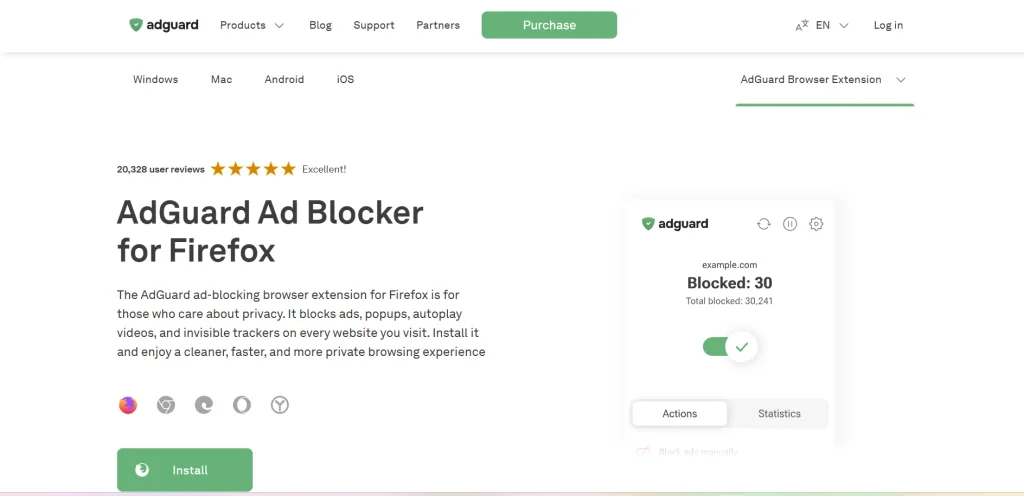
AdGuard AdBlocker combines advertisement filtering with privacy and security controls in its Firefox extension. It blocks banners, pop-ups, video advertising, floating elements, and text ads while also filtering third-party trackers and potentially harmful requests. As an ad remover for Firefox, it provides broader protection beyond conventional ad blocking.
Users can create custom rules and remove individual page elements when needed. For professionals, this makes AdGuard useful when browsing research, commerce, analytics, or sites where distractions and tracking can affect productivity.
The Firefox extension is free, while AdGuard’s broader desktop and mobile products are separately monetized, so buyers should distinguish browser protection from system-wide coverage.
Key Features:
- Blocks multiple ad formats
- Third-party tracker protection
- Custom filtering rules
- Element blocking controls
- Anti-phishing protection
- Browser-based privacy controls
Pricing:
- Personal- ₹2,099/ Lifetime
- Family– ₹4,399/ Lifetime
3. AdBlock
- Website: https://getadblock.com/en/
- Best For: Simple ad blocking for everyday browsing
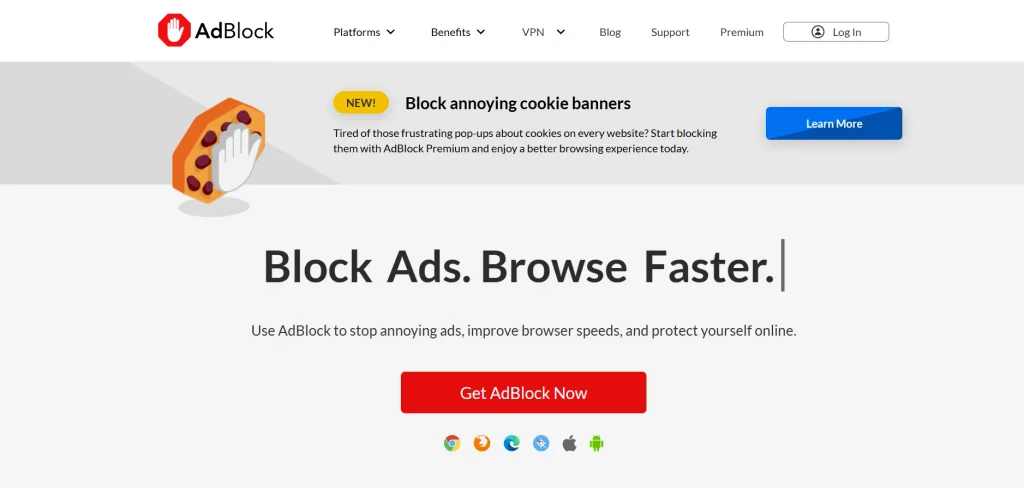
AdBlock is a Firefox extension designed for users who want ad filtering without complexity. It blocks common display advertisements, pop-ups, video ads, and other intrusive page elements, while giving users controls for allowing ads on selected websites.
Its interface is designed around quick decisions, making it suitable for teams or users who value simplicity over granular rules. AdBlock also offers optional Premium features such as distraction and cookie-consent blocking.
For cost-conscious businesses, the free tier handles core ad blocking, while Premium adds convenience features rather than changing core blocking functionality.
Key Features:
- Display advertisement blocking
- Pop-up blocking controls
- Video ad filtering
- Website allowlist management
- Cookie banner blocking
- Distraction control features
Pricing:
- PREMIUM- $4/month
4. Adblock Plus
- Website: https://adblockplus.org/
- Best For: Established ad blocking with customization
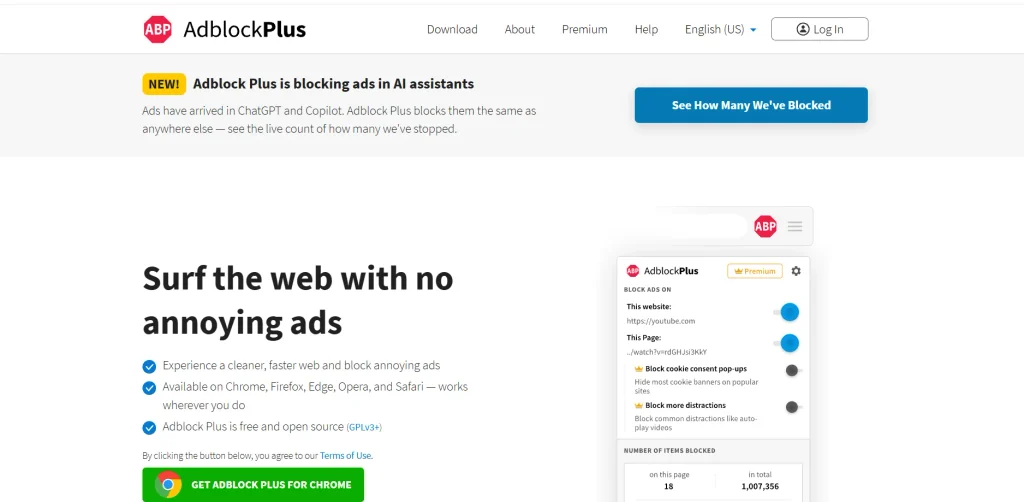
Adblock Plus is a browser extension that combines ad filtering with website-specific exceptions and controls. Its Firefox version can block intrusive advertisements and supports distraction controls for browsing.
The platform also uses an Acceptable Ads program, which means some ads may remain permitted unless users change the relevant setting. That distinction matters for business users evaluating whether an ad remover fits strict browsing requirements.
Core browser ad blocking is free, while Premium adds features such as cookie-consent and distraction blocking. Businesses should compare the free tier with their need for additional controls.
Key Features:
- Intrusive advertisement blocking
- Website-specific exceptions
- Acceptable Ads controls
- Cookie consent blocking
- Distraction filtering options
- Firefox desktop support
Pricing:
- MONTHLY– $4
- YEARLY– $40
Suggested read:
5. Ghostery
- Website: https://www.ghostery.com/ghostery-ad-blocker
- Best For: Ad blocking with tracker visibility
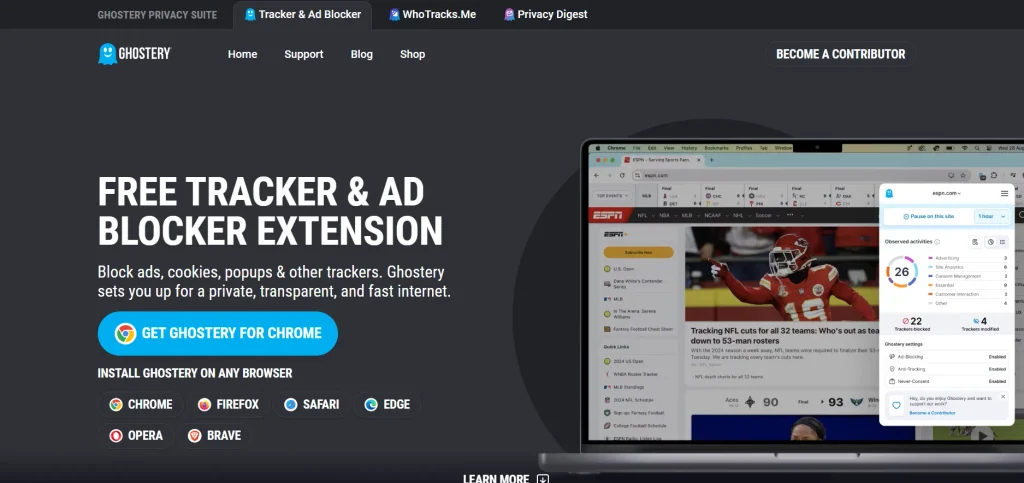
Ghostery is a privacy-focused Firefox extension that combines ad blocking with tracker visibility and controls. As an ad remover for Firefox, it identifies tracking technologies and helps users understand which companies or services are monitoring activity online.
Its ad-blocking functionality uses filter lists, while privacy tools can reduce unwanted tracking and cookie-related interruptions. Ghostery is open source and provides its core privacy and blocking features without a subscription or recurring software costs.
For business users, its value lies in combining a cleaner browsing environment with visibility into tracking activity, while organizations should test compatibility before aggressive blocking.
Key Features:
- Advertisement filtering
- Tracker identification tools
- Privacy-focused browsing controls
- Cookie consent blocking
- Open-source extension
- Lightweight browser protection
Pricing:
- Free
6. Privacy Badger

- Website: https://privacybadger.org/
- Best For: Behavior-based tracker protection
Privacy Badger is a free Firefox extension from the Electronic Frontier Foundation that focuses on stopping hidden online trackers through behavior-based detection. It learns which third-party resources appear to track users and restricts them according to its rules.
This approach makes it relevant for privacy-conscious professionals who want fewer tracking mechanisms without extensive filter lists. This improves data-exposure control, but is not designed to replace every specialized ad blocker.
Businesses can view it as a privacy-oriented browser layer rather than a complete advertising management system for everyday Firefox browsing sessions.
Key Features:
- Behavior-based tracker detection
- Automatic tracker blocking
- Third-party request controls
- Privacy-focused filtering
- Firefox browser support
- Free open-source extension
Pricing:
- Free
7. Malwarebytes Browser Guard

- Website: https://www.malwarebytes.com/browserguard
- Best For: Ad blocking with web security
Malwarebytes Browser Guard is a free Firefox extension that combines ad blocking with protection against malicious websites, scams, phishing attempts, trackers, and other web-based threats. It can also remove cookie banners and unwanted page elements, making it broader than a conventional advertising filter.
For business users, this combination can be useful when browsing unfamiliar websites, researching suppliers, opening links, or handling online transactions. Its security emphasis provides an additional reason to consider it beyond visual ad removal.
However, organizations seeking highly granular filter customization may prefer dedicated content blockers with more advanced rule-management capabilities.
Key Features:
- Advertisement blocking
- Scam website protection
- Phishing protection
- Tracker blocking
- Cookie banner removal
- Malicious website detection
Pricing:
- Standard– US$59.99/yr.
- Plus– US$79.98/yr.
- Total– US$179.99/yr.
8. AdBlocker Ultimate

- Website: https://adblockultimate.net/
- Best For: Strict ad blocking without whitelists
AdBlocker Ultimate is a Firefox-compatible blocking extension focused on advertising and tracking. As an ad remover for Firefox, it blocks ads without predefined exceptions, unlike services that maintain an acceptable-ads whitelist.
The extension is free, while separate paid applications extend protection across devices and apps. This distinction makes it useful for businesses that want predictable blocking without subscription costs. It can also address trackers and other unwanted web elements, supporting a cleaner browsing environment.
However, aggressive filtering can occasionally affect website functionality, so organizations should test important business portals before deployment.
Key Features:
- No acceptable-ads whitelist
- Advertising element blocking
- Tracker protection
- Browser extension available
- Cross-device paid applications
- Privacy-focused filtering
Pricing:
- Lifetime- $99.99/once/3 Devices
9. AdNauseam

- Website: https://adnauseam.io/
- Best For: Blocking ads and resisting advertising surveillance
AdNauseam takes a distinctive approach to advertising privacy by blocking online advertisements while also attempting to disrupt tracking profiles created by advertising networks. Its Firefox extension hides ads and can collect information about blocked advertising through an interactive AdVault.
The project is open source and available for Firefox desktop and Android. For privacy-conscious professionals, its differentiating feature is its approach to advertising surveillance rather than simple visual filtering.
However, it is not designed to be combined with every other ad blocker, since overlapping blockers can interfere with its ad-detection process.
Key Features:
- Blocks online advertisements
- Obfuscates advertising profiles
- Interactive AdVault interface
- Anti-tracking functionality
- Open-source Firefox extension
- Firefox Android compatibility
Pricing:
- Free
10. SponsorBlock
- Website: https://sponsor.ajay.app/
- Best For: Skipping sponsored YouTube segments
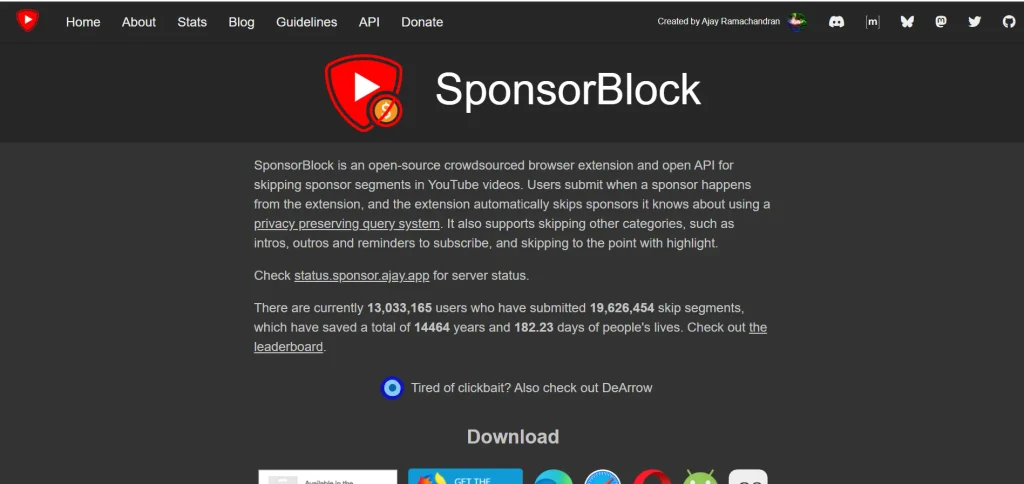
SponsorBlock takes a narrower approach to ad removal by automatically skipping sponsored segments embedded inside YouTube videos. Rather than blocking webpage advertisements generally, it uses a crowdsourced database of timestamps to identify sponsorships, introductions, outros, subscription reminders, and other segments.
This makes it useful for professionals who regularly consume educational, industry, or research videos and want to reduce wasted viewing time. SponsorBlock is available as a Firefox extension and is free to use.
Its limitation is also its purpose: it complements, rather than replaces, a general ad blocker because it focuses on YouTube videos.
Key Features:
- YouTube sponsorship skipping
- Crowdsourced segment database
- Automatic segment detection
- Intro and outro skipping
- User-submitted timestamps
- Firefox browser support
Pricing:
- Free
How To Compare Ad Remover For Firefox?
When comparing Firefox ad removers, businesses should look beyond simple blocking claims. Assess functionality, privacy, performance, compatibility, cost, and practical value before choosing one.
- Blocking Effectiveness: Check how consistently the tool removes banners, pop-ups, video advertisements, sponsored elements, and intrusive scripts across frequently visited websites.
- Privacy Protection: Evaluate tracker blocking, cookie controls, fingerprinting protection, and data practices to determine whether the extension strengthens browsing privacy without unnecessary collection.
- Browser Performance: Compare resource consumption, page-loading speeds, memory usage, and responsiveness, particularly if employees regularly operate multiple Firefox tabs simultaneously during work.
- Website Compatibility: Test essential business websites, payment portals, dashboards, and productivity platforms because aggressive filtering can occasionally disrupt legitimate website functions or content.
- Customisation Options: Look for allowlists, blocklists, custom filtering rules, element removal, and adjustable settings that accommodate different browsing requirements across business users.
- Security: Some solutions block malicious ads, phishing domains, harmful scripts, and suspicious websites, adding a browser-level security layer. Businesses needing broader device protection can also consider antivirus software.
- Pricing and Licensing: Compare free features, premium capabilities, subscription costs, device limits, and commercial licensing requirements to understand the solution’s actual long-term business expense.
- Updates and Support: Prioritise actively maintained extensions receiving regular filter updates, Firefox compatibility improvements, security fixes, documentation, and reliable support for emerging advertising techniques.
Ad Blocking vs Privacy, Security & Browser Performance
Ad blocking is only one part of a better browsing environment. For business users, the more important question is how an ad remover affects privacy, security, and Firefox’s overall performance.
- Ad Blocking: Blocks banners, pop-ups, video advertisements, sponsored elements, and other intrusive content, creating cleaner pages and potentially reducing unnecessary network requests.
- Privacy: Ad removers can reduce tracking by blocking third-party ads and trackers, but they do not encrypt your internet connection. For broader online privacy, users can also consider free VPN services.
- Security: Some solutions also block malicious advertisements, phishing domains, harmful scripts, and suspicious websites, providing an additional browser-level security layer.
- Browser Performance: Blocking unnecessary content can reduce network requests and page complexity, potentially improving loading times and reducing resource consumption across heavily advertised websites.
- The Business Trade-Off: More aggressive filtering can occasionally break website features or remove legitimate content. Businesses should therefore balance blocking strength with compatibility, privacy requirements, security needs, and productivity.
How To Choose The Right Ad Remover For Your Needs?
Choosing an ad remover should be a practical decision rather than a popularity contest. Match the tool’s capabilities with your browsing habits, privacy expectations, technical requirements, and budget.
- Define Your Primary Need: Decide whether your priority is eliminating advertisements, reducing tracking, improving page speed, strengthening security, or combining several protections within one extension.
- Check Firefox Compatibility: Choose extensions actively maintained for current Firefox versions to ensure reliable performance across desktop platforms. If privacy is also a priority, users can consider a free VPN for Firefox alongside an ad remover.
- Evaluate Blocking Controls: Consider whether you need simple automatic filtering or advanced controls such as custom rules, allowlists, blocklists, and individual element removal.
- Review Privacy Practices: Examine the developer’s data policies, permissions, tracking practices, and business model to understand what information the extension can access during browsing.
- Consider Website Compatibility: Test the extension on essential websites before widespread use, particularly banking, government, productivity, publishing, and business platforms requiring interactive content.
- Compare Performance Impact: Assess memory consumption, page-loading behaviour, battery usage, and responsiveness, especially when employees handle multiple browser tabs or resource-intensive websites.
- Calculate Total Cost: Compare free capabilities against premium subscriptions, device restrictions, commercial licensing, and additional features to determine whether the investment provides practical business value.
- Consider Long-Term Maintenance: Select an actively maintained solution with frequent filter updates, responsive development, clear documentation, and continued compatibility as advertising technologies evolve.
Conclusion
An ad remover for Firefox is no longer simply a tool for hiding banners and pop-ups; it can influence browsing efficiency, privacy exposure, security, and productivity. For business users, the right choice depends less on having the most aggressive blocker and more on achieving the right balance between protection and functionality. A free extension may be sufficient for individual browsing, while teams may require stronger controls, consistent updates, or broader security features.
Compatibility also deserves attention because excessive filtering can interfere with essential websites and workflows. Before choosing, compare blocking effectiveness, privacy practices, performance impact, customisation, support, and total cost. The smartest approach is to treat an ad remover as a productivity and risk-management tool, selecting the solution that delivers measurable value without creating unnecessary operational friction for users.
FAQs
1. Are Ad Removers Safe For Business Browsing?
Generally, yes, but businesses should review permissions, privacy policies, developer reputation, and update frequency before deployment.
2. Do Ad Removers Improve Firefox Performance?
They can reduce unnecessary network requests and page elements, potentially improving loading speed and resource efficiency.
3. Are Free Ad Removers Enough For Businesses?
They can be, but larger teams may need advanced controls, centralized management, security features, or commercial licensing.
4. Can Ad Removers Break Websites?
Yes. Aggressive filtering can block legitimate scripts, videos, login elements, or interactive features required by business websites.
5. Should Businesses Use More Than One Ad Remover?
Usually, no. Multiple blockers can conflict, increase complexity, and create compatibility problems without providing proportional benefits.
6. What Should Businesses Prioritize When Choosing One?
Prioritize reliable blocking, privacy, security, Firefox compatibility, performance, maintenance, customisation, and total ownership cost.