

AI chatbots have turned out to be quite useful assistants for writing, researching, coding, studying, brainstorming, and analyzing information. Although ChatGPT is quite popular, there are other alternatives with additional helpful functions that could help better meet particular needs in terms of web research, long writing, office work, or problem-solving in some areas.
The following are the best ChatGPT alternatives in 2026: Claude, Google Gemini, Microsoft Copilot, Perplexity, DeepSeek, Meta AI, Mistral Le Chat, Grok, Poe, and You.com. These services provide different types of AI assistance based on their particular specialization. It would make sense to try Claude in the case of writing and dealing with paperwork. Gemini works perfectly well with the Google suite.
Why Look for a ChatGPT Alternative?
Various AI assistants serve various functions. You might use a different service because the other AI offers functions that suit your needs better. Some of the important factors to consider when choosing another AI assistant are:
- Researching: There are several online platforms like Perplexity that provide information linked with sources.
- Writing: Claude can help you write and modify lengthy articles.
- Application compatibility: There is Gemini that will connect with some services from Google and Microsoft Copilot that connects with Microsoft software.
- Code editing: There are multiple options that can help you create, debug and explain the code.
- Variable pricing model: With some platforms that offer free subscriptions, you can experiment with AI.
- Multimodal operations: Depending on the application you choose, you can operate with images, documents, audio files, among others.
- Model diversification: There are certain platforms where you can experiment with different AI algorithms using the same platform like Poe.
- Specialized workflows: Some AI assistants provide you with a specialized workflow like research mode or document analysis.
There is no point using one platform for all your needs. All that matters is finding a tool that matches your requirements.
Key Features to Look for in ChatGPT Alternatives
- Quality of response: Check adherence to instructions, accuracy, clarity, and consistency.
- Web search and references: Look for updated content and appropriate source references.
- File handling: Check file formats accepted, file size limitations, and document handling functions.
- Writing functions: Check drafting, rewriting, summarizing, editing, and formatting functions.
- Coding functions: Check debugging, writing code, and development functions.
- Privacy controls: Check data handling policy, learning policy, and privacy controls.
- Pricing: Compare usage limits, additional functionality, and subscriptions plans.
List of Best ChatGPT Alternatives
1. Claude
- Best For: Writing, document analysis, coding, and reasoning
- Website: https://claude.com/
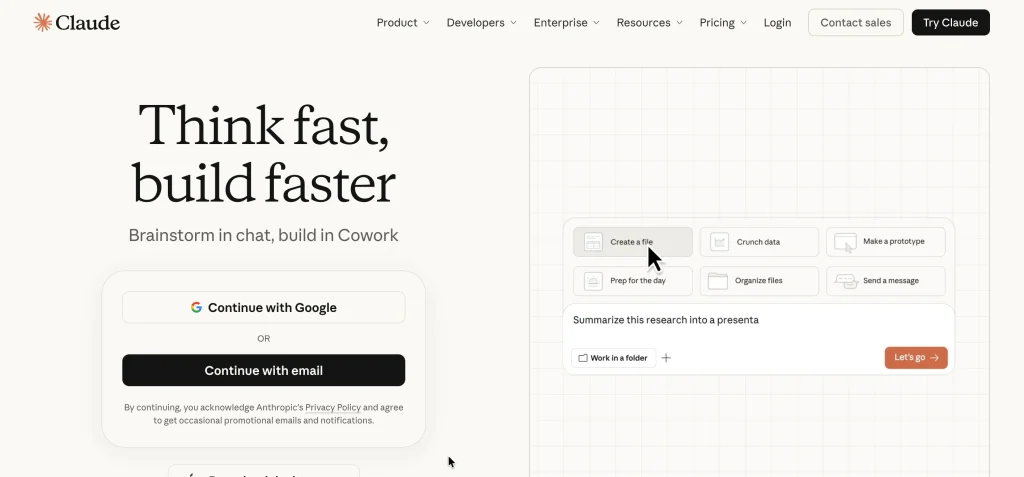
Claude is a versatile and general-purpose AI assistant built by Anthropic for tasks involving writing, research, coding, and solving problems. Claude would be perfect for anyone who works with long documents and edits their work in rounds.
The features of Claude include file analysis, web search, Projects for collecting and organizing related work, and Artifacts that allow you to build AI-backed interactive outputs. The availability of features depends on the type of subscription.
Key Features:
- Long-form writing and editing
- Document and image analysis
- Web search and research assistance
- Code generation and debugging
- Projects for organizing related conversations
- Artifacts for supported outputs
- File creation and code execution
Pros:
- Useful for detailed articles, reports, and document-heavy tasks.
- Supports iterative editing and content refinement.
- Helps analyze uploaded files and extract relevant information.
- Combines writing assistance with coding capabilities.
- Offers a free plan.
Cons:
- Free usage is limited.
- Intensive workflows may require a paid subscription.
- Responses can contain factual errors.
- Its integrations may be less convenient for users who rely heavily on Google services.
Pricing:
- Free: $0
- Pro: $20 per month or $200 per year when billed annually
- Max: Starts at $100 per month
Why Choose Claude?
Choose Claude if you need an assistant for writing, document analysis, coding, or complex tasks that require multiple revisions.
2. Google Gemini
- Best For: Google Workspace subscribers, students, research, multimodal tasks
- Website: https://gemini.google.com/
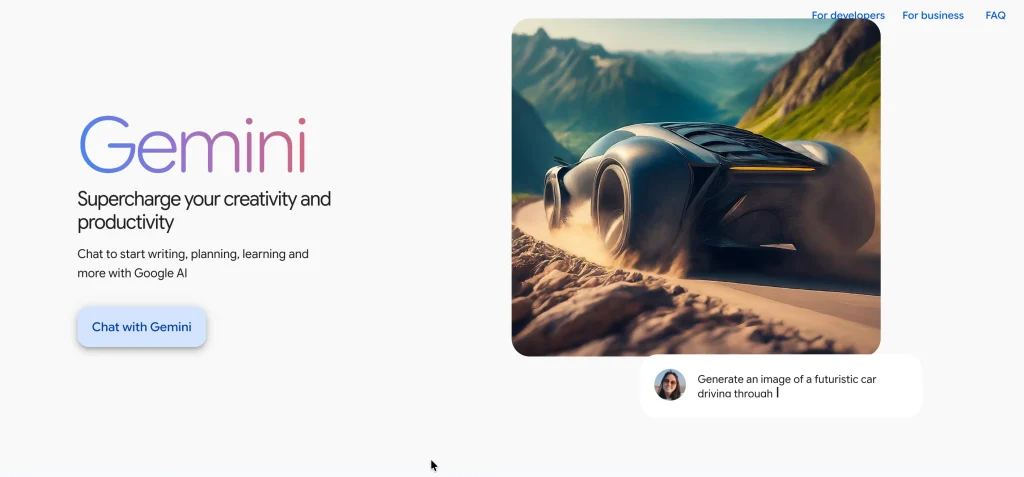
Google Gemini is one of the popular chatgpt alternatives, combining conversational AI with Google’s search capabilities and application ecosystem. It can be used for writing, brainstorming, studying, coding, working with images, and analyzing documents. Depending on the subscription plan, users may access Gemini integrations with Google products and advanced features such as Deep Research, image generation, Canvas, and Gems for creating customized AI assistants.
Key Features:
- Conversational AI and writing assistance
- Research capabilities
- Deep Research on eligible plans
- Image generation and editing
- Document analysis
- Coding assistance
- Gems for customized AI assistants
- Integration with supported Google applications
Pros:
- Fits naturally into Google’s ecosystem.
- Offers a free tier.
- Supports text, image, and document-related tasks.
- Useful for creating study notes and summaries.
- Paid plans provide additional features and usage limits.
Cons:
- Advanced features vary by subscription.
- Some integrations require an eligible plan.
- Generated answers may contain factual errors.
- Its extensive features may be unnecessary for basic chatbot use.
Pricing in India:
- Free: ₹0 per month
- Google AI Plus: ₹399 per month
- Google AI Pro: ₹1,950 per month
- Google AI Ultra: Starts at ₹6,500 per month
Why Choose Gemini?
Choose Gemini if you regularly use Google services and need AI assistance for research, writing, studying, and creative tasks.
3. Perplexity
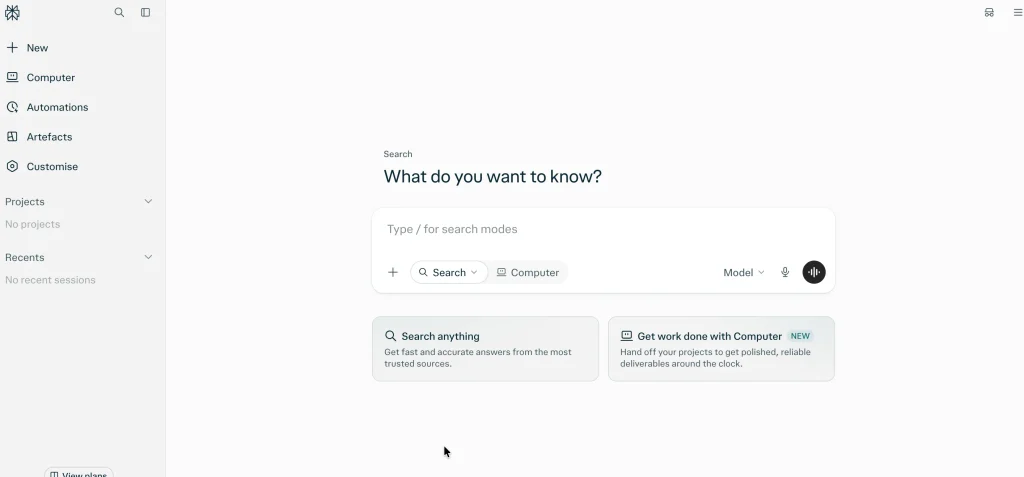
- Best For: Web research, source discovery, and fact-checking
- Website: https://www.perplexity.ai/
Perplexity uses the Internet to retrieve relevant information and generate answers for search queries. Its responses contain citations and links to the original sources so that you could continue researching the matter. It would come in handy for news analysis, market research, competitors analysis, and researching any academic topic. File analysis and access to advanced models are available subject to plan limits.
Key Features:
- Web-based question answering
- Source citations and links
- Follow-up research questions
- File uploads and document analysis
- Advanced model access on eligible plans
- Research-focused search modes
- Additional content-generation features
Pros:
- Makes it easier to locate and compare online sources.
- Useful for researching changing topics.
- Provides citations for checking factual claims.
- Supports follow-up questions.
- Offers a free plan.
Cons:
- Citations do not guarantee accuracy.
- Some sources may be inaccessible or incomplete.
- Advanced features have usage limits.
- It may be less suitable for specialized office workflows.
Pricing:
- Standard: Free
- Pro: Paid subscription
- Max: Listed at $200 per month or $2,000 per year through the web app
Why Choose Perplexity?
Choose Perplexity if you frequently research topics online and want answers accompanied by sources. Verify important findings against original reports and official documents.
4. Microsoft Copilot
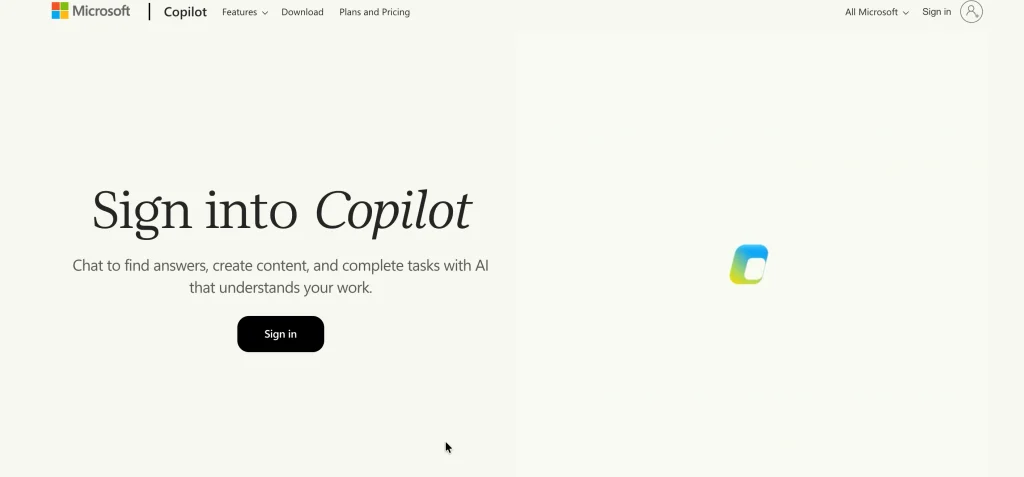
- Best For: Office productivity and Microsoft 365 users
- Website: https://copilot.microsoft.com/
Copilot by Microsoft is one of the popular chatgpt alternatives that can be used for writing, summarizing, brainstorming, research, and improving productivity. Its key advantage is its integration with Microsoft applications. Depending on the subscription plan, Copilot can help users compose content, summarize email threads, analyze spreadsheet data, and prepare presentations within supported Microsoft applications.
Key Features:
- Conversational question answering
- Writing and editing assistance
- Web-based information retrieval
- Document summarization
- Spreadsheet assistance
- Presentation support
- Email assistance
- Integration with eligible Microsoft applications
Pros:
- Works with familiar Microsoft productivity tools.
- Helps with routine writing and administrative tasks.
- Useful for summarizing documents and email threads.
- Offers free access to general AI assistance.
- Eligible subscriptions provide additional productivity features.
Cons:
- Advanced features may require payment.
- Capabilities vary across subscriptions and applications.
- Some functions depend on account type and software version.
- Less useful if you do not use Microsoft applications.
Pricing:
- General Copilot access: Free options available
- Microsoft 365 Personal in India: Listed at ₹689 per month
- Microsoft 365 Family in India: Listed at ₹819 per month under monthly billing
Why Choose Microsoft Copilot?
Choose Copilot if you regularly use Word, Excel, PowerPoint, and Outlook and want AI assistance within your existing workflow.
5. DeepSeek
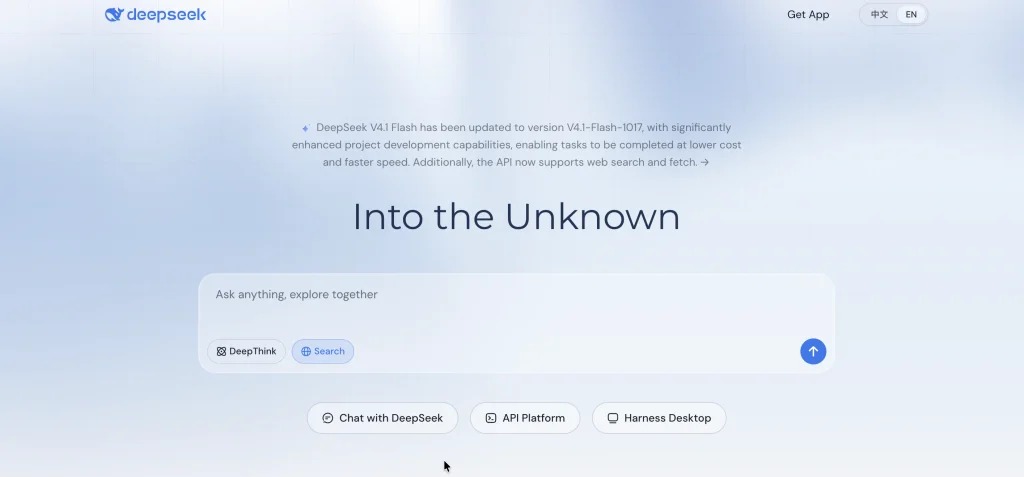
- Best For: Reasoning, coding, and technical explanations
- Website: https://www.deepseek.com/
DeepSeek is an AI assistant offering assistance related to math problems, programming questions, writing, technical explanations, and any general problem-solving. The chat application provided by the company is free of charge, making it a good choice for students and individuals. Web search, file uploads, and Deep-Think mode are some of the features available with DeepSeek.
Key Features:
- Conversational AI
- Deep-Think reasoning mode
- Web search
- File uploads
- Coding assistance
- Mathematics and technical problem-solving
- Web and mobile access
Pros:
- The chat application has been offered free.
- Useful for programming and technical questions.
- Supports web search and file-based tasks.
- Provides an accessible starting point for AI assistance.
- Can be compared with other models for problem-solving.
Cons:
- Answers may contain errors or flawed calculations.
- Data handling requires careful consideration.
- Users should review privacy terms before uploading sensitive information.
- Integrations may differ from those offered by larger productivity ecosystems.
Pricing:
- Chat application: Free according to the provider’s published announcement
- API access: Priced separately
Why Choose DeepSeek?
Choose DeepSeek if you want to explore AI reasoning, coding, and technical explanations without immediately paying for a subscription.
Also Read:
6. Meta AI
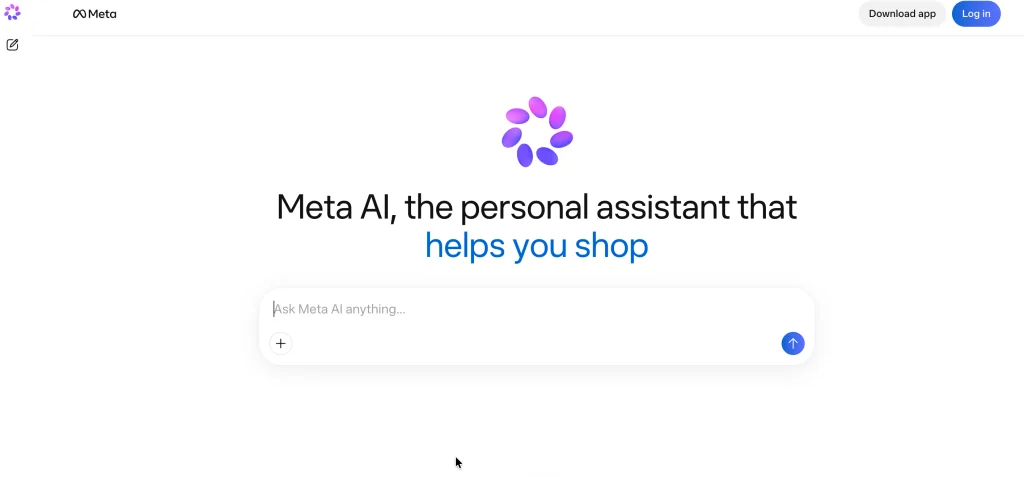
- Best For: Common Q&A, social media posts, and creativity
- Website: https://www.meta.ai/
Meta AI by Meta is one of the popular chatgpt alternatives, available through the company’s website and compatible applications. It can be used for everyday Q&A, brainstorming, writing, caption creation, and image generation. Depending on the region, users may access the AI assistant through platforms such as WhatsApp, Instagram, Facebook, Messenger, and Meta AI’s website.
Key Features:
- Conversational question answering
- Writing and brainstorming
- Image generation
- Social media caption suggestions
- Access through supported Meta applications
- Voice and other multimodal features where available
Pros:
- Convenient for existing Meta users.
- Useful for quick questions and creative ideas.
- Helps generate captions and draft messages.
- Offers free access to general AI assistance.
- Reduces app switching for simple tasks.
Cons:
- Features vary by country and application.
- Research capabilities may not suit academic work.
- Some advanced document workflows may be unavailable.
- Generated content requires review.
Pricing:
- General AI assistant: Free access available
- Additional capabilities: Availability varies
Why Choose Meta AI?
Choose Meta AI for everyday assistance, social media content, and quick creative tasks, particularly if you already use Meta’s applications.
7. Mistral Le Chat
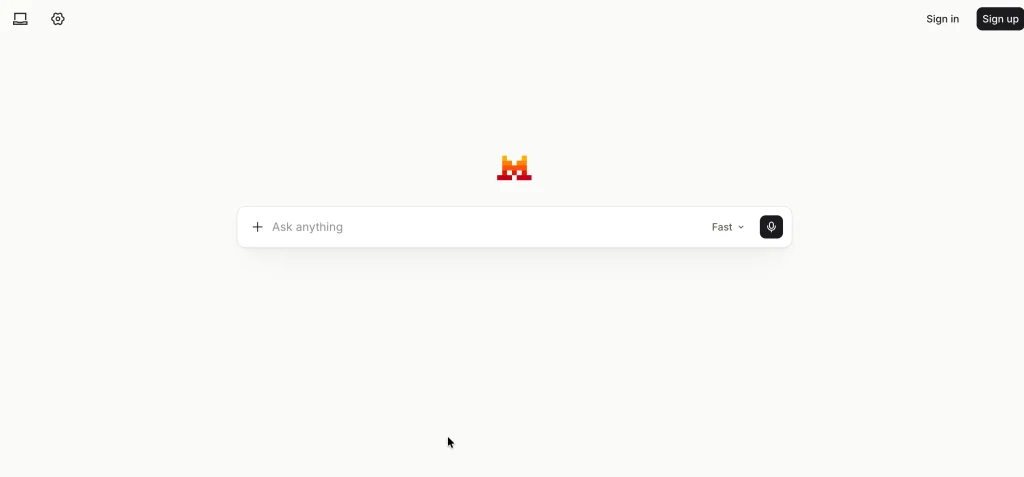
- Best For: Multilingual assistance, document analysis, and technical work
- Website: https://chat.mistral.ai/
Le Chat is an AI assistant developed by Mistral AI. The assistant can assist you with writing, researching, document understanding, coding tasks, and other productive tasks. The features of Le Chat depend upon the plan subscribed by the users. Mistral also offers AI models and services for developers and organizations.
Key Features:
- Conversational AI
- Web search
- Document uploads and analysis
- Coding assistance
- Code interpretation
- Image generation
- Canvas for supported tasks
- Team and enterprise options
Pros:
- Supports writing, research, and technical tasks.
- Offers a free tier.
- Includes document and image-related features.
- Provides options for individuals and organizations.
- Worth evaluating for multilingual workflows.
Cons:
- Free-tier limits apply.
- Some advanced features require payment.
- Integrations may not match every competitor.
- Performance varies by language and task.
Pricing:
- Free: Available
- Pro: Paid subscription
- Team: Paid offering
- Enterprise: Available options may vary
Why Choose Mistral Le Chat?
Choose Le Chat if you want a general-purpose alternative for writing, coding, document analysis, and multilingual tasks.
8. Grok
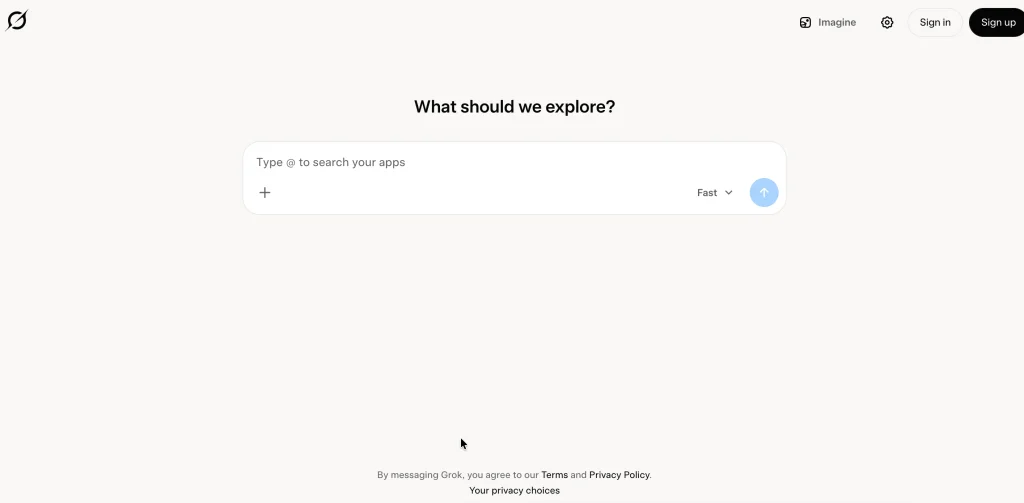
- Best For: Information at hand, X discussions, and creativity
- Website: https://grok.com/
Grok is the AI assistant developed by xAI and is considered one of the popular chatgpt alternatives. It supports conversational Q&A, reasoning, coding, web searching, and creative tasks. Its integration with X, formerly Twitter, makes it useful for tracking public discussions and developing stories. Access to social media data and advanced features may vary depending on the subscription plan.
Key Features:
- Conversational AI
- Web and X search
- Coding assistance
- Reasoning and problem-solving
- Image generation
- Video generation on supported plans
- Voice interaction
- Additional tools and integrations
Pros:
- Useful for exploring online discussions.
- Combines general AI assistance with search.
- Supports creative and technical tasks.
- Offers free access to try its capabilities.
- Paid plans provide expanded access.
Cons:
- Social media posts are not always accurate.
- Breaking-news responses require verification.
- Features and usage limits vary by plan.
- Its X integration may be less useful for non-users.
Pricing:
- Free: Available
- SuperGrok: Listed at $30 per month
- SuperGrok Plus: Listed at $100 per month
Why Choose Grok?
Choose Grok if you want an AI assistant for general questions, online discussions, and developing stories. Verify important information independently.
9. Poe
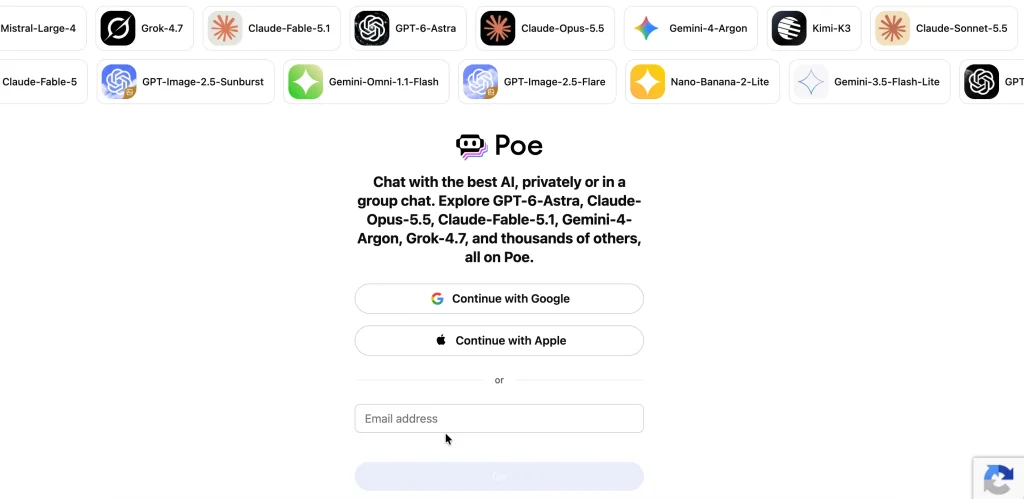
- Best For: Comparing multiple AI models
- Website: https://poe.com/
Poe, created by Quora, gives access to various AI models and bots via the single platform Poe. One can try out various models related to writing, coding, brainstorming, and other work without having to switch from one site with chatbots to another. Model availability and usage limits depend on the current plan.
Key Features:
- Access to multiple AI models
- Specialized bots
- User-created bots
- Writing and brainstorming
- Coding assistance
- Model comparison
- Web and mobile access
Pros:
- Makes it easy to compare different AI models.
- Provides a single interface for supported models.
- Useful for experimenting with writing styles and solutions.
- Supports specialized bots.
- Offers free access subject to limits.
Cons:
- Usage may be restricted by subscription credits or limits.
- Not every model is available on every plan.
- Access through Poe differs from direct access to a model’s developer.
- Some features may require separate subscriptions elsewhere.
Pricing:
- Free: Available with limits
- Paid subscription: Available for expanded access
Why Choose Poe?
Choose Poe if you want to test different AI models and compare their responses through one interface.
10. You.com
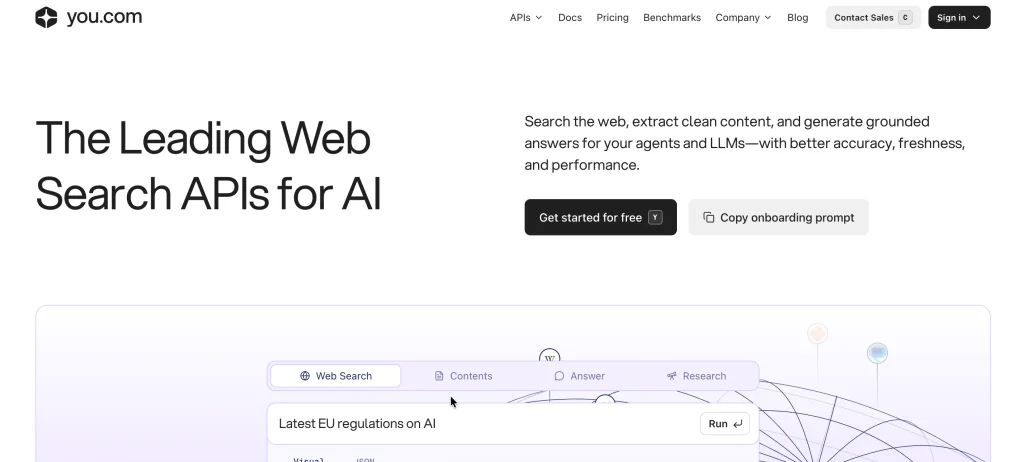
- Best For: Research and synthesis using AI
- Website: https://you.com/
You.com combines AI-powered search with research-focused workflows, making it one of the useful chatgpt alternatives. The platform helps users find information, synthesize insights, and explore unfamiliar topics. Depending on the plan, it may offer access to multiple AI models, research tools, and business-oriented features.
Key Features:
- AI-assisted search
- Question answering
- Research-oriented workflows
- Information synthesis
- Writing and brainstorming
- Selected AI models and professional tools
Pros:
- Combines information retrieval with AI assistance.
- Useful for preliminary research.
- Helps organize findings before writing reports.
- Offers an alternative to general-purpose chatbots.
- Has professional and organizational offerings.
Cons:
- Features vary by plan.
- Advanced capabilities may require payment.
- AI summaries and sources require verification.
- May overlap with existing research tools.
Pricing:
- Free or limited access: Check current availability
- Paid plans: Pricing varies by offering
- Business and enterprise options: Check current terms
Why Choose You.com?
Choose You.com if your work involves regular information gathering, research, and synthesis. Compare its current capabilities with Perplexity before paying for either tool.
ChatGPT Alternatives Comparison
| Tool | Best For | Key Strength | Free Plan |
| Claude | Writing and coding | Long documents and detailed responses | Yes |
| Google Gemini | Students and Google users | Google ecosystem and multimodal features | Yes |
| Perplexity | Research | Source-backed answers | Yes |
| Microsoft Copilot | Office productivity | Microsoft 365 integration | Yes |
| DeepSeek | Reasoning and coding | Accessible AI chat | Yes |
| Meta AI | Everyday assistance | Integration with supported Meta apps | Yes |
| Mistral Le Chat | Multilingual and technical tasks | Document analysis and coding | Yes |
| Grok | Online discussions | Web and X search | Yes |
| Poe | Model comparison | Multiple AI models in one interface | Yes |
| You.com | Research | Search and information synthesis | Yes |
Benefits of Using ChatGPT Alternatives
- Workflows Specialization: Some assistants are suitable for specific tasks; Perplexity concentrates on research while Claude is a potential fit for writing and Microsoft Copilot for some office workflows.
- Easy Information Acquisition: Assistant focused on searches will help you find sources, compare data, discover information on new subjects. Remember to check any critical statements in original texts.
- Subscription Options: Free tier lets you try services first; paid subscriptions may pay off when you require high limits or additional features.
- Integration: Integrations with the apps you use will help avoid doing routine things manually. Gemini and Microsoft Copilot assistants integrate well with corresponding ecosystems.
- Various Problem-solving Methods: Comparing answers produced by AIs might help in discovering additional solutions or unknown assumptions; however, one cannot guarantee accuracy of the second answer.
- Multimodal Features: A platform that supports multimodal tasks can analyze documents, interpret images, create visuals and write codes. Such abilities become handy when you deal with diverse types of content.
How to Choose the Best ChatGPT Alternative
What is the key issue that you would like your tool to resolve?
- Article/report writing: Use Claude or Gemini.
- Research and checking facts: Use either Perplexity or assess You.com.
- Study for an exam: Use Gemini, Claude, DeepSeek or Perplexity for explanations, sample questions and revisions.
- Microsoft office tasks: Use Microsoft Copilot.
- Google workspace assignments: Use Gemini.
- Programming and technical tasks: Compare Claude, DeepSeek or Mistral Le Chat.
- Everyday questions and ideas: Check out Meta AI, Gemini, or Grok.
- Watching online discussion threads: Use Grok, confirming details.
- AI model comparison: Poe.
- Sticking to budget requirements: Use free packages first and pay later if necessary.
One primary assistant + one auxiliary tool will usually be enough. Subscription duplication won’t bring any benefits but will drive up your expenses.
Conclusion
Choosing the best ChatGPT alternatives depends on your workflow, budget, and requirements. For those who do plenty of writing, I suggest Claude. Gemini is good for Google integration purposes, and Perplexity works well when source-confirmed research is needed.
Microsoft Copilot is great for Microsoft 365 users, while DeepSeek is an affordable option for coding and reasoning.
Meta AI and Grok can help with everyday and creative tasks, Mistral Le Chat is a versatile option, Poe allows users to compare different AI models, and You.com is also suitable for research work.
Try at least two or three options on real tasks before subscribing.
FAQs
1. What is the Best Alternative to ChatGPT?
There is no single best alternative. Try Claude for writing, Gemini for Google integration, Perplexity for research, and Microsoft Copilot for office work.
2. What ChatGPT Alternatives are Free?
The following are some of the free options for ChatGPT alternative websites: Claude, Gemini, Perplexity, Microsoft Copilot, DeepSeek, Meta AI, Mistral Le Chat, Grok, and Poe.
3. What is the Best ChatGPT Alternative for Students?
Gemini, Claude, DeepSeek, and Perplexity will assist in explaining difficult ideas, summaries, and practice problems for students. But they must double-check all significant information from the prescribed textbooks and other authentic sources.
4. What is the Best ChatGPT Alternative for Writing?
Claude is an option for long writing projects and editing. Gemini and Microsoft Copilot are also alternatives for writers.
5. What is the Best ChatGPT Alternative for Research?
For research purposes on the Internet with citations, the recommended one is Perplexity. Gemini and You.com are alternative research tools for this purpose. All major claims must be crosschecked.
6. Is DeepSeek Better than ChatGPT?
No single is better. DeepSeek is preferable for people who want reasoning and programming. Both are different and have their advantages. Comparisons can be done using the same prompt.