



Internet connectivity is vital for daily tasks like remote work, online classes, streaming video, and gaming. According to recent broadband industry statistics, more than 80 percent of consumers regularly check their connection speeds to verify that their internet service provider delivers what they pay for. Furthermore, studies by open internet measurement platforms indicate that average global fixed broadband download speeds have crossed 100 megabits per second.
Choosing the right speed test site helps you accurately diagnose network issues, compare your actual performance against your billing plan, and ensure your network runs smoothly. Different platforms measure metrics like download speed, upload speed, latency, jitter, and packet loss. This guide explores twelve top internet speed test sites to help you test your connection effectively.
Comparison of Top Internet Speed Test Sites
| Speed Test Site | Best For | Main Metrics Measured | Notable Feature |
| Speedtest by Ookla | General overall testing | Download, upload, ping, jitter | Massive global server network |
| Fast.com | Quick video streaming checks | Download speed primarily | Ad-free interface by Netflix |
| Cloudflare Speed Test | Gamers and technical users | Download, upload, latency, packet loss | Edge network anycast routing |
| TestMy.net | Accurate real-world bandwidth tests | Download, upload, latency | Customizable file transfer sizes |
| Google Fiber Speed Test | Fast, no-frills checks | Download and upload speeds | Completely ad-free layout |
| SpeedOf.me | Browser-based mobile testing | Download, upload, latency | Live graphical performance tracking |
| nPerf | Comprehensive browsing and streaming | Download, upload, browsing, streaming | Interactive coverage maps |
| SpeedSmart | App and web tracking | Download, upload, ping | Detailed history with cloud sync |
| Opensignal | Mobile and cellular testing | Cellular download, upload, signal | Crowdsourced carrier coverage maps |
| Measurement Lab (M-Lab) | Neutral research testing | Download, upload, latency | Open-source public research data |
| Xfinity Speed Test | Baseline home network checks | Download, upload, latency | Practical Wi-Fi optimization tips |
| Speakeasy Speed Test | Multi-region server routing | Download and upload speeds | Manual geographic server selection |
List of Top 12 Internet Speed Test Sites
1. Speedtest by Ookla
- Website: http://speedtest.net/
Speedtest by Ookla is arguably the most popular and widely recognized internet speed testing platform in the world. It features a massive global network of servers that allows users to measure their connection performance from almost any location. The platform evaluates download speeds, upload speeds, ping latency, and jitter with high precision.
Millions of individuals and network technicians rely on this tool daily because of its fast test execution, reliable historical tracking, and robust multi-platform availability across web browsers and mobile applications.
Key Features:
- Global server network spanning thousands of distinct locations.
- Comprehensive tracking of download, upload, ping, and jitter metrics.
- Historical test result storage for signed-in user accounts.
- Dedicated native mobile applications for Android and iOS devices.
Pros:
- Extremely fast and responsive testing process.
- Massive server infrastructure ensures accurate local testing.
- Clean user interface with very few distractions.
Cons:
- Free version displays advertisements and occasional promotional content.
- Can sometimes show slightly inflated speeds due to ISP server hosting.
- Collects anonymized performance data for market research.
Best For:
- Everyday users looking for a quick and reliable general check.
- Comparing network performance across multiple devices over time.
2. Fast.com

- Website: http://fast.com/
Fast.com is a minimalist internet speed test created and maintained by Netflix. Among internet speed test sites, it stands out for streaming enthusiasts, focusing primarily on measuring download speed.
Using Netflix’s server infrastructure, it estimates how well your connection handles high-definition and ultra-high-definition video playback. The ad-free interface starts testing your bandwidth automatically when you open the webpage.
Key Features:
- Completely ad-free and minimalist user interface design.
- Automatic testing initiation upon loading the website page.
- Leverages Netflix global content delivery network infrastructure.
- Advanced metrics drawer showing upload speed and latency.
Pros:
- Zero advertisements or annoying pop-up banners.
- Instantaneous test start without requiring extra clicks.
- Highly accurate for predicting video streaming quality.
Cons:
- Limited advanced metrics unless you click extra expand buttons.
- Does not offer deep historical logging or detailed network diagnostics.
- Primarily focuses on download performance rather than deep upload analysis.
Best For:
- Quick download speed checks without visual clutter.
- Streaming fans wanting to test video playback capability.
3. Cloudflare Speed Test
- Website: http://speed.cloudfare.com/
Cloudflare Speed Test provides a highly technical and professional evaluation of internet connection quality. Operating on Cloudflare global edge network infrastructure, this tool measures standard bandwidth alongside advanced diagnostic indicators like jitter, packet loss, and multiple latency phases.
It is engineered for power users, network administrators, and gamers who demand deep transparency into how their internet behaves under varying loads. The platform presents data through clean graphs without charging fees or pushing commercial upsells.
Key Features:
- Measures download, upload, jitter, packet loss, and latency phases.
- Utilizes Cloudflare global anycast network infrastructure.
- Generates detailed visual performance graphs during the test.
- Completely free with no advertisements or commercial tracking accounts.
Pros:
- Exceptional neutrality with zero ISP hosting bias.
- Provides deep technical metrics useful for troubleshooting.
- Clean, ad-free layout with instantaneous results.
Cons:
- Interface can feel overwhelming for non-technical casual users.
- Lacks some consumer-friendly mobile app integrations.
- Requires modern browser support for full feature execution.
Best For:
- Online gamers needing low jitter and stable latency data.
- Technical users troubleshooting advanced network performance issues.
4. TestMy.net
- Website: http://testmy.net/
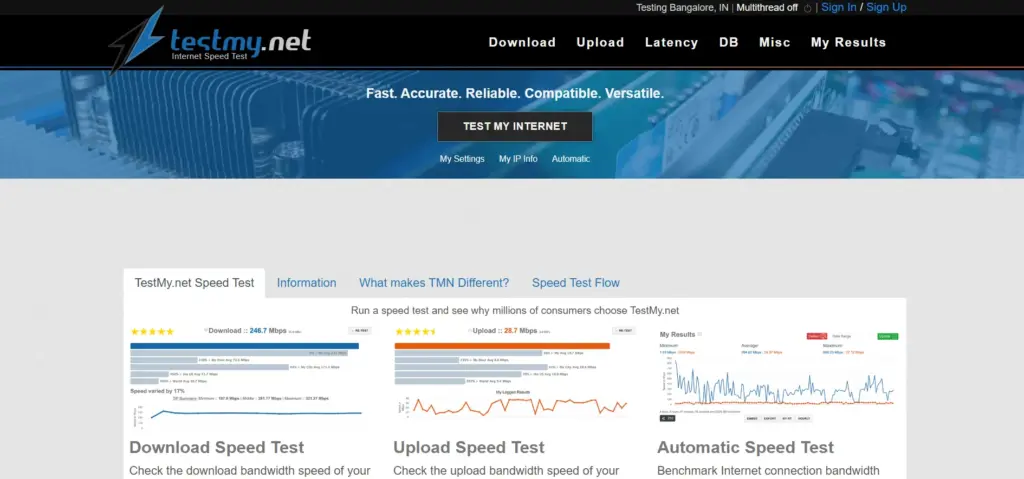
TestMy.net is a robust and long-standing benchmarking platform featured among reliable internet speed test sites, focusing on testing accuracy and data integrity. Unlike services that use small file bursts, TestMy.net downloads and uploads actual files of customizable sizes to stress-test your connection realistically.
This methodology prevents internet service providers from artificially boosting speeds for short bursts. It offers comprehensive historical reporting, allowing users to track bandwidth fluctuations across different hours of the day over long periods.
Key Features:
- Customizable test file sizes for rigorous bandwidth stress testing.
- Fully HTML5 based testing engine compatible with all modern browsers.
- Detailed historical logging and comparative performance graphing tools.
- Independent measurement free from ISP speed prioritization tricks.
Pros:
- High testing accuracy reflecting real-world file transfer performance.
- Great historical comparison tools to monitor ISP consistency.
- Completely browser-based without requiring plugin downloads.
Cons:
- Interface design appears outdated compared to modern competitors.
- Testing process takes slightly longer due to larger file transfers.
- Less intuitive for casual users looking for a one-click check.
Best For:
- Users wanting highly accurate, real-world file transfer metrics.
- Documenting consistent speed drops to report to internet providers.
5. Google Fiber Speed Test
- Website: http://fiber.google.com/speedtest
Google Fiber Speed Test offers a clean, lightning-fast, and completely advertisement-free way to check your connection performance. Hosted on Google robust network infrastructure, this tool measures both download and upload speeds in just a few seconds.
Because it is designed with simplicity at its core, it eliminates all distracting banners, upsells, and complicated menus. Anyone can open the page, click the play button, and receive clear bandwidth readings almost instantly.
Key Features:
- Clean, minimalist design completely free of advertisements.
- Fast test completion time within ten to fifteen seconds.
- Uses reliable Google network infrastructure for consistent routing.
- Measures download and upload speeds with straightforward clarity.
Pros:
- Completely ad-free and distraction-free user experience.
- Extremely fast execution suitable for quick checks.
- Simple layout that anyone can understand immediately.
Cons:
- Lacks advanced diagnostic metrics like packet loss or jitter.
- Does not provide historical data tracking or user accounts.
- Limited server location selection options for users.
Best For:
- Users seeking a fast, no-frills speed check.
- People who dislike ads and cluttered testing websites.
6. SpeedOf.me
- Website: http://speedof.me/
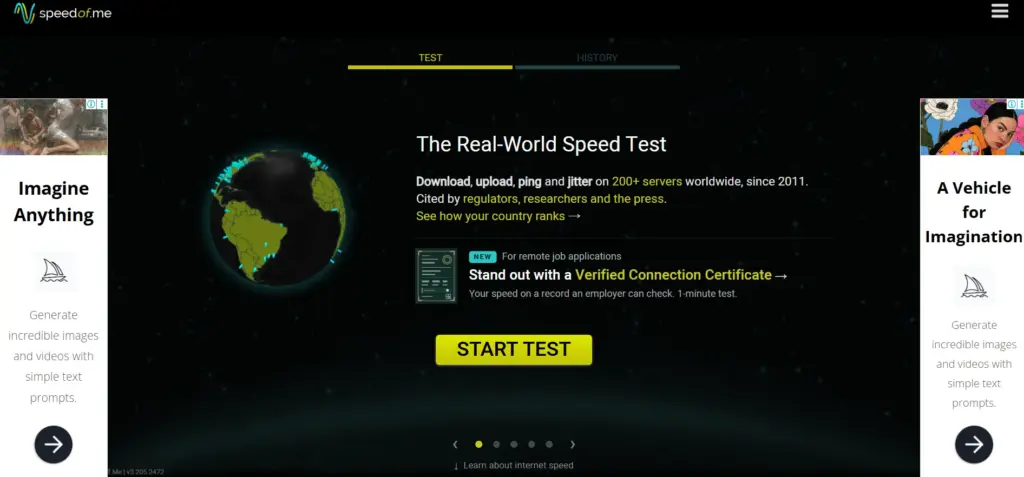
SpeedOf.me is an HTML5-based broadband speed test featured among internet speed test sites, designed to replicate real-world browsing conditions directly inside your web browser. Instead of using a single file transfer, it tests your connection by downloading and uploading progressively larger files, plotting your speed live on an interactive graph.
This approach provides an accurate reflection of how your connection handles varied web traffic. It works seamlessly across desktops, tablets, and mobile smartphones without needing any third-party plugins.
Key Features:
- Real-time graphical plotting of download and upload speeds.
- HTML5 architecture ensuring compatibility across all mobile and desktop browsers.
- Comprehensive test history archive with exportable data options.
- Multi-server testing architecture across global content delivery networks.
Pros:
- Highly responsive interactive graphs showing speed stability.
- Works smoothly on mobile browsers without requiring apps.
- Independent testing methodology avoids provider optimization bias.
Cons:
- Interface layout can appear cluttered with ads on desktop views.
- Initial loading time can sometimes lag on slower connections.
- Advanced settings require careful navigation for beginners.
Best For:
- Mobile browser users wanting plugin-free testing.
- Tracking live speed fluctuations during an active test.
7. nPerf
- Website: http://nperf.com/
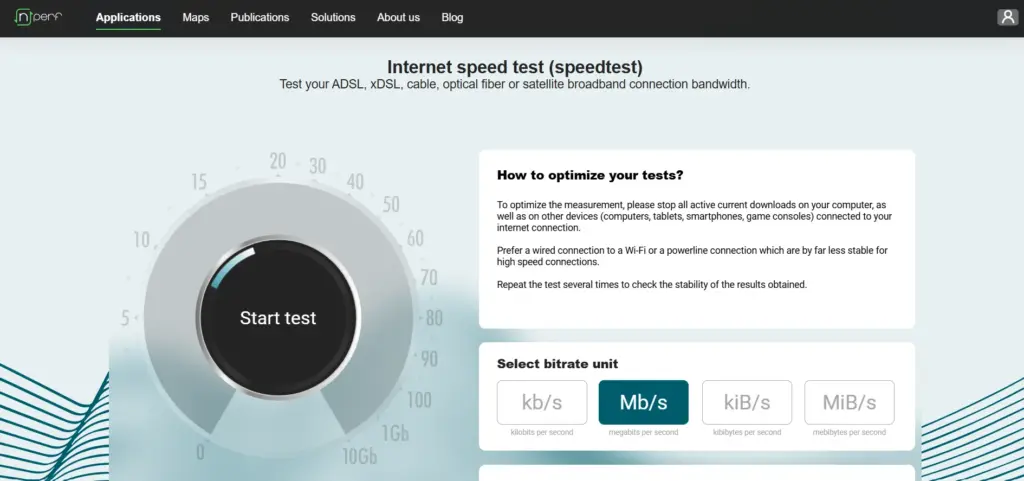
nPerf is a comprehensive internet performance testing platform that evaluates broadband and mobile connections with exceptional thoroughness. Beyond measuring standard upload and download speeds, nPerf tests browsing performance by loading popular websites and evaluates streaming quality for high definition video content.
The platform relies on a dedicated global server network designed to fully saturate your connection bandwidth. It also provides interactive coverage maps and detailed analytics for tracking network reliability across regions.
Key Features:
- Measures download speed, upload speed, latency, browsing, and streaming.
- Dedicated global server network optimized for high bandwidth saturation.
- Interactive geographic coverage maps for mobile and broadband networks.
- Completely free of advertisements across web and mobile platforms.
Pros:
- Evaluates real-world browsing and video streaming quality.
- Clean, ad-free user interface with rich visual feedback.
- Available across web browsers, desktop apps, and mobile devices.
Cons:
- Testing process takes longer due to multiple evaluation phases.
- Advanced metrics might confuse users who only want basic speeds.
- Server availability can vary in remote geographic regions.
Best For:
- Users wanting a complete assessment of browsing and streaming quality.
- Comparing local broadband and mobile network coverage maps.
8. SpeedSmart
- Website: http://speedsmart.net/
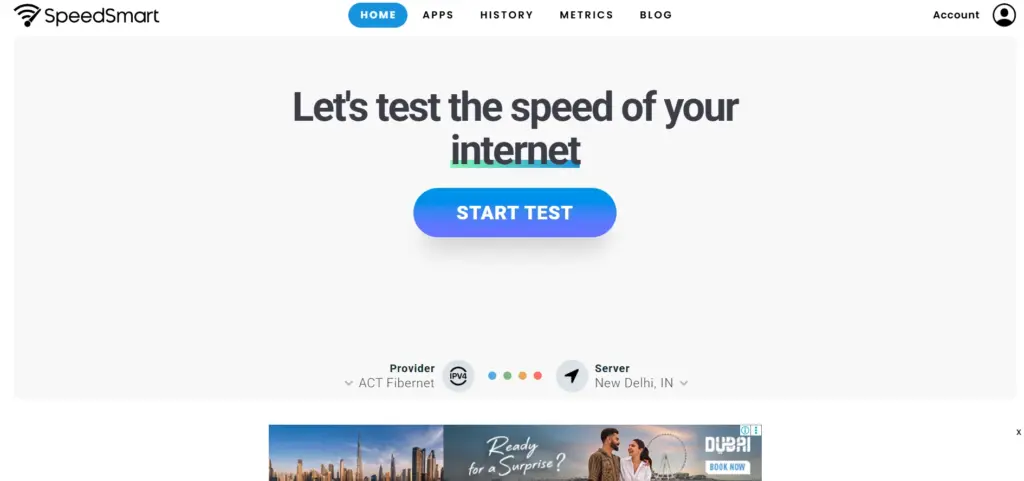
SpeedSmart is a popular HTML5 speed test tool known for its fast performance, accurate analytics, and sleek user interface. Among internet speed test sites, it measures download speed, upload speed, and ping latency while saving past test results for free account holders. Its mobile apps for iOS and Android make it easy to test Wi-Fi and cellular connections on the go. It also offers regional speed comparisons to check local ISP averages.
Key Features:
- HTML5 speed testing compatible with all modern web browsers.
- Detailed test history tracking with cloud account synchronization.
- Regional performance comparison tools to check local ISP averages.
- Dedicated mobile apps with built-in Wi-Fi and cellular diagnostics.
Pros:
- Sleek, modern interface that is easy to navigate.
- Reliable mobile applications with helpful network stats.
- Good balance of basic speed metrics and historical tracking.
Cons:
- Free web version includes banner advertisements.
- Lacks advanced technical metrics like packet loss or bufferbloat.
- Account creation required for full historical cloud syncing.
Best For:
- Users looking for a sleek app experience alongside web testing.
- Comparing personal results against local area ISP averages.
9. Opensignal
- Website: http://opensignal.com/
Opensignal is a premier mobile-first network testing platform that evaluates cellular and Wi-Fi performance worldwide. While it offers browser-based testing, its primary strength lies in its powerful mobile applications.
Opensignal goes beyond basic speed numbers by testing video streaming quality, gaming responsiveness, and download consistency. It also features crowdsourced coverage maps that help users identify cellular dead zones and find the strongest network providers in their local geographic area.
Key Features:
- Mobile-first testing architecture optimized for 4G, 5G, and Wi-Fi.
- Evaluates video streaming and multiplayer gaming performance.
- Crowdsourced global coverage maps showing carrier signal strength.
- Automated background testing options for continuous network monitoring.
Pros:
- Excellent tool for evaluating mobile and cellular performance.
- Detailed coverage maps help identify reliable network carriers.
- Comprehensive video and gaming quality score breakdown.
Cons:
- Primarily focused on mobile devices rather than fixed home broadband.
- Background testing can consume mobile battery and data allowances.
- App interface can feel busy due to numerous mapping features.
Best For:
- Smartphone users testing cellular network and mobile data speeds.
- Travelers looking to check carrier coverage in new regions.
10. Measurement Lab (M-Lab)
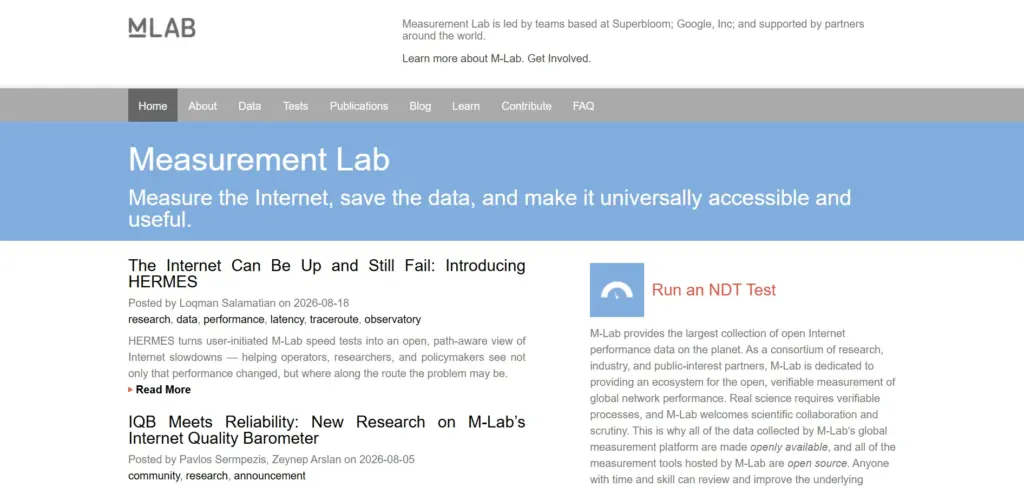
- Website: http://speed.measurementlab.net/
Measurement Lab, commonly known as M-Lab, is an open-source consortium providing verifiable network performance measurement tools. Among internet speed test sites, M-Lab stands out for its commitment to open internet research and public data collection.
Its Network Diagnostic Tool measures download speed, upload speed, and latency while contributing anonymized performance data to a publicly accessible research database. It provides neutral measurements free from commercial influence or ISP server manipulation.
Key Features:
- Open-source diagnostic testing architecture backed by researchers.
- Contributes anonymized test data to public research databases.
- Complete measurement neutrality with zero commercial bias.
- Evaluates download, upload, and core network latency metrics.
Pros:
- Trusted by academic researchers, regulators, and consumer advocates.
- Completely free and open source with no advertising clutter.
- Highly transparent methodology ensuring trustworthy results.
Cons:
- Interface is utilitarian and lacks modern visual polish.
- Testing can take slightly longer than commercial speed tests.
- Does not offer mobile apps or advanced consumer features.
Best For:
- Researchers and policy advocates studying internet performance.
- Users seeking completely neutral, non-commercial speed verification.
11. Xfinity Speed Test
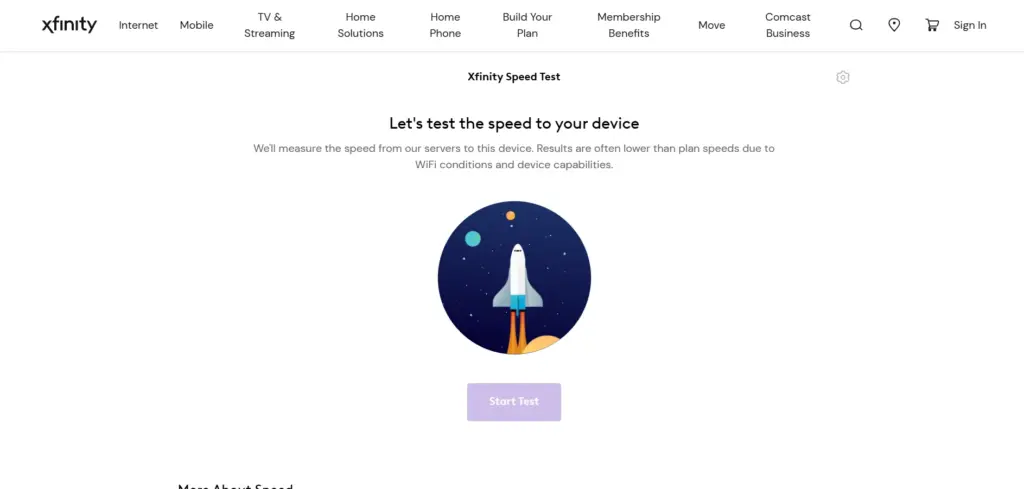
- Website: https://cdn.speedtest-prod.xcr.comcast.net/
Xfinity Speed Test is a provider-backed testing tool designed primarily to evaluate broadband connections delivered through major cable and fiber infrastructures. While hosted by a major internet service provider, the tool measures speeds against independent servers to maintain measurement reliability.
It provides clear download and upload metrics alongside practical recommendations on how to optimize your home Wi-Fi network and Internet. It serves as a handy second opinion tool for troubleshooting home internet slowdowns.
Key Features:
- Evaluates download, upload, and latency metrics efficiently.
- Integrated troubleshooting tips based on your test results.
- Compatible with any browser for testing various home networks.
- Direct links to customer support and network equipment guides.
Pros:
- Simple and clean interface suitable for everyday consumers.
- Helpful optimization suggestions based on measured speeds.
- Free to use without requiring an Xfinity customer account.
Cons:
- Hosted by an ISP, which can raise minor neutrality questions.
- Lacks advanced technical metrics like jitter or packet loss graphs.
- Promotes company services and equipment upgrades on the page.
Best For:
- Households looking for a quick check with practical optimization tips.
- Cable internet subscribers verifying baseline connection performance.
12. Speakeasy Speed Test
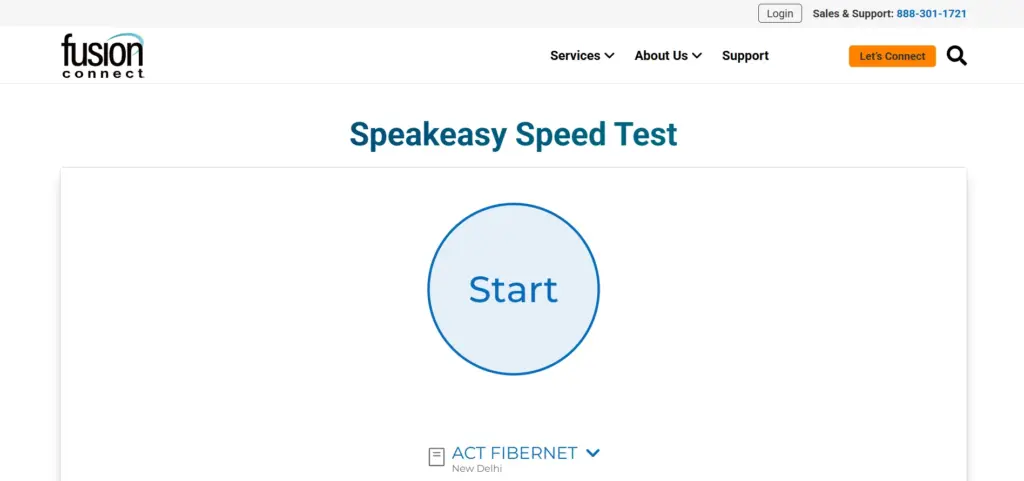
- Website: http://speakeasy.net/speedtest
Speakeasy Speed Test is a classic and reliable tool among internet speed test sites, used by businesses and home users for years. It allows users to select server locations across different regions to test connection performance over long distances. The platform measures download and upload speeds, helping users identify bottlenecks between their devices and remote servers.
Key Features:
- Manual server location selection for multi-region testing.
- Clean and straightforward interface with minimal distractions.
- Reliable measurement of download and upload bandwidth speeds.
- Useful for checking long-distance routing performance.
Pros:
- Ability to test speeds against specific geographic server locations.
- No distracting advertisements or commercial clutter.
- Simple layout that loads quickly in any web browser.
Cons:
- Interface design is basic and lacks modern graphical polish.
- Does not track historical test data or cloud user accounts.
- Lacks advanced diagnostics like jitter, packet loss, or bufferbloat.
Best For:
- Testing connection speeds across different geographic server regions.
- Users wanting a simple, classic, ad-free speed checking tool.
How to Choose the Right Speed Test Site for Your Specific Needs
Selecting the best internet speed test platform depends heavily on what you intend to achieve with your network diagnosis. Different testing utilities are engineered for distinct purposes, ranging from casual speed checks to deep network troubleshooting. Understanding your primary online activities helps you narrow down which platform will give you the most relevant and actionable performance data. Casual users who only stream movies or browse social media need very different testing metrics compared to remote workers or competitive online gamers who require precise stability tracking.
- Identify Your Primary Use Case: Determine whether your main online activity involves heavy video streaming, large file uploads, competitive multiplayer gaming, or general web browsing. If you primarily watch Netflix or YouTube, a download-focused platform gives you quick answers, whereas gamers need tools that measure ping and packet loss closely.
- Evaluate Technical Depth Required: Consider whether you need a simple one-click reading or advanced diagnostic insights. Casual users benefit from clean and minimalist interfaces, while power users and network administrators require granular control over file sizes, server locations, and raw performance logs.
- Check Device and Browser Compatibility: Ensure the testing platform runs smoothly on your preferred hardware without requiring cumbersome plugins or third-party software downloads. HTML5-based tools offer seamless cross-platform performance across desktop computers, tablets, and mobile smartphones alike.
- Consider Provider Neutrality: Look for independent open-source or third-party testing sites that do not rely on your internet service provider infrastructure. Neutral platforms prevent potential routing bias and ensure you receive completely objective bandwidth measurements.
Step-by-Step Guide to Conducting an Accurate Internet Speed Test
Performing an internet speed test correctly ensures your results reflect your true connection capabilities rather than temporary local interference. Using reliable internet speed test sites and avoiding common mistakes, such as crowded wireless networks or background applications, helps provide accurate results for troubleshooting connection issues.
- Disconnect Active Background Downloads: Pause all active file downloads, software updates, cloud backups, and video streaming sessions on all devices connected to your home network. Background traffic consumes available bandwidth and artificially lowers your speed test score.
- Use a Wired Ethernet Connection: Connect your computer directly to your modem or router using a physical Ethernet cable whenever possible. Testing over Wi-Fi introduces interference from physical walls, distance, and wireless congestion that reduces accuracy.
- Select a Nearby Testing Server: Choose a testing server located physically close to your geographic region. Selecting a server that is thousands of miles away adds artificial latency and reduces measured download speeds due to long-distance routing hops.
- Run Multiple Tests at Different Times: Execute tests during different times of the day, including peak evening hours when neighborhood network congestion is typically highest. Comparing morning results with evening readings helps you identify if your provider throttles speeds during busy periods.
Conclusion
Testing your internet speed regularly is essential for ensuring your service provider delivers what you pay for. Whether you are a casual browser, remote worker, gamer, or streaming enthusiast, internet speed test sites help you check bandwidth and troubleshoot connection issues effectively. Throughout this guide, we explored twelve speed test platforms for different preferences and technical requirements.
Tools like Speedtest by Ookla offer great overall performance, while specialized platforms like Fast.com and Cloudflare cater to streaming fans and technical power users. By understanding what each tool measures, you can choose the best platform to monitor your network health and maintain a fast, reliable online experience.
Frequently Asked Questions
1. What Is The Difference Between Download Speed And Upload Speed?
Download speed measures how fast data travels from the internet to your device, which affects web browsing and video streaming. Upload speed measures how fast your device sends data to the internet, which is crucial for video calls, online gaming, and cloud backups.
2. What Is Ping Or Latency In A Speed Test?
Ping, or latency, measures the reaction time of your connection in milliseconds. It determines how fast a data packet travels from your device to the server and back. Lower ping values are vital for real-time applications like video conferencing and gaming.
3. Why Do Different Speed Test Sites Give Different Results?
Different websites use different testing servers, network protocols, and algorithms. Server distance, network congestion, and how each platform handles data routing can cause minor variations between test results.
4. Should I Test My Speed Over Wi-Fi Or Using An Ethernet Cable?
Testing with an Ethernet cable plugged directly into your router provides the most accurate measurement of your true internet plan speed. Wi-Fi speeds are often lower due to physical walls, distance, wireless interference, and router limitations.
5. What Is A Good Internet Speed For A Typical Household?
A download speed of 100 megabits per second is generally sufficient for a small household handling multiple video streams, remote work, and browsing. Larger households or heavy users downloading large files often benefit from speeds of 300 megabits per second or higher.