15 Best Password Managers to Keep Your Accounts Secure
Nowadays, it is easy to have dozens of passwords across the internet and apps, which can get overwhelming and even dangerous. As online attacks and data breaches are on the increase, weak passwords or repeated passwords make your personal and financial data susceptible to hackers. Password managers come in at that place.
These intelligent applications ensure that you have all of your user credentials stored safely, create hard-to-crack passwords, and allow their use with a single master password. And regardless of whether you are an individual who needs an easier internet life or a company that needs to secure the credentials of your team, having the right password manager can not only save time but also increase your online security level.
We have checked the best password managers. In this guide, we have evaluated these managers on factors like security, ease of use, and value for money, so that you can settle on the best password manager that is applicable to you.
How to Select the Best Password Manager
- Find out your Main Requirement: To understand what you require a password manager for: personal, family, or business. The right focus assists in picking a tool that has the necessary features. Always align the manager to your unique needs.
- Check Security Standards: Find out end-to-end encryption and zero-knowledge technology so that your passwords are kept confidential. This is to secure your information even when the service provider experiences an attack. The number one thing should be security.
- Make sure Cross-Platform Compatibility: Select a password management that is compatible with Windows, macOS, Android, iOS, and browsers. Seamless compatibility of devices will allow you to get your passwords everywhere without any inconveniences.
- Take into Account Advanced Functionalities: Additional security is added with such features as two-factor authentication (2FA), breach notifications, and password health checks. Such tools will help avoid unauthorized access and enhance your complete protection in the digital world.
- Test Ease of Use and Reputation: Choose a manager that has a straightforward interface, autofill features, and navigation. Reviews of users and the security history of the company are so as to be reliable and trustworthy.
List of Top 15 Password Managers
1. Dashlane
Website: https://www.dashlane.com/
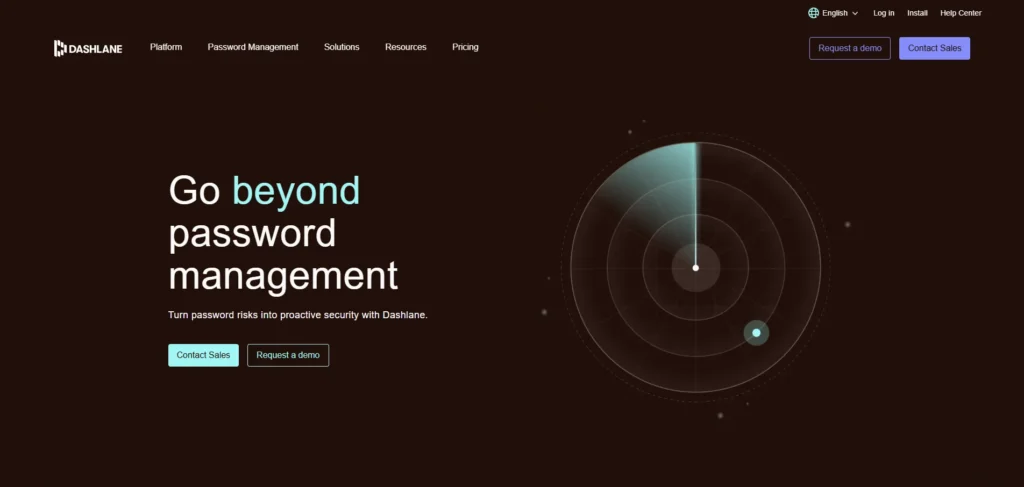
Dashlane simplifies and accelerates the process of entering websites and manages all of your passwords in a safe place. It also protects your connection by scanning the dark web against hacked passwords, and it has a built-in VPN. The app is easy to use, irrespective of your degree of experience in using password managers. It secures your data against hackers and keeps it confidential.
- Strong AES-256 encryption for security
- Built-in VPN for safe browsing
- Alerts if your passwords appear in a breach
- Auto-fill saves time logging in
- Supports fingerprint and face recognition
Best for: People who want simple, strong security with extra online protection.
Price: From $4.99/month.
2. 1Password
Website: https://1password.com/
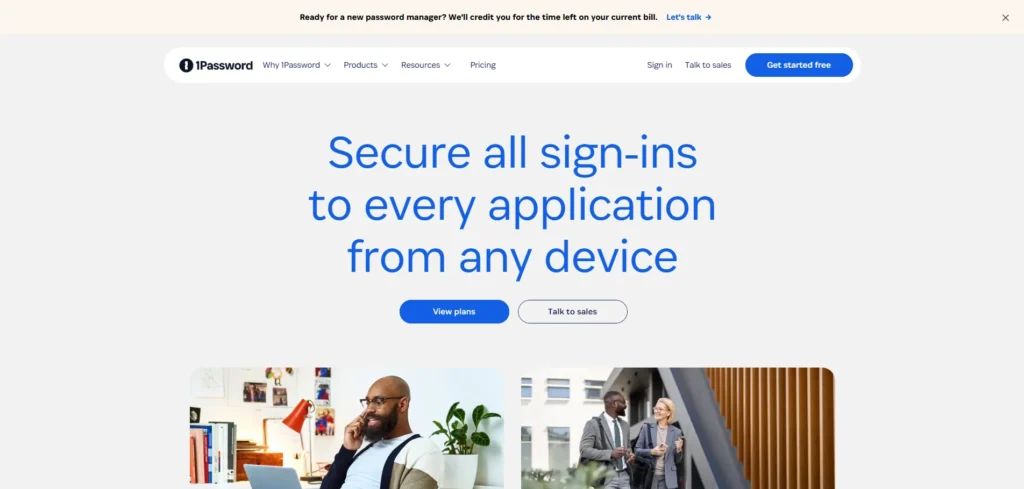
1Password is very useful in families and group setups because sharing passwords becomes a very easy and secure task. Its Travel Mode can also be used to hide sensitive information when travelling. It keeps on verifying your passwords to ensure that they are not weak or stolen, and you can use your face or fingerprint to log in. It is easy to keep your passwords organised and safe.
- Strong encryption plus an extra security key
- Travel Mode hides passwords while traveling
- Share passwords with family or team
- Checks for weak or stolen passwords
- Works with fingerprint and face login
Best for: Families and teams who want safe and simple password sharing.
Price: Starts at $2.99/month.
3. Bitwarden
Website: https://bitwarden.com/
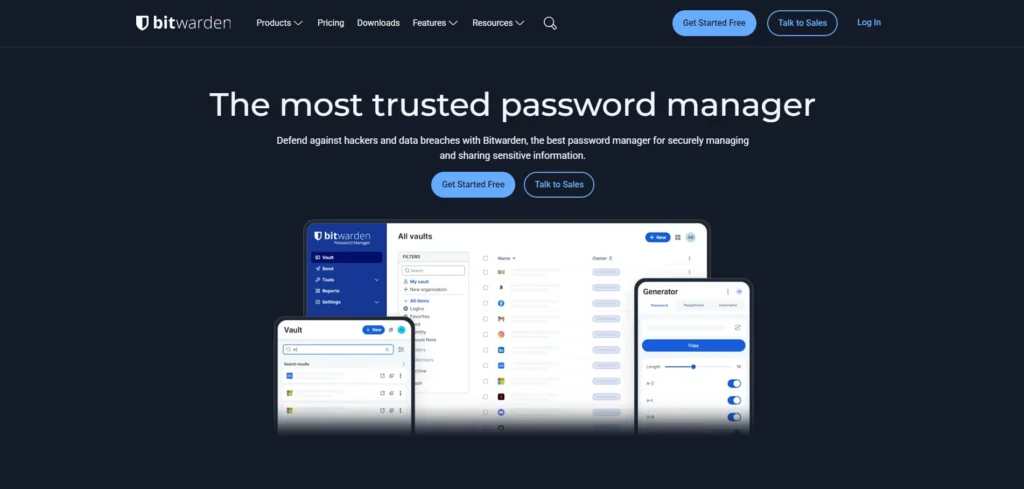
Bitwarden is a transparent, open-source password manager that supports both cloud and self-hosted options. It offers robust encryption and multiple two-factor options, making it a favorite for privacy-focused and technically savvy users. Bitwarden’s free plan is generous, allowing unlimited passwords, and its premium plan is affordable, delivering exceptional value.
- AES-256 encryption with zero-knowledge policy
- Open-source and extensively audited
- Self-hosting support
- Passkey and TOTP compatibility
- Unlimited storage on the free plan
Best for: Privacy-conscious users and organizations wanting transparency.
Price: Premium at $10/year.
4. Keeper Security
Website: https://keepersecurity.com/
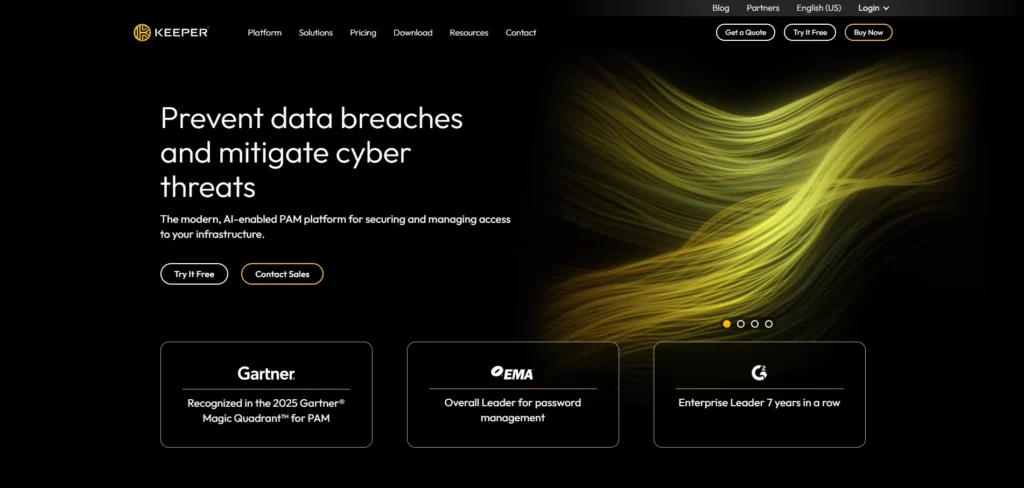
Designed with business needs in mind, Keeper Security provides compliance tools, encrypted file storage, and robust password management. It caters to companies looking for scalable security for teams by supporting biometric authentication, multi-factor options, and dark web monitoring. Data privacy is guaranteed by the zero-knowledge architecture.
- Biometric and multi-factor authentication
- Encrypted file storage
- Dark web breach monitoring
- Administrative controls for teams
- Zero-knowledge security model
Best for: Businesses needing enterprise-grade password security and compliance.
Price: Starts at $1.67/month for individuals.
5. NordPass
Website: https://nordpass.com/
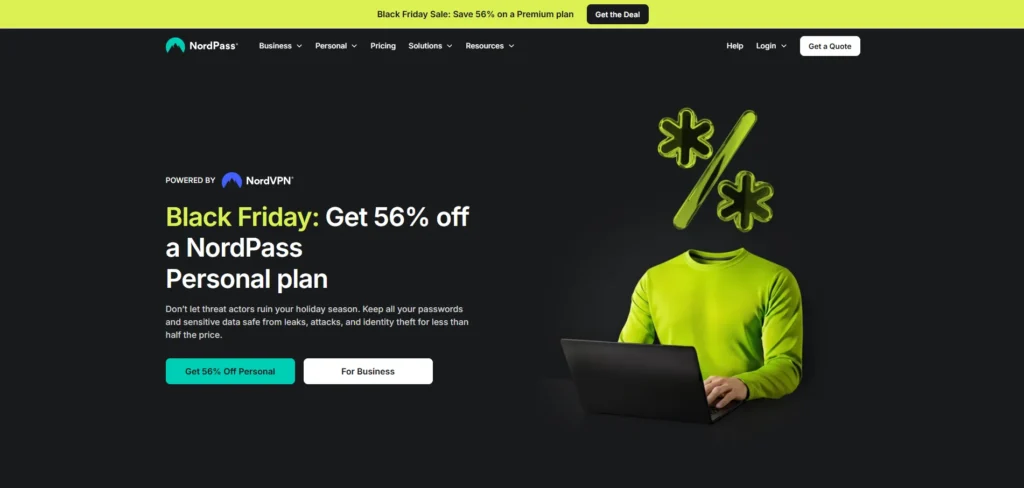
NordPass, developed by the NordVPN team, is renowned for utilizing the cutting-edge XChaCha20 encryption standard. It provides a password health audit, safe password sharing, and easy cross-platform access. It appeals to users seeking dependable, reasonably priced password security for all devices because of its clear, easy-to-use interface.
- XChaCha20 encryption
- Password health and breach monitoring
- Secure sharing and autofill
- Multi-device synchronization
- Biometric login support
Best for: Users wanting strong encryption with simple multi-device access.
Price: From $1.49/month.
6. LastPass
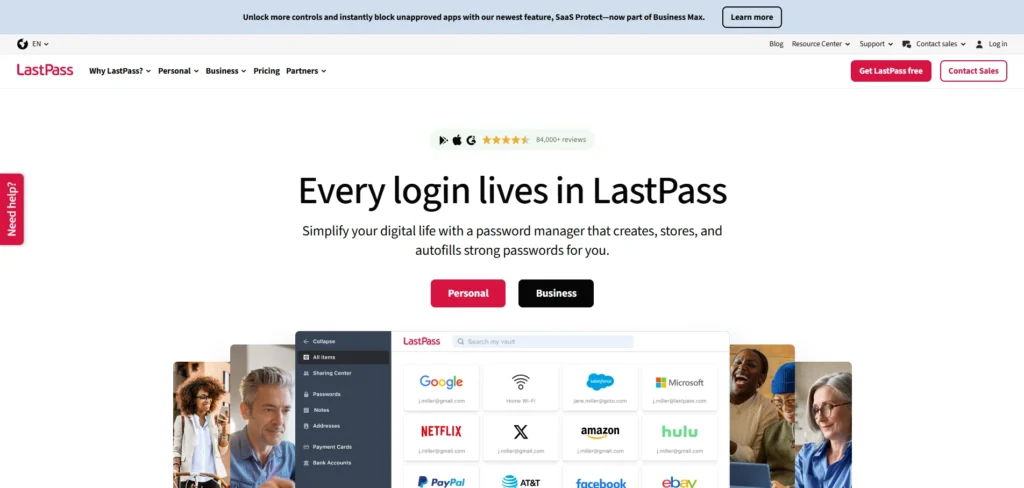
Website: https://lastpass.com/
NordPass is a product of the NordVPN team that has been known to employ the latest XChaCha20 encryption standard. It offers password health audit, secure sharing of passwords, and hassle-free cross-platform access. It targets the customers who want reliable security of their passwords at a reasonable price across all their devices due to its intuitive, easy-to-use interface.
- Secure vault with password sharing
- Multi-factor authentication (MFA)
- Autofill and password generation
- Security challenge to audit passwords
- Synchronization across devices
Best for: Small teams and individual users valuing convenience and cloud access.
Price: Premium starts at $3/month.
7. Proton Pass
Website: https://proton.me/pass
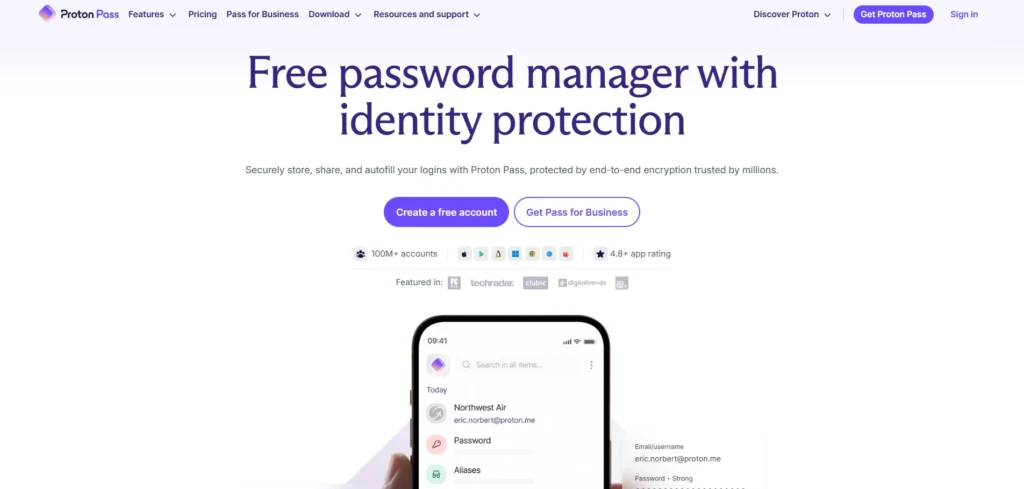
Proton Pass is a newer password manager developed by the creators of ProtonMail, an internationally respected secure email service. It combines strong privacy, transparency, and open-source development. Built specifically with zero-knowledge encryption and privacy-first principles, Proton Pass integrates seamlessly with Proton’s VPN and Drive, creating a secure ecosystem for sensitive data. It also includes unique features like email aliasing for enhanced privacy.
- Zero-knowledge AES-256 encryption
- Open-source with independent audits
- Email aliasing for identity protection
- Passkey and multi-device sync support
- Breach alert notifications
Best for: Privacy-conscious users and Proton ecosystem subscribers.
Price: Included in Proton Unlimited from $3.99/month.
Suggested Read: Free VPN For Android
8. Zoho Vault
Website: https://zoho.com/vault
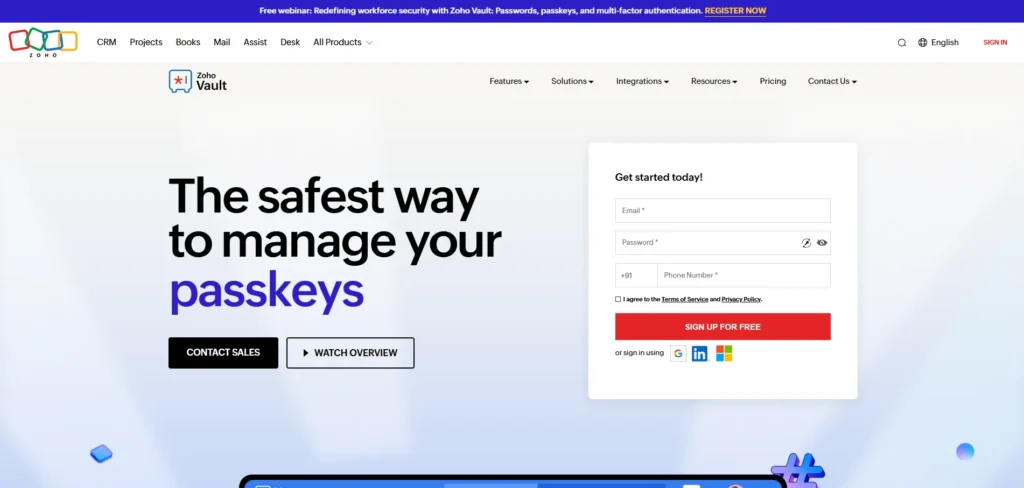
Zoho Vault is part of Zoho’s comprehensive productivity and business suite. It is specially tailored to manage passwords in companies, with options for role-based access control and activity audit trails. Zoho Vault supports integrations with directory services like Active Directory and LDAP, making it suitable for organizations requiring structured password management. Its intuitive interface and customizable security policies help streamline enterprise workflows.
- Role-based permissions with granular control
- Audit trails and detailed reporting
- Integration with Zoho apps and LDAP/Active Directory
- Unlimited password storage
- Cross-browser and device compatibility
Best for: Businesses, especially those using Zoho’s ecosystem.
Price: Starts at $1/month per user.
9. RoboForm
Website: https://roboform.com/
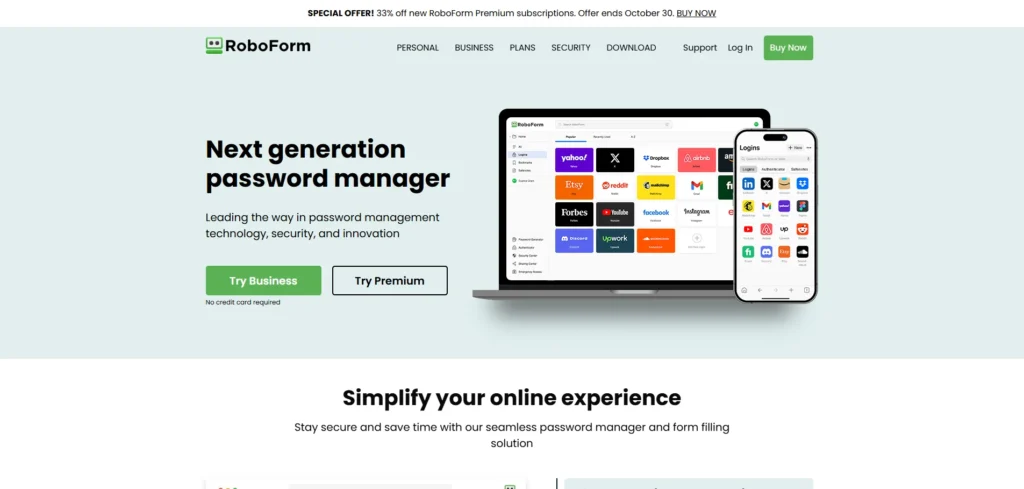
RoboForm is a password manager that is easy and efficient. It is compatible with the majority of browsers and devices and has such functions as audit reporting and secure sharing. The free version of RoboForm is also rated well and has an unlimited password service and sync service, which is excellent for anyone who is a casual user. Its support for multiple languages and interfaces is easily navigable and encourages even beginners in password management to develop safe habits.
- AES-256 encryption
- Secure password sharing
- Password auditing and health reports
- Supports multi-language interfaces
- Cross-device syncing and backup
Best for: Beginners and multilingual users wanting straightforward password management.
Price: Premium from $0.99/month.
10. Norton Password Manager
Website: https://norton.com/password-manager
Norton Password Manager offers robust password protection bundled with the widely used Norton 360 security suite. It provides unlimited password storage and a featured auto-password changer. With AES-256 encryption, the manager also includes alert systems for breached passwords and seamless syncing across devices, enhancing security for everyday users integrated into the Norton ecosystem.
- AES-256 encryption
- Auto-password changer function
- Dark web monitoring and breach alerts
- Unlimited password storage
- Multi-device sync with Norton 360 security
Best for: Users seeking password management integrated with comprehensive antivirus protection.
Price: Included with Norton 360 or $4.99/month standalone.
11. Sticky Password
Website: https://stickypassword.com/
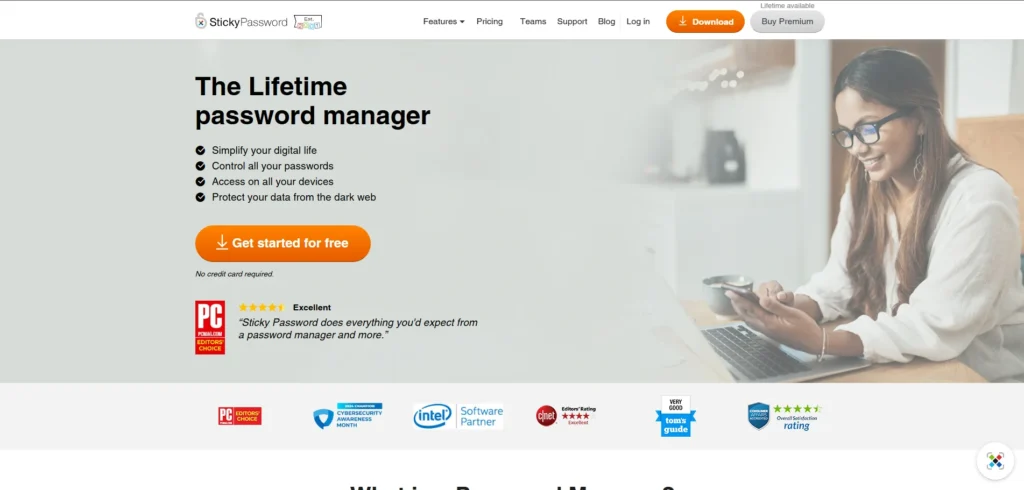
Sticky Password, developed by AVG founders, combines simplicity with strong security features. It offers users a choice between cloud syncing and local storage, which is rare among password managers. With biometric login and an optional portable USB version, Sticky Password appeals to users interested in both convenience and data ownership. Its lifetime purchase option is also cost-effective.
- Choice of cloud or local storage
- Biometric authentication support
- AES-256 encryption
- Portable USB version available
- Lifetime license option
Best for: Users wanting a flexible and affordable one-time purchase manager.
Price: $29.99 lifetime or $2.50/month subscription.
12. LogMeOnce
Website: https://logmeonce.com/
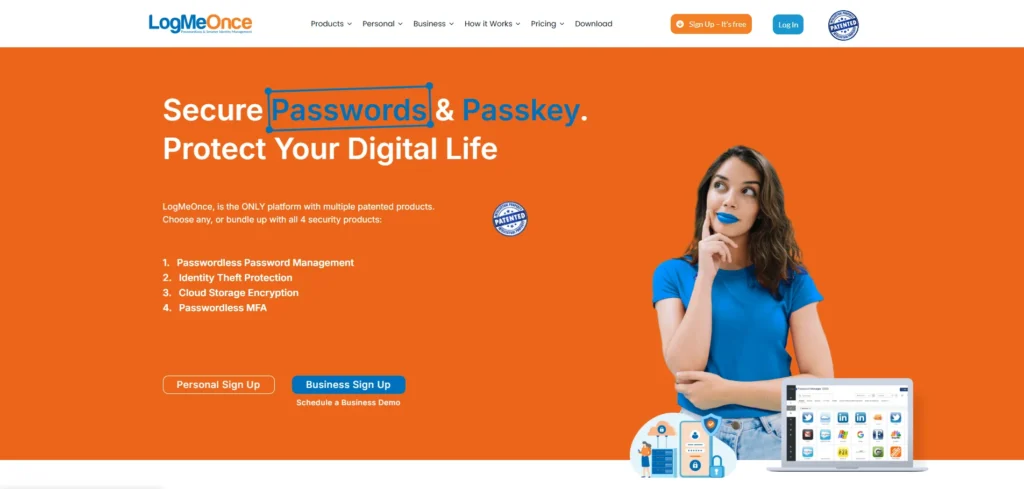
With special security features like photo login and anti-theft safeguards, LogMeOnce provides sophisticated password management. It improves overall account security by supporting a variety of multi-factor authentication techniques. This platform is intended for users who desire both traditional password vault features and state-of-the-art login security. When dark web monitoring is used, users can be informed right away of any vulnerabilities.
- Photo login and anti-theft feature
- Multiple MFA options, including biometrics
- Passwordless login support
- Dark web monitoring and breach alerts
- Secure password sharing
Best for: Security enthusiasts and users wanting innovative authentication features.
Price: Free tier available; Premium from $2.50/month.
13. Securden
Website: https://securden.com/
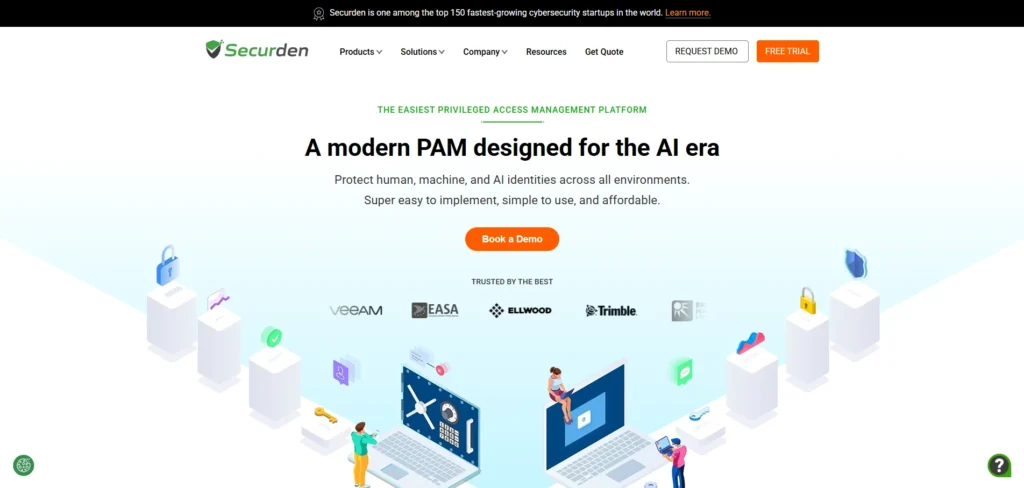
With an emphasis on internal controls and compliance, Securden is an expert in enterprise-grade password management. Organizations can comply with stringent data protection regulations thanks to its self-hosted options. The platform is ideal for sectors with regulatory requirements, like finance or healthcare, because it provides features like session recording, audit trails, password rotation, and granular access controls.
- Self-hosted or cloud deployment
- Automated password rotation
- Detailed audit logs and session monitoring
- Granular access and role-based controls
- Compliance-focused features
Best for: Enterprises needing strong compliance and secure credential management.
Price: Custom pricing based on deployment and features.
14. Passwork.pro
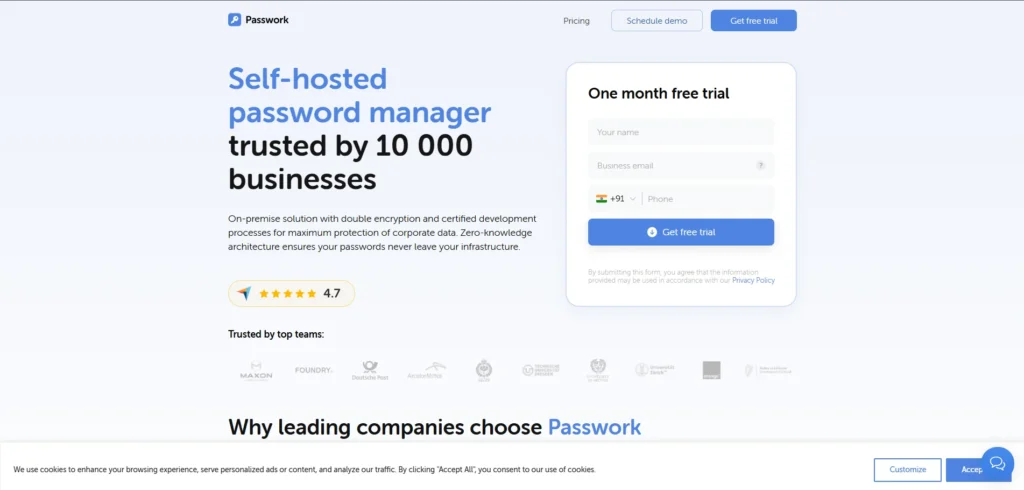
Website: http://passwork.pro
Teams and companies looking for the most control through self-hosting are the main target audience for Passwork.pro. It provides businesses with smooth authentication by integrating with LDAP and Single Sign-On (SSO) systems. Passwork.pro helps businesses keep strict control over who has access to sensitive credentials by offering audit dashboards, granular permissions, and encrypted shared folders.
- Full self-hosting capability
- LDAP and SSO integration
- Secure shared folders
- Real-time audit and activity dashboards
- AES-256 encryption standard
Best for: Organizations requiring local data control and enterprise collaboration.
Price: Starts at $30/user/year.
Comparison Table
| Password Manager | Description | Key Features | Best For | Price |
| Dashlane | Stores passwords safely, has a built-in VPN, and watches the dark web for breaches. Easy to use for all users. | AES-256 encryption, VPN, breach alerts, autofill, biometric login | Users wanting simple yet strong protection | From $4.99/month |
| 1Password | Great for families and teams, allows password sharing safely, and hides passwords when traveling. | Strong encryption, Travel Mode, shared vaults, password checking, biometric login | Families and teams sharing passwords | From $2.99/month |
| Bitwarden | Open-source, cloud, and self-hosted options, a generous free plan with unlimited passwords. | Open-source, AES-256 encryption, self-hosting, passkeys, unlimited free use | Privacy-focused users and groups | Premium $10/year |
| Keeper Security | Enterprise-grade, with file storage, biometric login, and admin controls. | MFA, encrypted storage, breach monitoring, admin controls, zero-knowledge | Businesses needing strong security | From $1.67/month |
| NordPass | Uses strong encryption with easy multi-device syncing and password health tools. | XChaCha20 encryption, health reports, secure sharing, autofill | Users wanting a simple, secure multi-device | From $1.49/month |
| LastPass | Cloud manager with autofill, secure sharing, and password audits. | Secure vault, MFA, autofill, password generator, sync | Individuals and small teams | From $3/month |
| Proton Pass | Privacy-first, zero-knowledge encryption, open-source, and integrates with Proton’s services. | Zero-knowledge encryption, email aliasing, open-source, passkey | Privacy-conscious users | From $3.99/month |
| Zoho Vault | Tailored for businesses, with role-based access and audit trails. | Role-based access, audit reports, LDAP integration, unlimited storage | Businesses, especially those using the Zoho suite | From $1/user/month |
| RoboForm | Simple, with multilingual support and strong auditing in free and premium plans. | AES-256 encryption, password sharing, audit reports, multi-language | Beginners and users wanting easy management | From $0.99/month |
| Google Password Manager | Integrated into Chrome/Android, autofills and alerts about weak passwords. | Chrome/Android integration, autofill, syncing, alerts | Google users need easy management | Free with a Google account |
| Norton Password Manager | Bundled with Norton 360, unlimited storage, an auto-password changer, and dark web monitoring. | AES-256 encryption, auto-password changer, breach alerts, unlimited storage | Users wanting password management with antivirus | Included/$4.99/month |
| Sticky Password | Offers cloud or local storage and a portable USB version, convenient and secure. | Cloud/local syncing, biometric login, AES-256 encryption, lifetime license option | Users wanting a flexible, affordable one-time purchase | $29.99 lifetime or $2.50/month |
| LogMeOnce | Uses photo login and anti-theft features, multiple MFA options, and passwordless login. | Photo login, MFA options, passwordless login, dark web alert, sharing | Security enthusiasts want new login methods | Free / $2.50/month |
| Securden | Enterprise-grade management focusing on compliance, password rotation, and audit trails. | Self-hosted/cloud, password rotation, audit logs, granular access | Enterprises needing strong compliance | Custom pricing |
| Passwork.pro | Designed for teams with self-hosting, LDAP/SSO integration, encrypted sharing, and audit logs. | Self-hosting, LDAP/SSO, secure sharing, audit dashboards, AES-256 encryption | Organizations needing maximum data control | From $30/user/year |
Tips to Manage your Password
- Turn on Two-Factor Authentication (2FA): You should always enable 2FA on your password manager in order to increase the level of protection. This means that in case your master password has been compromised, then your accounts are still safe. You should always keep your means of authentication updated.
- Select a Good Master Password: This is a long password that is unique, and complex master password. Do not use simple patterns or common words, and keep it regularly updated, keeping it secure. Take it like the key to all your accounts.
- Review Saved Passwords: Check the saved passwords regularly and delete the old and unused accounts. The renewal of weak or repetitive passwords is better to enhance the general safety in the digital world. This is to avoid possible violations.
- Avoid Phishing Links: You should log in to your password manager and never use suspicious emails or links. This will help avoid being fooled by hackers into disclosing sensitive information. Stay cautious online.
- Only Trusted Devices: Turn on the syncing of only those devices that you can trust and not on the public or shared computers. Restricting access limits the chances of unauthorized access. Make sure that your gadgets are locked.
Conclusion
Password managers will become mandatory in 2025, and that is because of the safety of the internet. They assist you in organizing, save password problems, and guard against cyber attacks on sensitive information. The password manager will also help to simplify and secure your digital life, no matter whether you need it personally or in the course of business. Make a better choice, turn on every security option, and exercise your internet privacy now.
FAQs
What Is A Password Manager?
A password manager is a safe online application that secures and encrypts your usernames and passwords to sites, applications, and accounts. It will automatically fill in passwords, it will create a new and powerful password, and it will allow you to use one master password to access all things in your online life – keeping life safe and in order.
Is It Safe To Use Password Managers?
Yes. Verified password providers will provide password end-to-end encryption, such that the service provider will not have access to the stored information. At any point in time, your information is confidential and secured.
Which Is The Best Free Password Manager In 2025?
Free bestseller Bitwarden and NordPass are performance-wise reliable, securely syncing, and provide the necessary features, which is ideal for individuals and small companies.
Is It Possible To Compromise Password Managers With Hackers?
It is really insignificant whether you are dealing with a trusted service and have zero-knowledge encryption. In order to remain secure, it is always advisable to have a strong master password and utilize two-factor authentication (2FA).