Gaming has evolved beyond casual entertainment into a competitive and highly connected experience where speed, stability, and security matter. A VPN for gaming helps players improve their online experience by creating a secure connection between their device and gaming servers. It can reduce issues like unstable connections, protect against DDoS attacks, and sometimes help access games, servers, or content available in different regions.
With online multiplayer games attracting millions of players worldwide, even a small delay can impact performance. A reliable gaming VPN uses advanced routing, optimized servers, and low-latency connections to help maintain smoother gameplay. According to industry reports, the global online gaming market continues to grow rapidly, with billions of players participating across PC, console, and mobile platforms. As gaming communities expand, protecting your connection while maintaining competitive performance has become more important than ever.
Why People Are Looking for the Best VPN for Gaming?
The demand for the best VPN for gaming has increased as online gaming becomes more competitive and players rely on stable, fast, and secure connections. Modern multiplayer games require quick response times, low ping, and reliable servers, where even a small delay can affect gameplay. Gamers often look for VPNs to reduce connection issues caused by poor ISP routing, network congestion, or unstable connections.
Security is another major reason players use gaming VPNs. Competitive gamers and streamers can become targets of DDoS attacks, where attackers overload a network to force players offline. A VPN helps protect users by hiding their real IP address and adding an extra layer of privacy.
Players also use VPNs to access region-locked games, servers, updates, and events that may not be available in their location. Features like WireGuard support, low-latency servers, split tunneling, and kill switches make VPNs more useful for gamers who want smoother gameplay without compromising security.
What Makes a VPN Good for Gaming? A Quick Buying Guide
Low latency and ping performance are among the most important factors. A good VPN should help maintain stable ping, ideally keeping it below 50ms for excellent gameplay, while higher latency (150ms+) can cause lag and delayed actions. VPNs with modern protocols like WireGuard can improve connection efficiency by reducing processing time and adding minimal delay compared to older protocols.
The server network and location also matter. A VPN with more servers allows gamers to connect closer to game servers, reducing congestion and improving speed. Nearby servers generally mean shorter data travel distances and better response times.
Security features like DDoS protection help protect gamers by hiding their real IP address, making it harder for attackers to target their home network. This is especially useful for esports players and streamers.
A good gaming VPN should also prevent ISP throttling by encrypting traffic, making it difficult for providers to detect and slow down gaming activity. Features like split tunneling allow players to send only game traffic through the VPN while keeping other apps on the regular connection.
A reliable kill switch is another essential feature, as it prevents accidental IP exposure if the VPN connection drops during an important match. Finally, check device support and simultaneous connections so multiple gamers, consoles, and PCs can use the VPN without needing separate accounts.
Gaming VPN Comparison: Find the Right VPN for Your Needs
| VPN | Best For | Price (from) | Servers | Devices | Ping Added |
| NordVPN | Overall | $3.09/mo | 8,400+ | 10 | Very low |
| Surfshark | Value | $1.99/mo | 3,200+ | Unlimited | Very low |
| ExpressVPN | Consoles | $4.99/mo | 3,000+ | 8 | Low |
| Proton VPN | Free tier | $3.99/mo | 11,000+ | 10 | Low |
| CyberGhost | Beginners | $2.19/mo | 11,000+ | 7 | Low |
| PIA | Custom control | $2.19/mo | Large | Unlimited | Low |
| IPVanish | US gaming | $2.19/mo | 2,400+ | Unlimited | Low |
| Mullvad | Privacy | $5.50/mo | 650+ | 5 | Low |
| Windscribe | Flexible | $3.00/mo | Large | Unlimited | Low |
| hide.me | No-frills | $2.59/mo | 2,400+ | 10 | Low |
List of 10 Best VPNs for Gaming in 2026, Ranked and Tested
1. NordVPN: Best Overall Gaming VPN

Website: nordvpn.com
NordVPN is our top pick because it does everything well. Its NordLynx protocol, built on WireGuard, ranks among the fastest available, and its huge network keeps a low ping server close to almost any game server you join. In our testing, it added barely any latency while maintaining steady download and upload speeds, even on faraway servers. Among leading VPN services, NordVPN stands out with features like Threat Protection, a reliable kill switch, and split tunneling, giving gamers a complete package for speed, security, and smoother gameplay.
Key Features:
- NordLynx protocol optimized for VPN Good for Gaming with low latency.
- Over 8,400 servers across about 167 locations.
- Threat Protection blocks ads, trackers, and malicious sites.
- RAM only servers, kill switch, and split tunneling.
Pros:
- Excellent speeds and very low added ping
- Huge network means a close server almost everywhere
- Strong, independently audited no logs record
Cons:
- No dedicated router app like ExpressVPN.
- Monthly only plan is expensive.
- Best price needs a longer commitment.
Best for: serious players who want the fastest all round gaming VPN.
Pricing
| Price | Protocol | Servers | Connections | Avg. Ping Added |
| $3.09/mo | NordLynx | 8,400+ | 10 | Very low |
2. Surfshark: Best Value and Unlimited Devices
Website: surfshark.com
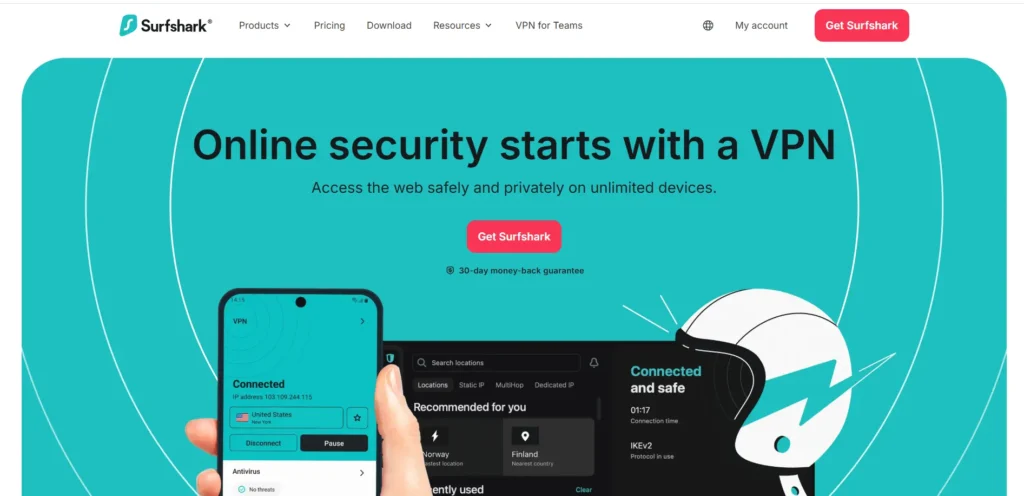
Surfshark delivers near top-tier speed for the lowest long-term price, and it allows unlimited device connections on a single account. That makes it perfect for households where everyone games at once across phones, consoles, and PCs. It runs the fast WireGuard protocol for low ping, and its IP Rotator feature changes your IP without dropping the connection, which helps shield you from DDoS attacks. For the money, it is one of the best value options for a vpn for gaming.
Key Features:
- Unlimited simultaneous connections on one plan
- WireGuard protocol with consistently low ping
- IP Rotator changes your IP without disconnecting
- CleanWeb ad and malware blocking, GPS spoofing on Android
Pros:
- Lowest long term price among top picks.
- Unlimited devices, ideal for families.
- Fast, low ping performance for gaming.
Cons:
- Upload speeds can drop on distant servers.
- No native router app.
- Smaller network than NordVPN.
Best for: budget players and busy households with many devices.
Pricing
| Price | Protocol | Servers | Connections | Avg. Ping Added |
| $1.99/mo | WireGuard | 3,200+ | Unlimited | Very low |
3. ExpressVPN: Best for Console Gaming
Website: expressvpn.com
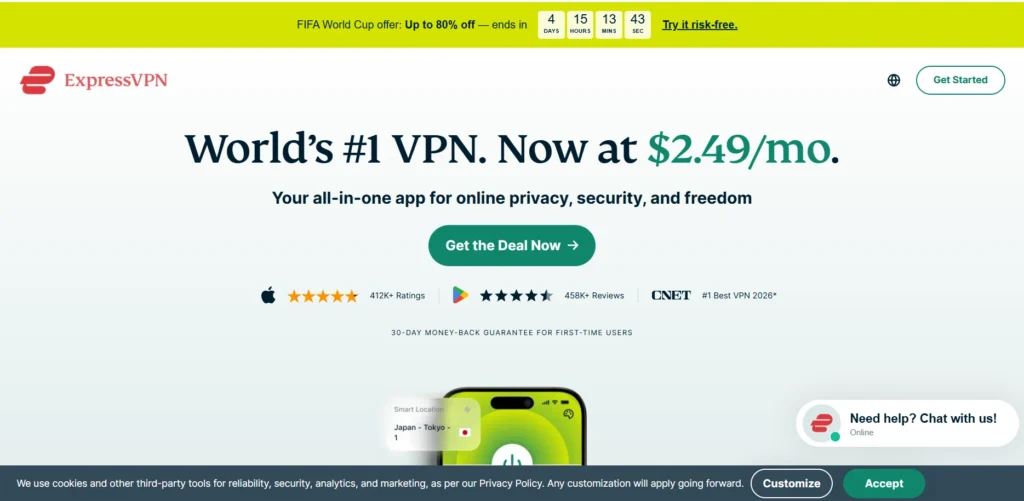
ExpressVPN is the easiest premium VPN to use, and its Aircove router makes it the standout choice for consoles that cannot run VPN apps directly. Its lightweight Lightway protocol connects almost instantly and stays stable, with strong DDoS protection and reliable routing across more than a hundred countries. While it is also a great option for VPN for PC users who want simple setup and consistent performance, you pay more than rivals. However, the setup is genuinely painless, and the performance is consistent everywhere, which is exactly what console and living room gamers need from a VPN.
Key Features:
- Lightway protocol for quick, stable connections.
- Aircove VPN router for plug-and-play console use.
- Servers in 105 countries with strong global routing.
- TrustedServer RAM only tech and audited no logs.
Pros:
- The simplest setup for consoles and routers
- Very stable, consistent performance everywhere
- Beginner-friendly apps on every platform
Cons:
- More expensive than rivals.
- Fewer simultaneous connections than some.
- Lightway is fast but not the fastest tested.
Best for: console gamers who want the simplest router setup.
Pricing
| Price | Protocol | Servers | Connections | Avg. Ping Added |
| $4.99/mo | Lightway | 3,000+ | 8 | Low |
4. Proton VPN: Best Free Tier for Gamers

Website: protonvpn.com
Proton VPN is the rare service with a free plan that is actually usable, offering unlimited data and decent speed so you can test it before paying a cent. Its paid plans add a large server network, full WireGuard support, and port forwarding, a feature advanced gamers value for hosting matches and building faster peer-to-peer connections. Based in privacy-friendly Switzerland with open-source apps and a court-tested no-logs record, it is a trustworthy pick for users looking for a reliable vpn for gaming experience with strong security and performance.
Key Features:
- Genuinely usable free tier with unlimited data.
- WireGuard support and port forwarding.
- Open source apps with a court tested no logs policy.
- Based in privacy friendly Switzerland.
Pros:
- Strong free option to test before paying.
- Port forwarding helps with hosting and matchmaking.
- Excellent privacy and transparency.
Cons:
- Free servers are limited and can be slower.
- Interface is less beginner-friendly.
- Top speeds need the paid plan.
Best for: privacy fans and players who want a free trial run.
Pricing
| Price | Protocol | Servers | Connections | Avg. Ping Added |
| $2.19/mo | WireGuard | 9,700+ | 7 | Medium |
5. CyberGhost: Best for Beginners
Website: cyberghostvpn.com
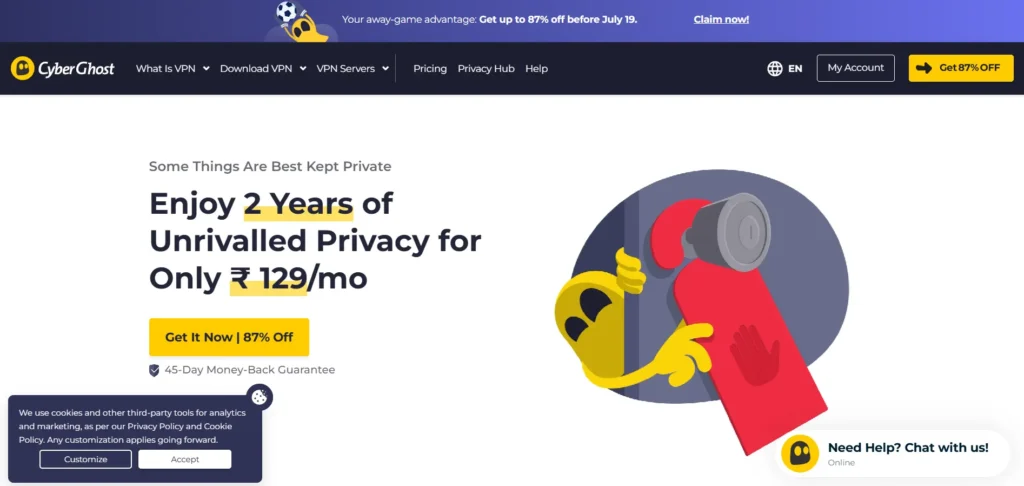
CyberGhost is friendly and simple, with servers clearly labeled for specific uses and one of the largest networks on this list. It runs the fast WireGuard protocol for low ping and includes a dependable kill switch, so your real IP stays hidden if the connection ever drops. It also provides easy-to-use apps across platforms, making it a reliable choice for a VPN for macOS, iOS, and other devices. A long money-back guarantee gives you plenty of time to test it risk-free. For anyone setting up their first gaming VPN, it is a comfortable, no-fuss starting point.
Key Features:
- Very large server network for nearby options.
- WireGuard protocol and a reliable kill switch.
- Simple, clearly labeled apps.
- Long money-back guarantee for testing.
Pros:
- Easy to use for first timers.
- Large network keeps ping low.
- Affordable on long-term plans.
Cons:
- Owned by a larger holding company.
- Fewer power user controls.
- Short plans are pricier.
Best for: newcomers who want a smooth gaming VPN.
Pricing
| Price | Protocol | Servers | Connections | Avg. Ping Added |
| $2.19/mo | WireGuard | 30,000+ | Unlimited | Medium |
6. Private Internet Access: Best for Custom Control
Website: privateinternetaccess.com
Private Internet Access (PIA) gives you deep control over your settings, unlimited simultaneous device connections, and full WireGuard support. It is ideal for players who like to fine-tune their encryption levels and connection options to find the perfect balance between raw speed and protection. The open-source apps also include port forwarding for hosting matches and improving connectivity. Beginners may find all the options a little overwhelming at first, but power users will appreciate how much they can customize this vpn for gaming setup.
Key Features:
- Highly customizable settings and encryption levels.
- Unlimited simultaneous connections.
- WireGuard with strong, configurable performance.
- Open source apps and port forwarding.
Pros:
- Tons of settings for advanced users.
- Unlimited devices on one plan.
- Cheap on longer plans.
Cons:
- Settings can overwhelm beginners.
- Speeds vary by server.
- Based in the United States.
Best for: tinkerers who want full control over their connection.
Pricing
| Price | Protocol | Servers | Connections | Avg. Ping Added |
| $4.99/mo | WireGuard | 6,500+ | 10 | Low |
7. IPVanish: Best for US Gaming
Website: ipvanish.com
IPVanish is US-owned and specifically tuned for strong domestic speeds, with unlimited device connections and solid all-around security. If you mostly play on North American servers, its very low local speed loss helps keep your ping stable and your matches smooth. It runs WireGuard, includes a dependable kill switch, and offers clean, easy-to-use apps across desktop and mobile. While its global network is smaller than some competitors, it remains a fast, reliable, and affordable choice for players looking for a gaming vpn with strong USA performance.
Key Features:
- Low speed loss on US servers.
- Unlimited simultaneous connections.
- WireGuard supports a dependable kill switch.
- Easy apps across desktop and mobile.
Pros:
- Great performance for US based players.
- Unlimited devices.
- Simple, clean apps.
Cons:
- Smaller global network.
- Based in the United States.
- Fewer extra features.
Best for: US gamers who want strong local speed and unlimited devices.
Pricing
| Price | Protocol | Servers | Connections | Avg. Ping Added |
| $2.00/mo | Custom | 400+ | 5 | Very low |
8. Mullvad: Best for Privacy First Gamers

Website: mullvad.net
Mullvad is built around privacy first, and gamers who care about anonymity will love it. It charges one flat monthly rate, asks for no email or personal details at signup, and runs the fast WireGuard protocol for low ping, stable connections. The network is smaller than the big names, but performance on nearby servers is excellent and consistent. There are no long term discounts and few extra features, yet for honest pricing and serious privacy it stands alone.
Key Features:
- No account email required, flat monthly price.
- WireGuard protocol with low ping.
- Strong, audited privacy practices.
- Clean, simple apps.
Pros:
- Best in class privacy approach.
- Fast WireGuard speeds nearby.
- Honest, flat pricing.
Cons:
- Smaller server network.
- No long-term discounts.
- Fewer extras than rivals.
Best for: players who put privacy above everything else.
Pricing
| Price | Protocol | Servers | Connections | Avg. Ping Added |
| $3.59/mo | WireGuard | 8,600+ | 10 | Low |
9. Windscribe: Best Flexible Plans

Website: windscribe.com
Windscribe stands out for flexibility, letting you build a plan around only the server locations you actually need rather than paying for the whole network. It allows unlimited simultaneous connections, supports the fast WireGuard protocol, and includes a firewall-style kill switch that locks down your traffic if the VPN drops. A useful free tier with monthly data lets you try it first. Speeds can vary by server and the interface may take a little learning, but it offers strong value for users looking for a flexible vpn for gaming option.
Key Features:
- Build a custom plan by location.
- Unlimited simultaneous connections.
- WireGuard support and a firewall style kill switch.
- Free tier with monthly data.
- Built-in Ad blockers
Pros:
- Flexible, customizable pricing.
- Unlimited devices.
- Useful free tier.
Cons:
- Speeds vary by server.
- Interface has a learning curve.
- Smaller than the biggest networks.
Best for: players who want to pay only for what they use.
Pricing
| Price | Protocol | Servers | Connections | Avg. Ping Added |
| $2.19/mo | WireGuard | 6,400+ | 10 | Low |
10. Hide.me: Best No-Frills Option

Website: hide.me
Hide.me keeps everything simple and fast, with full WireGuard support, a clean and clear interface, and reliable core security that just works. It includes split tunneling so you can route only your game through the VPN, plus a solid kill switch and an audited no logs policy for peace of mind. There are fewer flashy extras and the network is smaller than the leaders, but if you want a clean, dependable, no nonsense gaming VPN, this delivers.
Key Features:
- WireGuard protocol for low ping.
- Split tunneling and a solid kill switch.
- Audited no logs policy.
- Clean, simple apps.
Pros:
- Easy and fast to use.
- Reliable security basics.
- Fair pricing.
Cons:
- Fewer advanced extras.
- Smaller network.
- Less brand support content.
Best for: players who want a clean, no nonsense VPN.
Pricing
| Price | Protocol | Servers | Connections | Avg. Ping Added |
| $2.59/mo | WireGuard | 2,600+ | 10 | Low |
When Should You Use a VPN for Gaming?
A VPN for gaming is not only useful for privacy—it can also help in specific gaming situations where connection quality, security, or access becomes an issue. While a VPN may not always reduce ping, the right VPN setup can improve routing, protect your connection, and provide a smoother gaming experience.
1. Playing on International Game Servers
If you play games hosted in another country, a VPN can help you connect through a server closer to the game’s region. This may improve routing, reduce unstable connections, and help access servers that are limited by location.
2. Reducing Lag Caused by Poor Routing
Sometimes your ISP may take an inefficient route to a game server, causing higher ping or packet loss. A gaming VPN can route your traffic through a different path that may be faster and more stable.
3. Protecting Against DDoS Attacks
Competitive gamers, esports players, and streamers may become targets of DDoS attacks. A VPN hides your real IP address, making it harder for attackers to target your home network directly.
4. Avoiding ISP Throttling
Some ISPs may slow down certain traffic during busy hours. A VPN encrypts your connection, preventing your ISP from easily identifying gaming traffic and applying targeted slowdowns.
5. Accessing Region-Locked Games and Content
Some games, updates, DLCs, or events may launch earlier in specific regions. A VPN can allow players to connect through different regions where that content is available.
6. Safer Gaming on Public Wi-Fi
Playing from hotels, cafes, schools, or other public networks can expose your connection to security risks. A VPN encrypts your data and adds protection while gaming away from home.
7. Maintaining Privacy While Gaming Online
A VPN prevents other players and services from seeing your real IP address, helping protect your online identity and location information.
For most gamers, a VPN is most valuable when they need better privacy, security, regional access, or more reliable routing, rather than as a guaranteed ping booster.
Does a VPN Improve Gaming Performance?
A VPN can sometimes improve gaming performance, but it depends on your network, ISP routing, and the game server location. A VPN does not automatically make your internet faster or guarantee lower ping. In some cases, it may even slightly increase latency because your data travels through an additional server.
However, a gaming VPN can improve performance in certain situations. If your ISP uses inefficient routes to reach a game server, a VPN may provide a better path, reducing lag, packet loss, or connection instability. This is especially noticeable when connecting to international servers or games with poor routing.
A VPN with high-speed servers and modern protocols like WireGuard can help maintain low latency by reducing processing overhead and improving connection efficiency. Some gaming VPNs also offer optimized servers designed for faster gameplay.
VPNs are also useful when performance issues come from ISP throttling. By encrypting your traffic, a VPN can prevent your provider from identifying gaming activity and slowing it down.
For the best results, choose a VPN server close to the game server, use a low-latency protocol, and test different locations to find the most stable connection. A VPN is mainly a tool for connection optimization and security, not a guaranteed FPS or speed booster.
Final Verdict: Which Gaming VPN Should You Choose?
Choosing the best VPN for gaming depends on what matters most to you—speed, security, device support, or console compatibility. A VPN will not automatically increase FPS or guarantee lower ping, but the right service can improve your gaming experience by offering stable routing, low-latency connections, DDoS protection, and better privacy.
For most gamers, NordVPN is the best overall choice because its NordLynx protocol delivers fast speeds, low added latency, and a large server network that makes it easier to connect close to gaming servers. Surfshark is a great budget-friendly option, especially for households with multiple gamers, thanks to unlimited device connections.
Console players may prefer ExpressVPN because its Aircove router makes VPN setup easier on PlayStation and Xbox devices. Gamers who prioritize privacy can consider options like Proton VPN or Mullvad, while advanced users may prefer PIA for customization.
Overall, a gaming VPN is worth using if you need extra protection from DDoS attacks, smoother international connections, reduced ISP interference, or access to different regions. However, choosing a nearby server, using fast protocols like WireGuard, and testing performance are essential for the best results.
FAQs
1. Can A VPN Reduce Ping While Gaming?
A VPN can sometimes reduce ping by creating a more efficient route between your device and the game server. However, it does not guarantee lower latency in every situation. A VPN with fast protocols like WireGuard, nearby servers, and optimized routing can help reduce lag, jitter, and connection instability.
2. Is A VPN Good For Competitive Gaming?
Yes, a VPN can be useful for competitive gamers by providing features like DDoS protection, stable connections, and IP protection. It hides your real IP address, making it harder for attackers to target your network during tournaments, ranked matches, or live streams.
3. Does A VPN Increase FPS In Games?
No, a VPN does not increase FPS because frame rates depend on your hardware, graphics settings, and the game itself. However, a good vpn for gaming can improve connection stability, reduce packet loss, and help create a smoother online experience.
4. Which VPN Protocol Is Best For Gaming?
WireGuard is generally considered one of the best VPN protocols for gaming because it offers fast speeds, efficient encryption, and lower latency compared to older protocols like OpenVPN. Some providers also use optimized versions like NordLynx and Lightway.
5. Can I Use A VPN On PS5 And Xbox?
Most gaming consoles do not support VPN apps directly. Gamers can use a VPN through a compatible router, such as ExpressVPN’s Aircove router, or share a VPN connection from a PC to protect console gameplay.