Think your iPhone is private by default? It’s not. Apple does a lot to protect you, but it can’t see everything you do online. Apps leak data. Public Wi-Fi is risky. And iCloud Private Relay only hides your traffic in Safari – it skips your other browsers and apps completely. So if you really care about privacy, a VPN for iOS is still worth it in 2026.
In this guide, we tested the top VPNs for iPhone and iPad. We’ll show you the fastest apps, the best free option, how to set one up, and which protocol works best on iOS today. Let’s get into it.
What Makes a VPN Good for iOS Specifically?
Not every VPN works well on iPhone. Apple has its own rules. Here’s what to look for.
Native iOS App Quality
A good iOS app feels like it belongs on your phone. It should support Face ID, widgets, and Shortcuts. Watch out for apps that look like Android ports – they usually run worse and miss key features.
Protocol Performance on iOS
WireGuard is the speed king on iOS. IKEv2 is built into Apple’s system, so it just works. The best VPNs let you pick. Skip apps stuck on old protocols like L2TP.
Kill Switch Implementation
A kill switch cuts your internet if the VPN drops. iOS makes this tricky because of how Apple handles background apps. Top VPNs use “Always-On” mode to plug the gap. Always test it before you trust it.
Network Switching (Wi-Fi to Cellular)
Your phone hops networks all day. A weak VPN drops the connection each time. A great one stays on without you noticing. This matters most for streaming, calls, and travel.
Quick Comparison Table - Best VPNs for iOS 2026
| VPN | Best For | Servers | Starting Price |
| NordVPN | Overall use | 7,000+ | $3.39/mo |
| Surfshark | Budget | 3,200+ | $1.99/mo |
| ExpressVPN | Speed | 3,000+ | $2.79/mo |
| Proton VPN | Free plan | 8,500+ | $4.49/mo |
| Mullvad | Privacy | 700+ | $5.00/mo |
| CyberGhost | Beginners | 11,500+ | $2.19/mo |
| PIA | Customization | 35,000+ | $2.03/mo |
| IPVanish | Multi-device | 2,400+ | $2.19/mo |
| Hotspot Shield | Streaming | 1,800+ | $2.99/mo |
| TunnelBear | Casual use | 5,000+ | $3.33/mo |
List Of 10 Best VPNs for iPhone & iPad – Full Reviews
1. NordVPN
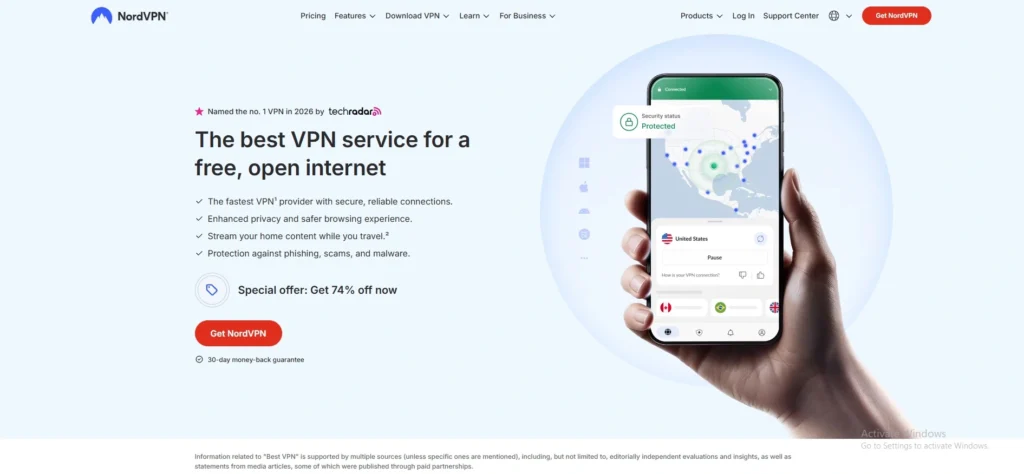
NordVPN is our top pick for iOS. It’s fast, simple, and packed with extras, making it a reliable VPN for iOS users. The iPhone app uses NordLynx, their custom WireGuard build, which keeps speeds near full on nearby servers. You also get Threat Protection, Meshnet, and dedicated servers - all from a clean, easy interface, making it a powerful VPN for macOS users.
Key Features
- Very fast speeds using NordLynx (their own special protocol)
- Blocks threats like malware and trackers automatically
- 7,000+ servers worldwide
- Clean, easy-to-use iPhone app
Pros
- Super fast – barely slows down your internet
- Lots of extra tools built in (ad blocker, secure browsing)
- Simple enough for anyone to use
Cons
- Not the cheapest option out there
- Lots of features can feel overwhelming at first
- Based in Panama – some people prefer local companies
2. Surfshark
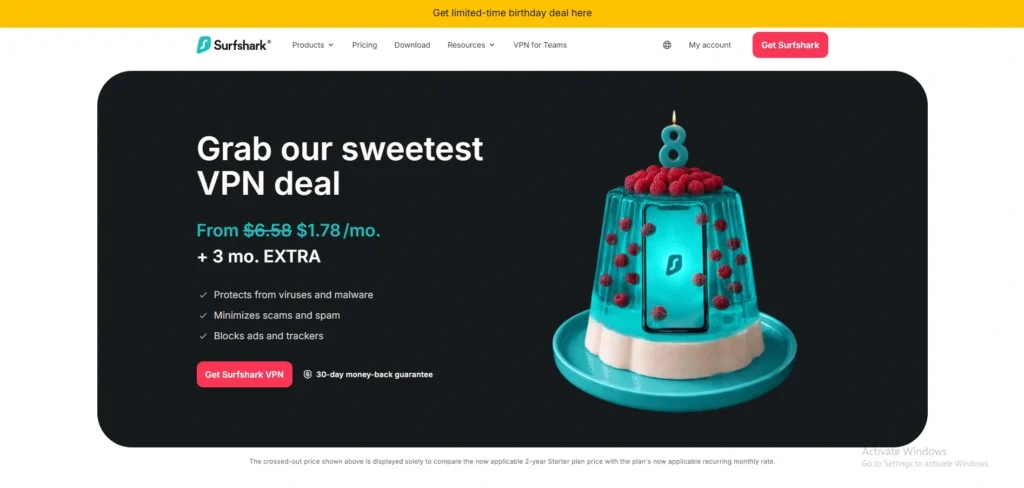
Surfshark gives you the most for your money. One subscription covers unlimited devices, which is rare. The iOS app is polished with home-screen widgets, so you can connect without opening it. Bonus tools like CleanWeb (ad blocker) and Bypasser (split-tunneling workaround) make it a strong everyday pick for iPhone users.
Key Features
- Unlimited devices on one plan
- Home screen widget – connect without opening the app
- Built-in ad blocker (CleanWeb)
- Split tunneling – choose which apps use the VPN
Pros
- Great value for money
- One plan covers your whole family
- Polished, good-looking iPhone app
Cons
- Smaller server network than rivals
- Speeds can dip on faraway servers
- Some advanced features take time to find
3. ExpressVPN
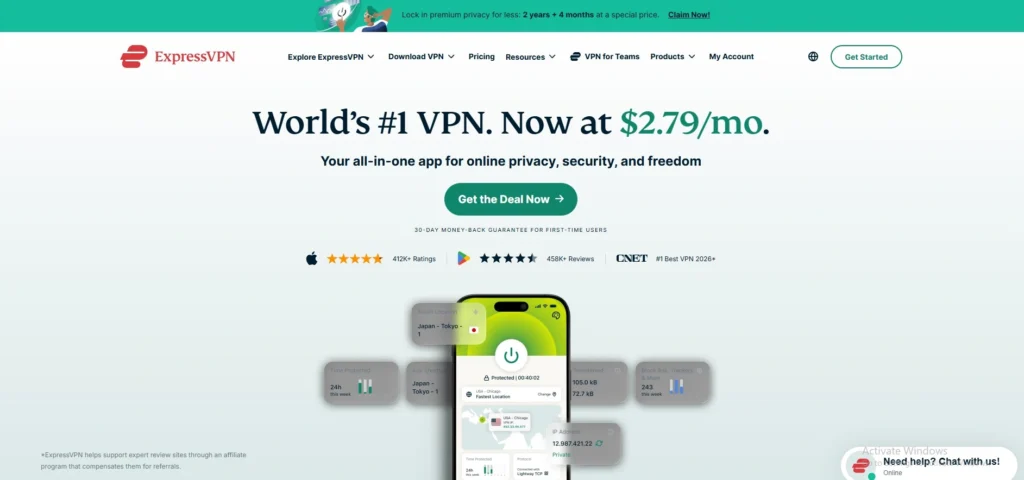
ExpressVPN is built around its Lightway protocol - and it shines on iOS, making it a trusted VPN for iOS users and a premium VPN for Streaming. Lightway handles network switches between Wi-Fi and cellular better than almost anyone. Connections come back fast after drops. The iOS app is one of the simplest out there: tap once and you’re protected. Great for travel and streaming, especially for Netflix and other global platforms.
Key Features
- Lightway protocol – stays connected when switching Wi-Fi to mobile data
- 3,000+ servers in many countries
- One-tap connect – dead simple to use
- Reconnects very fast after drops
Pros
- Best for travel – handles network switching perfectly
- Very easy to use, even for beginners
- Great for streaming Netflix and other services
Cons
- More expensive than most competitors
- Fewer servers than NordVPN
- Fewer extra features compared to rivals
4. Proton VPN
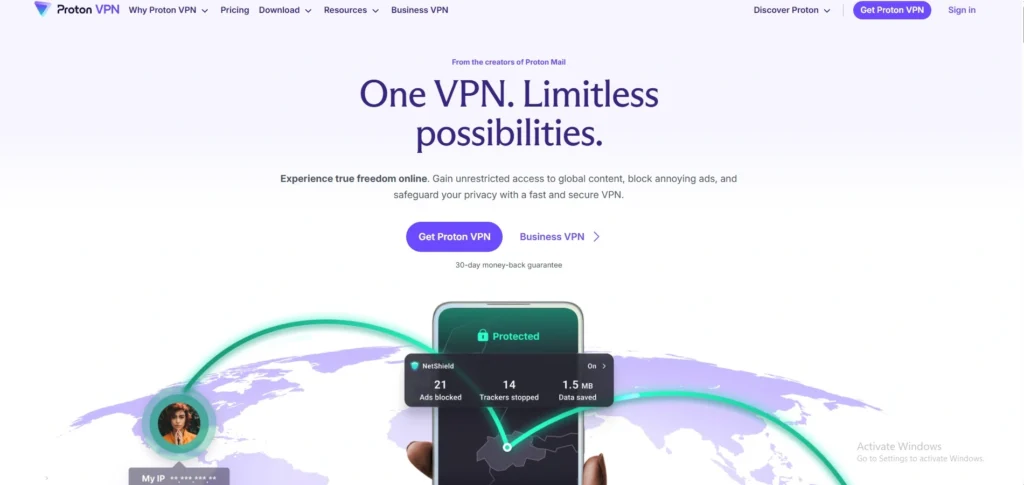
Proton VPN has the best free plan around – no data caps, no ads. The paid plan adds Secure Core servers and a Stealth protocol for tough networks. The iOS app feels native and runs smoothly. Backed by Swiss privacy laws and full third-party audits, it’s the choice for privacy-first users.
Key Features
- Free plan with no data limits (rare!)
- Swiss privacy laws protect your data
- Stealth mode for tough/restricted networks
- Fully audited by outside security experts
Pros
- Best free VPN – no data cap, no ads
- Very trustworthy and privacy-focused
- Native iOS app that runs smoothly
Cons
- Free plan is slower than paid
- Costs more than budget rivals on paid plan
- Fewer servers than some competitors
5. Mullvad
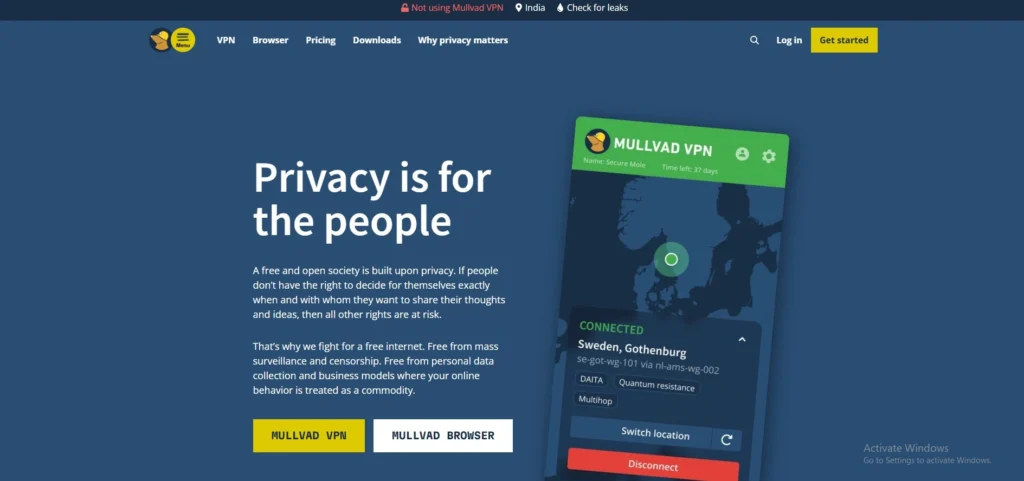
Mullvad takes privacy seriously, making it a strong VPN for iOS users. You don’t even need an email to sign up – they give you a random account number. Flat $5 a month, no tricky discounts. The iOS app is simple but solid, with WireGuard and a strong kill switch. It’s the cleanest no-fuss VPN on iPhone today.
Key Features
- No email needed to sign up – total anonymity
- Flat $5/month – no confusing deals
- WireGuard protocol for fast, secure connections
- Strong kill switch (cuts internet if VPN drops)
Pros
- Most private VPN on this list
- Simple, no-nonsense pricing
- Very honest and transparent company
Cons
- Only 700+ servers – smallest network here
- Very basic app – not pretty or fun to use
- No streaming-focused features
6. CyberGhost
CyberGhost is built for VPN beginners. The iOS app holds your hand with one-tap profiles for streaming, torrenting, or browsing. Server count is huge – over 11,000 worldwide. The 45-day money-back guarantee is the longest you’ll find. If you want something easy and forgiving, this is it.
Key Features
- One-tap profiles for streaming, browsing, or torrenting
- Massive network – 11,500+ servers
- 45-day money-back guarantee (longest on this list)
- Built for beginners from the ground up
Pros
- Easiest VPN to get started with
- Huge server count gives lots of options
- Longest refund window to try risk-free
Cons
- Based in Romania – privacy laws differ from Switzerland
- Not ideal for power users who want control
- Speeds can vary depending on server
7. Private Internet Access
PIA is for users who like to tinker, making it a flexible VPN for iOS users. You can tweak almost everything – encryption strength, ports, MACE ad blocking. The server count is huge, with U.S. coverage in every state. The iOS app fits a lot in without feeling cramped. Great if you want power and control at a low price.
Key Features
- 35,000+ servers – biggest network on this list
- US servers in all 50 states
- Adjustable encryption settings
- Built-in MACE ad blocker
Pros
- Cheapest full-featured VPN here
- Huge server choice across the US
- Great for users who like to customize
Cons
- App can feel cluttered with too many options
- Not beginner-friendly
- US-based – subject to US data laws
8. IPVanish
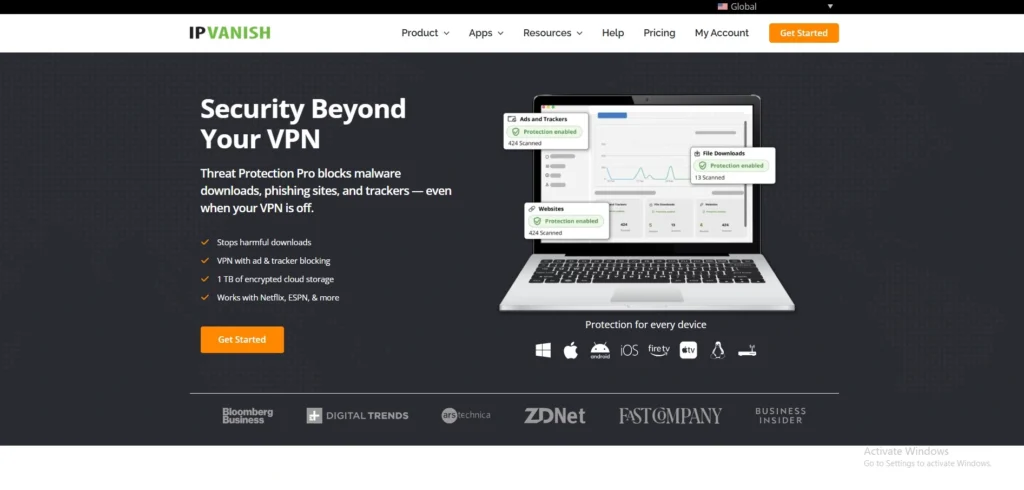
IPVanish keeps things simple with unlimited device connections. The iOS app is plain but does the job, and the U.S. company adds a few useful extras like a URL checker for sketchy links. It’s a fine pick if you have a big family or lots of gear and don’t want to count slots.
Key Features
- Unlimited device connections
- Built-in URL checker for suspicious links
- US-based company
- Simple, no-fuss iOS app
Pros
- Perfect for big families or lots of gadgets
- Easy to set up and use daily
- No device limit is a big deal
Cons
- Plain app – not much to look at
- Fewer features than top rivals
- Smaller server network (2,400+)
9. Hotspot Shield
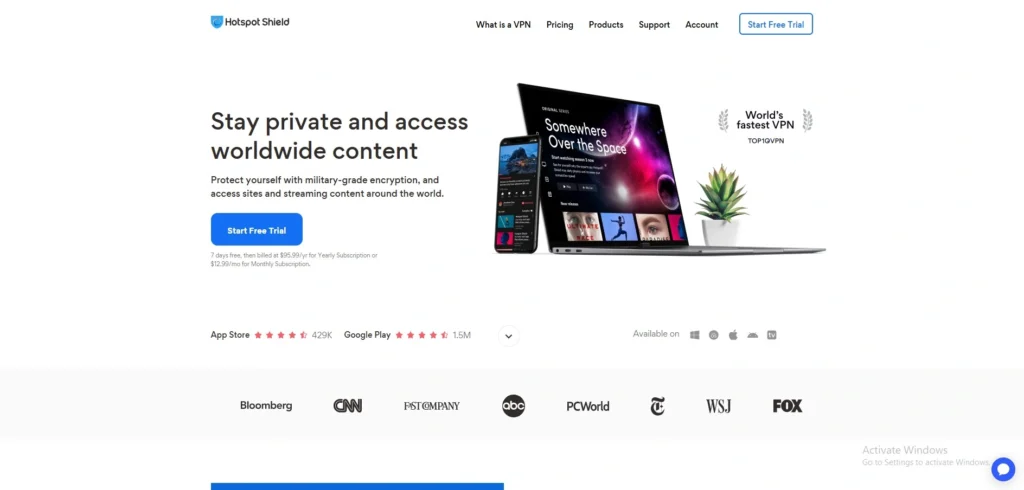
Hotspot Shield uses its own Hydra protocol, built for streaming and gaming on iPhone, making it a fast VPN for iOS users and a strong VPN for gaming. Speeds are some of the fastest tested on iOS, especially on long-distance connections. The free plan exists but is limited and ad-supported. Not the most privacy-focused choice, but tough to beat for raw speed and Netflix unblocking.
Key Features
- Hydra protocol built for fast streaming and gaming
- Some of the fastest speeds tested on iOS
- Works well on long-distance connections
- Free plan available
Pros
- Fastest raw speeds on this list
- Great for Netflix and gaming
- Easy to use on iPhone
Cons
- Not privacy-focused – not ideal if data matters to you
- Free plan has ads and limits
- Fewer servers than top picks (1,800+)
10. TunnelBear

TunnelBear is the friendliest VPN on iOS. The bear-themed app is fun and easy, perfect for casual users. The free plan gives you 2GB a month – fine for light browsing. Yearly third-party audits and a clean Canadian no-logs record back it up. Just don’t expect heavy-duty features or top-tier streaming speeds.
Key Features
- Fun bear-themed app – easiest on the eyes
- Free plan with 2GB per month
- Yearly security audits by outside experts
- Canadian company with no-logs policy
Pros
- Friendliest, most fun VPN to use
- Free plan is honest and safe
- Trustworthy – regularly checked by experts
Cons
- 2GB free data runs out very fast
- Not great for heavy streaming
- Missing advanced features power users want
How to Set Up a VPN on iPhone (Step-by-Step)
Step 1: Choose a VPN service
First, select a trusted VPN provider from the App Store and install its app on your iPhone.
Step 2: Download and install the app
Go to the App Store, search for your VPN app, and tap “Get” to install it.
Step 3: Sign in or create an account
Open the app and log in using your credentials. If you’re a new user, create an account.
Step 4: Allow VPN configuration
The app will ask permission to add VPN settings to your iPhone. Tap “Allow” and authenticate with Face ID, Touch ID, or passcode.
Step 5: Connect to a server
Inside the app, choose a server location (for example, US, UK, or India) and tap “Connect.”
Step 6: Verify connection
Once connected, you’ll see the VPN icon in the top status bar of your iPhone.
Step 7: Start browsing safely
Now your internet traffic is encrypted, and you can browse securely and privately.
Is It Safe to Use a Free VPN on iPhone?
Yes, But Only Some Free VPNs Are Safe
- A few reputable free VPNs offer basic privacy protection
- Many free VPN apps may collect user data or show excessive ads
- Safety depends on the VPN provider’s privacy practices and security standards
Risks of Using a Free VPN on iPhone
1. Data Tracking
- Some free VPNs log your browsing activity
- Your data may be shared with advertisers or third parties
- Privacy may be weaker than expected
2. Weak Security
- Certain free VPNs use outdated or weak encryption
- Your information may not be fully protected on public Wi-Fi
3. Limited Features
Free VPNs often restrict:
- Internet speed
- Monthly data usage
- Server locations
- Streaming access
4. Too Many Ads
- Some apps display intrusive advertisements
- Ads may slow down the app experience
5. Battery and Performance Issues
- Poor-quality VPN apps can drain battery faster
- Internet speed may become slower
Signs of a Safe Free VPN
Choose a free VPN that offers:
- A clear no-logs policy
- Strong encryption
- Positive App Store reviews
- Transparent privacy policies
Which VPN Protocol Is Best for iOS
For most iPhone users, WireGuard is the best choice. It’s fast, secure, and uses less battery. Most top VPNs offer it under their own names – NordLynx (Nord), Lightway (Express), or just plain WireGuard.
IKEv2 is the runner-up. It’s built into iOS and switches between Wi-Fi and cellular smoothly thanks to MOBIKE. Pick it if you travel a lot or hop networks.
Avoid PPTP and L2TP – they’re old and not safe.
Final Verdict – Best VPN for iOS
For most iPhone and iPad users, NordVPN is the best VPN for iOS in 2026. It’s fast, simple, and built for the way Apple’s network actually works. Surfshark is the smartest budget pick with unlimited devices. Proton VPN wins for free use, hands down. ExpressVPN is the smoothest for travelers thanks to Lightway. Whichever you pick, stick to a paid, audited service. Free random VPNs aren’t worth the risk on a device that holds so much of your life. Test a few – most offer 30-day refunds.