TikTok has quickly become one of the most popular social media platforms worldwide, offering endless entertainment, creative content, and opportunities for creators to reach a global audience. However, not every user gets a seamless experience. In some regions, TikTok access may be restricted, internet speeds can vary, and privacy concerns are becoming more common. The challenge can limit how you use the platform and the content you’re able to see.
This is where using a VPN for TikTok becomes highly useful. A VPN allows you to bypass restrictions, access content from different regions, and maintain better control over your online privacy. It also helps create a more stable and secure browsing environment, especially when using public networks.
Whether you’re a casual user who wants uninterrupted scrolling or a creator aiming to expand your reach, a VPN can enhance your overall TikTok experience in multiple ways. In this blog, we’ll explore how a VPN works with TikTok, its benefits, and what you should consider before choosing the right one.
Why Do You Need A VPN for TikTok?
There are several reasons why millions of people now use a VPN alongside TikTok. The most obvious one is access. TikTok is fully or partially banned in countries like India, and continues to face potential bans in the United States and other regions. Even where the app isn’t banned nationally, many schools, universities, and offices block TikTok on their Wi-Fi networks to reduce distractions.
Beyond access, there is the matter of privacy. TikTok collects a significant amount of user data, including your IP address, device information, browsing patterns, and approximate location. A VPN encrypts your internet connection and hides your real IP address from TikTok and your Internet Service Provider (ISP) alike. This means your online activity stays private, especially when you’re on public Wi-Fi at a café, airport, or hotel.
Another practical benefit is avoiding ISP throttling. Some internet providers deliberately slow down connections to social media platforms during peak usage hours. A VPN prevents your ISP from seeing what apps you’re using, which can result in smoother, buffer-free TikTok browsing.
For content creators, a VPN also opens the door to testing content in different regions. Connecting to a server in another country lets you see what’s trending in that market, which can be a valuable strategy for growing your audience internationally.
Where is TikTok Banned?
TikTok is fully banned in India (since 2020) and faces potential bans or restrictions in several other countries due to national security concerns, data privacy issues, and content regulation. In the United States, legislation has been passed that could lead to a ban, though the app remains accessible for now. Beyond national bans, TikTok is also commonly blocked on school, university, and workplace Wi-Fi networks worldwide.
Comparison of Top VPNs for TikTok
| VPN | Best For | Servers | Cheapest Plan | Monthly Plan | Devices |
| NordVPN | Overall best | 7,000+ in 118 countries | $3.29/mo (2-yr) | $18.29/mo | 10 |
| Surfshark | Budget + unlimited devices | 3,200+ in 100 countries | $1.88/mo (2-yr) | $20.85/mo | Unlimited |
| ExpressVPN | Censored regions (China) | Servers in 105 countries | $3.49/mo (2-yr) | $19.99/mo | 10-14 |
| Proton VPN | Privacy + free tier | Servers in 110+ countries | $2.99/mo (2-yr) | $12.99/mo | 10 |
| PIA | Proven no-logs policy | Servers in 91 countries | $2.33/mo (3-yr) | $19.99/mo | Unlimited |
| CyberGhost | Streaming + longest guarantee | Servers in ~100 countries | $2.39/mo (2-yr) | $18.99/mo | 7 |
| IPVanish | Ease of use + phone support | 150+ locations | $2.29/mo (2-yr) | $15.49/mo | Unlimited |
7 Best VPNs for TikTok in 2026
1. NordVPN
- Website: http://nordvpn.com
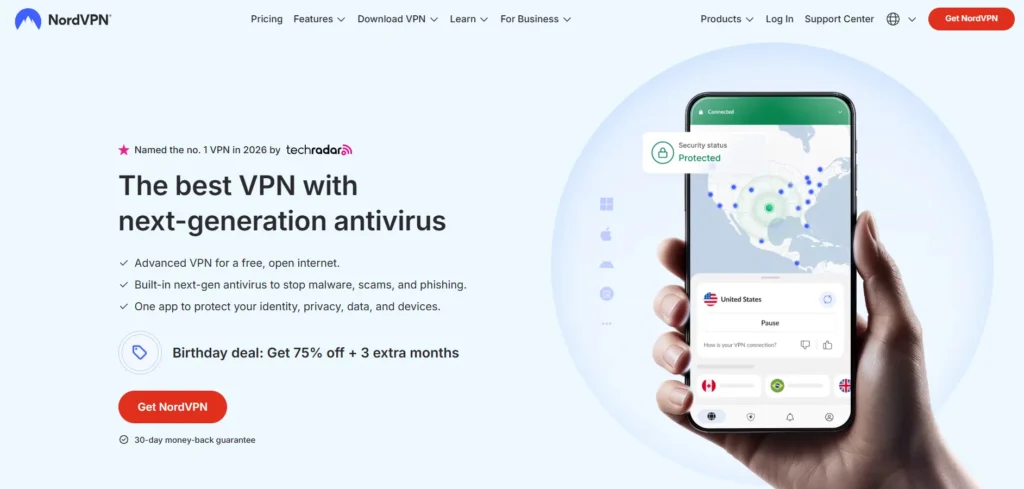
NordVPN is widely regarded as the best overall VPN for TikTok. It offers more than 7,000 servers across 118 countries, incredibly fast speeds powered by its NordLynx protocol, and a strict no-logs policy that has been independently audited multiple times. The mobile apps are intuitive and lightweight, and the VPN easily bypasses network firewalls at schools, offices, and in restricted countries. NordVPN also includes Threat Protection, which blocks ads, trackers, and malware while you browse.
Key Features:
- 7,000+ servers in 118 countries,
- NordLynx protocol,
- double VPN,
- Threat Protection,
- obfuscated servers,
- 30-day money-back guarantee
Pros:
- Consistently ranks #1 in independent speed tests across multiple review platforms
- Has been in the industry since 2012, making it one of the most battle-tested VPNs available
- Offers dedicated IP addresses as an add-on, reducing the chance of being flagged by TikTok
- Panama-based jurisdiction means it falls outside the 5/9/14 Eyes intelligence-sharing alliances
Cons:
- Monthly plan is expensive;
- recently dropped Netflix support
Pricing:
1 Month Plan:
- Basic: $12.69/month
- Plus: $14.99/month
- Complete: $18.29/month
1 Year Plan:
- Basic: $4.89/month
- Plus: $5.39/month
- Complete: $6.89/month
2 Years Plan:
- Basic: $3.09/month
- Plus: $3.59/month
- Complete: $4.99/month
2. Surfshark
- Website: http://surfshark.com
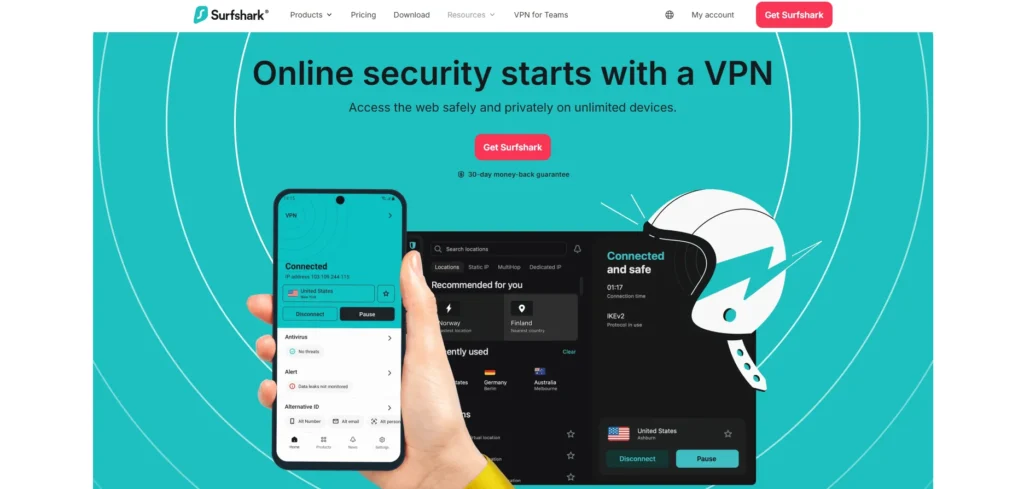
Surfshark is the best budget-friendly VPN that doesn’t cut corners on quality. It offers unlimited simultaneous device connections under a single subscription, making it ideal for families or users with many devices. Surfshark delivers some of the fastest speeds in the industry, and includes features like CleanWeb (tracker and ad blocker), an Auto-connect feature for finding the fastest server, and a GPS override on Android that prevents TikTok from cross-checking your real location.
Key Features:
- Unlimited devices,
- 3,200+ servers in 100 countries,
- GPS override (Android),
- CleanWeb,
- NoBorders mode,
- 30-day money-back guarantee
Pros:
- Also headquartered outside 14 Eyes jurisdiction (Netherlands, but under no mandatory data retention laws)
- Camouflage mode makes VPN traffic look like regular traffic, helping it stay undetected on strict networks
- Surfshark Alert add-on notifies you if your personal data appears in a breach
- Younger company with rapid, consistent improvements to its app and infrastructure
Cons:
- Monthly plan is the priciest on this list;
- fewer independent audits compared to NordVPN
Pricing:
1 Month Plan:
- Surfshark Starter: $15.45/month
- Surfshark One: $17.95/month
- Surfshark One+: $20.85/month
12 Months Plan:
- Surfshark Starter: $2.98/month
- Surfshark One: $3.38/month
- Surfshark One+: $6.98/month
24 Months Plan:
- Surfshark Starter: $1.78/month
- Surfshark One: $2.08/month
- Surfshark One+: $4.18/month
3. ExpressVPN
- Website: http://expressvpn.com
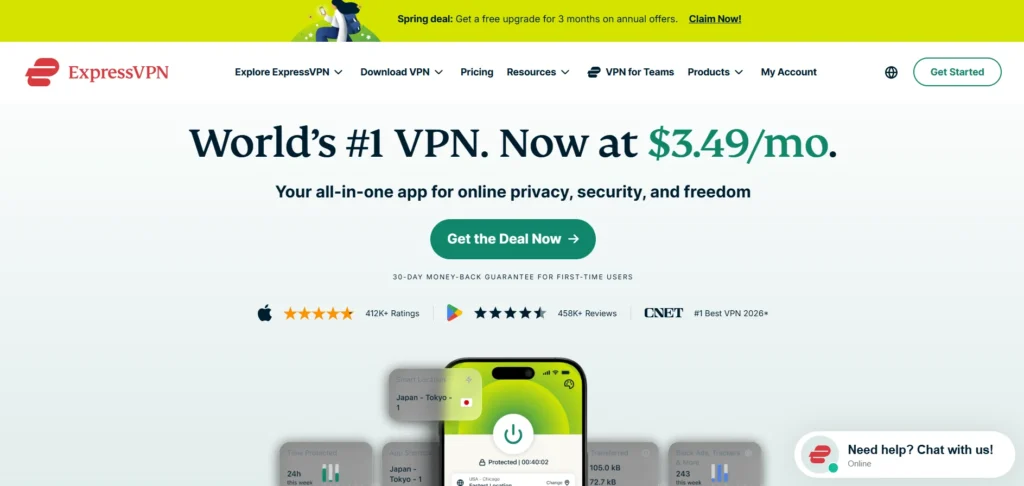
ExpressVPN is a premium VPN known for its reliability and ease of use, making it a strong choice for VPN for TikTok. It runs on its proprietary Lightway protocol, which is optimized for mobile performance — perfect for TikTok on the go. ExpressVPN has servers in 105 countries and is one of the few VPNs that works consistently in heavily censored regions like China. It underwent 23 successful security audits and earned four ISO certifications, making it one of the most transparent providers in the market.
Key Features:
- Lightway protocol,
- 105 countries,
- works in China,
- 23 independent audits,
- post-quantum encryption,
- 30-day money-back guarantee
Pros:
- Its TrustedServer technology runs entirely on RAM, meaning no data is ever written to a hard drive
- Has a long track record of working in China, one of the toughest VPN environments in the world
- Offers a MediaStreamer smart DNS feature as a bonus for devices that don’t natively support VPNs
- Split tunneling is available on more platforms than most competitors
Cons:
- More expensive than most competitors;
- speeds trail behind NordVPN and Surfshark in lab tests
Pricing:
1 Month Plan:
- Basic: $12.99/month
- Advanced: $13.99/month
- Pro: $19.99/month
12 Month Plan:
- Basic: $4.99/month
- Advanced: $5.99/month
- Pro: $8.99/month
2 Years Plan:
- Basic: $3.49/month
- Advanced: $4.49/month
- Pro: $7.49/month
4. Proton VPN
- Website: http://protonvpn.com
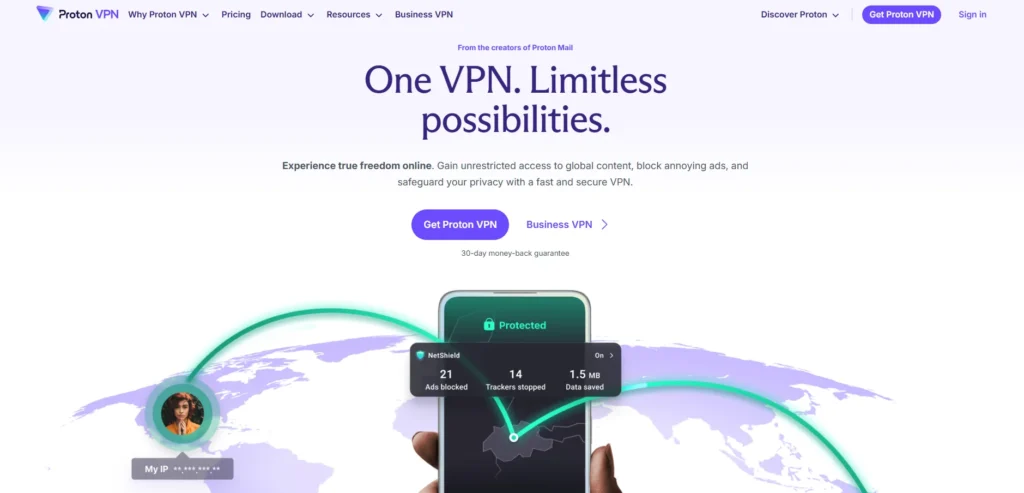
Proton VPN stands out for its commitment to privacy. Based in Switzerland, it operates under some of the strongest privacy laws in the world. Proton VPN also provides free VPN services and is the only premium provider on this list that offers a genuinely free tier with unlimited bandwidth and no ads — though the free plan is limited to five server locations and one device. The paid plans offer Secure Core servers (which route traffic through privacy-friendly countries), a built-in ad blocker called NetShield, and Tor over VPN support.
Key Features:
- Swiss jurisdiction,
- free plan with unlimited data,
- Secure Core servers,
- NetShield ad blocker,
- open-source apps,
- 30-day money-back guarantee (prorated)
Pros:
- Founded by scientists from CERN, giving it strong credibility in the privacy and security community
- Part of the broader Proton ecosystem (Proton Mail, Proton Drive), making it ideal for privacy-focused users
- Profits are reinvested into its non-profit mission rather than shareholder returns
- Tor over VPN support adds an extra layer of anonymity beyond what most VPNs offer
Cons:
- Free plan limited to 5 locations and 1 device;
- refunds are prorated rather than full
Pricing:
1 Month:
- Proton Free: $0.00 /month
- VPN Plus: $9.99 /month
- Proton Unlimited: $12.99 /month
1 Year:
- Proton Free: $0.00 /month
- VPN Plus: $3.99 /month
- Proton Unlimited: $9.99 /month
2 Years:
- Proton Free: $0.00 /month
- VPN Plus: $2.99 /month
- Proton Unlimited: $7.99 /month
5. Private Internet Access (PIA)
Website: http://privateinternetaccess.com
Private Internet Access is a veteran in the VPN industry with over a decade of experience. PIA’s standout quality is its proven no-logs policy, which has been verified in multiple court cases and independent audits. The app is extremely lightweight during testing, it caused the least performance lag on older phones compared to other VPNs on this list. You can also use this VPN for gaming and streaming without noticeable slowdowns. PIA now offers unlimited device connections, making it a strong competitor to Surfshark on value.
Key Features:
- Court-proven no-logs policy,
- unlimited devices,
- lightweight apps,
- servers in 91 countries,
- open-source apps,
- 30-day money-back guarantee
Pros:
- One of the largest server counts of any VPN, with servers in all 50 US states — useful for precise location control
- Allows highly customizable encryption settings, letting advanced users fine-tune their security level
- Has sponsored major open-source privacy projects, demonstrating genuine commitment to the privacy community
- Long-standing reputation built over more than a decade with a loyal, technically informed user base
Cons:
- Owned by Kape Technologies (which also owns CyberGhost and ExpressVPN),
- raising concerns for some privacy advocates; interface is less polished than NordVPN
Pricing:
- 1 Month: ₹900.79/month
- 1 Year: ₹250.83/mo
- 3 Year + 4 Months: ₹146.33/mo
6. CyberGhost
Website: http://cyberghostvpn.com
CyberGhost offers one of the largest server networks of any VPN for TikTok, with servers reported in approximately 100 countries. It is a strong choice for users who want a straightforward, affordable VPN for TikTok with minimal setup required.
CyberGhost provides streaming-optimized servers that are clearly labeled in the app, and it offers a generous 45-day money-back guarantee on plans of six months or longer — the longest in the industry. It also shows very low latency in speed tests, making it suitable for TikTok live streams and real-time content.
Key Features:
- Huge server network,
- streaming-optimized servers,
- 45-day money-back guarantee,
- low latency,
- 7 simultaneous devices,
- based in Romania
Pros:
- Publishes quarterly transparency reports, one of the few VPNs to do so publicly and consistently
- Dedicated streaming servers are regularly tested and updated to stay unblocked
- NoSpy servers are housed in CyberGhost’s own Romanian data center, reducing third-party infrastructure risk
- Particularly beginner-friendly interface, making it a strong choice for first-time VPN users
Cons:
- Privacy policy has raised questions among some reviewers;
- also owned by Kape Technologies; no independent audit of its no-logs claim
Pricing:
- 1 Month: ₹965/month
- 6 Month: ₹560/mo
- 2 Year + 4 Months: ₹165/mo
7. IPVanish
- Website: http://ipvanish.com
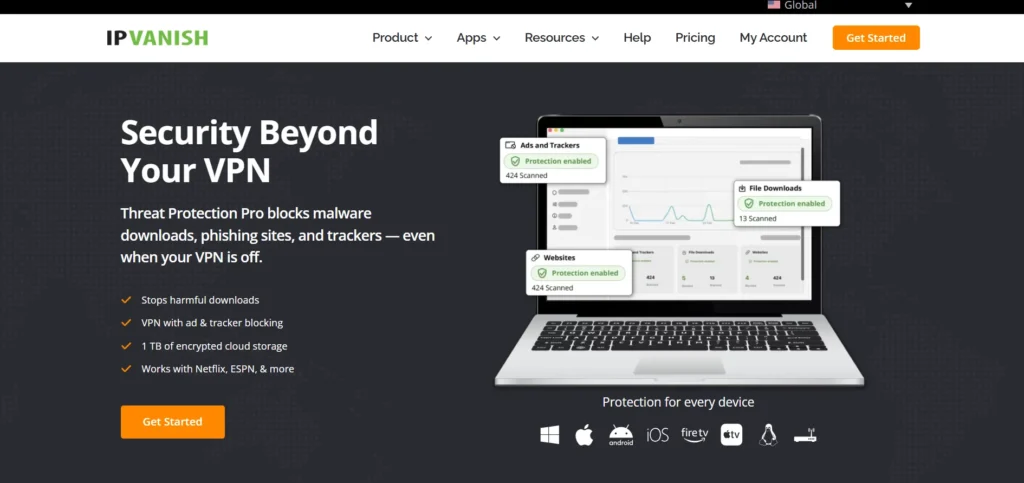
IPVanish rounds out the list as a user-friendly VPN with strong performance. It offers unlimited simultaneous connections, a variety of VPN protocols including WireGuard, and servers in over 150 locations worldwide.
One unique advantage is its customer support: in addition to the standard live chat and email, IPVanish provides a phone support line available in multiple countries — a rarity in the VPN world. The apps are modern and easy to navigate, even for complete beginners.
Key Features:
- Unlimited devices,
- WireGuard support,
- 150+ server locations,
- phone support line,
- SOCKS5 proxy included,
- 30-day money-back guarantee
Pros:
- Fully owned and operated infrastructure with no third-party server rentals, giving it more control over security
- Offers a built-in scramble feature that disguises VPN traffic, useful on restrictive networks
- Strong reputation among Kodi and streaming users, showing proven versatility beyond just TikTok
- Competitive renewal pricing with no dramatic price hikes after the first subscription term
Cons:
- Smaller server network than NordVPN or CyberGhost;
- past ownership controversy (previously owned by a company involved in logging user data, though new ownership has addressed this)
Pricing:
Monthly Plan:
- IPVanish Essential: $12.99/month
- IPVanish Advanced: $14.99/month
Yearly Plan:
- IPVanish Essential: $3.33/month
- IPVanish Advanced: $4.49/month
2 Year Plan:
- IPVanish Essential: $2.19/month
- IPVanish Advanced: $3.29/month
How to Choose the Right VPN for TikTok
Not all VPNs are built for the same purpose. When shopping for a VPN specifically for TikTok, here are the key factors to keep in mind.
- Speed matters the most. TikTok is a video-first platform. If your VPN slows your connection down significantly, you’ll experience constant buffering, failed uploads, and laggy live streams. Look for VPNs that use modern, fast protocols like WireGuard or proprietary alternatives such as NordLynx and Lightway.
- A large server network is essential. The more server locations a VPN offers, the more flexibility you have. If TikTok is blocked in your country, you need to connect to a server in a country where the app is available. A wide server network also means less crowding on individual servers, which translates to better speed.
- Strong encryption and a no-logs policy protect your data. Make sure the VPN you choose uses AES-256 encryption (the industry standard) and has a verified no-logs policy. Some providers, like NordVPN and Private Internet Access, have had their no-logs claims proven in court or through independent audits.
- Device compatibility is another factor. You’re most likely using TikTok on your phone, so the VPN should have a well-designed mobile app for both iOS and Android. Bonus points if it also works on desktops, smart TVs, and routers.
Finally, pricing and money-back guarantees determine the overall value. Most premium VPNs cost between $2 and $5 per month on long-term plans, and nearly all of them offer a 30-day money-back guarantee so you can try the service risk-free.
Conclusion
A good VPN for TikTok is no longer optional for serious TikTok users—it’s a practical necessity. Whether you’re trying to bypass a regional ban, keep your browsing private on public Wi-Fi, avoid ISP throttling, or explore content from other countries, the right VPN makes all of this possible with just a single tap. Among the seven VPNs reviewed here, NordVPN is the strongest all-around choice for speed, security, and reliability.
Surfshark is the best option if you want premium features at a budget price with unlimited devices. And Proton VPN is unbeatable if privacy is your top priority, especially since it offers a free tier. Whichever you choose, make sure to connect your VPN before opening TikTok, and stick with a consistent server location to avoid raising any red flags on the platform.
FAQs
1. Is it Legal to use a VPN with TikTok?
Yes, using a VPN with TikTok is legal in most countries around the world. However, a small number of countries restrict or ban VPN usage entirely, so it is important to check your local laws before connecting.
2. Will TikTok Ban my Account if I use a VPN?
No. TikTok’s terms of service do not explicitly prohibit VPN use. That said, frequently switching between server locations could flag your account for unusual activity, so it is best to use one consistent server location.
3. Can I use a Free VPN for TikTok?
You can, but it is generally not recommended. Most free VPNs have slow speeds, data caps, limited server locations, and weaker security. Some free VPNs have even been found to leak user data. If you want a free option, Proton VPN’s free tier is the safest choice as it offers unlimited bandwidth without ads.
4. Does a VPN Hide my Activity from TikTok itself?
A VPN hides your IP address and encrypts your internet traffic, which prevents your ISP and network administrators from seeing your activity. However, it does not hide your activity from TikTok once you are logged into your account. TikTok can still track your in-app behavior, likes, comments, and profile information.
5. Why is TikTok Blocked in some Countries?
Governments block TikTok for various reasons, including national security concerns, data privacy issues, and content regulation. India banned TikTok in 2020, and the United States has passed legislation that could lead to a ban, though the app remains accessible there for now.
6. Can a VPN Improve my TikTok Video Quality?
Indirectly, yes. If your ISP is throttling your connection to TikTok, a VPN can bypass that throttling and restore your full internet speed. This can lead to smoother video playback and faster uploads.
7. How do I set up a VPN for TikTok?
The process is simple. First, choose a VPN provider and sign up for a plan. Then, download the VPN app on your phone or computer. Open the app, log in, and connect to a server in a country where TikTok is available. Once connected, open TikTok as you normally would. The entire setup typically takes less than five minutes.