
You are watching a Twitch stream, the moment gets interesting, and suddenly an ad takes over the screen. Annoying, right? This is one of the main reasons viewers search for Twitch ad blockers. But then the obvious questions come up: Do they actually block Twitch ads? Can they stop video ads without breaking the stream? Which ad blockers for Twitch are reliable, and are they safe to install?
The problem is that Twitch advertising is not as simple as blocking a banner on a normal website. Ads can appear before or during streams, while Twitch can also change how advertising is delivered. As a result, a blocker that works well today may not perform the same way after a platform or browser update.
So, choosing a Twitch ad blocker is less about finding a tool that promises “100% blocking” and more about understanding what it can realistically block. This guide compares popular options based on ad-blocking performance, Twitch compatibility, browser support, privacy, pricing, and limitations.
What Are Twitch Ad Blockers?
Twitch ad blockers are browser features, extensions, or applications designed to prevent or reduce advertisements and related tracking elements while you browse Twitch. Depending on the tool, blocking can happen through filter lists, browser-level rules, DNS filtering, or privacy protections.
Twitch itself supports several advertising formats, including pre-rolls, mid-rolls, and Stream Display Ads. Its creator documentation also confirms that channels can manage advertising through Ads Manager.
Why Use An Ad Blocker For Twitch?
Ad blockers can make a streaming page cleaner and reduce interruptions from advertising and tracking elements. However, their effectiveness depends on the type of ad, browser, filter rules, and Twitch’s current delivery system.
- Fewer Viewing Interruptions: A suitable blocker can reduce certain display, banner, and web-based advertising elements around a stream. Video ad blocking is more difficult and may not always work consistently.
- Cleaner Stream Pages: Blocking banners, pop-ups, overlays, and other promotional elements can make Twitch pages less cluttered and easier to navigate.
- Reduced Tracking: Many ad blockers also block advertising trackers and analytics requests, helping limit the collection of browsing data. Some tracking systems use a tracking parameter in URLs to identify traffic sources or measure user activity, while privacy-focused blockers can restrict certain tracking requests.
- Better Page Performance: Removing unnecessary advertising resources can reduce the number of elements a webpage needs to load. The actual performance improvement depends on the device, browser, and page.
- More Control Over Browsing: Advanced blockers allow users to customize filters, allow specific websites, or change privacy settings according to their preferences.
- Fewer Unwanted Elements: Some tools can also filter cookie notices, pop-ups, redirects, social widgets, and other page elements beyond conventional advertisements.
List Of 10 Best Ad Blockers For Twitch
1. Brave Browser
- Ad-Blocking Performance: Excellent, offering fast and comprehensive ad blocking directly at the network level without needing extensions
- Twitch Compatibility: Because Twitch regularly modifies its architecture, you may occasionally need to install third-party extensions like uBlock Origin within Brave in order to avoid mid-roll advertisements
- Browser Compatibility: Broad, built on Chromium and available across Windows, macOS, Linux, iOS, and Android
- Privacy: Superior, blocking third-party trackers, fingerprints, and scripts by default without logging user browsing history
Brave Browser includes built-in Shields that block many ads and trackers without requiring a separate ad-blocking extension. Users can adjust Shields settings for individual websites and choose different levels of protection. Brave also includes features for blocking third-party cookies, fingerprinting, and other tracking methods. Since ad blocking is integrated into the browser, Twitch users can manage these protections directly from the browser interface.
Pricing:
- Brave Browser (Core): Free (Includes all standard browsing, ad-blocking, and privacy features)
- Brave Search Premium: $3.00 / month (Ad-free search engine experience)
- Brave VPN & Firewall: $9.99 / month or $99.99 / year (Encrypted protection for up to 5 devices)
Pros:
- Exceptional native ad and tracker blocking
- Faster page loading speeds than standard browsers
- Full support for Chrome Web Store extensions
- Strict default privacy and anti-fingerprinting protections
- Low memory consumption compared to Google Chrome
Cons:
- Occasional webpage breakage due to aggressive blocking
- Regular Twitch mid-roll ads still slip through during platform updates
- Crypto-related features (Brave Rewards) feel bloated to some users
- Missing advanced tab management tools found in competitors
- Built-in VPN requires a paid subscription
2. uBlock Origin

- Ad-Blocking Performance: Excellent, industry-leading ad filtering that is exceptionally fast and lightweight on system resources
- Twitch Compatibility: Limited out-of-the-box due to Twitch injecting ads directly into the stream, often requiring secondary community-made filter scripts to bypass them
- Browser Compatibility: Works flawlessly on Manifest V2 browsers like Firefox, but is restricted to the scaled-back “uBlock Origin Lite” on modern Chromium browsers like Chrome and Edge due to Manifest V3 limitations
- Privacy: Complete privacy with zero telemetry, no tracking, and an open-source model that does not collect or monetize user data
uBlock Origin is a free, open-source content blocker that filters ads, trackers, pop-ups, and other unwanted web content. It uses filter lists and gives users detailed control over filtering rules and website permissions. Advanced users can also create or modify custom rules, making it a flexible option among ad blockers for Twitch. However, its effectiveness on Twitch can vary because the platform can change its advertising and content-delivery methods.
Pricing:
- 100% free and open-source; the project strictly refuses any donations, subscriptions, or premium tiers.
Pros:
- Free and entirely open-source
- Low CPU and memory usage
- Does not participate in controversial “Acceptable Ads” programs
- Highly customizable custom filter lists and cosmetic element zappers
- Built-in anti-tracking and malware domain protections
Cons:
- Requires external scripts or extension updates to maintain consistent Twitch ad blocking
- No longer supports full functionality on Chrome and Safari due to Manifest V3
- Lacks an official premium or paid customer support desk
- Advanced configuration dashboard can feel overwhelming for non-technical users
- Does not bypass server-side paywalls effectively without deep manual configuration
3. uBlock Origin Lite
- Ad-Blocking Performance: Excellent, CPU-light blocking using browser-native engine rules
- Twitch Compatibility: Limited out-of-the-box success since Twitch embeds ads natively into its video streams
- Browser Compatibility: Officially supports Chrome, Edge, Firefox, and Safari
- Privacy: Superior local processing with absolutely zero data collection or tracking
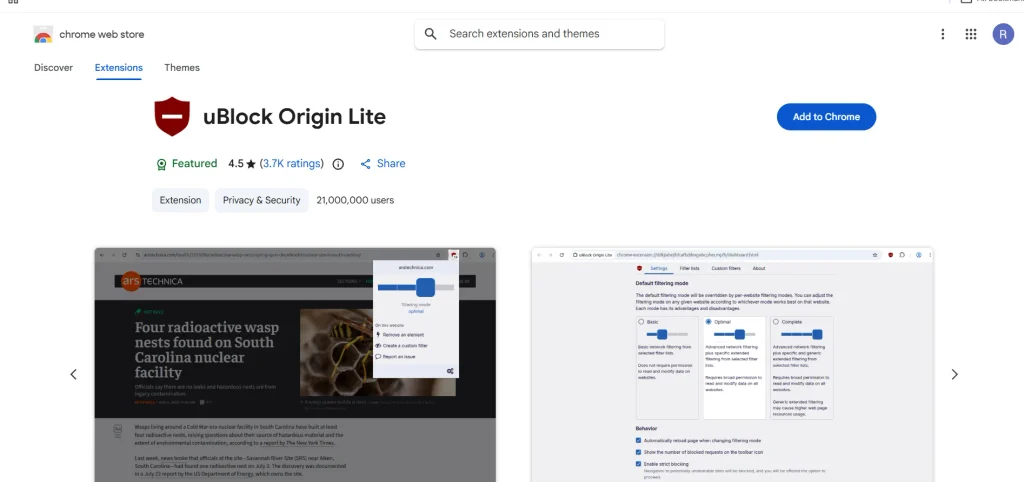
uBlock Origin Lite is a lightweight content blocker designed around the browser’s Manifest V3 filtering system. It uses declarative filtering and includes established filter lists such as EasyList, EasyPrivacy, and Peter Lowe’s tracking list. The extension focuses on efficient blocking with lower persistent resource usage. Compared with full uBlock Origin, it provides fewer advanced filtering controls and customization options.
Pricing:
- 100% free with no premium tiers, hidden fees, or subscription options.
Pros:
- Completely free and open-source
- Extremely low CPU and memory footprint
- No wide-reaching “read and change site data” permissions required
- Operates locally without background process overhead
- Seamless out-of-the-box configuration using standard filter lists
Cons:
- Less effective against dynamic/complex script-injected ads
- Lacks advanced customization, custom rules, and “my filters” tabs
- Incapable of real-time network request modification
- Struggles with aggressive anti-adblock detection scripts
- Restricted by strict Manifest V3 declarative rules limits
4. AdGuard
- Ad-Blocking Performance: Highly efficient at blocking pop-ups, video ads, banners, and trackers to boost page loading speeds
- Twitch Compatibility: Safely eliminates pre-rolls, mid-rolls, and companion banners on Twitch streams without causing purple screens or buffering
- Browser Compatibility: Works across all major desktop and mobile browsers, including Chrome, Firefox, and Safari
- Privacy: Features an advanced Stealth Mode, local DNS filtering, and custom tracking protection to prevent fingerprinting
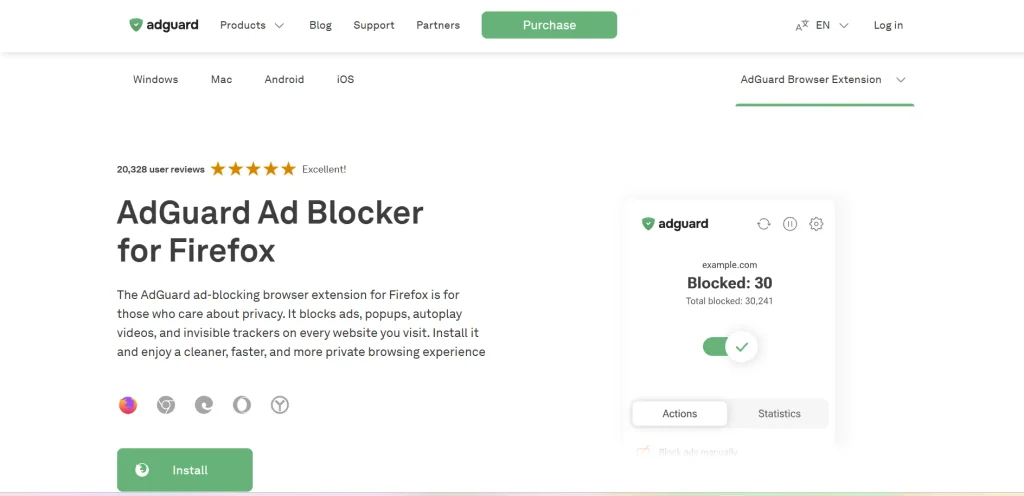
AdGuard Browser Extension combines ad blocking with privacy protection and filtering for various unwanted web elements. It can block advertisements, trackers, pop-ups, cookie notices, and other annoyances using customizable filters. The extension also provides protection against online tracking and supports website-specific filtering controls. AdGuard offers separate desktop and mobile applications for users who want filtering beyond browser-based protection.
Pricing:
- Free Plan / Extension: $0 (Browser-only blocking on supported platforms)
- Personal Plan (Covers 3 devices):
- Yearly: ~$2.49 / month (billed annually)
- Lifetime: ~$79.99 (one-time purchase)
- Family Plan (Covers 9 devices):
- Yearly: ~$5.49 / month (billed annually)
- Lifetime: ~$169.99 (one-time purchase)
Pros:
- Provides system-wide ad and tracker blocking outside the browser
- Offers a budget-friendly lifetime license option
- Includes built-in parental controls and safe search filtering
- Features local DNS-level protection for enhanced privacy control
- Accelerates channel loading speeds and drastically saves bandwidth
Cons:
- Desktop application requires a paid license for full system filtering
- Free extension requires manual filter configuration for optimal performance
- The Android application requires sideloading via APK outside the Play Store
- Cannot bypass server-side hardcoded creator sponsorships
- iOS version is heavily restricted to the native Safari browser
5. Total Adblock
- Ad-Blocking Performance: Highly effective web filtering that achieves a perfect 100/100 score on AdBlock Tester
- Twitch Compatibility: Inconsistent, as Twitch injects ads directly into the video stream, often allowing them to bypass Total Adblock
- Browser Compatibility: Supports Chrome, Edge, Safari, and Opera, but completely lacks support for Firefox
- Privacy: Collects IP addresses and device data, sharing hashed identifiers with third parties for targeted advertising
Total Adblock is a browser-based ad blocker designed to remove common advertisements, pop-ups, banners, and trackers from websites. It provides a straightforward interface for managing blocking and website exceptions. Total Adblock also offers additional features through its paid plans, with the exact functionality depending on the subscription. For users comparing ad blockers for Twitch, its performance may vary because Twitch can change how advertisements are delivered.
Pricing:
- Free Version: $0.00 (Acts as a 7-day Premium trial, then degrades to a permanent demo that fails to block ads on the top 15,000 websites)
- Premium Plan: $1.59 per month ($19.00 billed for the first year), which heavily jumps to a renewal rate of $99.00 per year after year one
- Monthly Plan: $9.99 per month
Pros:
- Effortless, one-click installation and setup
- Reliably eliminates mainstream banners, pop-ups, and trackers
- Includes a bundled subscription to TotalAV Antivirus software at no extra charge
- Provides system-wide ad blocking for Android and iOS mobile devices
- Built-in allowlist to easily support preferred content creators
Cons:
- Severe renewal price spike jumping from $19 to $99 annually
- Total lack of compatibility or extension for Firefox users
- Missing advanced element-picking filters and custom user rules
- Privacy policy allows sharing user data with external advertisers
- High frequency of user complaints regarding aggressive auto-billing practices
6. Surfshark CleanWeb
- Ad-Blocking Performance: Excellent at blocking standard desktop web, video, and banner ads, but struggles with in-app ads on mobile devices.
- Twitch Compatibility: Inconsistent, as Twitch injects ads directly into the video stream, making them highly difficult for standard DNS/extension filters to block reliably
- Browser Compatibility: Full standalone browser extension compatibility (CleanWeb 2.0) is available for Google Chrome, Mozilla Firefox, and Microsoft Edge
- Privacy: Highly secure, operating under a strict independently audited no-logs policy that avoids the data-selling risks of free ad blockers
Surfshark CleanWeb is an ad-blocking and tracking-protection feature available through Surfshark’s products and browser extension. It can block advertisements, trackers, cookie pop-ups, and malicious websites. The browser extension can provide CleanWeb protection without requiring an active VPN connection. You can also combine CleanWeb with Surfshark’s VPN services for broader online privacy and security protection.
Pricing:
- Surfshark Starter: Billed at ~$2.49 per month for the 24-month commitment (roughly $67.23 total upfront) or $15.45 on a month-to-month basis
- Surfshark One: Billed at ~$2.79 per month for the 24-month commitment (roughly $75.33 total upfront) or $18.95 on a month-to-month basis
- Surfshark One+: Billed at ~$4.49 per month for the 24-month commitment (roughly $121.23 total upfront) or $21.85 on a month-to-month basis
Pros:
- Unlimited simultaneous device connections under one single subscription
- CleanWeb 2.0 extension runs independently without requiring the heavy VPN tunnel to be toggled on
- Integrated cookie pop-up blocker that automatically rejects cookie consent requests
- Delivers faster webpage load times and reduces overall mobile data usage
- Includes extra security layers like data breach warnings and automated malware alerts
Cons:
- No standalone purchase option is available as it requires buying a full Surfshark VPN bundle
- Lacks granular customization such as custom element-hiding rules or adding external script filter lists
- In-app mobile version is less effective at stopping embedded application ads compared to its desktop counterpart
- Vulnerable to anti-adblock detection scripts deployed by aggressive host websites
- Substantial subscription price increases take effect once the initial promotional period terminates
7. AdLock
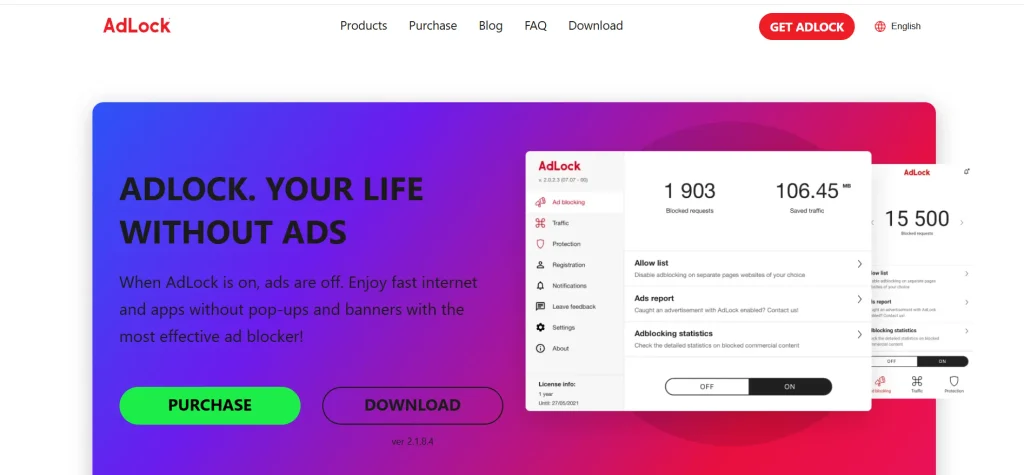
- Ad-Blocking Performance: Highly effective system-wide blocking that removes video ads, banners, pop-ups, and trackers
- Twitch Compatibility: Works by filtering network-level requests, though it may occasionally struggle with complex interstitial stream scripts
- Browser Compatibility: Offers free extensions for Chrome, Safari, Firefox, and Edge, with premium system-wide apps for Windows, macOS, Android, and iOS
- Privacy: Strictly adheres to a zero-logs policy, meaning no user data is collected, sold, or shared
AdLock is an ad-blocking application designed to filter advertisements, trackers, pop-ups, redirects, and other unwanted web content. Its desktop applications can provide filtering across supported browsers and applications rather than being limited to one browser tab. AdLock also offers browser-specific solutions, including a Safari content blocker. Twitch ad filtering can vary depending on how advertisements are delivered.
Pricing:
- Free Browser Extensions: Stated as permanently free for basic browser-only filtering
- 1-Month Premium Plan: $9.95 per month (protects up to 5 devices simultaneously)
- 1-Year Premium Plan: $3.29 per month ($39.50 billed annually)
- 5-Year Premium Plan: $1.08 to $1.33 per month (billed upfront every 5 years)
Pros:
- Blocks advertisements system-wide across both web browsers and standalone applications
- Does not participate in any “Acceptable Ads” programs or compromises
- Eliminates the need to root Android devices for local VPN-level ad filtering
- Includes built-in malicious URL checking and anti-phishing protection filters
- Provides live 24/7 technical customer support via phone and email alongside a money-back guarantee
Cons:
- Stumbles occasionally with specific website anti-adblock detection walls and interstitial formats
- Device coverage is capped at a maximum of 5 concurrent connections per standard premium license
- The local VPN configuration on Android conflicts with and prevents other concurrent VPN utilities from running
- Advanced customization settings and app-level rules require the paid premium tier
- Closed-source application architecture limits external independent community auditing compared to open-source alternatives
8. Ghostery
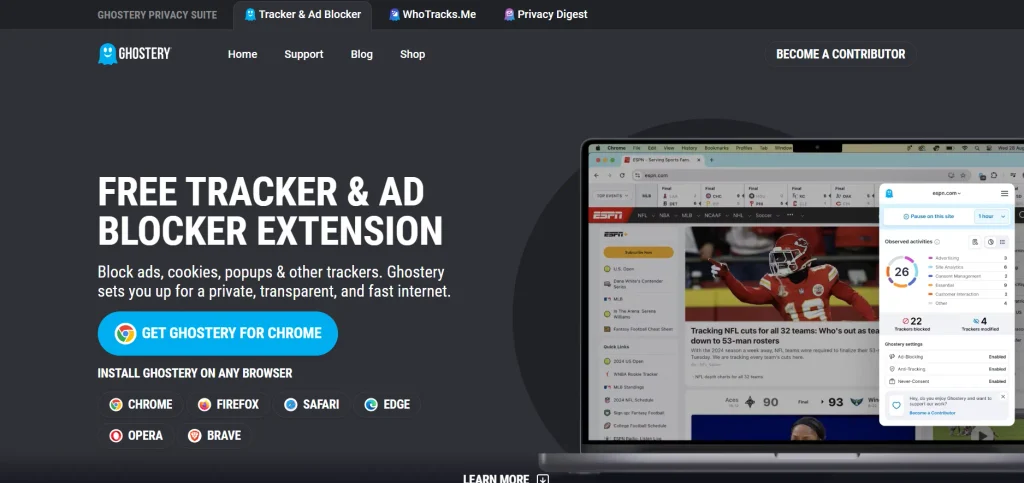
- Ad-Blocking Performance: Excellent at neutralizing conventional display ads, banners, and scripts to speed up browsing
- Twitch Compatibility: Regularly struggles with Twitch’s live video ad injection, requiring constant script updates to bypass roadblocks
- Browser Compatibility: Highly compatible across major browsers including Chrome, Firefox, Edge, Opera, and Safari
- Privacy: Employs open-source AI anonymization, anti-tracking tools, and automated cookie-consent rejection
Ghostery is a privacy-focused browser extension that combines advertisement blocking with tracker protection. It identifies tracking technologies on websites and allows users to control or block them. Ghostery also removes various advertisements and unwanted page elements while providing visibility into trackers detected on a webpage. For viewers comparing ad blockers for Twitch, Ghostery offers useful privacy features, although its effectiveness against Twitch video advertisements can vary depending on the platform’s current advertising and delivery methods.
Pricing:
- Free Plan: $0/month (Includes all core ad-blocking, anti-tracking, and search features)
- Monthly Contributor Plans: $1.99, $4.99, or $11.99 / month (Optional donations that unlock priority support and tracker analytics)
- Yearly Contributor Plans: $23.90, $59.90, or $149.90 / year (Optional donations for long-term project support)
Pros:
- Completely free and fully open-source core features
- Deep visual transparency regarding blocked data tracking networks
- Seamless, automatic cookie consent banner rejection
- Minimal, lightweight impact on CPU and system resources
- Full compliance with newer extension architectures like Manifest V3
Cons:
- Inconsistent video ad removal on aggressive streaming platforms like Twitch
- No system-wide desktop application to block ads outside of browsers
- Priority customer support is restricted solely to paying contributors
- Lacks native capabilities to suppress modern push notification ads
- Limited mobile capabilities, running only inside selected phone browsers
9. Adblock Plus
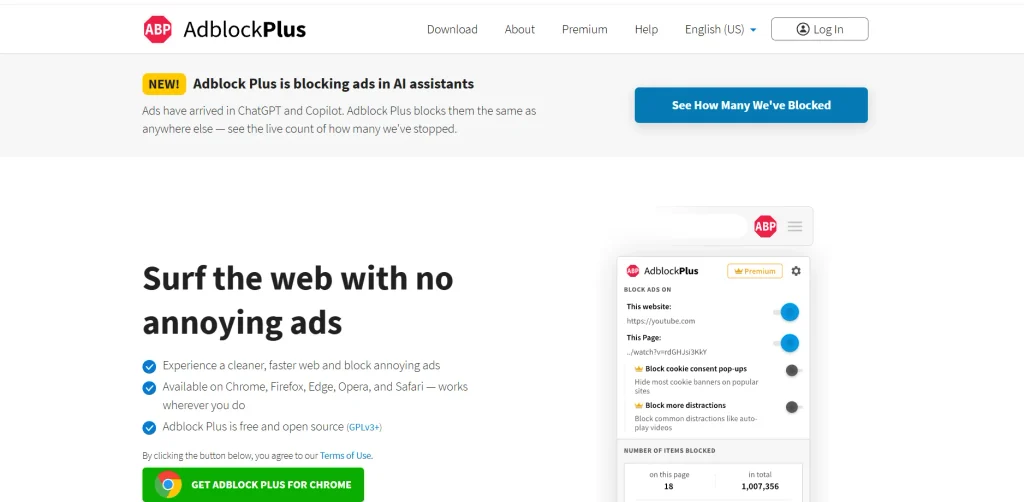
- Ad-Blocking Performance: Highly effective at blocking standard web ads and pop-ups, but struggles with modern, complex video injection techniques
- Twitch Compatibility: Poor; Twitch frequently bypasses it, resulting in unblocked stream ads or the infamous “Acceptable Ads” breakthrough
- Browser Compatibility: Excellent; widely available as an extension across Chrome, Firefox, Safari, Edge, Opera, and mobile browsers
- Privacy: Fair, but criticized for its “Acceptable Ads” program, which allows whitelisted trackers and ads by default unless manually disabled
Adblock Plus is a browser extension that blocks advertisements and provides tracking protection through filter lists. It includes the Acceptable Ads feature by default, which allows certain non-intrusive advertisements, although users can disable it for stricter blocking. The extension supports website-specific settings and filtering controls across supported browsers. Twitch ad-blocking performance can vary because video advertisements are more difficult to filter consistently.
Pricing:
- Free Plan: $0/month (Includes standard ad blocking and the default Acceptable Ads program)
- Premium Monthly: $4.00/month (Blocks additional distractions like newsletters, site notifications, and floating videos)
- Premium Yearly: $20.00/year (Includes all Premium features at a discounted annual rate)
Pros:
- Broad browser support
- Free core version
- Highly customizable filters
- Blocks malicious websites
- Large user community
Cons:
- Struggles with Twitch ads
- Acceptable Ads enabled by default
- Higher memory usage than rivals
- Premium features require subscription
- Whitelists large tech companies
10. AdBlocker for Twitch
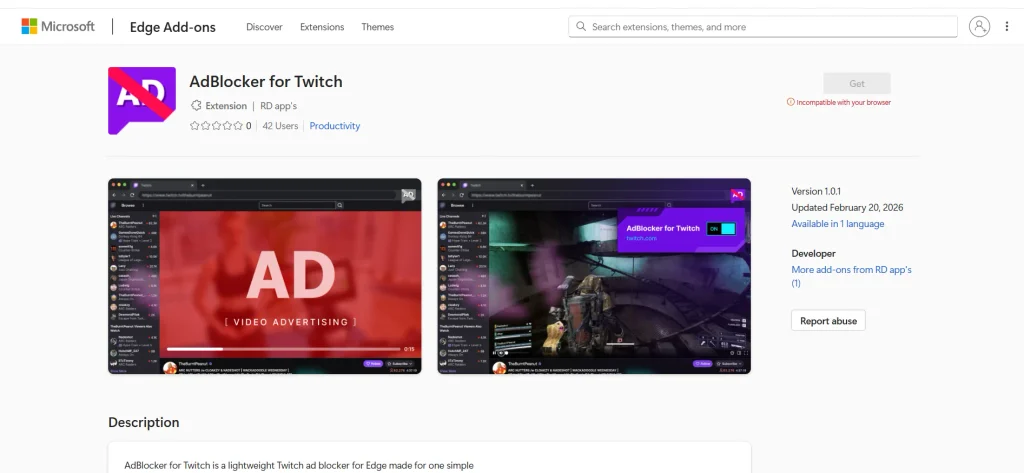
- Ad-Blocking Performance: Blocks pre-roll and mid-roll ads by reducing video resolution or proxying requests
- Twitch Compatibility: Specifically optimized to counter Twitch’s continuous anti-adblock script updates
- Browser Compatibility: Works across major browsers like Google Chrome, Mozilla Firefox, and Microsoft Edge
- Privacy: Operates locally or via external proxies without collecting or sharing personal account data
Twitch Adblock Extension is designed specifically to reduce advertising interruptions on Twitch rather than blocking advertisements across the entire web. Its Chrome Web Store listing describes support for reducing common Twitch advertising formats, including Stream Display Ads, along with certain banners, overlays, pop-ups, and redirects. Because Twitch can change its advertising system, the extension’s effectiveness may vary over time.
Pricing:
- Free Version: $0 (Core browser extension is 100% free of charge)
- Donations: Optional community-supported contributions
Pros:
- Eliminates unskippable pre-roll and mid-roll interruptions
- Extremely quick and easy one-click installation process
- Enhances live stream and channel loading speeds
- Retains access to the live Twitch chat panel
- Does not require account creation or personal login data
Cons:
- May temporarily reduce video stream resolution to 480p or 360p
- Periodic breakages when Twitch updates its video player code
- Potential conflict issues when run alongside other ad-blocking tools
- Higher maintenance due to manual script adjustments or frequent updates
- Occasional playback buffering or stream freezing during ad handshakes
Do Ad Blockers For Twitch Really Work?
Yes, Twitch ad blockers can work, but their effectiveness is not always consistent. Unlike standard website ads, Twitch can deliver advertising in ways that are harder for blockers to filter, especially when ads are closely integrated with video playback.
A blocker may successfully remove some banners, pop-ups, or tracking elements while still allowing certain pre-roll or mid-roll ads to appear. Its performance can also change when Twitch updates its advertising system or when a browser changes how extensions handle web requests.
So, instead of expecting every ad to disappear permanently, it is better to view a Twitch ad blocker as a tool that can reduce unwanted advertising and improve the browsing experience. The blocker, browser, filter lists, and Twitch’s current ad-delivery techniques can all affect the outcome.
Limitations Of Twitch Ad Blockers
Ad blockers can improve browsing, but they cannot control how Twitch operates its advertising system. Their performance also depends on browser technology, filter updates, and the type of advertisement being delivered.
- Twitch Can Change Ad Delivery: Twitch can modify its advertising methods, which may affect existing filtering rules. A blocker that works well at one point may require updates later.
- Video Ads Are Harder to Filter: Traditional banners and page advertisements are often easier to identify. Video advertisements integrated into streaming delivery can be more difficult to distinguish from the content itself.
- Blocking Can Affect Page Features: Aggressive filtering may sometimes interfere with scripts or page elements required for normal functionality. This can lead to missing controls or unexpected playback behavior.
- Browser Restrictions Matter: Browser extensions operate within the technical limits of their host browser. Changes such as the transition toward Manifest V3 can also affect how filtering extensions work. For users who primarily browse with Firefox, choosing a compatible extension is important, and our guide to ad remover for Firefox covers additional options for blocking unwanted ads.
- Mobile Support Is Different: A desktop extension does not automatically provide the same protection on phones or tablets. Mobile browsers have different extension and content-filtering capabilities, while a VPN for gaming focuses on protecting network traffic during online gameplay.
- No Blocker Guarantees Permanent Results: There is no reliable way to promise that a general-purpose blocker will remove every Twitch advertisement indefinitely. Results depend on current platform behavior and filter maintenance.
Are Twitch Ad Blockers Safe To Use?
Generally, reputable Twitch ad blockers can be safe to use when downloaded from official browser stores or the developer’s official website. However, not every extension labelled as an “ad blocker” deserves the same level of trust.
Before installing an ad blocker, check who developed it, what permissions it requests, whether it has a clear privacy policy, and how regularly it is maintained. Using reputable antivirus software can also help detect malicious downloads and suspicious files, adding another layer of protection when browsing online.
It is also worth remembering that blocking ads is different from using a VPN or security application. A browser ad blocker mainly controls web content and tracking within its supported environment, while a free VPN for Firefox can help protect network traffic when browsing. Neither tool automatically makes your entire device anonymous or completely secure.
Conclusion
Twitch ad blockers can make streaming less disruptive, but there is no single tool that will block every Twitch advertisement under every condition. Their effectiveness depends on how Twitch delivers ads, the browser you use, and how quickly the blocker adapts to platform changes.
The right choice among ad blockers for Twitch depends on what matters most to you—strong filtering, privacy, simple controls, browser compatibility, or broader device-level protection. Before installing any blocker, check its current features, permissions, update history, and limitations. Most importantly, keep expectations realistic: a good blocker can reduce interruptions, but Twitch advertising technology continues to evolve.
FAQs
1. Can Twitch Ad Blockers Remove All Ads?
Not always. Twitch can change how ads are delivered, so some ads may still appear.
2. Do Twitch Ad Blockers Affect Streaming Quality?
They can sometimes improve page performance by blocking unwanted content, but results vary by browser and blocker.
3. Are Twitch Ad blockers Legal To Use?
Using a browser ad blocker is generally permitted, but Twitch’s terms and policies can change, so users should check the current rules.
4. Can I Use A Twitch Ad Blocker On Mobile?
It depends on the blocker and mobile browser. Some offer mobile support, while others are limited to desktop browsers.
5. Are Free Twitch Ad Blockers Safe?
Some are safe, but users should choose reputable tools and check their developer, permissions, privacy policy, and update history.