



A missed deadline, an unfinished task or a day spent switching between apps can make even a manageable workload feel difficult. You may have your assignments in one place, meeting details in another and important notes saved somewhere else. When information is scattered, remembering what to do next becomes another task in itself.
The best apps for productivity in 2026 can help you organise these responsibilities without relying entirely on memory. Some are designed for task management, while others focus on note-taking, time planning, focus sessions or habit tracking. Choosing an app that matches your daily routine can make it easier to manage your work and keep important details within reach.
This guide covers productivity apps, including Todoist, TickTick, Notion, Obsidian and Google Calendar. You will find their key features, pros, cons, pricing and best uses, along with a comparison table to help you understand what each app offers before choosing one.
What Are Productivity Apps?
Productivity apps are digital tools that help people organise tasks, manage time and keep track of their work or personal routines. Depending on the app, they can help you:
- Create task lists and track completed work.
- Set deadlines and reminders for important tasks.
- Plan meetings, appointments and daily schedules.
- Store notes, ideas, documents and research.
- Break large projects into smaller tasks.
- Track habits and maintain daily routines.
- Set aside time for focused work.
- Organise personal and team projects.
Some productivity apps focus on one specific job, while others combine several tools in a single workspace.
Why Do You Need Productivity Apps?
A productivity app is useful when it addresses a problem that repeatedly interrupts your day. Here are five common situations where these tools can make everyday work easier.
- Keep Daily Tasks Organised: When tasks are spread across messages, notebooks and memory, small but important responsibilities can be missed. A task manager gives you one place to record work, assign deadlines and review what needs attention first.
- Plan Your Day Around Real Commitments: A task list does not always show when you have time to complete each activity. Calendar and daily-planning apps help you arrange work around classes, appointments and meetings instead of leaving everything until the last minute.
- Find Notes and Information Quickly: Research, ideas and project details become harder to use when they are saved in unrelated places. Note-taking apps help you organise information so you can return to it when writing, studying or working on a project. Alongside organising your work, using reliable antivirus software can help protect the files and information stored on your device.
- Reduce Distractions During Work: Frequent notifications and phone checking can interrupt tasks that require concentration. Focus apps provide timed sessions or other focus tools that help you dedicate a planned period to one activity.
- Build Consistent Daily Habits: Reading, exercising or learning a new skill requires repeated effort rather than a single action. Habit-tracking apps let you record these activities and review your progress instead of relying only on memory.
Comparison of Best Productivity Apps
| App | Category | Pricing | Best For | Key Strength |
| Todoist | Tasks | Free plan available; Pro: ₹263.75/month (₹3,165 billed yearly) | Managing tasks and deadlines | Organised task lists |
| TickTick | Tasks | Free plan available; Premium: $49.99/year | Combining tasks and daily planning | Tasks and focus tools |
| Notion | Notes | Free plan available; Plus: $10/member/month | Organising notes and projects | Flexible pages and databases |
| Obsidian | Notes | Free for personal use; Sync: $4/month billed annually; Publish: $8/month billed annually | Connecting research notes and ideas | Linked local notes |
| Forest | Focus | Free | Staying focused during study or work | Gamified focus timer |
| Google Calendar | Calendar | Base: ₹99/user/month | Managing appointments and schedules | Calendar-based planning |
| Structured | Calendar | Free plan available; Pro: $6.99/month, $29.99/year or $99.99 lifetime | Planning daily activities visually | Timeline-style planner |
| HabitBox | Habits | Free plan available | Tracking daily habits | Habit tracking |
| Any.do | Tasks | Free plan available; Premium: $7.99 (billing period not specified) | Managing personal tasks and reminders | Simple task organisation |
| Microsoft To Do | Tasks | Standard Plan: $23.50/month | Organising daily tasks into lists | Microsoft ecosystem integration |
List Of 10 Best Apps For Productivity in 2026
Each app below serves a different purpose, from managing deadlines to connecting research notes. Review its features and limitations to understand how it fits into your everyday routine.
1. Todoist
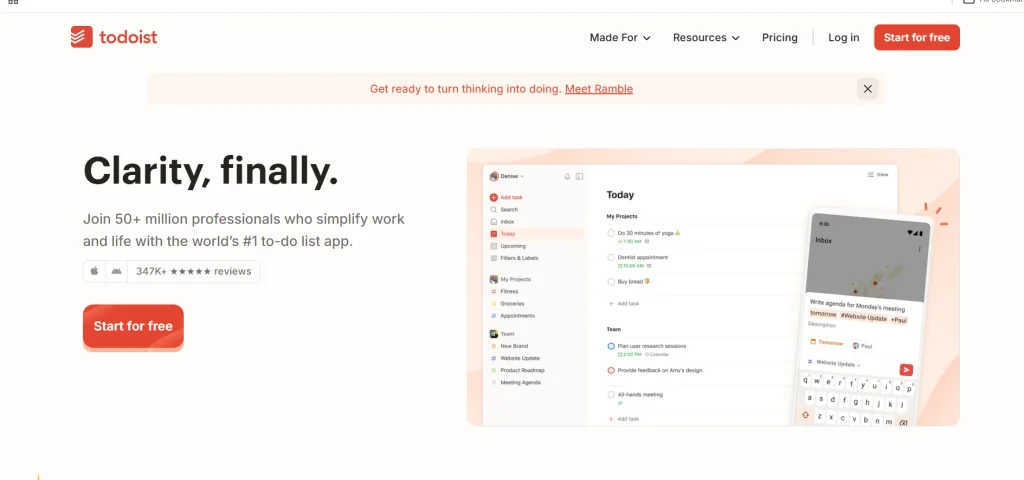
Todoist is built for people who need a clear place to record tasks, organise projects and keep deadlines visible. Instead of leaving responsibilities in notebooks or scattered messages, you can arrange them into lists and decide what needs attention first. Its project-based structure is useful when personal errands, study work and professional responsibilities need to stay separate. Recurring tasks can help organise responsibilities that return every week or month. The result is a task list you can review and update as your priorities change.
Key Features
- Create tasks and organise them into projects.
- Set due dates and recurring tasks.
- Use labels and priority levels to sort work.
- Review tasks across different projects.
Pros
- Keeps everyday tasks in an organised system.
- Supports personal and work-related lists.
- Makes deadlines easier to review.
- Works for simple task management without requiring a complex workspace.
Cons
- Some advanced features require a paid plan.
- Long task lists can become difficult to manage without regular review.
- It is not a complete note-taking workspace.
- Users who prefer visual daily timelines may want a calendar-focused alternative.
Pricing
- Free plan available.
- Pro: ₹263.75/month, with ₹3,165 billed yearly.
Best For: Managing daily tasks, projects and deadlines in one organised list.
Official Website: https://todoist.com/
2. TickTick
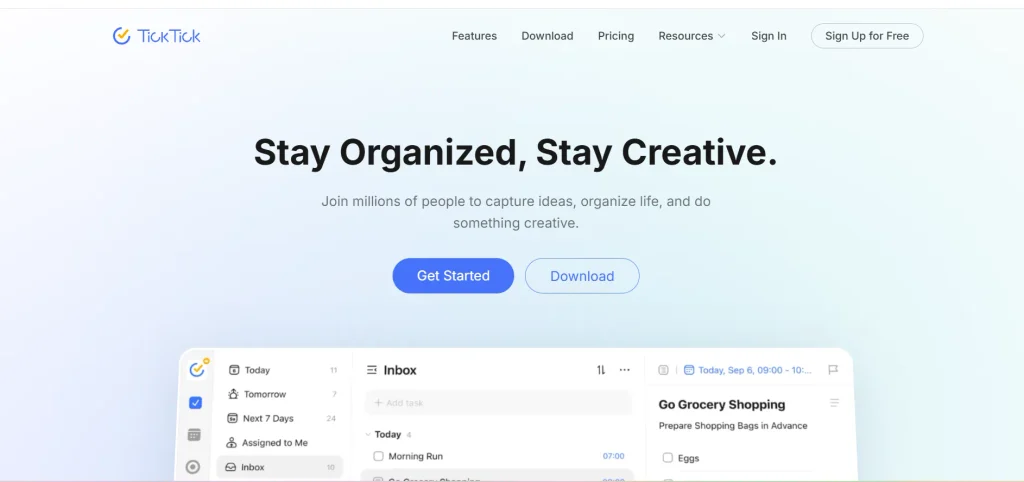
TickTick brings several planning tools together for people who want more than a basic checklist. Along with tasks and reminders, it offers features that help users organise their day and manage focused work. These apps for productivity can be useful when you want to keep your to-do list and planning tools together rather than opening separate apps for each activity. TickTick is worth considering for busy study or work routines, although available features may depend on your plan.
Key Features
- Create and organise tasks and to-do lists.
- Set reminders for tasks.
- Use calendar views to plan work.
- Access focus tools for dedicated work sessions.
Pros
- Combines task management with planning tools.
- Useful for organising personal and work responsibilities.
- Supports reminders for time-sensitive tasks.
- Can reduce the need to switch between separate planning apps.
Cons
- Some features are limited to Premium.
- The interface may take time to learn.
- Lists need regular review to remain manageable.
- The subscription cost should be compared with the features you will actually use.
Pricing
- Free plan available.
- Premium: $49.99/year.
Best For: Managing tasks, reminders and focus sessions in one app.
Official Website: https://ticktick.com/
3. Notion
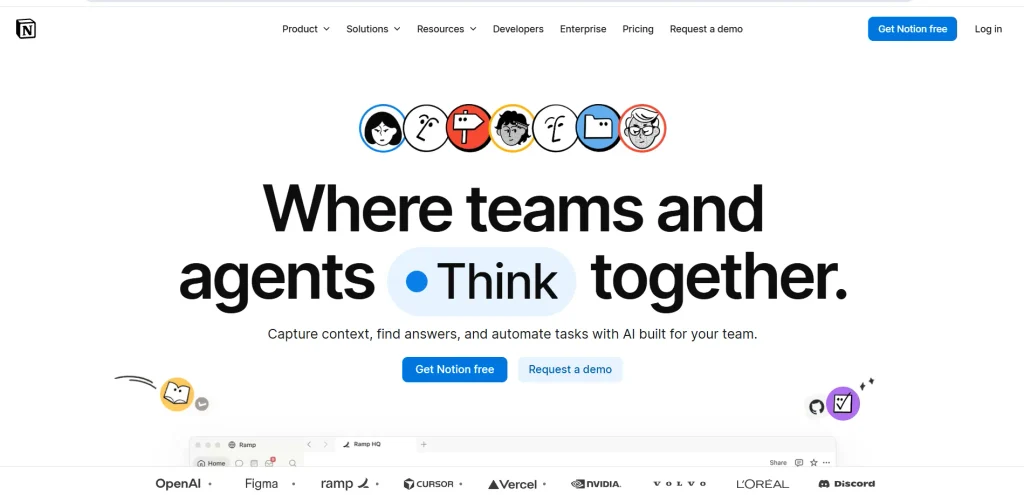
Notion is designed for people who want to build a workspace around their own way of working. A page can hold meeting notes, study material, project details, task databases or a content calendar, allowing related information to sit together. This flexibility makes it useful for projects that involve both written information and ongoing work. However, Notion is not automatically organised when you open it; you need to decide how to structure your pages and databases. Starting with a simple setup can make it easier to use consistently.
Key Features
- Create pages for notes and documents.
- Build databases for projects and task tracking.
- Organise information using linked pages.
- Collaborate on shared workspaces where supported by the plan.
Pros
- Supports different types of personal and work projects.
- Keeps related notes and project information together.
- Offers flexible page and database layouts.
- Can be adapted as a project grows.
Cons
- Setting up a workspace can take time.
- Too many pages and databases can make navigation confusing.
- Some features depend on the subscription plan.
- It may be excessive if you only need a basic task list.
Pricing
- Free plan available.
- Plus: $10/member/month.
Best For: Organising notes, research and project details in one workspace.
Official Website: https://www.notion.com/
4. Obsidian
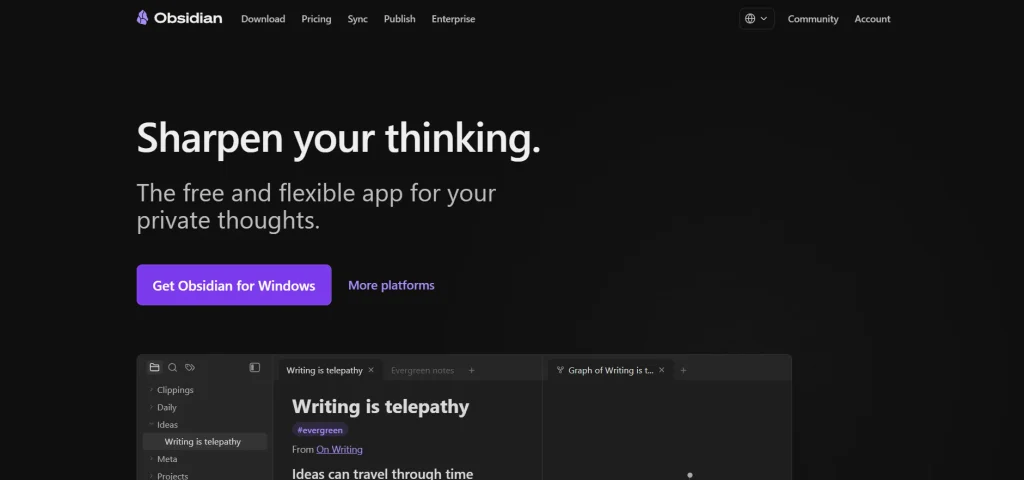
Obsidian takes a different approach to note-taking by focusing on notes you can connect and revisit over time. It stores notes as local Markdown files, giving users more direct control over their personal knowledge collection. Linking one note to another can help connect research, ideas, reading notes and project information instead of keeping each item isolated. This approach is useful when your notes grow over months or years. Its main appeal is the ability to build a connected library of information rather than simply create a list of tasks.
Key Features
- Store notes as Markdown files locally.
- Link related notes to one another.
- Organise notes into folders and use tags.
- Extend the workspace with community plugins.
Pros
- Gives users control over local note files.
- Helps connect ideas across different subjects.
- Supports long-term research and personal knowledge management.
- Core app use is free for personal use.
Cons
- Initial setup can feel unfamiliar to new users.
- Some workflows need manual configuration or plugins.
- Syncing between devices may require a separate service.
- It is not primarily designed for reminders and daily scheduling.
Pricing
- Free for personal use.
- Sync: $4/month billed annually.
- Publish: $8/month billed annually.
Best For: Connecting personal notes and building a long-term knowledge library.
Official Website: https://obsidian.md/
Suggested read:
5. Forest
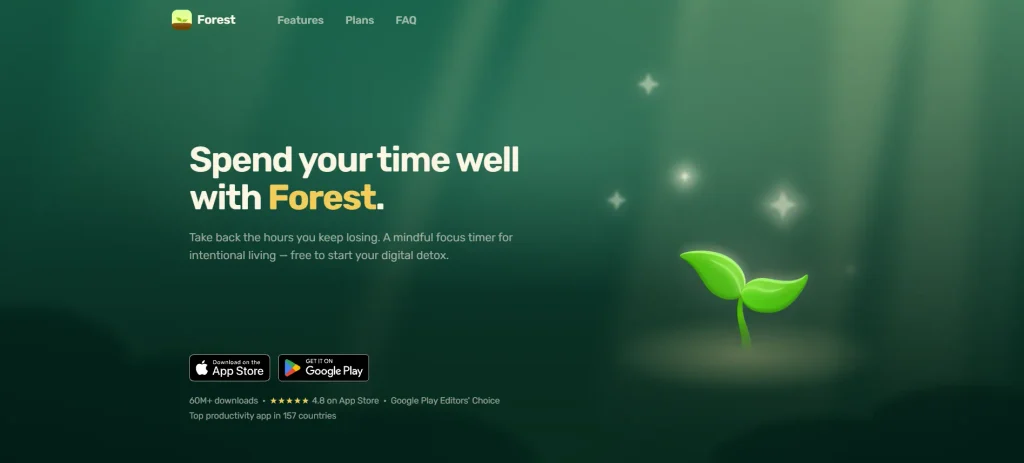
Forest is designed around one simple idea: spend a planned period focusing on a task instead of repeatedly checking your phone. When you begin a focus session, a virtual tree grows while you stay focused. Leaving the session can interrupt that progress, depending on how the app is configured. Among the apps for productivity, Forest stands out for making focus sessions more engaging through a visual element. Rather than managing projects or storing notes, it helps users dedicate time to focused study or work.
Key Features
- Start timed focus sessions.
- Grow virtual trees during focus time.
- Use the timer to structure study or work periods.
- Build a focus routine around planned sessions.
Pros
- Gives focus sessions a clear time limit.
- Makes focus feel more engaging through a visual element.
- Can support study and work routines.
- Keeps the main purpose simple.
Cons
- Does not replace a task manager or calendar.
- Its approach may not suit everyone.
- Users still need to decide which task to work on before starting.
- Features and subscription options can vary by platform or region.
Pricing
- Free plan available.
- Plus Plan: Regional Subscription.
Best For: Staying focused during study or work sessions with a focus timer.
Official Website: https://www.forestapp.cc/
6. Google Calendar
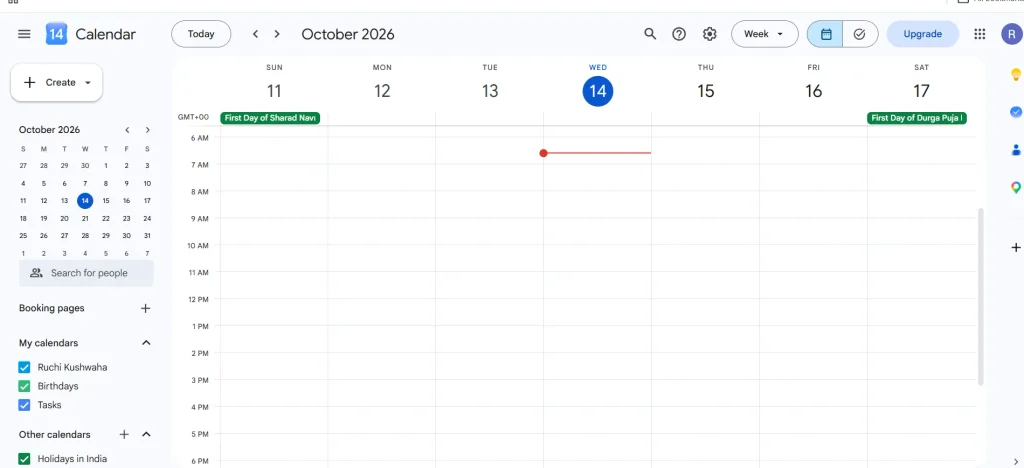
Google Calendar is useful when the main problem is not remembering a task, but finding time to do it. It lets you organise appointments, meetings and time-specific commitments in a calendar view. You can create separate calendars for different parts of your life and use event details to keep important information close to each appointment. For people whose days change frequently, seeing commitments laid out by date and time can make planning easier. It is a calendar tool first, so detailed project tracking may still require another app.
Key Features
- Create events and appointments.
- View schedules by day, week or month.
- Set reminders and add event details.
- Share calendars and coordinate schedules where supported.
Pros
- Makes time-specific commitments easy to review.
- Useful for personal, study and work schedules.
- Supports event invitations and shared scheduling.
- Works well alongside other Google services.
Cons
- A calendar does not replace a detailed task manager.
- A crowded schedule can be difficult to read.
- Tasks without a specific time may need a separate planning method.
- Some business features depend on Google Workspace plans.
Pricing
- Free plan available.
- Base: ₹99/user/month
Best For: Managing classes, meetings, appointments and daily schedules.
Official Website: https://calendar.google.com/
7. Structured

Structured presents the day as a visual timeline, making it easier to see how planned activities fit together. Instead of viewing responsibilities only as a checklist, you can arrange them across the day and see what comes next. This format can help when you have several commitments and need to understand how much time is available between them. It is particularly relevant for people who prefer a visual plan over a long written list. The free plan offers a way to try this approach before deciding whether the Pro features are worth paying for.
Key Features
- Arrange tasks in a daily timeline.
- View planned activities in chronological order.
- Organise daily tasks and routines.
- Access additional planning options through Pro where available.
Pros
- Makes the flow of the day easy to see.
- Helps users plan when tasks will happen.
- Offers a visual alternative to a conventional checklist.
- Includes monthly, yearly and lifetime Pro options in the supplied pricing.
Cons
- A timeline may require frequent updates when plans change.
- It may not be ideal for complex team projects.
- Users who prefer simple lists may not need its visual layout.
- Pro pricing and feature availability can vary by region.
Pricing
- Free plan available.
- Pro: $6.99/month, $29.99/year or $99.99 lifetime payment.
Best For: Planning daily activities through a visual timeline.
Official Website: https://structured.app/
8. HabitBox
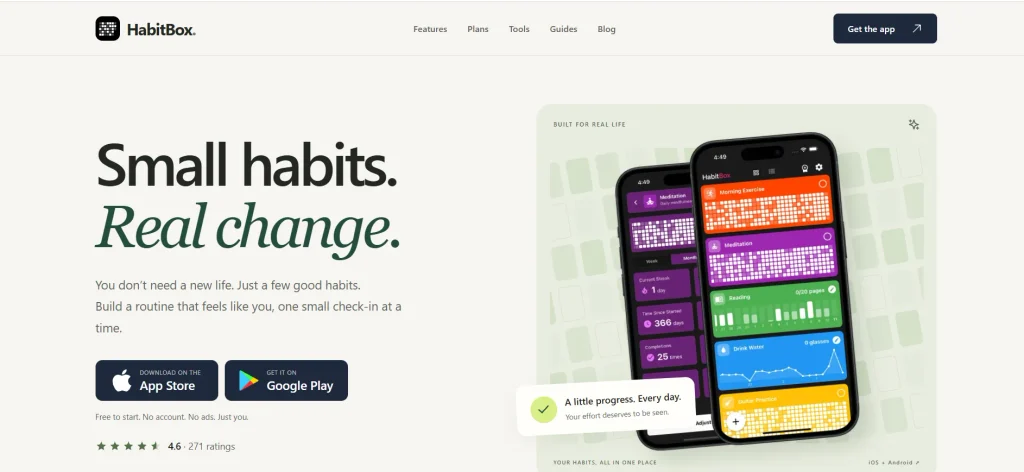
HabitBox focuses on habit tracking rather than managing every part of your workday. It is designed for routines that need to be repeated regularly, such as reading, exercising, practising a skill or following a personal schedule. A habit tracker gives you a place to record completed activities and review your progress over time. Among the apps for productivity, HabitBox is worth considering if you want to build consistent routines and monitor daily habits. It works best when you track a manageable number of habits instead of adding so many that the process becomes difficult to maintain.
Key Features
- Create habits to track.
- Record progress on repeated activities.
- Review your routine over time.
- Keep habit tracking separate from general task lists.
Pros
- Focuses on routines rather than complicated project planning.
- Gives recurring activities a dedicated place.
- Can make consistency easier to review.
- Offers a free plan to get started.
Cons
- Habit tracking does not automatically schedule the rest of your day.
- Results depend on recording progress consistently.
- Users who want detailed project management may need another tool.
- Check the official app details for the exact features included in each plan.
Pricing
- Free plan available.
- Plus Plan: Regional Subscription.
Best For: Tracking daily habits and maintaining consistent routines.
Official Website: https://habitbox.app/
9. Any.do
Any.do is a task-planning app for people who want to keep everyday responsibilities visible without building a large custom workspace. It brings task lists and reminders into a single place, making it useful for errands, personal deadlines and routine work. Its planning approach can help users turn a general intention into a task they can review and complete. It may be especially practical when you want one list for personal responsibilities and another for work. Paid features should be checked against your actual routine before upgrading.
Key Features
- Create and organise task lists.
- Add reminders to tasks.
- Plan daily responsibilities.
- Use supported calendar or planning features to coordinate tasks and events.
Pros
- Keeps everyday responsibilities in one place.
- Useful for personal tasks and reminders.
- Offers a free plan to begin with.
- Can be used without creating a complex project database.
Cons
- Some advanced features require a paid plan.
- A large number of tasks can still become overwhelming.
- It may not provide the depth needed for complex project management.
- Subscription terms should be checked before paying.
Pricing
- Free plan available.
- Premium: $7.99 (billing period not specified).
Best For: Managing personal tasks, reminders and everyday responsibilities.
Official Website: https://www.any.do/
10. Microsoft To Do
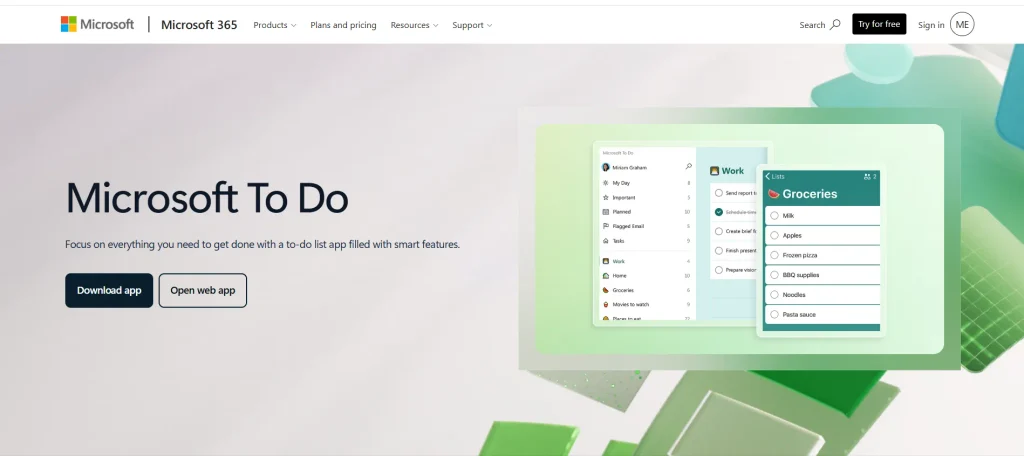
Microsoft To Do is a task-list app for organising daily responsibilities, including work that needs to be completed today and tasks that can wait. You can create lists for different areas of life and use them to keep next steps visible. Its connection with the Microsoft ecosystem may be useful for people who already use Microsoft services in their work or studies. The app itself focuses on task organisation rather than being a complete project-management platform. Users should distinguish the app’s own availability from separate Microsoft 365 subscription plans.
Key Features
- Create separate task lists.
- Add due dates and reminders.
- Organise tasks for daily planning.
- Use supported integrations with Microsoft services.
Pros
- Suitable for straightforward task organisation.
- Helps separate personal and work responsibilities.
- Useful for people already using Microsoft services.
- Does not require a complex workspace to get started.
Cons
- Not designed for advanced project management.
- Detailed notes and knowledge organisation may need another app.
- Users who prefer a visual timeline may want a calendar-focused tool.
- Microsoft 365 subscription prices should not be confused with the price of Microsoft To Do itself.
Pricing
- Free 1-month trial
- Standard Plan: $23.50/month
- Premium Plan: $32.00/month
Best For: Organising daily tasks into simple lists for personal and work use.
Official Website: https://www.microsoft.com/en-us/microsoft-365/microsoft-to-do-list-app
Which Productivity App Is Best For Your Needs?
The most practical way to compare productivity apps is to match their main purpose with the work you need to manage. These examples can help you narrow the options.
- For Students Managing Assignments and Study Time: Todoist and TickTick can help you record assignments, set deadlines and organise revision tasks. Google Calendar or Structured can help you plan study time around classes and other commitments.
- For Writers and Researchers Organising Notes: Notion is useful for keeping research, drafts and project details in one workspace. Obsidian is worth considering when you want to connect notes and build a personal library of information over time.
- For People Who Get Distracted Easily: Forest offers timed focus sessions, giving you a specific period to work without checking your phone. Pairing a focus timer with a clear task list can help you begin a session with a defined goal.
- For People Who Want to Build Daily Habits: HabitBox provides a dedicated place to track recurring activities, while Forest can support a regular focus routine. Start with a small number of habits that you can realistically maintain.
- For People Who Need a Simple Daily Task List: Microsoft To Do, Any.do and Todoist are worth comparing if your main goal is to record responsibilities and remember deadlines. Choose a workflow that is easy to update rather than one that requires frequent organising.
- For People Managing Meetings and Appointments: Google Calendar is useful for time-specific events, while Structured offers a visual timeline for arranging activities throughout the day. If your schedule changes often, choose a calendar view that is easy to revise.
How To Choose The Best Productivity App?
Before choosing an app, identify the part of your routine that needs improvement. The following points can help you compare options without getting distracted by features you may never use.
- Identify Your Main Productivity Goal: Start with the problem you want to solve, whether it is missed deadlines, scattered notes or an unplanned schedule. Choose a tool built for that task instead of downloading several apps that do the same job.
- Check Free and Paid Features: A free plan may be enough for everyday use, but some apps reserve advanced features for paid subscriptions. Check the free-plan limits and compare them with the features you actually need before upgrading.
- Consider Device Compatibility: Your app should work on the devices you use regularly, such as your phone, laptop or tablet. Check platform availability and make sure the features you need are supported on your preferred devices. If you use multiple online tools, password managers can also help you store login credentials securely and access your accounts conveniently.
- Look for Useful Integrations: If you already use a calendar, email service or project tool, integrations may reduce repeated data entry. Check which services the app supports and whether those connections are available on your selected plan.
- Choose an App That Fits Your Routine: An app is difficult to maintain if using it takes too much time. Choose a layout and workflow that feel natural, whether you prefer simple task lists, visual timelines or a workspace for notes and projects.
Conclusion
Productivity apps help organise the parts of daily life that are easy to lose track of, from deadlines and notes to schedules, focus sessions and habits. This guide compares 10 apps, covering their main features, limitations, pricing and intended uses to help you choose the right apps for productivity.
Before committing to a paid plan, try the free version with your actual tasks for a few days. Check whether it makes your routine easier to manage, helps you find information quickly and fits your daily workflow. This practical test will help you decide whether an app deserves a place in your daily routine.
Frequently Asked Questions
1. What Is The Best App For Productivity In 2026?
Todoist, TickTick, Notion, Obsidian, Forest, Google Calendar, Structured, HabitBox, Any.do and Microsoft To Do cover different needs, from task management to focus and habit tracking.
2. Are There Free Productivity Apps?
Yes. The apps in this guide offer free plans or free personal-use options, although some features require payment. Check each app’s current plan limits before choosing one.
3. Which Productivity App Is Best For Students?
Todoist and TickTick can help students manage assignments and deadlines, while Google Calendar and Structured can organise study time around classes and exams.
4. Can I Use More Than One Productivity App?
Yes. For example, you can use a task manager for deadlines and a calendar for appointments. Keep each app’s role clear to avoid maintaining duplicate lists.
5. Should I Pay For A Productivity App?
Pay when a specific paid feature solves a problem you regularly face. If the free plan already handles your tasks, notes or schedule, an upgrade may not be necessary.